
Rhopoint Instruments IQ Flex 20 User manual
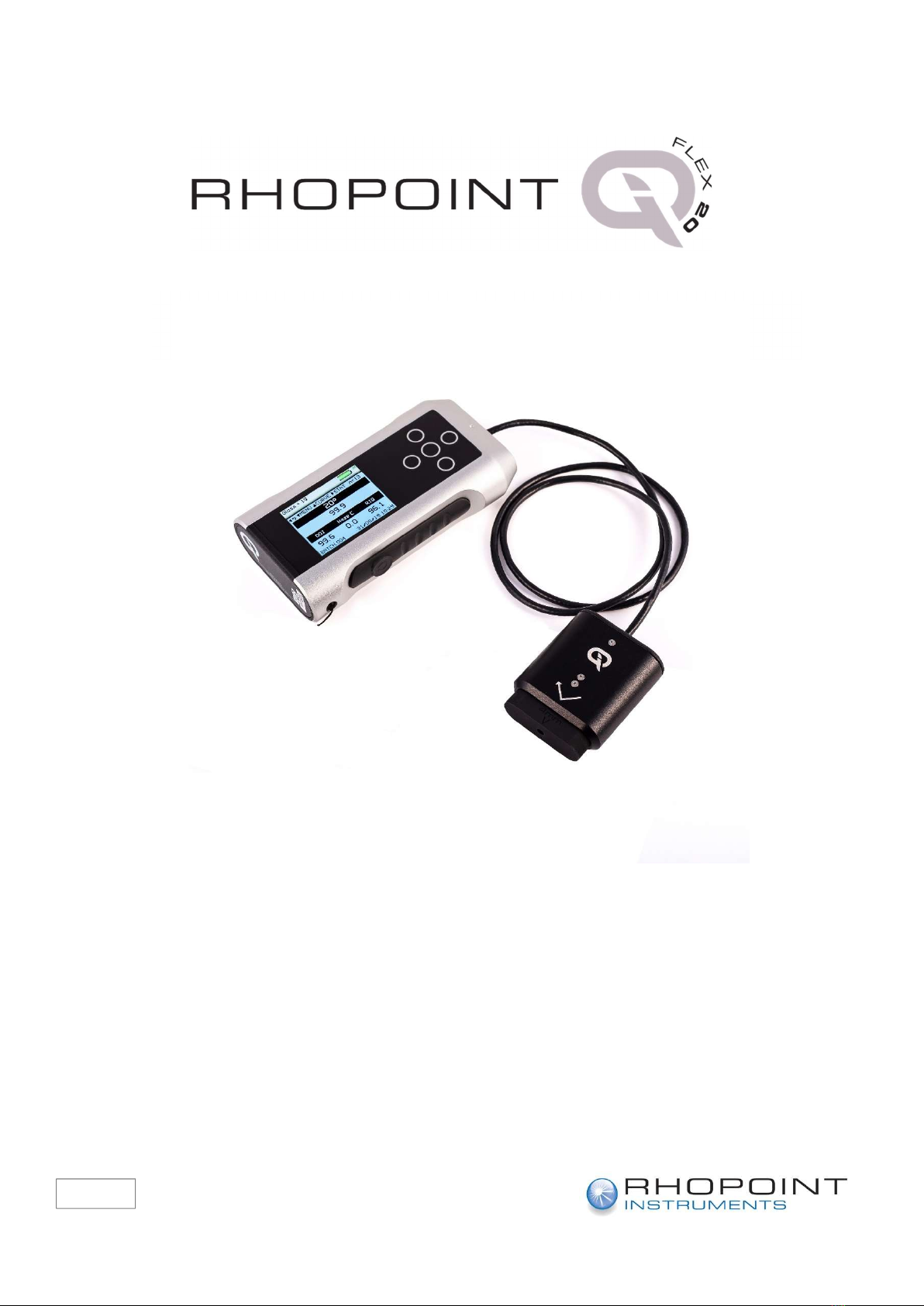
Thank you for purchasing this Rhopoint product.
Please read these instructions carefully before operating this product and retain them for
future reference.
The images shown in this manual are for illustrative purposes only.
English
Operating Instructions

1
This instruction manual contains important information about the setup and use of your
Rhopoint IQ Flex 20. It is essential that the contents be read before powering up and
operating the instrument.
If this instrument is passed to other users you must ensure that the instruction manual is
supplied with the instrument. If you have any questions or require additional information
about the IQ Flex 20 please contact the Rhopoint Authorised Distributor for your region.
The technology and components used in the device are based on state-of-the art optic
and electronics. As part of Rhopoint Instruments commitment to continually improving the
technologies used in their products, they reserve the right to change information included
in this document without prior notice.
© Copyright 2014 Rhopoint Instruments Ltd. All Rights Reserved.
Rhopoint IQ™ and Rhopoint™ are registered trademarks of Rhopoint Instruments Ltd. in
the UK and other countries.
Other product and company names mentioned herein may be trademarks of their
respective owner.
No portion of the software, documentation or other accompanying materials may be
translated, modified, reproduced, copied or otherwise duplicated (with the exception of a
backup copy), or distributed to a third party, without prior written authorization from
Rhopoint Instruments Ltd.
Rhopoint Instruments Ltd.
Enviro 21 Business Park
Queensway Avenue South
St Leonards on Sea
TN38 9AG UK
Tel: +44 (0)1424 739622
Fax: +44 (0)1424 730600
Email: sales@rhopointinstruments.com
Website: https://www.rhopointinstruments.com
Revision G
November 2019

2
Contents
Storage and Handling 3
Accessories 5
Optional items 5
Functional overview 6
Power 7
USB Connectivity 7
Switching the unit on 8
Operation 9
Menu Screen 13
Viewing Batch Data 14
Setup Screen 15
Data & Batch Screen 16
Calibration Screen 17
Calibration 18
Measurement Screen 18
Pass/Fail Setup Screen 21
IQ Screen 22
Control Screen 23
Instrument Setup Screen 28
Maintenance Screen 30
About Screen 30
Disadvantages of standard gloss measurement 34
Gloss 35
% Reflectance 36
Haze 37
Measuring Haze with the Rhopoint IQ Flex 20 38
Haze Compensation 38
Distinctness Of Image (DOI) 40
Reflected Image Quality (RIQ) 41
RSpec- Peak Specular Reflectance 42
Goniophotometric Profile 43
Calculating Gloss, Haze, RSpec and DOI from a Goniophotometric Profile 44

3
Storage and Handling
This instrument contains precision optics and electronics. You should avoid
knocking or dropping the device as the resulting impact could cause serious
damage.
In some circumstances the optical components in the instrument could become
misted due to temperature change. It is therefore recommended that the
instrument is not used until it has stabilised to ambient temperature.
Ensure that the instrument is not exposed to moisture, chemicals or to any
corrosive vapours.
Do not interfere or place any objects inside the measuring aperture as damage to
the measuring system could occur.
The instrument housing and screen are normally resistant to a variety of solvents
however it is not possible to guarantee resistance to all chemicals; the surfaces
of the instrument should therefore only be cleaned using a soft, moist cloth.
Prevent exposure of the instrument to direct sunlight for prolonged periods and
to continuous humidity and condensation.

4
About the Rhopoint IQ Flex 20
The Rhopoint IQ Flex 20 is an advanced measuring instrument used to quantify the
quality of surface appearance.
Unlike a standard glossmeter the IQ Flex 20 has the unique capability of measuring and
detecting quality problems caused by microscopic texture in the surface that cause haze
and orange peel effects which lead to poor Distinctness Of Image (DOI),
These factors can seriously affect the visual impact and reflective quality of many coated,
painted and polished surfaces. By measuring the quality of the reflected image it
accurately profiles how light is reflected from a surface.
The instrument uses a diode array to measure the distribution of the reflected light at +/-
7.25° from the specular angle of reflection in steps of 0.02832°.
This technology allows the instrument to calculate Gloss, Haze, DOI, RIQ and RSpec
providing the user with a complete analysis of the reflective quality of the surface.
Definitions of each of the parameters measured by the IQ Flex 20 can be found in the
section “Appearance Theory” detailed later in this manual.

5
Accessories
The instrument is supplied as a standard package complete with all accessories required
to calibrate and recharge the unit including: -
Rhopoint IQ Flex 20 Goniophotometer
NIST traceable high gloss calibration tile including certificate
Cleaning cloth for calibration tile
NIST traceable instrument certificate
USB Mains Charger with four selectable mains input connectors (UK / Europe / US /
Australia)
USB PC cable
Quick Start Operating Instructions
Protective instrument carry case
Location Template
Product Warranty Card
Optional items
NIST traceable mirror gloss calibration tile including certificate
Reduced measuring spot size adaptor, 2mm
Reduced measuring spot size adaptor, 4mm

6
Functional overview
The instrument is controlled by pressing the relevant touch sensitive button.
Functionality is dependent on whether the instrument is in menu or operate mode as
detailed in the operation sections that follow.
Label No.
Function
1
Measurement button
2
High Resolution Graphic Display
3
Up/Down/Left/Right
Buttons
4
Operate / Enter
Button
5
Measurement head
5
4
2
3
1

7
Power
The Rhopoint IQ Flex 20 is powered by an integrated high capacity lithium ion cell.
Fully charged the instrument will operate continuously for >17 Hours or >20,000 readings.
A mains powered USB charger is provided with the unit. This will fully charge the unit when
connected to the unit’s USB input in up to 9 hours.
Alternatively, the instrument can be powered and charged using the USB cable attached to
any compatible USB host (e.g. laptop etc.), Please note that charging from a USB host such
as a laptop may take longer due to the lower current available.
Do not operate the instrument whilst it is charging.
USB Connectivity
Three functions are available when the IQ Flex 20 is connected to a computer using the USB
cable supplied –
Access Files – Allows access to measurement and configuration files on the instrument. The
instrument appears as a USB drive named IQ-METER. When selected the display on the
instrument shows a USB memory key as shown below –

8
USB Remote Control - Allows control of the IQ Flex 20 remotely by sending ASCII commands
from a computer or PLC. In this mode the instrument displays “REMOTE CONTROL ACTIVE”
on the main measurement screen.
Battery Charge Only – Allows USB charging of the instrument, all instrument functions are
available. Do not operate the instrument whilst it is connected via USB and / or charging.
Switching the unit on
To switch on the unit, touch the On/Off button located at the back of the instrument near
the USB socket.
The instrument will display the IQ Flex 20 logo and then the home screen displaying
measurement parameters according to the instruments default settings or those
previously configured.
Similarly, the instrument can be powered off (dependent on configuration – see
Instrument Setup) by pressing the On/Off button for three seconds.
Label No.
Function
6 Mains / USB Charger
Input Connector
7 On / Off button
6
7

9
Operation
The Rhopoint IQ Flex 20 has the ability to rotate its screens according to its measurement
orientation.
It automatically displays measurement data in either portrait mode –
Or landscape mode -
Note- Main measurement screen, statistics and main menu are available in portrait view.
Other menus and graphs can only be accessed when the instrument is held in landscape
orientation. The flip function is disabled when landscape only screens are shown and
when an on-screen prompt is visible.
This manual suits for next models
1
Table of contents
Other Rhopoint Instruments Measuring Instrument manuals

Rhopoint Instruments
Rhopoint Instruments IDTX User manual

Rhopoint Instruments
Rhopoint Instruments MFFT-90 User manual

Rhopoint Instruments
Rhopoint Instruments Novo-Curve 4 User manual

Rhopoint Instruments
Rhopoint Instruments NOVO-GLOSS 60 User manual

Rhopoint Instruments
Rhopoint Instruments NG Flex 60 User manual

Rhopoint Instruments
Rhopoint Instruments Novo-Curve Installation manual

Rhopoint Instruments
Rhopoint Instruments Optimap PSD 3 User manual


