
PCI ColorStriker User manual

h
a
n
d
y
,
r
e
l
i
a
b
l
e
,
e
a
s
y
t
o
u
s
e
–
t
h
e
n
e
w
c
o
l
o
r
m
e
a
s
u
r
i
n
g
d
e
v
i
c
e
•
h
a
n
d
l
i
c
h
,
z
u
v
e
r
l
ä
s
s
i
g
,
e
i
n
f
a
c
h
–
d
a
s
n
e
u
e
F
a
r
b
m
e
s
s
g
e
r
ä
t
M a nua l c o l o r S t r i k e r
PCE Americas Inc.
711 Commerce Way
Suite 8
Jupiter
FL-33458
USA
From outside US: +1
Tel: (561) 320-9162
Fax: (561) 320-9176
www.pce-instruments.com/english
www.pce-instruments.com
PCE Instruments UK Ltd.
Units 12/13
Southpoint Business Park
Ensign way
Hampshire / Southampton
United Kingdom, SO31 4RF
From outside UK: +44
Tel: (0) 2380 98703 0
Fax: (0) 2380 98703 9

2
Content
1. General Information 4
1.1 Introduction 4
1.2 Security 5
1.2.1 Symbols 5
1.2.2 General remarks 5
1.2.3 Safety instructions 6
1.2.4 Precautions 6
1.2.5 Information Notes 6
1.2.6 Disposal instructions 6
1.2.7 Cleaning Instructions 7
1.2.8 Safety 7
1.2.9 Handling the lithium-polymer battery (LiPo) 8
1.2.10 What to do if the LiPo cells catch fire 8
1.3 Warranty Claims / Disclaimer 8
2. Commissioning / Start 9
2.1 Scope 9
2.2 Product Description 9
2.3 Device overview / Construction of the device 10
2.4 Applications 10
2.5 Initial Operations and Preparation 11
2.6 Installing the software 11
2.7 Connecting the device to your computer via Bluetooth 11
2.7.1 connection using the built-in Bluetooth 11
2.7.2 Secondary compounds 12
2.8 Reconnecting 12
3. Use of the colorStriker 12
3.1 Using the measurement help instrument 12
3.2 Discretionary measurement 13

3
Content
4. Description of the software 13
4.1 User Interface 13
4.2 Functions in the menu bar 14
4.2.1 File 14
4.2.2 Options 15
4.3 Using the template structure 15
4.4 Function of the Archive 16
4.5 Deviation Delta E (ΔE) 16
4.6 Saving the data 16
4.7 Show only reference values < Delta E (ΔE) 16
4.8 Functions in the status bar 16
5. Functions of the software 17
5.1 How to measure the color of objects 17
5.2 Entering the reference values 17
5.3 Saving values 17
5.4 Not using the colorimeter 17
5.5 Turning the device off 17
6. Error messages / Troubleshooting (Computer) 18

4
1. General Information
of this Color Meter
1.1 Introduction
We thank you for choosing our product. With the purchase of the color measuring tool colorStriker you are holding in your hand the
most advanced device of its kind in the field of color measurement.
Color is an important part of our daily life and is present everywhere. The human eye is often the decisive criterion for assessing the
accuracy of a color. However, eye fatigue can often perceive the color incorrectly. In this case, powerful color sensors are used to detect
the color quickly and reliably and detect this objective. Spectrophotometers, colorimeters and densitometers are now on the market to
set up device groups. We are happy to present our innovative color measurement device, which does not belong to these categories,
but represents an entirely new generation of color measurement. It is a Truecolormeter, which sees color the way the human eyes sees
color but without getting tired or fatigued. The focus of our measurement method is the visual representation of the measured color.
It is accuracy at the highest level. See for yourself!
This manual will help you get started in using your device. You‘ll quickly discover how user friendly and easy to use the colorStriker is
and what it offers, without any prior knowledge.
We recommend you read through this manual carefully and pay attention to our important notes as to the proper functioning of the
colorStriker. For additional questions contact us at any time.

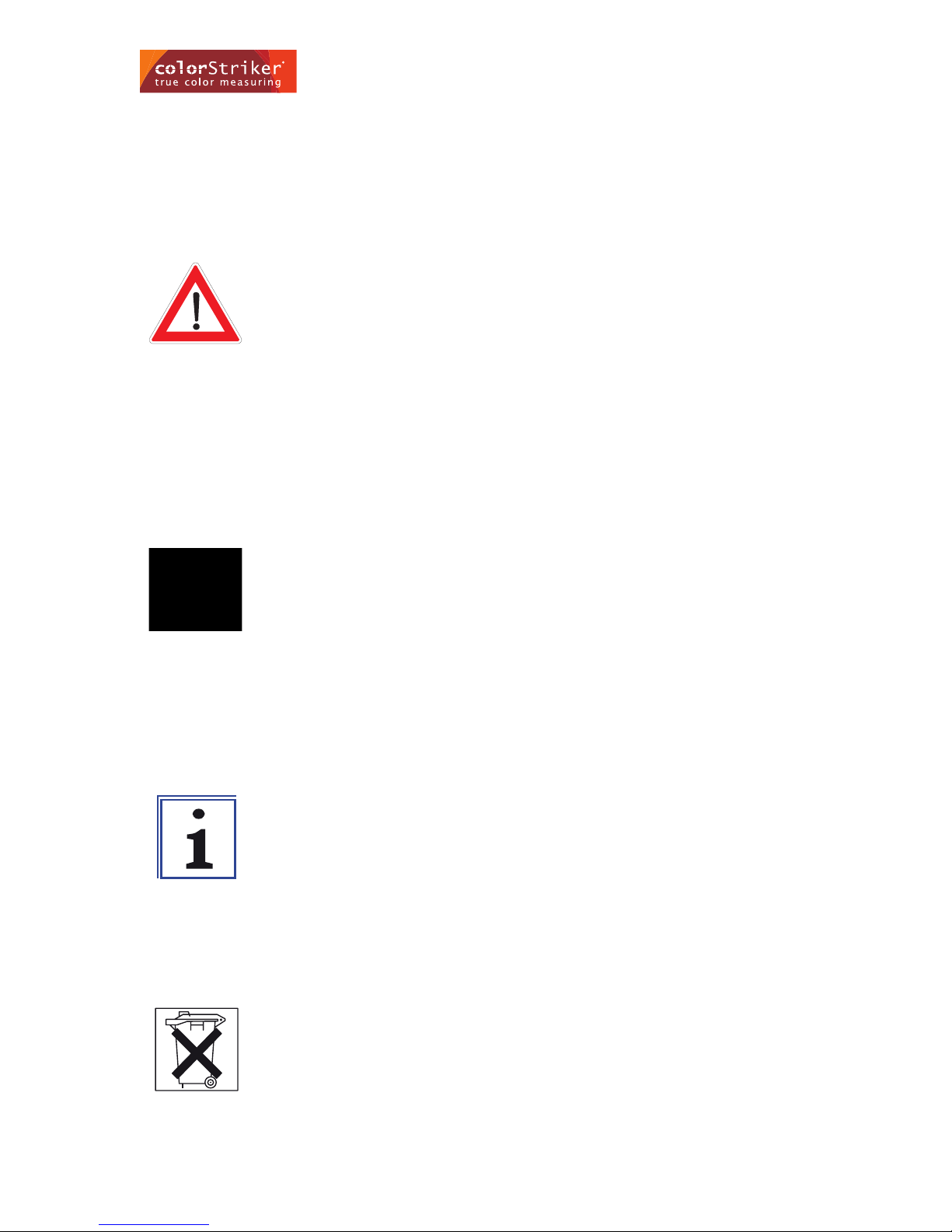
Warning! Information on how to dispose of the device.
Important! For disposal of the device see section 1.2.6 on how
to properly dispose the device.
Warning! Important information to help you better use
the device.
Important! Information to help better use the device and
understand its various functions
Danger! Health and safety risks.
Warning! Possible situations which could cause bodily harm.
Caution! Risks of danger or damage which can be cause
to the device.
Warning! Possible situations which could cause damage
to the device.
5
1.2 Security
Please read the following instructions carefully to ensure proper and safe use the colour meter colorStriker.
1.2.1 Symbols
The following symbols are used in this manual and are for your own safety and proper use of the colorStriker.
1.2.2 General remarks
Please adhere strictly to our instructions to avoid damage to people and the device. Here are some points with the symbols introduced
above and the related notes.
1. General Information
6
1.2.3 Safety instructions
• Do not dispose of in a fire.
• Usetheequipmentwiththeincludedpowercable.
• Chargingthedevicemustbedoneindoors.
• Never point the laser directly in the eyes, this can cause major damage.
• The device is not a toy and should not be handled by children.
1.2.4 Precautions
• Pleasedonotopenthedevice.Inthecaseofunauthorizedopeningortemperingwillvoidanywarrantybythemanufacturer.
• Iftheshellisdefectivediscontinueuseofthedevice.
• colorStrikermustnotbeexposedtodirectsunlight.Pleaseusetheproductattemperaturesbetween-10°and+40°.
• Cleantheunitasprescribed.
1.2.5 Information Notes
• Observethebatterystatusofthedevice.
• Observethehandlingdeviceistoachieveaccurateresults.
1.2.6 Disposal instructions
• EDonotdisposeofthisproductinhouseholdwaste.
• Byrecyclingthisproductitsupportstheconservationofnaturalresourcesandthushasapositiveimpactontheenvironment.
1. General Information

7
1.2.7 Cleaning Instructions
The colorStriker is very well finished and sealed. Nevertheless, dirt particles can settle on the unit, particularly along the charging
socket and around the port openings. This can cause the device to malfunction.
In this case, gently clean it with a clean, soft cloth. For stubborn dirt, moisten the cloth.
Donotuseaggressivecleaningdetergentsorsolvents.Pleasedonotuseanypointed,sharpobjects,riskofsurfacedamage.
colorStrikerisaruggedandsplash-proofdevicehoweverpleaseavoidanyunnecessaryshocks,andextremetemperatureuctuations
aswellasexposuretowater.
1.2.8 Safety
AdditionalsafetyinformationabouttheincludedpowersupplytypeFW7600/05
Note:
- Donotopenthecasetoavoidelectricshock!
- Beforecleaningtheapplianceitmustbedisconnectedfromthemains.
- Theinputandoutputvaluesmaynotexceedthevaluesspeciedonthedevice.
- Themaximumambienttemperatureis40°C.
- Usethedeviceonlyindryareas.
- Donotoperatetheunitinceilingsockets
Specifications:
- Input:AC100-240V/90mA/50-60Hz
- Output:DC5V/650A(SELV)
- Keeptheowner‘smanualinasafeplaceforfuturereference.
- Makesurebeforeconnectingtothemains,themainsvoltagematchesthatshownonthenameplate.
- Thisproductisnotintendedtobeused bypersons(includingchildren)with physical,sensoryormentaldisabilities orlackof
experienceand/orknowledge,unlesstheyaresupervisedbyapersonresponsiblefortheirsafetyorreceivedinstructionsabout
how the device should be used. Children should be supervised to ensure that they do not play with the device.
- To avoid danger of a damaged exible cord must only from the manufacturer, its service agent or similar professional will
be replaced
1. General Information

8
1.2.9 Handling the lithium-polymer battery (LiPo)
- Toloaduseonlytheincludedchargingcable.Anymanipulationoralterationofthechargingcablecancauseseriousdamage.
Check the charging cable regularly for damage and do not use damaged charger cable.
- ThemanufacturerisnotliablefordamagecausedbyincorrectuseoftheLiPobatteries.
- DonottakeLiPobatteriesinareorotherheatsources.
- DonotremoveortamperwiththeLiPobattery.
- AvoidextremeTemperaturesespeciallyover40°thebatterycouldpossiblyoverheatand/orexplode.
- DonotthrowtheLiPobatterypacksintheground
- DonotopentheLiPo.
- Avoidgettingtheproductwet.
- Donotchargeunderdirectsunlightornearare.
- DonotchargenordischargedtheLiPoinreversepolarity
- DonotexposealeakingLiPotobareskin.
1.2.10 What to do if the LiPo cells catch fire
IfsomehowtheLipo-cellscatchesrepleasefollowthefollowingprocedures:
- Staycalmandsecurethearea.
- Evacuatethearea.
- Ifpossible,removeallammableobjectsfromthedangerarea.
- Donotinhalethesmokeorfumes.Thereisariskofpoisoning.
- Donotmakeanyattemptstoextinguishwithwaterthiscouldcauseanexplosion.
Onlyusethefollowingtoextinguishingare:
- Drysand,reextinguishers,reblankets,suitablerefractorylid,saltwater.Approachtherewiththewindatyourbackanduse
the extinguisher to extinguish the re. Be sure to completely empty the extinguisher and make sure the re area has been
completely smothered.
- Disposeofthepollutantremainsaswasteinaccordancewithgovernmentregulationsonlyaftercompletecooling(>2hours)
to clear. Wear protective gloves.
- Ifyouneedassistancecontactyourlocalredepartmentforhelp.
1.3 Warranty Claims / Disclaimer
Pleasedonotattempttoopenthedevice.Inthecaseofunauthorizedopeninganywarrantybythemanufacturerisnullandvoid.
Werecommendkeepingthepackingmaterials(cardboard,paper,transportbag)inthecaseyouneedtosendyourunitinforservice.
1. General Information

9
2. Commissioning / Start
The colorStriker is a solid device. With its attractive design, light and compact form can easily be used “on the go” for all types of
measurements(mobileapplicationcanbeusedwithLaptopsorAndroid-basedMobiles,Tablets).
2.1 Scope
Supplied with the following items:
• FcolorimetercolorStriker
• PowerSupply
• colorStrikerSoftware
• Measuringhelp
• Certicate
• Transportbag
2.2 Product Description
Through years of development and advanced technology the colorStriker is the latest generation of color measurement device
available on the market. colorStriker offers a variety of applications, whether for architecture, for food industry, medicine or virtually
any other eld - colorStriker knows no boundaries and allows you to archieve exact color results. . After the fast and accurate
measurement data using the included software colorStriker presented visually and realistically on your screen and can be
further processed.
Benefits of the colorStrikers:
• Offersyoucolormeasurement,asthehumaneyeseesit.
• Non-contactcolormeasurement.
• TheBluetoothinterfaceoffersaconvenientcommunicationwithyourcomputerorAndroidbasedmobilePhones/Tablets.
• ThenewchipallowsthecolorStrikermoreefcientandrapidmeasurement.
• Asmallandlightweightform,youcantakeanywhere.
• Thesuppliedsoftwareiscapableofmeasuringthevaluesinthedifferentdenitions,suchasCieLabtorepresentthemeasured
color and realistically by structural adjustment on the monitor.
• Twomeasurementsareusedtocomparetwoobjects.
• Long-lifeLEDsandwhitelightLEDs.
• Longbatterylifethroughreducedpowerconsumption.

10
2.3 Device overview / Construction of the device
Drawingsanddescriptions
AtthebottomofthecolorStrikeraretwowhiteLEDstotherightandleft.Thesensorsarelocatedexactlyinthemiddleatthebottom.
OntheuppershellaretwobuttonsAandBincludingtwoLEDsinredandgreen.Thedeviceforthepowerunitislocatedattherear
of the instrument.
2.4 Applications
• Measurementofthecolordifferencebetweenreferenceandsample
• Measurementoftheabsolutecolorvalue
• EvaluationandprocessingofmeasuredobjectswiththesoftwarecolorStriker
2. Commissioning / Start
Table of contents
Other PCI Measuring Instrument manuals


