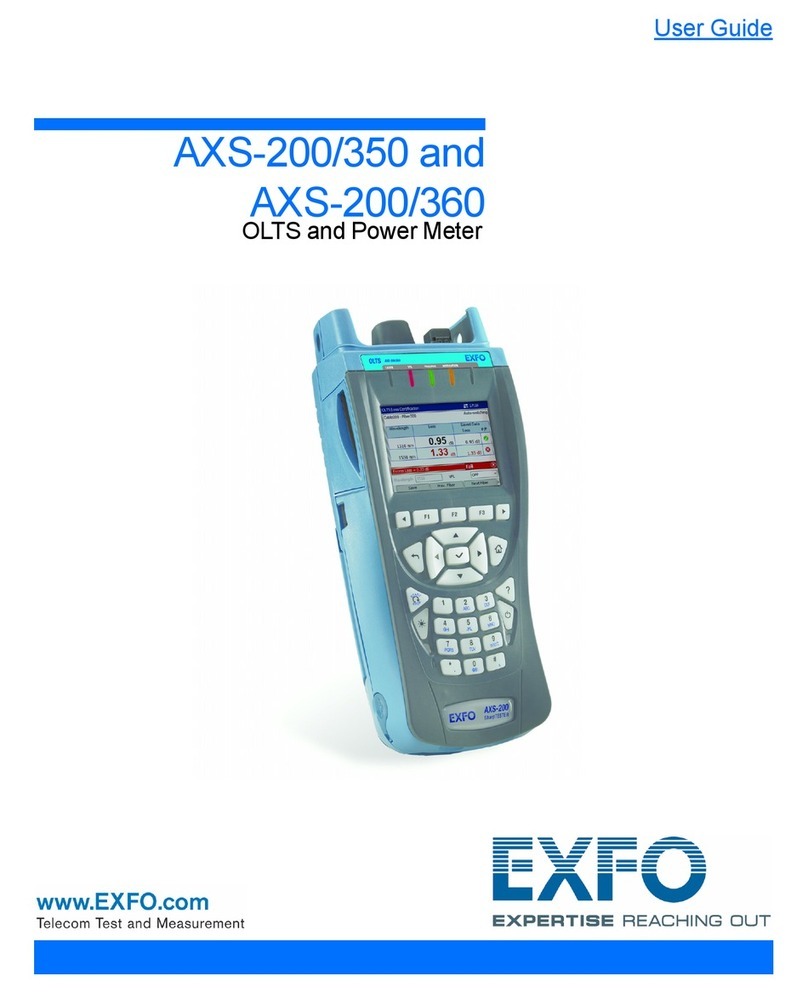
EXFO OSA20 User manual

User Guide
Optical Spectrum Analyzer
OSA20
Optical Spectrum Analyzer
www.EXFO.com

Copyright
ii OSA20
Copyright
Copyright © 2018–2022 EXFO Inc. All rights reserved. No part of this publication may be
reproduced, stored in a retrieval system or transmitted in any form, be it electronically,
mechanically, or by any other means such as photocopying, recording or otherwise,
without the prior written permission of EXFO Inc.(EXFO).
Information provided by EXFO is believed to be accurate and reliable. However, no
responsibility is assumed by EXFO for its use nor for any infringements of patents or other
rights of third parties that may result from its use. No license is granted by implication or
otherwise under any patent rights of EXFO.
EXFO’s Commerce And Government Entities (CAGE) code under the North Atlantic Treaty
Organization (NATO) is 0L8C3.
The information contained in this publication is subject to change without notice.
Trademarks
EXFO’s trademarks have been identified as such. However, the presence or absence of
such identification does not affect the legal status of any trademark.
Units of Measurement
Units of measurement in this publication conform to SI standards and practices.
Patents
The exhaustive list of patents is available at www.EXFO.com/patent.
Version number: 2.0.0.2
Information in this document applies to the OSA20 2.0.x system version.

Contents
OSA20 iii
Contents
Copyright .............................................................................................................................................................ii
Regulatory Information ...................................................................................................................................... vi
1 Introducing the OSA20 ..........................................................................................................1
Technical Specifications .......................................................................................................................................1
Product Overview ................................................................................................................................................4
Conventions .......................................................................................................................................................11
2 Safety Information ..............................................................................................................13
Other Safety Symbols on Your Unit ...................................................................................................................14
Laser Safety Information ....................................................................................................................................15
Electrical Safety Information ..............................................................................................................................16
3 Getting Started with Your OSA20 ......................................................................................19
Unpacking and Installing the OSA20 .................................................................................................................19
Connecting the OSA20 to a Power Source .........................................................................................................21
Connecting a Light Source to the OSA20 ...........................................................................................................23
Connecting a Mouse and Keyboard to the OSA20 .............................................................................................24
Sharing the OSA20 Display with an External Screen ..........................................................................................25
Turning on the OSA20 and Accessing the Home Window .................................................................................26
Turning off the OSA20 .......................................................................................................................................27
Updating the OSA20 System Version .................................................................................................................28
Updating the Operating System Version (Security Updates) ..............................................................................30
4 Setting Up Your OSA20 .......................................................................................................31
Setting the Screen Brightness ............................................................................................................................31
Setting Spectral and Power Units .......................................................................................................................31
Setting the Date and Time .................................................................................................................................31
Accessing an Analysis Mode ..............................................................................................................................33
5 Performing Measurement Scans ........................................................................................37
Defining the Scan Parameters ............................................................................................................................37
Zeroing the Dark Current ...................................................................................................................................43
Manually Starting/Stopping the Optical Spectrum Acquisition ..........................................................................45
Triggering the Optical Spectrum Acquisition .....................................................................................................46
Generating Output Trigger Signals ....................................................................................................................47
6 Configuring and Displaying Scan Traces ...........................................................................49
Operating Scan Traces .......................................................................................................................................49
Handling Traces Files .........................................................................................................................................55
Adjusting the Graph Display ..............................................................................................................................56

Contents
iv OSA20
7 Analyzing Traces ................................................................................................................. 61
Setting Up Peaks and Troughs Search ................................................................................................................66
Selecting the Component Under Test (PCT Mode) .............................................................................................69
Setting Up Channel Detection ...........................................................................................................................70
Setting Up Spectral Width Analysis ....................................................................................................................76
Setting Up XXdB Width Analysis ........................................................................................................................81
Setting Up Mean Wavelength/Frequency Analysis .............................................................................................84
Analyzing Central Wavelength and Sigma Value Results ...................................................................................86
Analyzing FWHM Results ...................................................................................................................................87
Analyzing Side Modes Spacing Results ..............................................................................................................88
Setting Up Notch Width Analysis .......................................................................................................................89
Setting Up Level Check Analysis .........................................................................................................................92
Setting Up SMSR Analysis ..................................................................................................................................94
Setting Up OSNR Analysis ..................................................................................................................................97
Setting Up Ripple Analysis ...............................................................................................................................103
Setting Up Optical Power Analysis ...................................................................................................................105
Setting Up Loss Measurement Analysis ............................................................................................................107
Setting Up Peak Power Density Analysis ..........................................................................................................108
Setting Up Gain and Noise Figure Analysis ......................................................................................................109
Setting Up Pass Band Test Analysis ..................................................................................................................113
Setting Up Stop Band Test Analysis .................................................................................................................119
Setting Up Mask Test Analysis .........................................................................................................................125
8 Handling Files and User Data ........................................................................................... 127
Connecting/Disconnecting USB Storage Devices ..............................................................................................127
Saving Analysis Settings and Results ................................................................................................................127
Loading Measurement and Analysis Settings ...................................................................................................129
Handling Files Saved ........................................................................................................................................130
Deleting all User Data from the OSA20 Internal Drive ......................................................................................130
Restoring Factory Settings ...............................................................................................................................131
9 Using the OSA20 in Remote Control ................................................................................ 133
Preparing the OSA20 for Remote Control ........................................................................................................133
Entering/Exiting the Remote Mode ..................................................................................................................136
10 Performing Basic Maintenance Operations ..................................................................... 137
Cleaning the OSA20 .........................................................................................................................................137
Cleaning Optical Connectors ...........................................................................................................................139
Performing a User Calibration ..........................................................................................................................140
Replacing the External Power Fuse ..................................................................................................................141
Recalibrating the OSA20 ..................................................................................................................................142
Carrying the OSA20 .........................................................................................................................................142
Recycling and Disposal ....................................................................................................................................142
11 Troubleshooting ................................................................................................................ 143
Handling Errors and Warnings .........................................................................................................................143
Forcing the OSA20 to Shutdown & Restart ......................................................................................................147
Using Remote Assistance Tools ........................................................................................................................148
Displaying the User Documentation ................................................................................................................149
Contacting the Technical Support Group .........................................................................................................150

Transportation .................................................................................................................................................150

Contents
OSA20 v
12 Warranty ............................................................................................................................153
General Information ........................................................................................................................................153
Gray Market and Gray Market Products ...........................................................................................................153
Liability ............................................................................................................................................................154
Exclusions ........................................................................................................................................................154
Certification .....................................................................................................................................................154
Service and Repairs ..........................................................................................................................................155
EXFO Service Centers Worldwide .....................................................................................................................156

Regulatory Information
vi OSA20
Regulatory Information
USA Electromagnetic Interference Regulatory Statement
Electronic test and measurement equipment is exempt from FCC part 15, subpart B
compliance in the United States of America. However, EXFO Inc. makes reasonable efforts
to ensure compliance to the applicable standards.
The limits set by these standards are designed to provide reasonable protection against
harmful interference when the equipment is operated in a commercial environment. This
equipment generates, uses, and can radiate radio frequency energy and, if not installed and
used in accordance with the user documentation, may cause harmful interference to radio
communications. Operation of this equipment in a residential area is likely to cause
harmful interference in which case the user will be required to correct the interference at
his own expense.
Modifications not expressly approved by the manufacturer could void the user’s authority to
operate the equipment.
Canada Electromagnetic Interference Regulatory Statement
This equipment generates, uses, and can radiate radio frequency energy and, if not
installed and used in accordance with the instruction manual, may cause harmful
interference to radio communications. Operation of this equipment in a residential area is
likely to cause harmful interference.
Cet équipement génère, utilise et peut émettre de l'énergie radio-fréquence et, s'il n'est pas
installé et utilisé conformément à la documentation de l'utilisateur, il peut occasionner une
interférence néfaste aux communications radio. L'utilisation de cet équipement dans une
zone résidentielle est susceptible d'occasionner une interférence néfaste.
Caution: This equipment is not intended for use in residential environments and may not
provide adequate protection to radio reception in such environments.
Attention: Cet appareil n'est pas destiné à être utilisé dans des environnements résidentiels
et peut ne pas assurer la protection adéquate à la réception radioélectrique dans ce type
d'environnements.
This is a class A, group 1 product.
Class A equipment: Equipment that is, by virtue of its characteristics, highly unlikely to
be used in a residential environment, including a home business shall be classified as
class A and shall comply with the class A limits specified in the applicable ICES
standard. Characteristics considered in this assessment include price, marketing and
advertising methodology, the degree to which the functional design inhibits
applications suitable to residential environments, or any combination of features that
would effectively preclude the use of such equipment in a residential environment.
Classe A: Matériel qui, en raison de ses caractéristiques, ne sera fort probablement pas
utilisé dans un milieu domiciliaire ni par des entreprises établies à domicile. Parmi les
caractéristiques considérées dans cette évaluation, il y a le prix, les méthodes de
commercialisation et de publicité, la mesure dans laquelle les fonctions de l'appareil
font qu'il ne se prête pas à des applications convenant au milieu domiciliaire ou toute

Regulatory Information
OSA20 vii
combinaison de ces caractéristiques qui aurait pour conséquence d'en prévenir
effectivement l'utilisation à domicile. Utilisé également pour indiquer les limites
d'émission correspondantes qui s'appliquent à un tel matériel.
Group 1 equipment: group 1 contains all equipment which is not classified as group 2
equipment, and includes equipment such as laboratory and scientific equipment,
industrial process, measurement and control equipment.
Group 2 equipment: group 2 contains all ISM RF equipment in which radio-frequency
energy in the frequency range 9 kHz to 400 GHz is intentionally generated and used or
only used locally, in the form of electromagnetic radiation, inductive and/or capacitive
coupling, for the treatment of material for inspection/analysis purposes, or for transfer
of electromagnetic energy.
Appareils du groupe 1 : le groupe 1 réunit tous les appareils compris dans le domaine
d’application de la présente Norme, qui ne sont pas classés comme étant des appareils
du groupe 2. Le groupe 1 inclut les appareils scientifiques et de laboratoire, les
processus industriels, appareils de mesure ou de contrôle.
Appareils du groupe 2 : le groupe 2 réunit tous les appareils ISM à fréquences
radioélectriques dans lesquels de l’énergie à fréquences radioélectriques dans la plage
de fréquences comprises entre 9 kHz et 400 GHz est produite et utilisée volontairement
ou uniquement utilisée localement sous forme de rayonnement électromagnétique, de
couplage inductif et/ou capacitif, pour le traitement de la matière, à des fins d’examen
ou d’analyse ou pour le transfert d’énergie électromagnétique.
Supplier’s Declaration of Conformity (SDoC)
The SDoC for your product is as follows:
CAN ICES-001 (A) / NMB-001 (A)
European Electromagnetic Compatibility Regulatory
Statement
Warning: This is a class A product. In a domestic environment, this product may cause radio
interference in which case the user may be required to take adequate measures. Your
product is compliant with industrial electromagnetic environments.
European Declaration of Conformity
The full text of the EU declaration of conformity is available at the following Internet
address: www.exfo.com/en/resources/legal-documentation.


OSA20 1
1 Introducing the OSA20
The OSA20 is a diffraction-grating based optical spectrum analyzer, using a touch sensitive
display with multi-touch gesture control. It provides an extensive suite of built-in analysis
functions enabling input signal measurement and analysis for many common applications.
A wide range of communication ports allows remote control operations and export of data.
The OSA20 features one general analysis mode and seven application-oriented modes.
Each analysis mode has a full suite of analysis functions for a detailed spectrum analysis.
Technical Specifications
IMPORTANT
The following technical specifications can change without notice. The information
presented in this section is provided as a reference only. To obtain this product’s
most recent technical specifications, visit the EXFO Web site at www.exfo.com.
Optical Measurement
Wavelength Spectral range 1250–1700 nm / 239.834–176.349 THz
Span range 0.5 nm to full range (450 nm)
Linearitya±6 pm over 1500–1640 nm, ±20 pm over full range /
2.5 GHz @ 1550 nm
Accuracya. ±10 pm over 1500–1640 nm, ±25 pm over full range /
2.5 GHz @ 1550 nm
Repeatability ±2 pm / 0.25 GHz @ 1550 nm
Sampling resolution 2 pm / 0.25 GHz @ 1550 nm
Sampling points 251 (span of 0.5 nm) to 225,001 (span of 450 nm)
Reference Built-in ELED (safety class 1) + Acetylene cell (user
calibration by patch cord)
Acetylene gas is a NIST standard Reference Material
SRM 2517a. The P9 line is used in the case of OSA20
Monochromator Resolution bandwidthb, c, d 20 pm native, adjustable over 50–2000 pm with 1 pm
step
Dynamic range (ORR)e≥ 30 dB (> 35 dB typ.) beyond ±50 pm from peak
≥ 50 dB (> 55 dB typ.) beyond ±100 pm from peak
≥ 60 dB (> 63 dB typ.) beyond ±200 pm from peak
Stray light suppression ratiof≥ 73 dB

Introducing the OSA20
2OSA20
Technical Specifications
The validity of specifications depends on operating conditions (see Recalibrating the OSA20
on page 142).
Optical power Input power per channel ≤ 20 dBm
Total safe power ≤ 25 dBm
Level
sensitivityg
single scan High (0.5 nm/s): < -76 dBm (-78 dBm typ.)
with averaging
(Avg Nb of scans)h
High (0.5 nm/s): -80 dBm (Avg 3), -85 dBm (Avg 30),
-90 dBm (Avg 380)
-75 dBm (2 nm/s): -80 dBm (Avg 7), -85 dBm (Avg 70),
-90 dBm (Avg 800)
Absolute level accuracya., i ±0.4 dB at 1310 nm and 1550 nm
Level linearityj±0.07 dB over the full range (input level -50 to
+3 dBm)
Level/wavelength flatnessk±0.15 dB over 1500–1640 nm,
±0.25 dB over 1260–1680 nm
Level sampling ±0.01 dB over -60 to +20 dBm
Sweep speed Sensitivityg. -55 dBm at 2000 nm/s to -75 dBm at 2 nm/s
Sweep cycle/100 nml300 ms typ.
Sampling rate 1 MHz typ.
a. After user calibration performed after 1 hour warm-up time.
b. Native 17–24 pm over 1500–1620 nm (except in -55 dBm sensitivity), 17–26 pm over 1250–1700 nm.
c. Adjustable resolution bandwidth is calculated from the native bandwidth.
d. Adjustable over 6–400 GHz with 0.1 GHz step on the abscissa in THz.
e. HeNe laser at 1523 nm with ±2 nm span.
f. Laser at 1523 nm with ±50 nm span, excluding ±2 nm around peak.
g. Noise level of 99 % of all data points over 1520–1620 nm.
h. Typical values.
i. Over 18–28°C all sensitivity settings except ±0.6 dB in -55 dBm and Burst sensitivities.
j. Measured @ 1310 nm and 1500 nm, except ±0.3 dB in -55 dBm and Burst sensitivities.
k. Except ±0.35 dB in -55 dBm and Burst sensitivities, except for water absorption lines, over 18–28°C all sensitivity settings.
l. Sweep cycle /100 nm at -60 dBm sensitivity at center wavelength of 1475 nm.
Optical Measurement
Other manuals for OSA20
2
Table of contents
Other EXFO Measuring Instrument manuals

EXFO
EXFO FTB-5600 User manual

EXFO
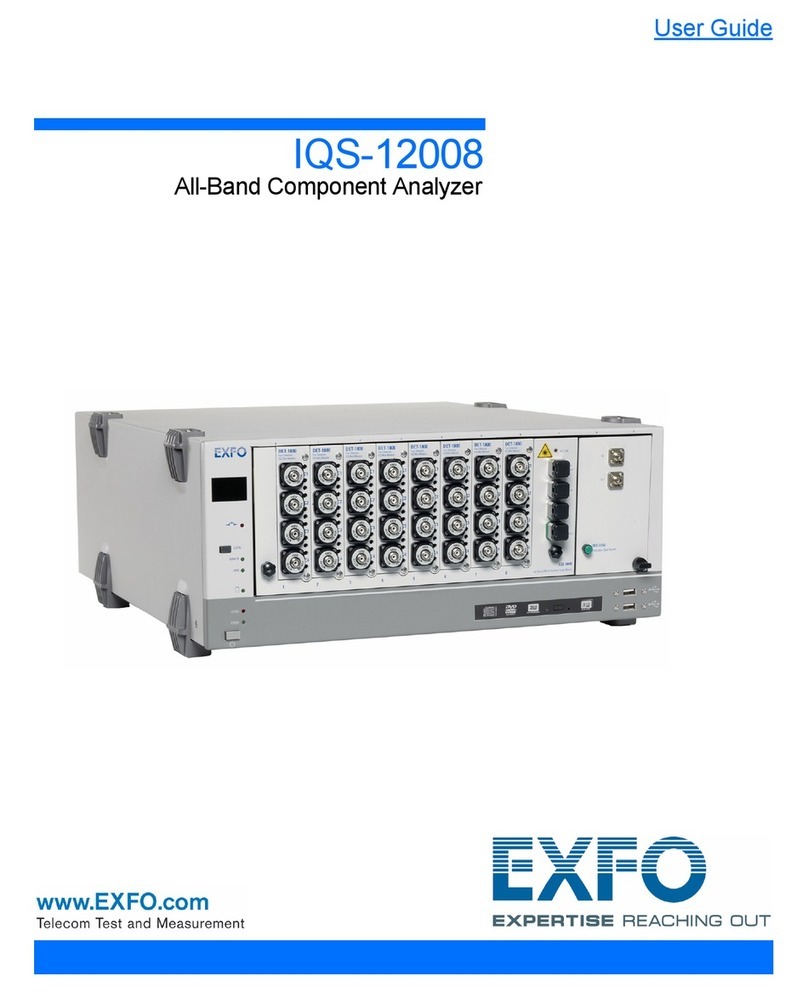
EXFO IQ Series User manual

EXFO
EXFO FTB-2 Operation and maintenance manual

EXFO
EXFO ETS-1000G User manual

EXFO
EXFO FLS-5834A User manual

EXFO
EXFO FTB-2 Operation and maintenance manual

EXFO
EXFO FTB-1v2 Pro User manual

EXFO
EXFO EPM-50 User manual

EXFO
EXFO FTB-5800 User manual

EXFO
EXFO Optical Xplorer OX1 User manual

EXFO
EXFO LTB-12 User manual

EXFO
EXFO FTB-1v2 Pro User manual

EXFO
EXFO FTB-2 User manual

EXFO
EXFO FTB-740 DWOCC Series User manual

EXFO
EXFO bv10 User manual

EXFO
EXFO ETS-1000L User manual

EXFO
EXFO OSA20 User manual

EXFO
EXFO IQS-5320 User manual

EXFO
EXFO FTB-2 Operation and maintenance manual

EXFO
EXFO IQ-5500 User manual