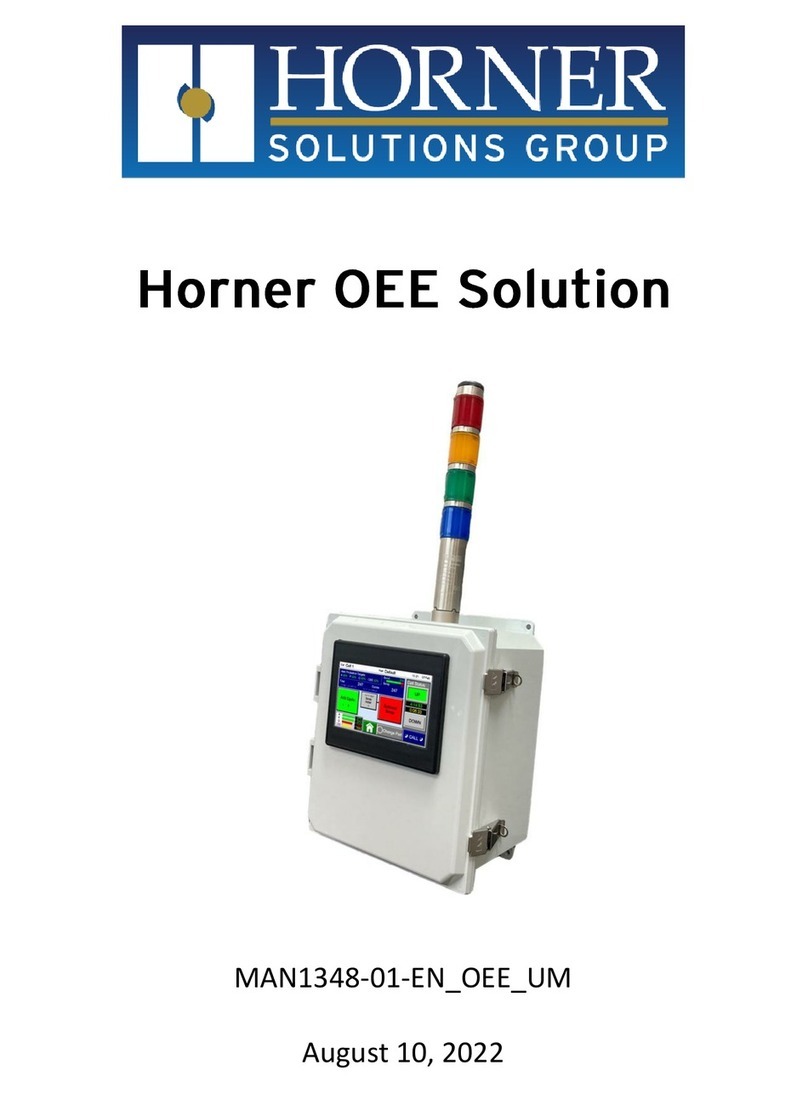
TrojanLabel Trojan 2 User manual

User Guide
Version 3.8

TrojanTwo User Guide v3.8
Page | 1
Copyright statement
© 2017 Trojanlabel, This document, attachments and information contained herein are the
confidential and proprietary property of Trojanlabel and their suppliers. As such, this document,
attached files and information contained herein are subject to all nondisclosure and proprietary
information agreements currently in effect with your organization. Copies of this document, any
portion of this document or attachments may not be transmitted or disclosed to any third party
without the prior written permission of Trojanlabel.
© 2017 Trojanlabel All content is the confidential property of, or licensed to, Trojanlabel
(“Trojanlabel,” “we,” or “us”) and is protected under Danish and Foreign copyright, trademark and
other intellectual property laws.
Trojanlabel.com
Marielundvej 46A 2 sal
2730 Herlev
Denmark
Phone +45 2964 0005

TrojanTwo User Guide v3.8
Page | 2
Contents
1 Certificate of compliance and Safety Information ................................................................................... 4
1.1 Introduction ..................................................................................................................................... 5
1.2 General information......................................................................................................................... 5
1.3 Overview and application................................................................................................................. 6
2 Setting up the TrojanTwo......................................................................................................................... 8
2.1 Moving and physical setup............................................................................................................... 8
2.2 Cabling (network and power)........................................................................................................... 8
3 Power on.................................................................................................................................................. 9
3.1 Visible safety check .......................................................................................................................... 9
3.2 Power on process............................................................................................................................. 9
3.3 Installing ink tanks and printhead .................................................................................................... 9
3.3.1 Installing ink tanks.................................................................................................................... 9
3.3.2 Installing the printhead .......................................................................................................... 11
4 Threading the machine .......................................................................................................................... 15
4.1 Unwinder and rewinder roll direction............................................................................................ 15
4.1.1 Rolling direction unwinder - Ink jet coating on the inside or outside..................................... 15
4.1.2 Rolling direction rewinder...................................................................................................... 16
4.2 Threading from scratch .................................................................................................................. 16
4.3 Threading using the currently threaded material .......................................................................... 19
4.4 Adjusting Label Edge Sensor........................................................................................................... 21
5 Calibrate the web path (paper) .............................................................................................................. 26
6 Select and queue print/start job ............................................................................................................ 27
7 Pause, resume or stop print job ............................................................................................................. 28
8 Moving the web ..................................................................................................................................... 30
9 Changing label material.......................................................................................................................... 31
10 Printing modes ................................................................................................................................... 31
10.1 Continuous printing mode ............................................................................................................. 31
10.2 Diecut printing mode ..................................................................................................................... 32
10.3 Blackmark printing mode ............................................................................................................... 35
10.4 Gap size and speeds ....................................................................................................................... 38
11 Shutting down the TrojanTwo press .................................................................................................. 38
12 Driver installation/features................................................................................................................ 39
12.1 Driver installation........................................................................................................................... 39
12.2 Driver features and functions......................................................................................................... 42
13 Software features............................................................................................................................... 45

13.1 Right status bar .............................................................................................................................. 45

TrojanTwo User Guide v3.8
Page | 3
13.2 General settings (HOME menu)...................................................................................................... 46
13.2.1 Overview ................................................................................................................................ 46
13.2.2 Settings................................................................................................................................... 46
13.2.3 Statistics ................................................................................................................................. 53
13.2.4 Shutdown ............................................................................................................................... 55
13.2.5 Exporting statistics data to a CSV file ..................................................................................... 55
13.3 TrojanTwo handling (TrojanTwo tab) ............................................................................................. 57
13.3.1 Overview ................................................................................................................................ 57
13.3.2 Handling ................................................................................................................................. 58
13.3.3 Maintenance .......................................................................................................................... 60
13.3.4 Job Library .............................................................................................................................. 62
13.3.5 Print Queue ............................................................................................................................ 64
13.3.6 Diagnostics ............................................................................................................................. 65
13.3.7 Media Settings........................................................................................................................ 66
14 Updating software and firmware on TrojanTwo ................................................................................ 69
14.1 Updating via online updater........................................................................................................... 69
14.2 Updating via offline updater .......................................................................................................... 70
15 Maintenance ...................................................................................................................................... 72
15.1 Regular cleaning/checking tasks..................................................................................................... 72
15.1.1 Wipe down surfaces............................................................................................................... 72
15.1.2 Emptying waste ink bottle...................................................................................................... 75
15.2 Replacing the wiper roller .............................................................................................................. 76
15.3 Manual printhead wiping ............................................................................................................... 79
16 Trouble shooting ................................................................................................................................ 82
16.1 Error States..................................................................................................................................... 82
16.2 Error messages on screen .............................................................................................................. 85
16.3 Firmware update failure................................................................................................................. 87
17 Slitter for the TrojanTwo.................................................................................................................... 88
17.1 Purpose .......................................................................................................................................... 88
17.2 Safety Labels................................................................................................................................... 88
17.3 Replacing Blades............................................................................................................................. 89
17.4 Software settings and usage .......................................................................................................... 93
17.4.1 Enable Slitter in TrojanTwo User Interface............................................................................. 93

TrojanTwo User Guide v3.8
Page | 4
1Certificate of compliance and Safety Information

TrojanTwo User Guide v3.8
Page | 5
1.1 Introduction
Original instructions
These instructions are Trojanlabel’s original instructions for the Trojanlabel press
(henceforth called the machine or TrojanTwo press).
Purpose
The purpose of these instructions is to ensure correct installation, use, handling and
maintenance of the machine.
Accessibility
The instructions are to be kept in a location known to the staff and must be easily
accessible for the operators and maintenance personnel.
Knowledge
It is the duty of the employer (the owner of the machine) to ensure that anyone who is to
operate, service, maintain, or repair the machine have read the instructions. As a
minimum, they should have read the part(s) relevant for their work. In addition, anyone
who is to operate, service, maintain, or repair the machine is under obligation to look for
information in the instructions themselves.
1.2 General information
Manufacturer
The machine has been manufactured by:
Company name: Trojanlabel
Address: Marielundvej 46A 2 sal
2730 Herlev
Denmark
The machine’s designation
The machine’s complete designation is Label Press type Trojan②.
Machine plate
The machine plate (picture) is situated on the back side of the machine at the lower left
corner:

TrojanTwo User Guide v3.8
Page | 6
1.3 Overview and application
General description
The machine consists of an unwinder/rewinder, double dancer arm system, winder
tensioner, label sensor, nip roller, automatic web clamps, splice table, service door, slitter
(optional) and 4 ink tanks.
If any changes or alterations are made to the machine, these changes or alterations must
be reflected in these instructions as necessary.
The machine’s purpose and intended use
Application: The machine is only to be used to print labels.
The machine must not be used for any other purpose than the purpose mentioned above.
Warning about foreseeable misuse
The TrojanTwo may not be used with inks not endorsed by Trojanlabel. All inks purchased
from Trojanlabel or from official Trojanlabel distributors worldwide are endorsed by
Trojanlabel.
Technical specifications
Physical dimensions in millimeters:
Weight approx. 350-360 kg including inks.

TrojanTwo User Guide v3.8
Page | 7
Electrical:
Nominal supply voltage: 110-240V
Nominal supply frequency: 50-60hz
Estimated peak consumption: 400W
Machine power supply:
1000 W (48 VDC, 21 A), please see “T2 Meanwell RSP-1000-spec.pdf” for details:
http://www.trojanextranet.com/media/55924/T2%20Meanwell%20RSP-1000-spec.pdf
Operating positions, location and arrangement
The machine is intended to be used in a light industrial / office environment. The operator
operates the machine in a standing or sitting position.
Temperature
Recommend operational temperatures
•Operation: 20° to 30° Celsius at RH 22-80% (non-condensing)
•Storage: -5° to 50° Celsius at RH up to 85%, non-condensing at 65°
If transferring the machine from different temperature conditions, ensure that the
machine has time to acclimatize.
Operating Environment
It is important that the machine is placed in a clean environment as possible, with sufficient
air conditioning/cleaning. Avoid placing it in an environment with dust and paper debris, as
the print head nozzles are sensitive to this.
Label Materials
The machine requires ink jet coated materials for optimal print quality; some non-coated
materials will also work. Please contact Trojanlabel or your distributor for
recommendations of suited materials.
It is imperative to have a local source of material, to ensure a stable production.

TrojanTwo User Guide v3.8
Page | 8
2Setting up the TrojanTwo
2.1 Moving and physical setup
The machine is equipped with four (4) wheels for light movement. Do not attempt to push the machine
over doorsteps or other obstacles regardless of size. Due to the very low clearance, please take care if
there are even small height variations of the surface.
Place the machine on a stable level surface and secured by lowering the built-in the stands, using the red
tooth-wheel, until the wheels move freely without touching the ground.
Confirm the machine is leveled, using a spirit leveler.
2.2 Cabling (network and power)
The machine has two cable inlets:
1. Power Supply
2. Ethernet
Only the power supply cable is necessary for powering up the machine. The network cable is necessary for
sending new print jobs to the TrojanTwo and for remote support/software updates.
NOTE: Some units does not have the cover for the Ethernet port.
NOTE: Ethernet cable is not included in the TrojanTwo package
Power ON/OFF switch
Power supply
Ethernet port

TrojanTwo User Guide v3.8
Page | 9
3Power on
3.1 Visible safety check
Before powering on the TrojanTwo, visibly ensure that no foreign objects are interfering with the print
engine or web-path.
3.2 Power on process
1. Press the physical power switch on the backside of the TrojanTwo, switching it from 0 to 1.
a. Turning the main power switch on starts up TrojanControl touch screen and print engine.
For safety reasons the web-path not powered up yet to prevent any unexpected movement
of the label material.
b. Web state will display ‘Emergency stop’.
2. Press the physical green start button which can be found on the top of the machine (near the
screen) to initialize (power up) the web path system.
a. Web state will display ‘Initializing’during this process.
b. The initializing process works with or without threaded label material.
3. The machine is fully functional, when the TrojanTwo tab is visible on the TrojanControl software
and the ‘Web state’ field at status bar is ‘Not calibrated’.
3.3 Installing ink tanks and printhead
3.3.1 Installing ink tanks
The TrojanTwo press uses CMYK ink tanks, each contain 2 liters of ink when opened. Every TrojanTwo ink
tank is QA chip protected ensuring that only genuine Trojanlabel ink tanks can be used.
1.
2.
3.
Table of contents
Other TrojanLabel Industrial Equipment manuals