MZC-320S ● MZC-330S –USER MANUAL
TABLE OF CONTENTS
1General information.........................................................................................5
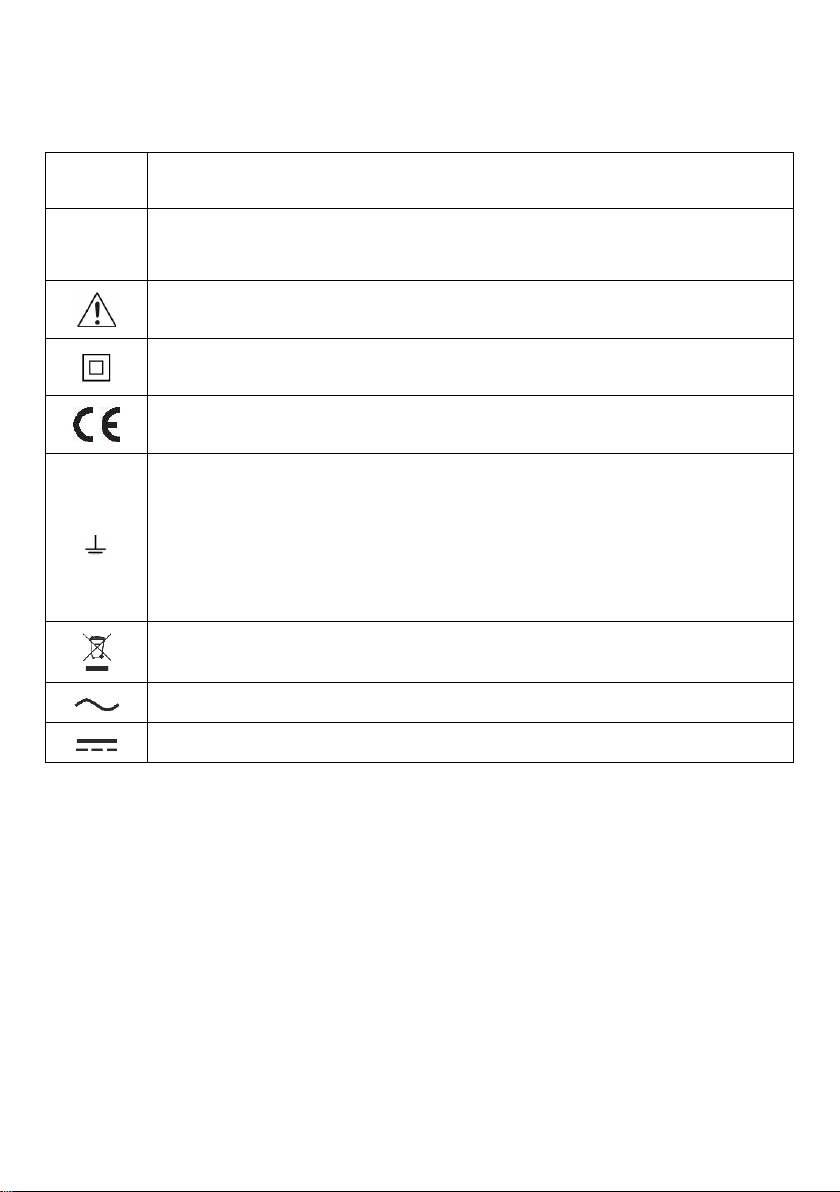
1.1 Safety symbols......................................................................................................... 5
1.2 Safety.......................................................................................................................6
2Graphical display panel (LCD)........................................................................8
3Menu................................................................................................................10
3.1 Display contrast adjustment................................................................................... 10
3.2 Display settings...................................................................................................... 10
3.3 Loop measurement settings................................................................................... 11
3.4 Language selection................................................................................................ 11
3.5 Advanced functions................................................................................................ 12
3.5.1 Expected dispersion of results.........................................................................................12
3.5.2 Upgrading the firmware...................................................................................................13
3.6 Information about the manufacturer and the software............................................ 13
4Measurements................................................................................................14
4.1 Conditions for performing tests and obtaining correct results................................. 15
4.2 Remembering the last measurement result............................................................ 16
4.3 Measurement of alternating voltage....................................................................... 16
4.4 Measurement of fault loop parameters................................................................... 17
4.4.1 Measurement of ntwork voltage and frequency...............................................................18
4.4.2 Measurement of network voltage and frequency .............................................................18
4.4.3 Displaying all measurement results or the main result only .............................................18
4.4.4 Displaying the measurement results in terms of impedance or short-circuit current.........18
4.4.5 Measurement of touch voltage UST and touch shock voltage UT......................................19
4.4.6 Selection of test cables length (for measurements using two-pole method).....................21
4.4.7 Results display................................................................................................................21
4.4.8 Measurement of short-circuit loop parameters using two-pole method..................................22
4.4.9 Measurement of short-circuit loop parameters using four-pole method............................24
4.4.10 measurement of earthing resistances..............................................................................26
5Remote control of the meter.........................................................................28
6Saving the measurement results .................................................................29
6.1 Storing measurement results in the memory.......................................................... 29
6.2 Memory browsing................................................................................................... 30
6.3 Memory erasing ..................................................................................................... 30
7Data transmission..........................................................................................31
7.1 Set of accessories to connect the meter to a PC ................................................... 31
7.2 Data transmission via USB..................................................................................... 31
7.3 Data transmission via Bluetooth............................................................................. 32
7.3.1 Activation and transmission.............................................................................................32
7.3.2 Read-out and change of PIN code for Bluetooth .............................................................32
7.4 Data transmission using Wi-Fi................................................................................ 33
7.4.1 Activation of transmission................................................................................................33
7.4.2 Transmission to PC software...........................................................................................33
7.4.3 Transmission via the network interface............................................................................34
8Troubleshooting.............................................................................................35
8.1 Warnings and information displayed by the meter ................................................. 35
8.1.1 Exceeding the measurement range.................................................................................35