1
1 General Instructions
The R450™Meter Interface Unit (MIU) is designed for use with
multiple types of approved encoder registers:
• Neptune ARB®III, IV, V
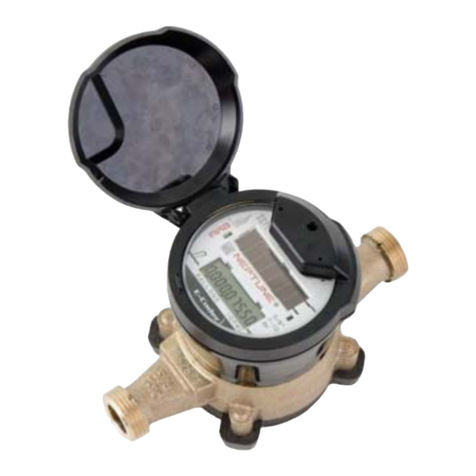
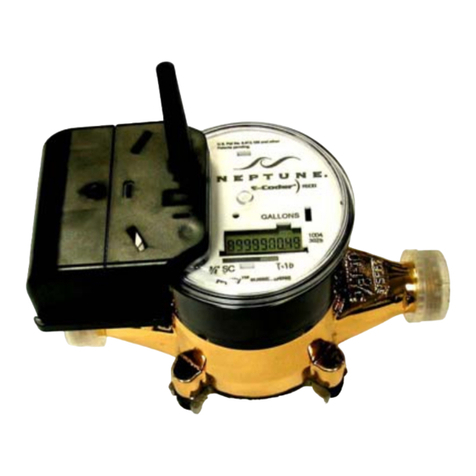
• ProRead™ and E-Coder®
• Sensus (Invensys) ECR® II, and ECR®III
Before installing a MIU, the encoder register must be correctly
wired and programmed to work with the MIU.
Notes:
• When using a ProRead encoder register (Rev. E or earlier), the
ProRead register must be programmed for three-wire mode.
• If using a new ProRead register (Rev. F or later), Auto Detect
can recognize it, and it does not need to be programmed.
• If using an existing register, make sure all three wires are
connected, and it is programmed in three-wire mode.
To ensure that the ProRead register is programmed for three-
wire mode, use the ProRead programmer and its RF/MIU 6, 8,
or 10 ID TDI format. You can accomplish this using the ProRead
receptacle before removing the receptacle or three bare wires.
2 Safety & Preliminary Checks
Read the following notes before proceeding.
• Verify that you are at the location specified on the Site Work
Order.
• Verify that the site is safe for you and your equipment.
• Notify the customer of your presence, and tell the customer that
you must have access to the water meter.
• Confirm or update the MIU ID number on the Site Work Order.
For greater detailed information and installation
instructions, refer to the R450 MIU Wall and Pit
Installation and Maintenance Guide (Part No.
12857-001).
When installing meters, follow any guidelines
issued by your company in addition to those
given in this guide. Never perform an
installation during a lightning storm or under
excessively wet conditions.