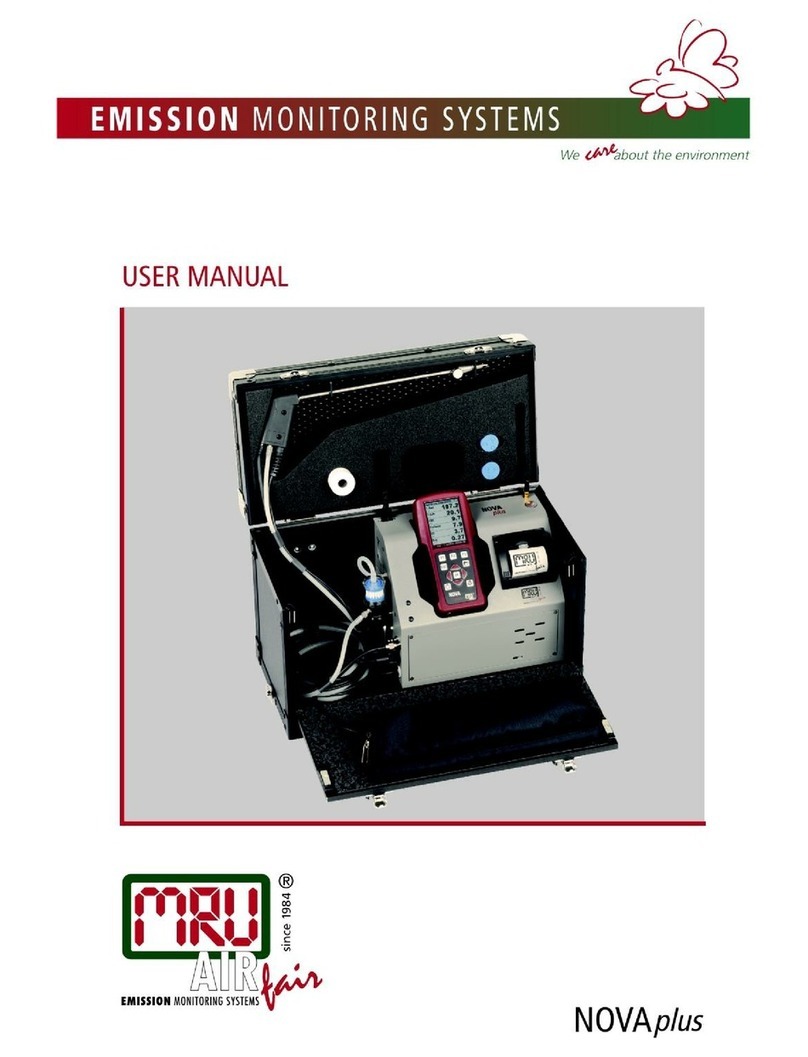
mru AMPROplus User manual

AMPRO 2000 / OPTIMA 7
Using Bluetooth with the MRU4u app
1 | P a g e
BLUETOOTH
This app is available for both Android and iOS.
Download the MRU4u app from the Play-store or
APP-store.

AMPROplus / OPTIMAX
Using Bluetooth with the MRU4u app
2 | P a g e

AMPROplus / OPTIMAX
Using Bluetooth with the MRU4u app
3 | P a g e
INDEX:
4
5
7
8
9
10
10
Analyzer Bluetooth settings
Mobile Bluetooth Pairing
Taking a measurement / adding parameters
Saving measurements
Modifying Setting
MRU Service
Device Info

4 | P a g e
AMPROplus / OPTIMAX
Using Bluetooth with the MRU4u app
Make sure your analyzer has the correct Bluetooth settings!
Bluetooth Settings
Accessible in the Settings Menu
As shown, the bluetooth module will default to its dual-mode
operation. Bluetooth connection will be available at any point
during the analyzers screen-on time. The connection can be
made seamlessly between Android and iOS systems.

AMPROplus / OPTIMAX
Using Bluetooth with the MRU4u app
5| P a g e
Start the MRU4u on your phone Press connect and measure Press connect device
Select your device Confirm with OK
If this screen stays empty, another phone might already be paired. Disconnect the other phone first!

AMPROplus / OPTIMAX
Using Bluetooth with the MRU4u app
6| P a g e
Sometimes you will see
more than one new device
(if you have multiple new
devices in iOS range).
You can either turn off
other devices in range or
select “New device”until
you have the right one.
Select NEW device Once the correct device
has been connected, the
iOS will display the
analyzer name and serial
number

7| P a g e
AMPROplus / OPTIMAX
Using Bluetooth with the MRU4u app
Taking a measurement / adding parameters
Screen while analyzer is zeroing Screen zeroing completed
Press to modify screen
contents
Select and then press Done
Press +for additional parameters
Select the parameter you wish to
add. Repeat this step for each
additional parameter
Press "Done" to return to
measurement screen
Press "Stop" to stop the
measurement

AMPROplus / OPTIMAX
Using Bluetooth with the MRU4u app
8| P a g e
Analyzers pump stops
Additional Information
Screen turns grey
Press save to save measurement to
the phone
You can add a photo
you can add comments
Save the measurement to a site to
view it
Main page Protocols
Shows saved measurements
Click on any saved measurement
Protocols
Saved measurement
Displayed as "Table"

AMPROplus / OPTIMAX
Using Bluetooth with the MRU4u app
9| P a g e
Protocols
Saved measurement
Displayed as "Graph"
Protocols
Saved measurement / EXTRAS
Use this button to send the
measurements per email
Main page
Sites
Select a site to view it
Press "New site" to add one
Sites
New site, enter information
Sites
Enter information then "Save"

AMPROplus / OPTIMAX
Using Bluetooth with the MRU4u app
10 | P a g e
Settings
Insert email address
Change log intervals
Modify measuring units
Settings
Change log intervals
Settings
Modify measuring units
Service
Find a MRU service location
Device info
Shows details about the connected
analyzer
Other manuals for AMPROplus
1
This manual suits for next models
1
Other mru Measuring Instrument manuals