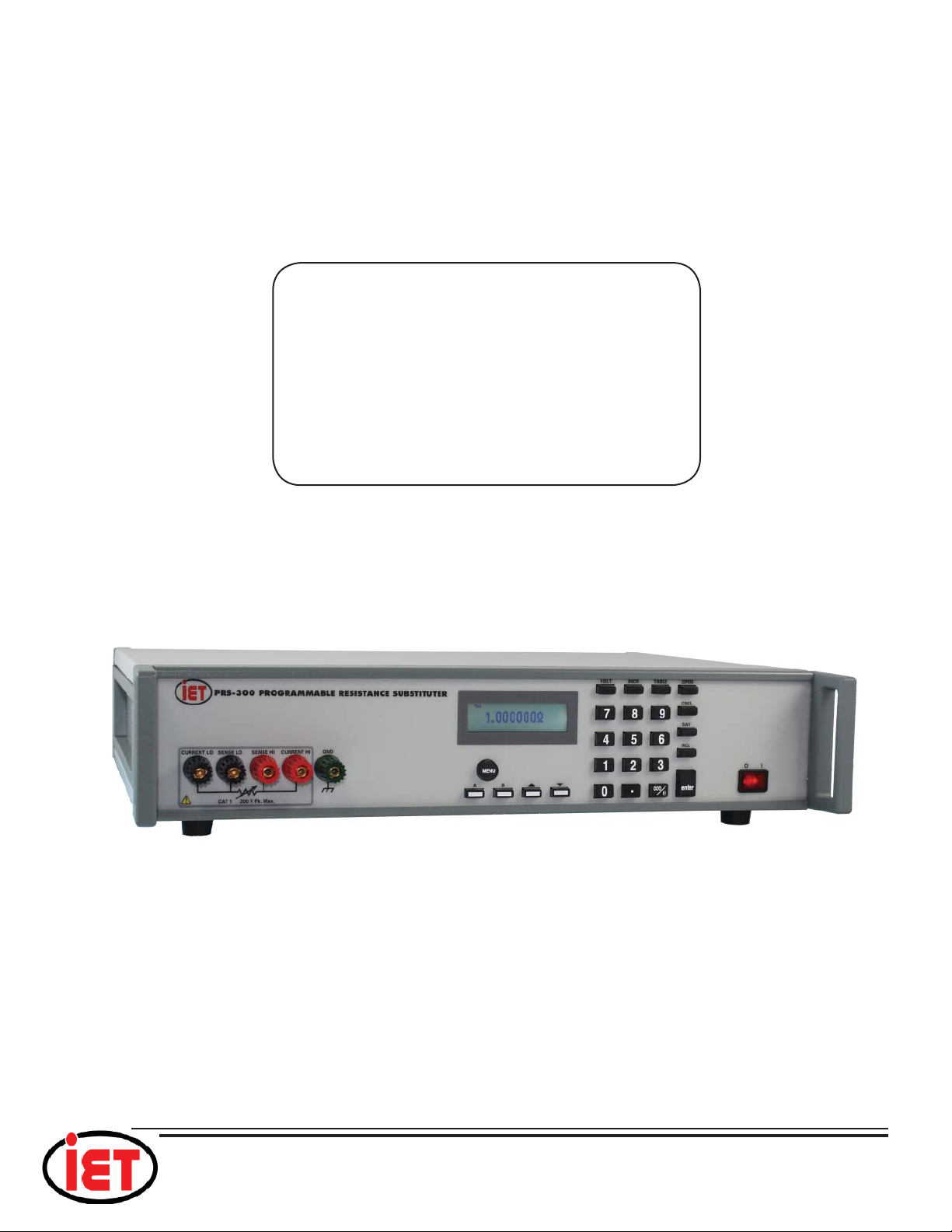
PRS-300 Series
iiTable of Contents
CONTENTS
WARRANTY........................................................................................................... i
WARNING ............................................................................................................. ii
CAUTION .............................................................................................................. ii
CONTENTS.......................................................................................................... iii
FIGURES.............................................................................................................. iv
TABLES ............................................................................................................... iv
Chapter 1: INTRODUCTION ................................................................................ 1
Chapter 2: SPECIFICATIONS .............................................................................. 3
2.1 Specifications .................................................................................................................3
2.2 General Specifications and Stability ..............................................................................4
2.2 Typical Label..................................................................................................................5
Chapter 3: OPERATION....................................................................................... 6
3.1 Initial inspection and setup ............................................................................................6
3.2 Connection .....................................................................................................................6
3.2.1 General Considerations ........................................................................................6
3.2.2 Electrical Considerations......................................................................................6
3.3 Condensed Operating Instructions.................................................................................6
3.4 Menu Structure...............................................................................................................7
3.4.1 Main Menu ...........................................................................................................8
3.4.2 Setting a Resistance Value....................................................................................8
3.4.3 Menu Button.........................................................................................................8
3.4.4 Standard Values Screen ........................................................................................8
3.4.5 TABLE Key..........................................................................................................9
3.4.6 Increment INCR Key............................................................................................9
3.4.7 OPEN Key............................................................................................................9
3.4.8 STO,RCL Keys...................................................................................................10
3.4.9 VOLT Key ..........................................................................................................10
3.4.10 2 and 4 Wire Connections ................................................................................10
3.4.11 Thermal emf Considerations ............................................................................10
3.4.12 Environmental Conditions................................................................................11
3.4.13 Remote Operation.............................................................................................11
Chapter 4: USB Interface .................................................................................. 12
4.1 Introduction..................................................................................................................12
4.2 Capabilities ..................................................................................................................12
4.3 USB Operation.............................................................................................................12
Chapter 5: ETHERNET INTERFACE OPTION................................................... 14
5.1 Ethernet Programming.................................................................................................14
5.2 Network Setup .............................................................................................................14
5.3 Ethernet Test Keyboard................................................................................................14
5.4 Network Configuration ................................................................................................15