HOBO RX3000 Remote Monitoring Station Manual
1-800-LOGGERS 2 www.onsetcomp.com
Table of Contents
Specifications ..........................................................................................1
Module Specifications.............................................................................3
Device Components and Operation ........................................................6
LCD Operation.........................................................................................7
Setting up the Station .............................................................................9
1. Log in to HOBOlink. ......................................................................9
2. Register the station......................................................................9
3. Install optional modules or user-supplied SIM.............................9
4. Plug in the battery and charging device. ......................................9
5. Check and configure device communications. ...........................10
6. Plug in and search for any smart sensors. ..................................11
7. Add any wireless sensor motes. .................................................11
8. Connect analog sensors, relay devices, or water level sensors. .12
9. Connect to HOBOlink. ................................................................13
10. Configure the station in HOBOlink. ............................................13
11. Start logging. ..............................................................................17
12. If you installed a water level sensor module and sensor,
obtain a reference water level reading. .....................................17
13. If you installed a water level sensor module and sensor,
configure the water level and water flow channels in
HOBOlink....................................................................................17
Viewing Data in HOBOlink.....................................................................18
Setting System and Sensor Alarms........................................................18
System Alarms ..................................................................................18
Sensor Alarms...................................................................................19
Setting up Water Level and Water Flow Channels in HOBOlink ............19
Setting up a Water Level Channel .................................................... 19
Setting up a Water Flow Channel for a V-Notch Weir ...................... 20
Setting up a Water Flow Channel for a Rectangular Weir ................ 21
Setting up a Water Flow Channel for a Trapezoidal Weir................. 22
Setting up a Water Flow Channel for a General Flume .................... 22
Setting up a Water Flow Channel for a Stage-Discharge Table......... 23
Starting and Stopping Logging .............................................................. 24
Adding or Removing Smart Sensors...................................................... 24
Adding or Removing Modules............................................................... 25
Adding or Removing Analog Sensors, Relay Devices, or Water Level
Sensors ................................................................................................. 25
Adding or Removing Motes .................................................................. 26
Managing Connections to HOBOlink..................................................... 27
Checking Latest Conditions with HOBOware ........................................ 27
Deploying and Mounting the Station.................................................... 27
Guidelines for Deploying the Station................................................ 27
Guidelines for Deploying the HOBOnet RX Wireless Sensor
Network..................................................................................... 28
Guidelines for Deploying a Water Level Sensor ............................... 29
Installing the Grounding Wire .......................................................... 30
Mounting the Station ....................................................................... 30
Installing the Weatherproof Rubber Cable Channel and Covers ..... 30
Care and Maintenance.......................................................................... 31
Troubleshooting.................................................................................... 31
Battery Information .............................................................................. 32
Specifications (continued)
Ethernet (RX3001)
Connector One RJ45/100BaseT
i-Fi (RX3002)
Network Standards IEEE 802.11b/g/n
Frequency Range 2.412–2.484 GHz
Antenna Connector 1, no diversity supported
Data Rates 1, 2, 5.5, 11 Mbps (802.11b); 6, 9, 12, 18, 24, 36, 48, 54 Mbps (802.11g
802.11n, HT20 MCS0 (6.5 Mbps) to HT20 MC87 (65 Mbps)
Number of Selectable Radio
Subchannels
Up to 14 channels; profiles available will include USA, France, Japan,
Spain, Canada, and “Other” (multiple countries)
Radio Modulations OFDM, DSSS, DBPSK, DQPSK, CCK, 16QAM, 64QAM
Security WEP 64/128, WPA-PSK, AES end-to-end encryption, WPA2,
protocols not listed are not supported
Maximum Receive Level -10 dBm (with PER <8%)
Receiver Sensitivity -72 dBM for 54 Mbps, -87 dBm for 11 Mbps, -89 dBm for 5.5 Mbps,
-90 dBm for 2.0 Mbps, -92 dBm for 1.0 Mbps
ellular (RX3003 and RX3004)
Wireless Radio RX3003:
GSM/GPRS/EDGE: Quad band 850/900/1800/1900 MHz,
UMTS/HSPA+: Five band 800/850/900/1900/2100 MHz
RX3004:
GSM/GPRS/EDGE: Quad band 850/900/1800/1900 MHz
UMTS/HSPA+: Seven band 800/850/900/1800/1900/2100 MHz
LTE: Twelve Band 700/800/850/900/1800/1900/2100/2600 MHz
Antenna RX3003: Penta band
RX3004: 4G LTE
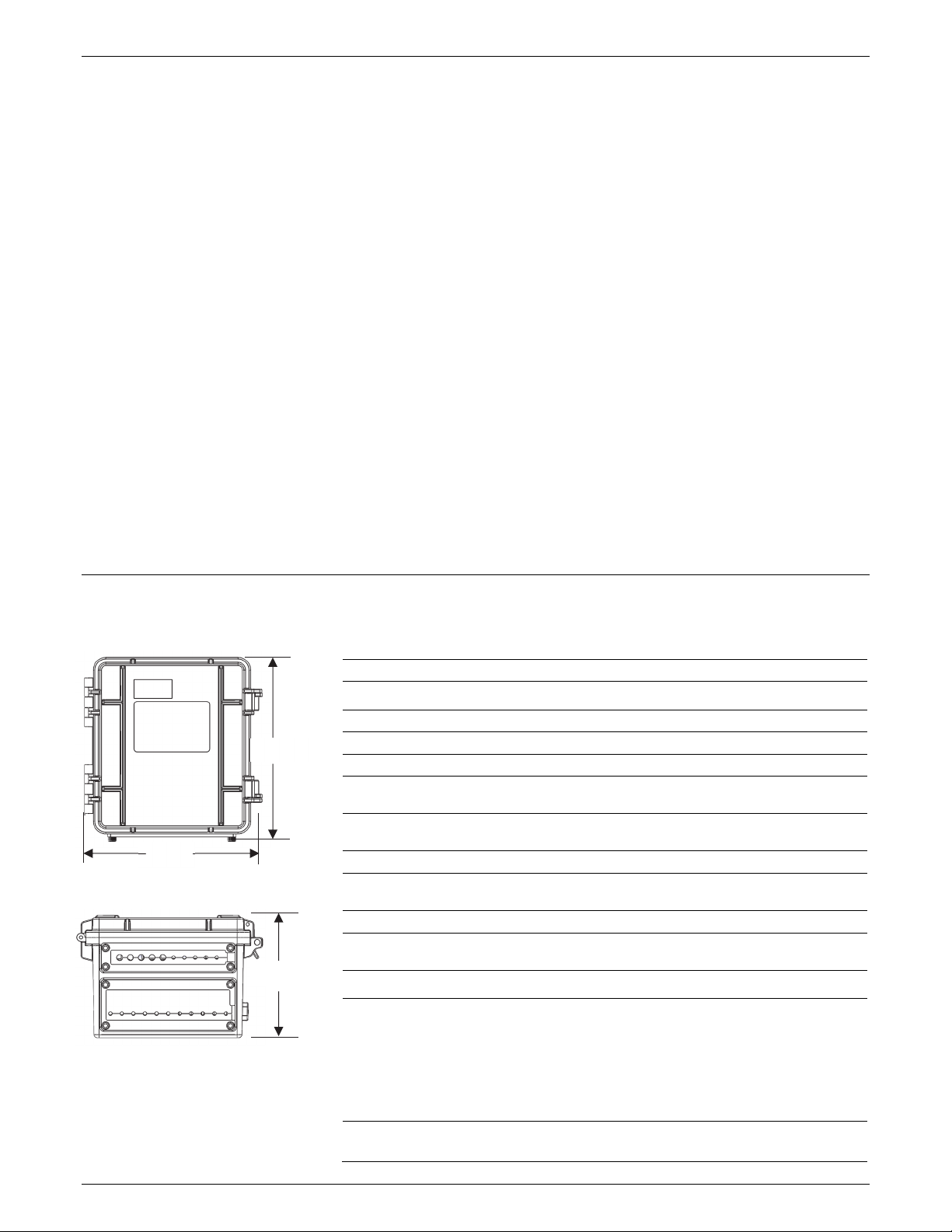
Dimensions
11.8 cm
4.7 in.
18.6 cm
7.3 in.
18.1 cm
(7.1 in.)



