3
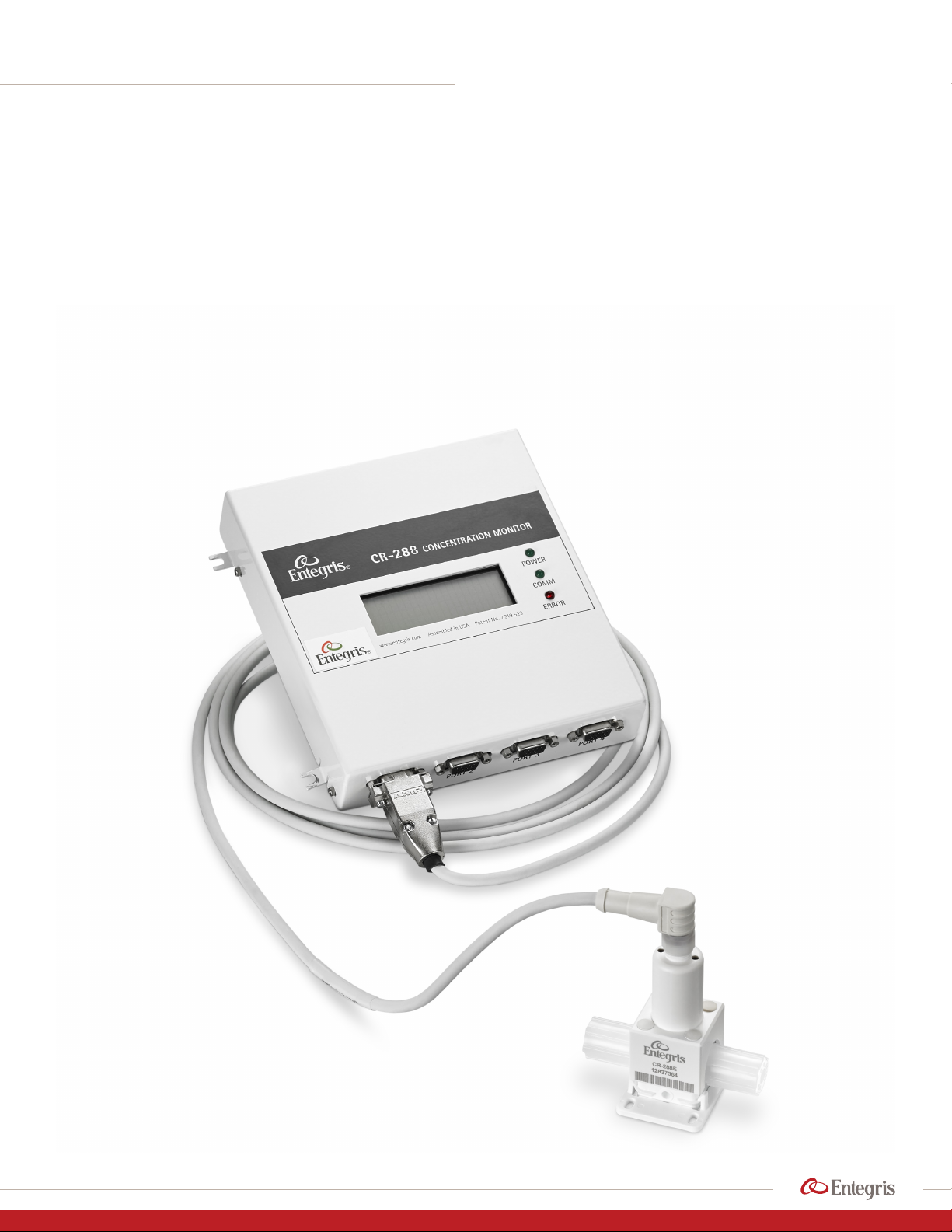
INVUE CR288 CONCENTRATION MONITOR
Installation and Use Manual | Entegris, Inc.
TABLE OF CONTENTS
—
Safety .............................................................................. 4
Safe Disposal ................................................................... 4
Installation and Workflow Overview ........................ 4
User-supplied Tools and Equipment ......................... 5
Optional User-supplied Equipment .......................... 5
Installing CR288 ............................................................ 5
Choosing a Location .................................................... 5
Other Flow Considerations ......................................... 6
Mounting CR288 Concentration Monitor .............. 6
Attaching Fluid Lines ..................................................... 6
Installing the Digital Display Unit (DDU) .................. 6
Choosing a Location .................................................... 6
Connect CR288 Sensor(s) to DDU ............................. 7
Connect Electrical Wiring ............................................ 7
Connect Power to Unit ................................................ 7
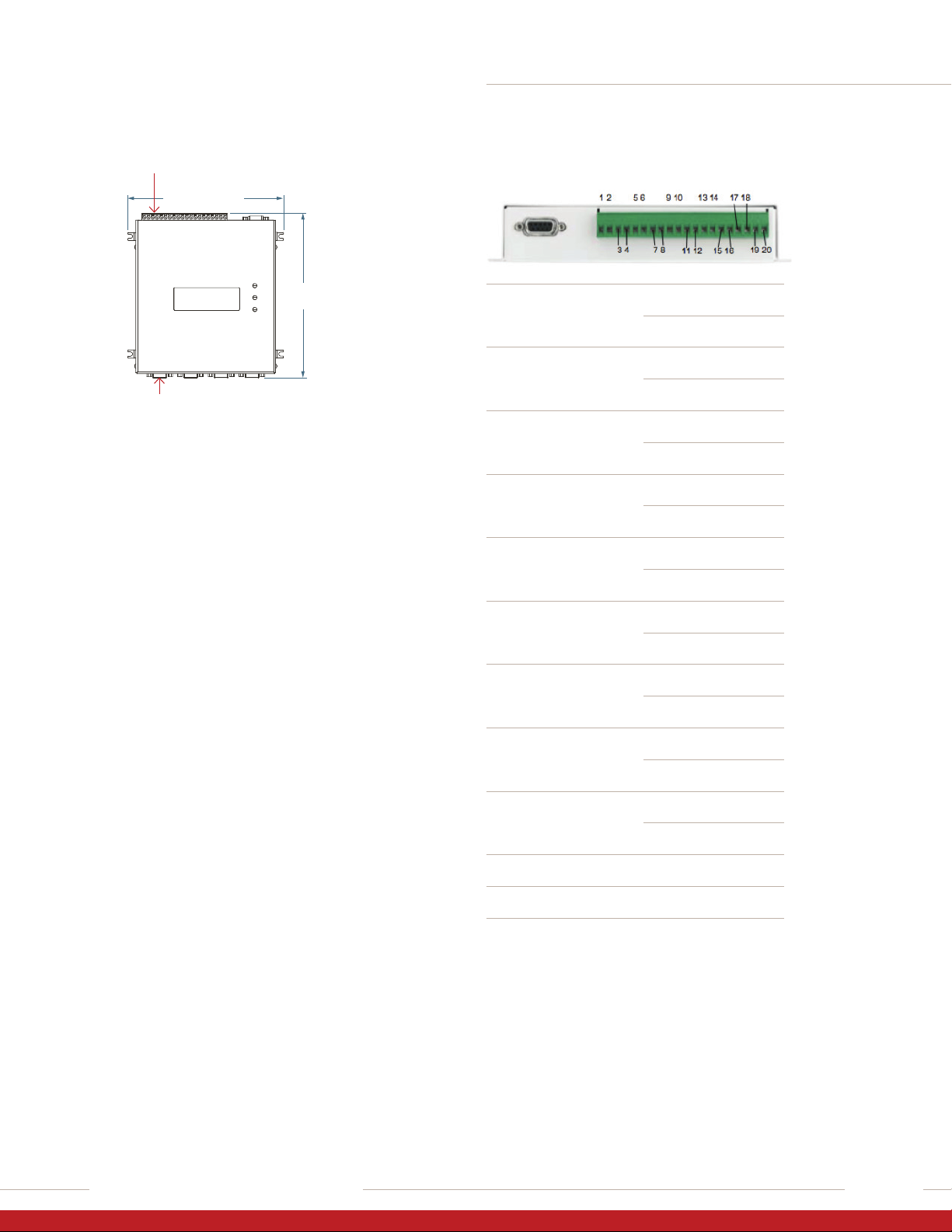
Terminal Block Pinout .................................................. 7
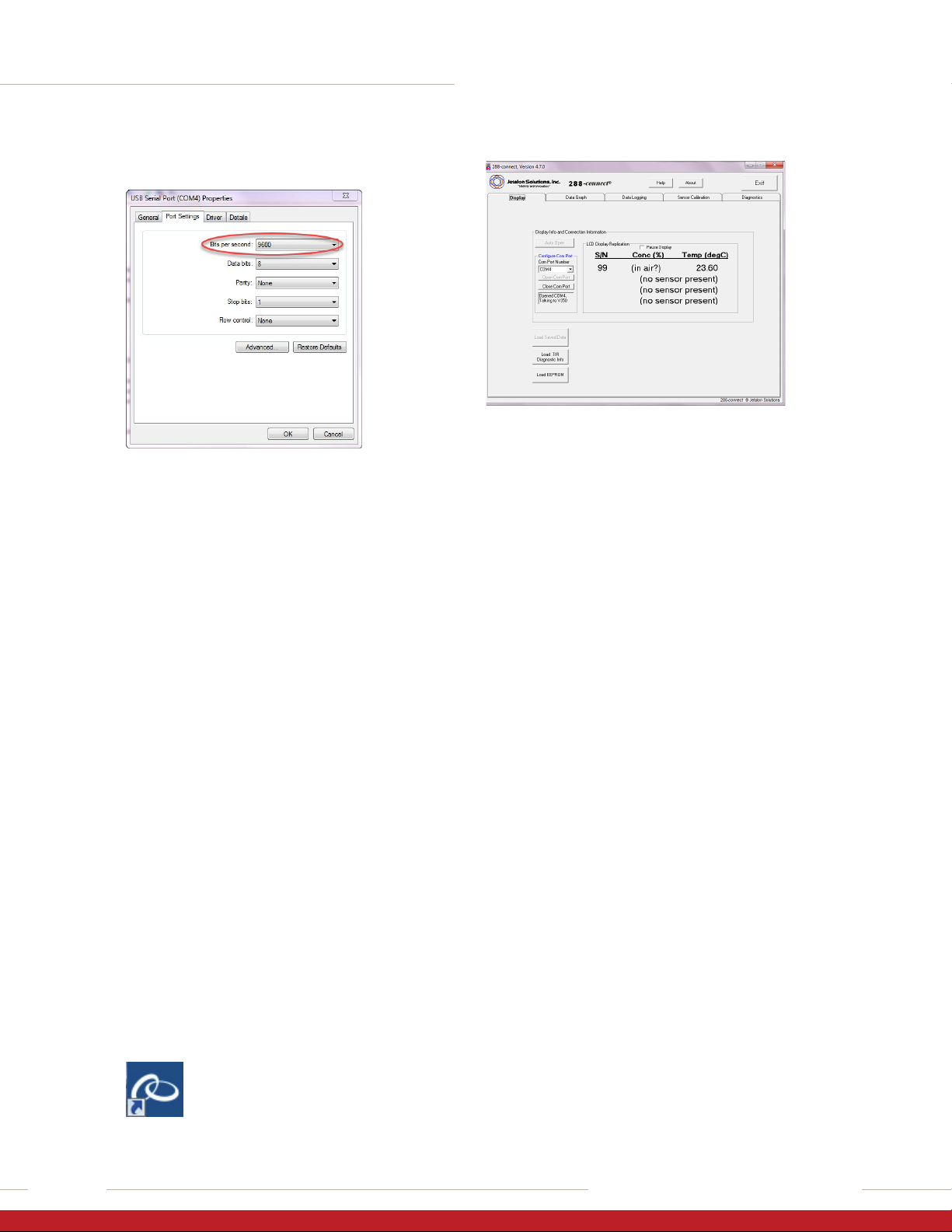
Install Drivers and Set Port BPS Rate ........................ 8
Install and Launch 288-connnect® Software ......... 8
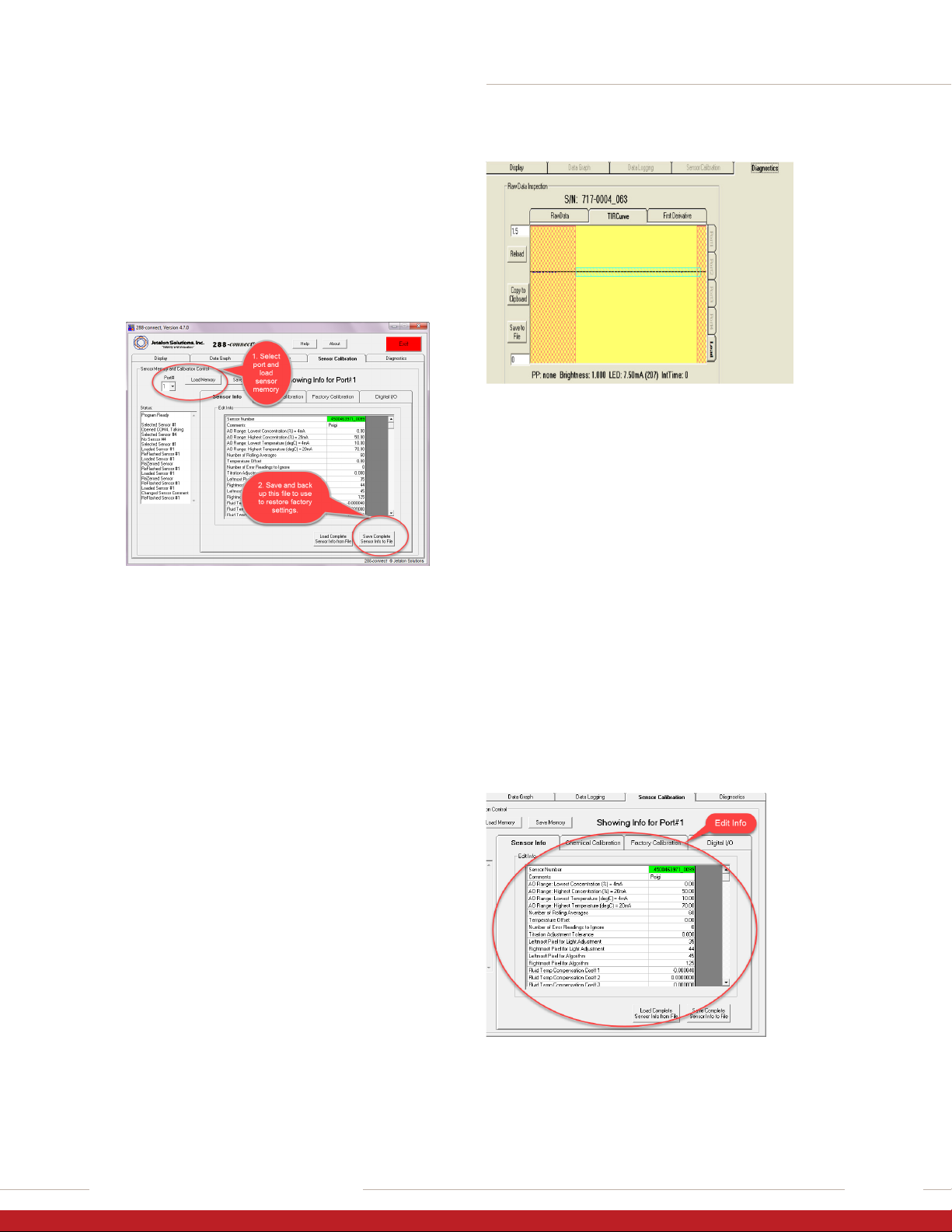
Save Factory Initialization Settings to a File ............ 8
Check Factory Initialization ........................................ 9
Set Initial Parameters ................................................... 9
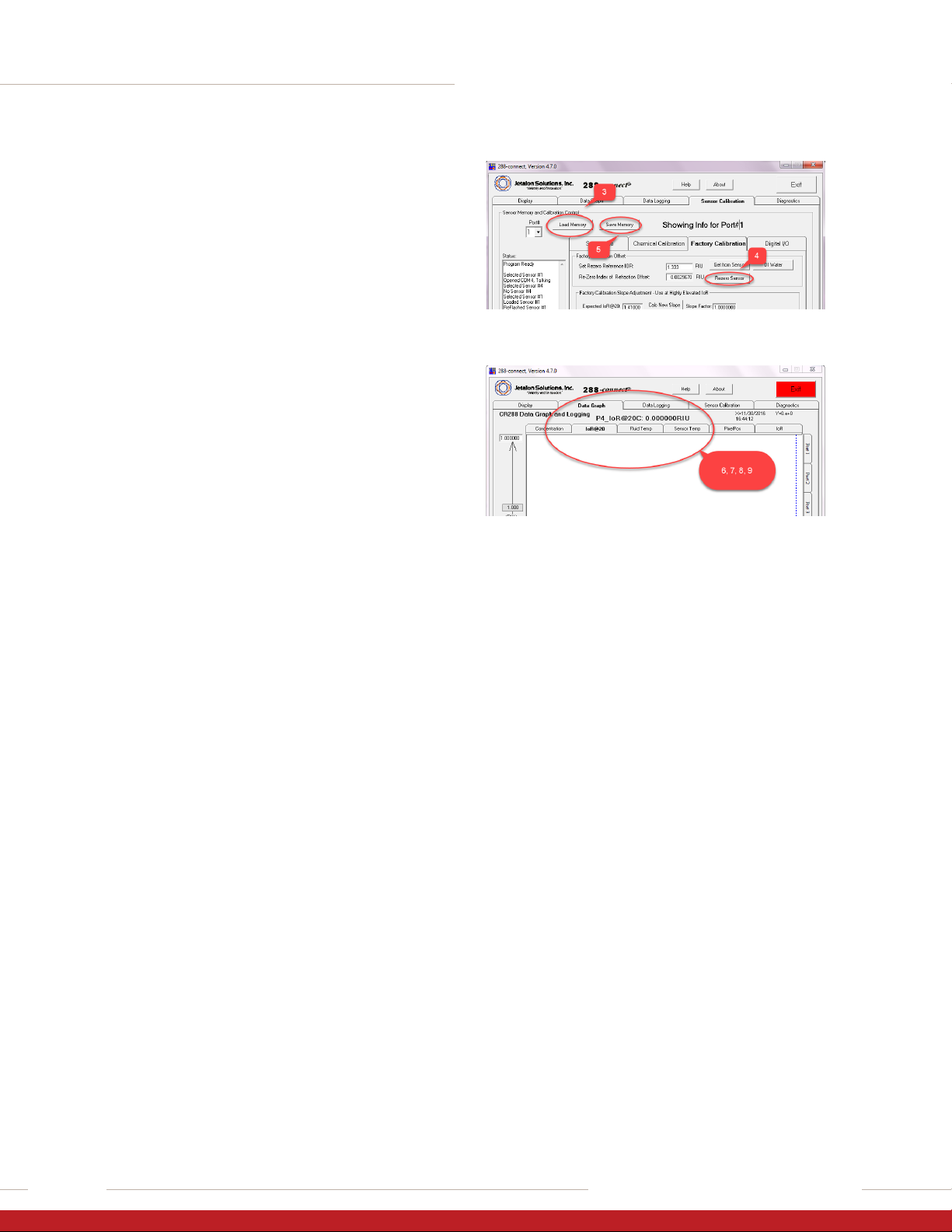
Re-zero .......................................................................... 10
Determine Temperature Compensation
Coefficient (TCC) ........................................................ 10
Temperature Compensation .................................... 10
Calculate the TCC Using Excel®................................ 11
Collect Data ................................................................... 11
Calculate the TCC ........................................................ 11
Implement the Calculated TCC ................................ 11
Option: Run or Continue Calibration ...................... 11
Calibrate Sensor to a Chemical ................................ 12
Basic Procedure ........................................................... 12
Unit Operation ............................................................. 12
Launch the Program ................................................... 12
Functions ....................................................................... 12
Display Tab .................................................................... 12
Data Graph Tab ............................................................ 13
Data Logging Tab ........................................................ 15
Sensor Calibration Tab ............................................... 16
Sensor Info Tab Fields ................................................ 16
Chemical Calibration Tab .......................................... 17
Digital I/O Tab ............................................................... 19
Diagnostics Tab ............................................................ 20
Raw Data Tab ................................................................ 20
First Derivative Tab ...................................................... 21
Maintenance ................................................................ 22
Re-zero and Re-titration ........................................... 22
Cleaning and Re-initialization ................................. 22
Precautions ................................................................... 22
Cleaning the Sensor Window .................................... 23
Troubleshooting ........................................................... 23
Appendix A: Advanced Features .............................. 27
Create a New Chemical Calibration Table ............ 27
Temperature Compensation Wizard ...................... 27
Information for 420 mA Applications ..................28
Appendix B: Theory of Operations .......................... 29
Appendix C: Performance Data ................................ 30
Limited Warranty ........................................................ 32
For More Information ................................................ 32
Terms and Conditions of Sale .................................. 32