The SPN1 clock will keep good time for many weeks or months, but the SPN1 has no internal power
source, so it will reset on a loss of power. We recommend that you check and set the SPN1 clock on
power up, and thereafter once a day, if you are using it to provide your local time. Otherwise, you can
provide the current time from your system clock for every DNI reading you make.
We recommend that you use a GPS receiver to provide accurate location and time information
wherever possible. This will give you accurate location and time information, but the GPS signal can
easily be lost through interference, so may not always be available. In this situation, you would need
two separate events:
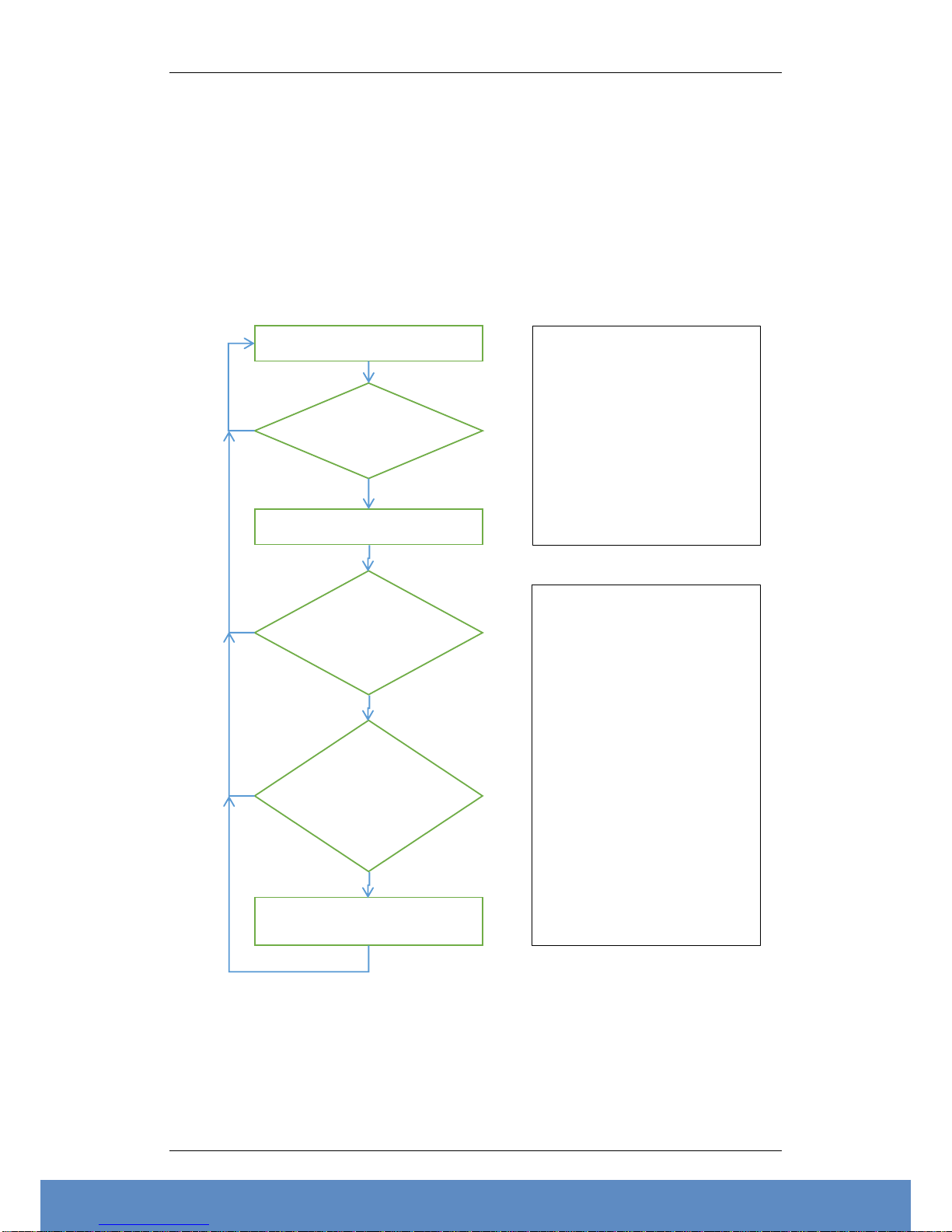
1. Daily, or on power up. Check for valid GPS position & time, set SPN1 latitude & longitude, with
00:00 time zone. Set SPN1 clock to GPS time.
2. Whenever a reading is required. Use ‘D’ command to ask the SPN1 for DNI data. Use the ‘S’ or
‘F’ commands if you also need Global, Diffuse, or individual detector values.
Conversion of GPS sentences for use with SPN1
Most GPS receivers by default will send out time and location information using the NMEA standard –
this is a 4800baud RS232-based output. Data is usually sent out every second, though the data rate can
be adjusted as desired. They will normally send a small number of data ‘sentences’, though there is a
much larger number that can be sent if desired. Most GPS receivers also have a manufacturer’s
proprietary data format which will provide more information, and at a higher speed. Use the
manufacturer’s data sheet to be sure what is happening.
In general, the default NMEA setting is sufficient. Because the data is sent out as a continuous stream,
your system will need some way of buffering this data, so that you can search for the right sentence in
amongst the range of different sentences that are sent.
The NMEA sentences from a GPS receiver will start with $GP, and end with <CR><LF>. All receivers
will send the recommended minimum data sentence, or RMC. This will look similar to:
$GPRMC,123519,A,4807.038,N,01131.000,E,022.4,084.4,230394,003.1,W*6ACRLF
Where:
RMC Recommended Minimum sentence C
123519 Fix taken at 12:35:19 UTC
A Status A=active or V=Void.
4807.038,N Latitude 48 deg 07.038' N
01131.000,E Longitude 11 deg 31.000' E
022.4 Speed over the ground in knots
084.4 Track angle in degrees True
230394 Date - 23rd of March 1994
003.1,W Magnetic Variation
*6A The checksum data, always begins with *
If possible, check the checksum is correct. Calculating the checksum is very easy. It is the ASCII
representation of two hexadecimal characters of an XOR of all characters in the sentence between –but
not including –the $ and the * character. If the checksum is incorrect, don’t use the data.
Only use this data if the Status is given as ‘A’ (or sometimes ‘A0’, ‘A1’). If it is shown as ‘V’, the data
will be inaccurate or incorrect.
The date and time are given as 6 digit numbers. These need to be reordered and reformatted with the
correct delimiter characters for the SPN1, and the correct century added. So from a GPS time format of
hhmmss and date format of DDMMYY, you need to construct and SPN1 date & time format of
YYYY/MM/DD hh:mm:ss.
The latitude and longitude are a little more awkward, because they are given in degrees and decimal
minutes, e.g. ddmm.mmm for latitude, or dddmm.mmm for longitude. The sign then follows, as either
a N or S, E or W. The number of decimal places can be variable.
You therefore need to calculate the decimal degrees as dd + mm.mmm/60. Multiply by -1 if the sign
character is S (or W for longitude). Then either round to 0.1°, or truncate to 2 or 3 decimal places. The
SPN1 will round to 0.1° and store this rounded value internally.