Asus EeeBox PC EB1033 User manual

English
EB1030/ EB1031/ EB1033
User Manual
X

English
Copyright © 2012 ASUSTeK COMPUTER INC. All Rights Reserved.
No part of this manual, including the products and software described in it, may
be reproduced, transmitted, transcribed, stored in a retrieval system, or translated
into any language in any form or by any means, except documentation kept by the
purchaser for backup purposes, without the express written permission of ASUSTeK
COMPUTER, INC. (“ASUS”).
Products and corporate names mentioned in this manual may or may not be
registered trademarks or copyrights of their respective companies, and are used
for identification purposes only. All trademarks are the property of their respective
owners.
Every effort has been made to ensure that the contents of this manual are correct
and up to date. However, the manufacturer makes no guarantee regarding the
accuracy of its contents, and reserves the right to make changes without prior
notice.
E6785
First Edition
January 2012

EB1030/ EB1031/ EB1033 3
English
Contents
Contents.......................................................................................................3
Notices..........................................................................................................4
Safety information.................................................................................... 9
Global Environmental Regulation Compliance and
Declaration ........................................................................................11
ASUS Recycling/Takeback Services ...........................................11
ENERGY STAR complied product................................................12
Notes for this manual............................................................................12
Welcome....................................................................13
Package contents....................................................................................13
Knowing your PC ......................................................14
Front view..................................................................................................14
Rear view....................................................................................................16
Positioning your PC..................................................18
Installing the stand (optional)............................................................18
Installing your PC to a monitor (optional) .....................................19
Setting up your PC....................................................22
Connecting to a display........................................................................22
Connecting to USB devices.................................................................22
Connecting to a network device.......................................................23
Connecting to LAN ..........................................................................23
Connecting to Wi-Fi via wireless antenna...............................23
Turning on the system ..........................................................................24
Using your PC............................................................25
Configuring wireless connection......................................................25
Configuring wired connection...........................................................26
ASUS Easy Update ..................................................................................30
Recovering your system...........................................31
Using the recovery partition...............................................................31
Using the USB storage device (USB Restore) ................................33

4 EB1030/ EB1031/ EB1033
English
Notices
Federal Communications Commission Statement
This device complies with Part 15 of the FCC Rules. Operation is
subject to the following two conditions:
• Thisdevicemaynotcauseharmfulinterference,and
• Thisdevicemustacceptanyinterferencereceivedincluding
interference that may cause undesired operation.
This equipment has been tested and found to comply with the limits
for a Class B digital device, pursuant to Part 15 of the FCC Rules.
These limits are designed to provide reasonable protection against
harmful interference in a residential installation.This equipment
generates, uses and can radiate radio frequency energy and, if not
installed and used in accordance with manufacturer’s instructions,
may cause harmful interference to radio communications. However,
there is no guarantee that interference will not occur in a particular
installation. If this equipment does cause harmful interference to
radio or television reception, which can be determined by turning
the equipment off and on, the user is encouraged to try to correct
the interference by one or more of the following measures:
• Reorientorrelocatethereceivingantenna.
• Increasetheseparationbetweentheequipmentandreceiver.
• Connecttheequipmenttoanoutletonacircuitdifferentfrom
that to which the receiver is connected.
• Consultthedealeroranexperiencedradio/TVtechnicianfor
help.
CAUTION: Any changes or modifications not expressly approved by
the grantee of this device could void the user’s authority to operate
the equipment.

EB1030/ EB1031/ EB1033 5
English
Declaration of Conformity
(R&TTE directive 1999/5/EC)
The following items were completed and are considered relevant
and sufficient:
• Essentialrequirementsasin[Article3]
• Protectionrequirementsforhealthandsafetyasin[Article3.1a]
• Testingforelectricsafetyaccordingto[EN60950]
• Protectionrequirementsforelectromagneticcompatibilityin
[Article3.1b]
• Testingforelectromagneticcompatibilityaccordingto[EN301
489-1]&[EN301489-17]
• Effectiveuseoftheradiospectrumasin[Article3.2]
• Radiotestsuitesaccordingto[EN300328-2]
RF exposure warning
This equipment must be installed and operated in accordance with
provided instructions and the antenna(s) used for this transmitter
must be installed to provide a separation distance of at least 20
cm from all persons and must not be co-located or operating in
conjunction with any other antenna or transmitter. End-users and
installers must be provide with antenna installation instructions
and transmitter operating conditions for satisfying RF exposure
compliance.

6 EB1030/ EB1031/ EB1033
English
CE Marking
CE marking for devices without wireless LAN/Bluetooth
The shipped version of this device complies with the requirements
of the EEC directives 2004/108/EC “Electromagnetic compatibility”
and 2006/95/EC“Low voltage directive”.
CE marking for devices with wireless LAN/ Bluetooth
This equipment complies with the requirements of Directive 1999/5/
EC of the European Parliament and Commission from 9 March, 1999
governing Radio and Telecommunications Equipment and mutual
recognition of conformity.
Wireless Operation Channel for Different Domains
N. America 2.412-2.462 GHz Ch01 through CH11
Japan 2.412-2.484 GHz Ch01 through Ch14
Europe ETSI 2.412-2.472 GHz Ch01 through Ch13

EB1030/ EB1031/ EB1033 7
English
France Restricted Wireless Frequency Bands
Some areas of France have a restricted frequency band.The worst
case maximum authorized power indoors are:
• 10mWfortheentire2.4GHzband(2400MHz–2483.5MHz)
• 100mWforfrequenciesbetween2446.5MHzand2483.5MHz
Channels 10 through 13 inclusive operate in the band 2446.6 MHz
to 2483.5 MHz.
There are few possibilities for outdoor use: On private property or on
the private property of public persons, use is subject to a preliminary
authorization procedure by the Ministry of Defense, with maximum
authorizedpowerof100mWinthe2446.5–2483.5MHzband.Use
outdoors on public property is not permitted.
In the departments listed below, for the entire 2.4 GHz band:
• Maximumauthorizedpowerindoorsis100mW
• Maximumauthorizedpoweroutdoorsis10mW
Departmentsinwhichtheuseofthe2400–2483.5MHzbandis
permitted with an EIRP of less than 100mW indoors and less than
10mW outdoors:
01 Ain 02 Aisne 03 Allier
05 Hautes Alpes 08 Ardennes 09 Ariège
11 Aude 12 Aveyron 16 Charente
24 Dordogne 25 Doubs 26 Drôme
32 Gers 36 Indre 37 Indre et Loire
41 Loir et Cher 45 Loiret 50 Manche
55 Meuse 58 Nièvre 59 Nord
60 Oise 61 Orne 63 Puy du Dôme
64 Pyrénées Atlantique 66 Pyrénées Orientales
67 Bas Rhin 68 Haut Rhin
70 Haute Saône 71 Saône et Loire
75 Paris 82 Tarn et Garonne
84Vaucluse 88Vosges 89Yonne
90TerritoiredeBelfort 94ValdeMarne

8 EB1030/ EB1031/ EB1033
English
Canadian Department of Communications Statement
This digital apparatus does not exceed the Class B limits for
radio noise emissions from digital apparatus set out in the
Radio Interference Regulations of the Canadian Department of
Communications.
This class B digital apparatus complies with Canadian ICES-003.
This requirement is likely to change over time, allowing you to use
your wireless LAN card in more areas within France. Please check
with ART for the latest information (www.arcep.fr)
Your WLAN Card transmits less than 100mW, but more than 10mW.
IC Radiation Exposure Statement for Canada
This equipment complies with IC radiation exposure limits set forth
for an uncontrolled environment.To maintain compliance with IC
RF exposure compliance requirements, please avoid direct contact
to the transmitting antenna during transmitting. End users must
follow the specific operating instructions for satisfying RF exposure
compliance.
Operation is subject to the following two conditions:
• Thisdevicemaynotcauseinterferenceand
• Thisdevicemustacceptanyinterference,includinginterference
that may cause undesired operation of the device.
REACH
Complying with the REACH (Registration, Evaluation, Authorization,
and Restriction of Chemicals) regulatory framework, we publish
the chemical substances in our products at ASUS REACH website at
http://csr.asus.com/english/REACH.htm.

EB1030/ EB1031/ EB1033 9
English
Safety information
Your PC is designed and tested to meet the latest standards of safety
for information technology equipment. However, to ensure your
safety, it is important that you read the following safety instructions.
Setting up your system
• Readandfollowallinstructionsinthedocumentationbeforeyou
operate your system.
• Donotusethisproductnearwateroraheatedsourcesuchasa
radiator.
• Usetheprovidedstandaccordingtoneed.Besuretosetupthe
system on a stable surface when using the stand.
• Openingsonthechassisareforventilation.Donotblockorcover
these openings. Make sure you leave plenty of space around the
system for ventilation. Never insert objects of any kind into the
ventilation openings.
• Usethisproductinenvironmentswithambienttemperatures
between 0˚C and 35˚C.
• Ifyouuseanextensioncord,makesurethatthetotalampere
rating of the devices plugged into the extension cord does not
exceed its ampere rating.
Care during use
• Donotwalkonthepowercordorallowanythingtorestonit.
• Donotspillwateroranyotherliquidsonyoursystem.
• Settingtherotationwheeluprightwhenthesystemisinuseis
recommended.
• Whenthesystemisturnedoff,asmallamountofelectrical
current still flows. Always unplug all power, modem, and network
cables from the power outlets before cleaning the system.
• Ifyouencounterthefollowingtechnicalproblemswiththe

10 EB1030/ EB1031/ EB1033
English
product, unplug the power cord and contact a qualified service
technician or your retailer.
• Thepowercordorplugisdamaged.
• Liquidhasbeenspilledintothesystem.
• Thesystemdoesnotfunctionproperlyevenifyoufollow
the operating instructions.
• Thesystemwasdroppedorthecabinetisdamaged.
• Thesystemperformancechanges.
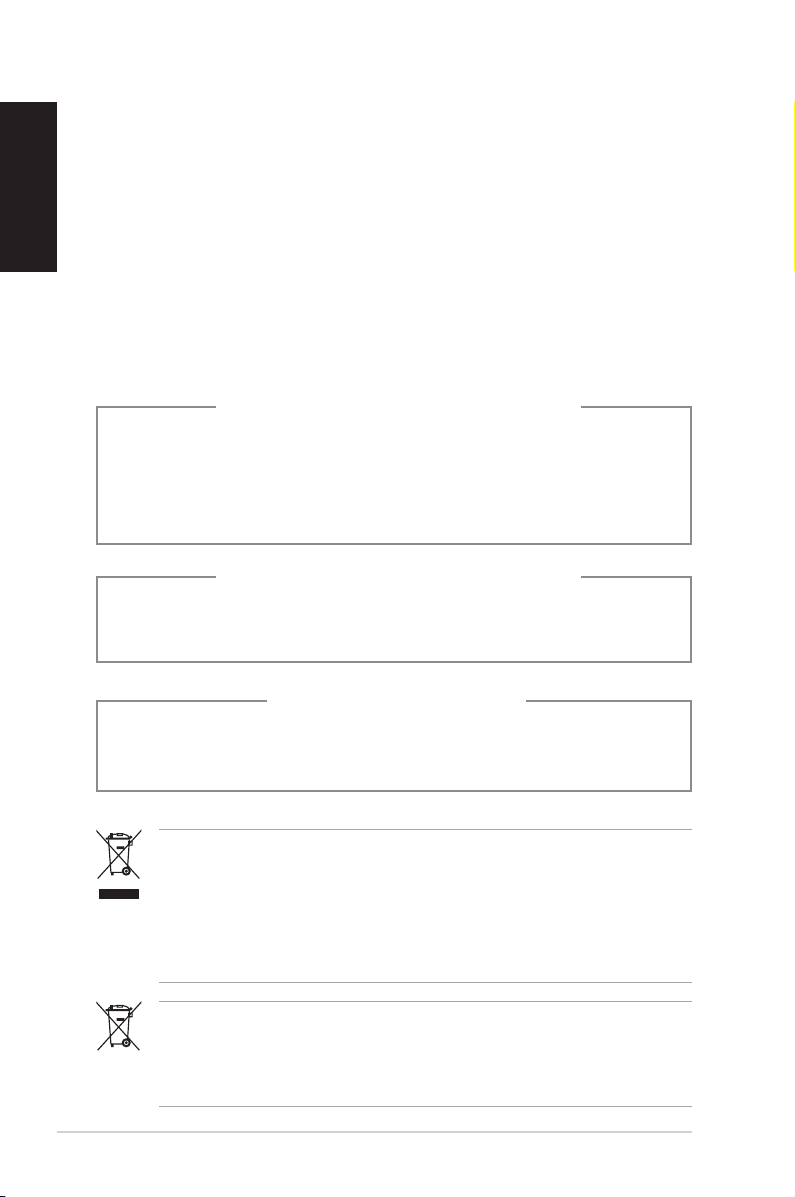
DO NOT throw the PC in municipal waste.This product has been
designed to enable proper reuse of parts and recycling.This
symbol of the crossed out wheeled bin indicates that the product
(electrical, electronic equipment, and mercury-containing button
cell battery) should not be placed in municipal waste. Check local
technical support services for product recycling.
NO DISASSEMBLY
The warranty does not apply to the products that
have been disassembled by users
DO NOT throw the battery in municipal waste.This symbol of the
crossed out wheeled bin indicates that the battery should not be
placed in municipal waste. Check local technical support services
for battery replacement.
LASER PRODUCT WARNING
CLASS 1 LASER PRODUCT
Lithium-Ion Battery Warning
CAUTION: Danger of explosion if battery is incorrectly
replaced. Replace only with the same or equivalent type
recommended by the manufacturer. Dispose of used batteries
according to the manufacturer’s instructions.
This manual suits for next models
8
Table of contents
Other Asus Desktop manuals

Asus
Asus Terminator P4 533A User manual

Asus
Asus PE100A User manual

Asus
Asus VivoMini User manual

Asus
Asus G1-P7P55E User manual

Asus
Asus ESC300 G4 User manual

Asus
Asus P4-P5G41 User manual

Asus
Asus BM6AD User manual

Asus
Asus Zen AiO Pro Z220IC User manual

Asus
Asus E1600WK User manual

Asus
Asus D700SA User manual

Asus
Asus BM6875 User manual

Asus
Asus CP Series User manual

Asus
Asus ESC2000 User manual

Asus
Asus AAEON RTC-710AP User manual

Asus
Asus GD30CI User manual

Asus
Asus S501ME User manual

Asus
Asus PN42 Series User manual

Asus
Asus Essentio User manual

Asus
Asus NOVALITE SURF PX10 User manual

Asus
Asus PUNDIT P2-AE2 User manual