
Viper 4115V User manual

OWNER’S GUIDE MODEL
The company behind Viper®Auto Security
Systems is Directed.
Since its inception, Directed has had one pur-
pose, to provide consumers with the finest
vehicle security products and accessories
available. The recipient of nearly 100 pat-
ents and Innovations Awards in the field of
advanced electronic technology.
Quality Directed products are sold and ser-
viced throughout North America and around
the world.
Call (800) 876-0800 for more information
about our products and services.
Directed is committed to delivering
world class quality products and
services that excite and delight our
customers.
®
No oNe Dares
Come Close ®
4115V
©2012 Directed. All rights reserved. G4115V 2012 09
Vista, CA 92081
www.viper.com

1
© 2012 Directed. All rights reserved.
Congratulations
Congratulations on the purchase of your remote start system. This sys-
tem has been designed to provide years of trouble-free operation. By
carefully reading this owner’s guide prior to using your system, you will
maximize the use of this system and its features. For more information
please visit us online at: www.viper.com. For any additional questions
please contact your authorized Directed dealer or contact Directed at
1-800-361-7271 (Canada only) or 1-800- 753- 0600 (U.S. only)
Additional support is also available at: http://support.directed.com
What you get
• Two 1-way remote controls (p/n 7111V)
• Owner's guide & Warranty card
Important Information
Government Regulations and Safety information
Read the Government Regulations and Warning! Safety
First sections of this manual prior to operating this system.
Warning! Failure to heed this information can result in
death, personal injury or property damage and may also
result in the illegal use of the system beyond its intended
purpose.

2© 2012 Directed. All rights reserved.
Your Warranty
Your system comes with a warranty. Make sure that you receive the
warranty registration card and proof of purchase from your dealer,
indicating the product was installed by an authorized Directed dealer.
Please validate it online at www.prodregister.com/directed or com-
plete and return the warranty registration card.
Battery Information
The remote control is powered by a single coin cell battery (CR-2032)
that can be purchased at most retailers. The operating range diminishes
as the battery charge depletes.
Battery Disposal
Directed cares about the environment. If you need to dispose
of the battery, please do so in accordance with your munici-
pal requirements for battery disposal or return to Directed.

Contents
Congratulations ................................................................................................1
What you get ................................................................................................1
Important Information ........................................................................................1
Battery Information............................................................................................2
Battery Disposal .......................................................................................2
Using Your System ...........................................................................................4
Commands At a Glance ............................................................................4
Start Engine .............................................................................................4
Unlock Doors ...........................................................................................4
Stop Engine .............................................................................................4
Car Finder ...............................................................................................4
Using Remote Start............................................................................................5
Key Takeover............................................................................................5
Safety Features.........................................................................................6
Pit Stop....................................................................................................6
Optional Rear Defogger ............................................................................7
Starter Anti-Grind Circuitry.........................................................................7
Disabling the Remote Start System ..............................................................7
Rapid Resume Logic .........................................................................................7
Remote Programming ........................................................................................8
Programming Options........................................................................................8
Patent Information .............................................................................................9
Government Regulations ..................................................................................10
Warning! Safety first .......................................................................................11
Installation .............................................................................................11
Remote Start Capable .............................................................................11
Interference............................................................................................12
Upgrades ..............................................................................................12
Water/Heat Resistance ...........................................................................13
Limited lifetime consumer warranty ....................................................................14

4© 2012 Directed. All rights reserved.
Using Your System
Commands At a Glance
System State Press/Release Press/Hold for 3 sec.
ENGINE OFF START ENGINE CAR FINDER
ENGINE ON UNLOCK DOORS STOP ENGINE
Start Engine
When the engine is OFF, press and release the remote control button
to start the engine.
See"Using Remote Start" on page 5 for more feature details.
Unlock Doors
When the engine is ON, press and release the remote control but-
ton. The doors unlock, the parking lights flash, the horn sounds (if con-
nected) as confirmation.
Note: Horn honk may be an optional feature that requires additional
parts and labor.
Stop Engine
When the engine is ON, press and hold the remote control button for
3 seconds. The engine stops running and the parking lights turn off.
Car Finder
When the engine is OFF, press and hold the remote control button for
three seconds. The horn sounds once and the parking lights flash ten
times.

5
© 2012 Directed. All rights reserved.
Using Remote Start
Important! (1) Never remotely start the vehicle with the ve-
hicle in gear, and (2) Never remotely start the vehicle with
the key in the ignition.
Starting the Engine:
1. Press and release the remote control button.
2. The engine will START and the parking lights will turn on. The
transmit LED flashes once.
3. The parking lights stay on as visual confirmation while the engine
is ON. The default runtime is 12 minutes and can be shortened or
extended by the installer.
If you wish to warm or cool the vehicle interior set the climate controls
to the desired temperature prior to starting.
Key Takeover
When you are ready to drive the vehicle:
1. Unlock the doors
2. Enter the vehicle. Do not step on the foot brake
3. Insert the key, turn it to the run (not start) position. Step on the foot
brake. The remote start is disabled and the parking lights turn off.
4. Begin driving.
Note If your vehicle uses a Smart Key or PTS (Push-To-Start) sys-
tem, please refer to the vehicle specific instructions included
with the owner's guide of the interface module or consult
your authorized dealer.

6© 2012 Directed. All rights reserved.
Safety Features
The following safety features will disable the remote start when acti-
vated or not allow the engine to start if not properly set before starting.
• Foot Brake is depressed
• Hood is open
• Shut down toggle switch is OFF
• Engine over-rev protection (Tachometer mode only)
Pit Stop
This remote start can keep the engine running during short trips away
from the vehicle.
Enabling Pit Stop mode:
1. Park in a well ventilated area.
2. With the engine running set the transmission in the park position.
3. Press and release the remote control button, the parking lights turn
to confirm.
4. Turn off the ignition and remove the key, the engine continues
running.
5. Exit the vehicle, the engine runs for the programmed runtime.
Note If your vehicle uses a Smart Key or PTS (Push-To-Start) sys-
tem, please refer to the vehicle specific instructions included
with the owner's guide of the interface module or consult
your authorized dealer.

7
© 2012 Directed. All rights reserved.
Optional Rear Defogger
If connected, the Defogger circuit automatically activates after remote
starting the vehicle.
Optional Starter Anti-Grind Circuitry
This system includes an anti-grind circuit that can prevent damage to
the starter motor if the key is turned to the start position while the engine
is ON.
Note: Anti-grind circuitry only works when the remote start system is
operating the motor.
Disabling the Remote Start System
When the Shutdown Switch is set to the OFF position, remote engine
starting is defeated. DO this when the vehicle is being serviced or
driven by someone unfamiliar with remote start system operations.
Location Of Shutdown Switch: _________________________
Rapid Resume Logic
This Directed system stores its current state to non-volatile memory. If
power is lost and then reconnected the system recalls the stored state
from memory.

8© 2012 Directed. All rights reserved.
Remote Programming
1. Turn key to the ON position
2. Within 10 seconds, press and release Valet button one time.
3. Within 10 seconds, press and hold the Valet button. The LED on the mod-
ule flashes one time and the horn honks (if connected) to confirm entry into
remote programming. Do not release the valet button.
4. Press the button on the remote control. The horn honks to confirm the remote
has been programmed.
5. Release the Valet button.
6. Turn the key to the Off position. The horn sounds one long honk to confirm
that remote programming has been exited.
The programming routine exits if any of the following occurs:
• The ignition is turned off
• There is no activity for 30 seconds
• The Valet button is pressed too many times
Programming Options
Programming options control your system's normal operational set-up.
Most options do not require additional parts, but some may require
installation labor.
The following is a list of the programmable options, with the factory
settings in bold.
• Your system can be programmed to allow the vehicle to run for
up to 60 minutes when remote started. Can be set up to minute
increments by your installer.
• Parking lights flashing or constant. Your system can be pro-
grammed to flash or turn on the parking lights constantly during the
entire remote start operation.

9
© 2012 Directed. All rights reserved.
• Ignition switch controlled door locking on or OFF. With this feature
on, the doors will lock 3 seconds after the ignition key is turned on,
and unlock when the key is turned off.
Important: The door lock option must be installed for this feature to
work.
Patent Information
This product is covered by one or more of the following United States
patents:
Remote Start Patents:
5,349,931; 5,872,519; 5,914,667; 5,952,933; 5,945,936;
5,990,786; 6,028,372; 6,467,448; 6,561,151; 7,191,053;
7,483,783
Vehicle Security Patents:
5,467,070; 5,532,670; 5,534,845; 5,563,576; 5,646,591;
5,650,774; 5,673,017; 5,712,638; 5,872,519; 5,914,667;
5,952,933; 5,945,936; 5,990,786; 6,028,505; 6,452,484
Other patents pending.
Table of contents
Other Viper Car Alarm manuals


Popular Car Alarm manuals by other brands

Clifford
Clifford 3606X owner's guide

Ultra Start
Ultra Start 2500M SERIES install guide

Ultra Start
Ultra Start 650 Series owner's manual

Audiovox
Audiovox Prestige Platinum+ APS-511C owner's manual

Sparkrite
Sparkrite SRA8 Guide
Federal Signal Corporation
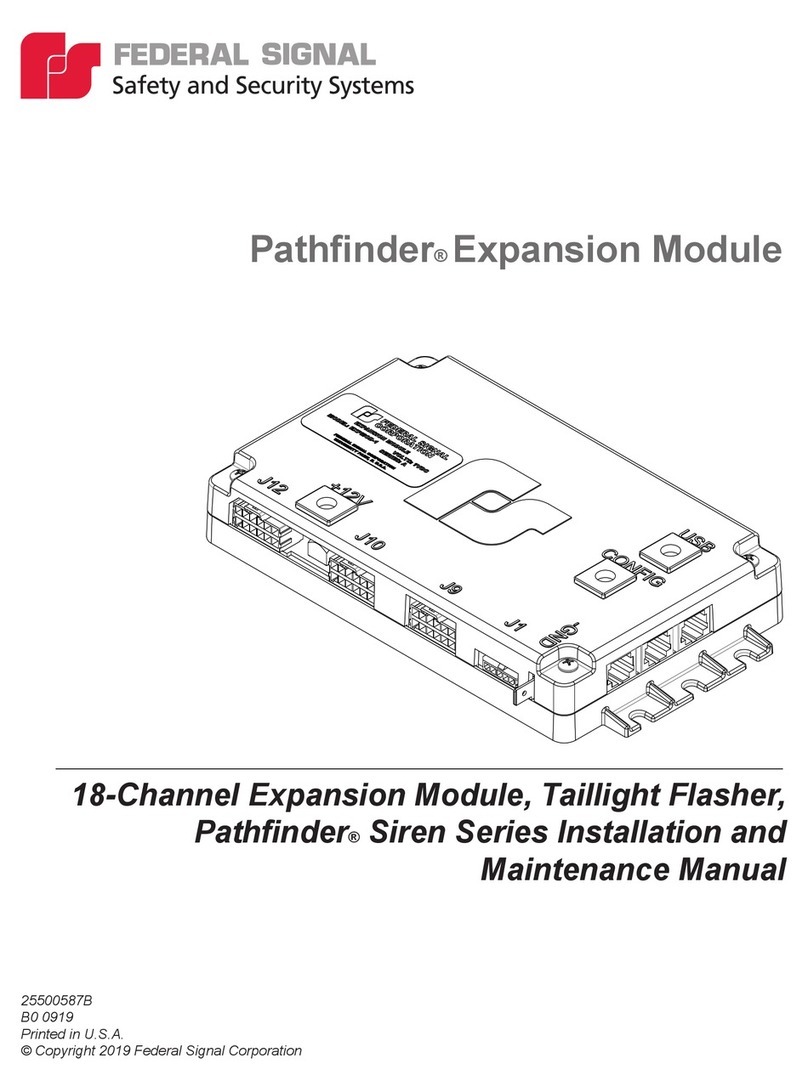
Federal Signal Corporation Pathfinder Siren Series Installation and maintenance manual


