
Viper 3102V User manual

Congratulations
Congratulations on the purchase of your state-of-the-art security system.
Reading this Owner’s Guide prior to using your system will help maxi-
mize the use of your system and its many features. Please visit: www.
viper.com – For general and additional guide information. For any ad-
ditional questions please contact your authorized Directed dealer or
contact Directed at 1-800-753-0600 (U.S. only). Additional support
is also available at: http://support.directed.com.
Additional Guide Information
Only basic commands, features and essential information are covered
in this compact guide. Your product has many advanced features
which are not discussed here, please consult the expanded online
version for these at: www.viper.com. Most sections in this guide also
contain additional information which can be found in the expanded
online version.
What is included
Welcome to the best generation of security. Your system contains ev-
erything you need.
• Two 4- button, 1- way remote controls
• In-vehicle status LED indicator light and push-button Valet switch
• Owner’s guide and Warranty card

Important information
Government Regulations
Read the Government Regulations section of this manual
prior to operating this system.
Your Warranty
Your system comes with a warranty. Make sure you receive the war-
ranty registration card and proof of purchase from your dealer indicat-
ing the product was installed by an authorized Directed dealer. Please
validate it online at www.prodregister.com/directed or complete and
return the warranty registration card.
Replacement remote controls
Your system comes with two 1-way remote controls p/n 7145V. If
additional remote controls are desired, please see your authorized
dealer or visit us at: www.directedstore.com.

Contents
Congratulations ................................................................................................... i
What is included.................................................................................................. i
Important information ......................................................................................... ii
Remote control configuration................................................................................ 3
Standard configuration at a glance........................................................ 3
Remote control functions ...................................................................................... 4
Arm ................................................................................................... 4
Disarm ............................................................................................... 4
Trunk Release/Silent Mode ................................................................... 4
Panic.................................................................................................. 4
Auxiliary Functions............................................................................... 5
Using your system ............................................................................................... 6
Active arming...................................................................................... 6
Passive arming .................................................................................... 6
Disarming........................................................................................... 7
Disarming without a transmitter.............................................................. 7
Silent mode......................................................................................... 8
Panic mode......................................................................................... 9
Valet mode ......................................................................................... 9
System maintenance.......................................................................................... 11
Patent Information ............................................................................................. 11
Government Regulations .................................................................................... 12
Limited lifetime consumer warranty ..................................................................... 14


3
© 2013 Directed. All rights reserved.
Remote control configuration
Internal antenna
Command
Buttons
Transmit LED
Standard configuration at a glance
Arm
Disarm
Trunk Release/Silent Mode AUX
Panic
AUX
AUX
AUX
AUX
P
Auxiliary 1
and
Auxiliary 2
AUX
AUX
AUX
AUX
P
and AUX
Auxiliary 3
and AUX
Auxiliary 4
and
AUX
AUX
AUX
AUX
P

4© 2013 Directed. All rights reserved.
Remote control functions
The descriptions below reflect the standard configuration for this
system. The buttons can be custom configured for the user’s specific
needs by the installer.
Arm
Press and release
to lock the doors and arm the vehicle.
Disarm
Press and release
to unlock the doors and disarm the vehicle.
Trunk Release/Silent Mode
Press and hold AUX for approximately two seconds to activate trunk
release.
or
Press and release AUX, then press
or
to activate Silent
Mode™.
Panic
Press and hold
AUX
AUX
AUX
AUX
P
for two seconds, to activate Panic.

5
© 2013 Directed. All rights reserved.
Auxiliary Functions
This system also supplies outputs that can control convenience options
such as remote control window automation. Consult your dealer for
available options for your system.
Auxiliary 1
Press and release
and
simultaneously to activate an
auxiliary convenience or expansion option.
The auxiliary 1 output controls
Auxiliary 2
Press and release
AUX
AUX
AUX
AUX
P
and AUX simultaneously to activate an
auxiliary convenience or expansion option.
The auxiliary 2 output controls
Auxiliary 3
Press and release
and AUX simultaneously to activate an
auxiliary convenience or expansion option.
The auxiliary 3 output controls
Auxiliary 4
Press and release
and
AUX
AUX
AUX
AUX
P
simultaneously to activate an aux-
iliary convenience or expansion option.
The auxiliary 4 output controls

6© 2013 Directed. All rights reserved.
Using your system
The buttons described in this manual correspond to the standard con-
figuration. However, the remote commands may be customized to suit
your specific needs. See your installer for additional details.
Active arming
You can arm the system by pressing
of your remote for one second.
When the system arms, from the vehicle you hear one chirp from the
siren, and the parking lights flash once. If the power door locks are
controlled by the system, the doors also lock. While the system is
armed, the in-vehicle’s status LED flashes approximately once per sec-
ond, indicating that the system is actively protecting your vehicle. If
you hear a second chirp after arming and note that the in-vehicle’s sta-
tus LED is flashing in groups (see Diagnostics section in online guide).
This extra chirp is called Bypass Notification.
Passive arming
The system can be programmed to arm itself automatically (called passive
arming). If the system is programmed for passive arming, it will automati-
cally arm 30 seconds after the ignition is turned off and the system detects
that you have left the vehicle by opening and closing a door. Whenever
the system is in its 30 - second passive arming countdown, the in-vehicle
status LED will flash twice as fast as it does when the system is armed. At
the 20 - second point of the countdown, the siren will chirp to indicate that
the system is about to arm. At the 30 - second point, the parking lights will
flash to indicate that the system is armed.
If any protected entry point (such as a door or a switch-protected trunk
or hood) is open, the system will not passively arm (unless forced pas-
sive arming is programmed on, see Programming Options section in

7
© 2013 Directed. All rights reserved.
online guide). Additionally, if a door, hood or trunk is triggered during
the arming countdown, the 30 - second countdown starts over.
When the system is armed:
• Light impacts trigger the Warn Away® signal. When triggered,
the siren chirps and the parking lights flash for a few seconds.
• Heavy impacts trip a Triggered Sequence. The sequence consists
of the siren sounding continuously and the parking lights flashing
for 30 seconds. The output duration can be programmed from
1 - 180 seconds by your installer.
• If a door is opened, the system will immediately start chirping the
siren and flashing the parking lights. Three seconds later, the siren
output changes to a continuous blast. This progressive response
gives you time to disarm the system with your remote if you inad-
vertently open the door while the system is armed, while still pro-
viding instant response (even if the door is immediately closed).
• Turning on the ignition key will trip the same progressive response
as opening a door.
• The optional starter kill prevents the vehicle’s starter from cranking.
Disarming
To disarm the system, press
. You will hear two chirps, and the
parking lights will flash twice. If the power locks are connected to
the system, the doors will unlock. If the siren chirps either four or five
times when disarming (see Diagnostics section in online guide). This
is called Tamper Alert.
Disarming without a transmitter
This feature allows you to disarm the security system without the remote
transmitter should it be lost, damaged, or disabled. In order to disarm
the system without a remote transmitter, you must have the vehicle’s

8© 2013 Directed. All rights reserved.
ignition key and know where the Valet button is located. Be sure to
check with the installer for the location and the number of presses of
the Valet button required to disarm the system.
To disarm the security system:
1. Turn the ignition to the ON position.
2. Press and release the Valet button the preset number of times
(one, the factory setting, to five times) within 15 seconds.
After five seconds the system disarms. If the system does not dis-
arm, you may have waited too long.
Turn the ignition off and on and try again.
Location of Valet Button _________________________________
Number of Pulses _________________________________
The unit may respond to one to five pulses of the Valet button, when
disarming. Check with your installer to discuss how you want the
system configured.
Note: as a precaution, if programmed for passive arming the system
should be placed into Valet Mode until a remote is available.
Silent mode
To temporarily turn off the arm or disarm chirps, use Silent Mode™.
Press AUX for less than one second before arming or disarming, and
the confirmation chirp(s) will be eliminated for that one operation only.
If you want the arm/disarm chirps turned off permanently, your dealer
can do this for you.
The Warn Away response to lighter impacts is bypassed if the system
Table of contents
Other Viper Car Alarm manuals


Popular Car Alarm manuals by other brands

Clifford
Clifford 3606X owner's guide

Ultra Start
Ultra Start 2500M SERIES install guide

Ultra Start
Ultra Start 650 Series owner's manual

Audiovox
Audiovox Prestige Platinum+ APS-511C owner's manual

Sparkrite
Sparkrite SRA8 Guide
Federal Signal Corporation
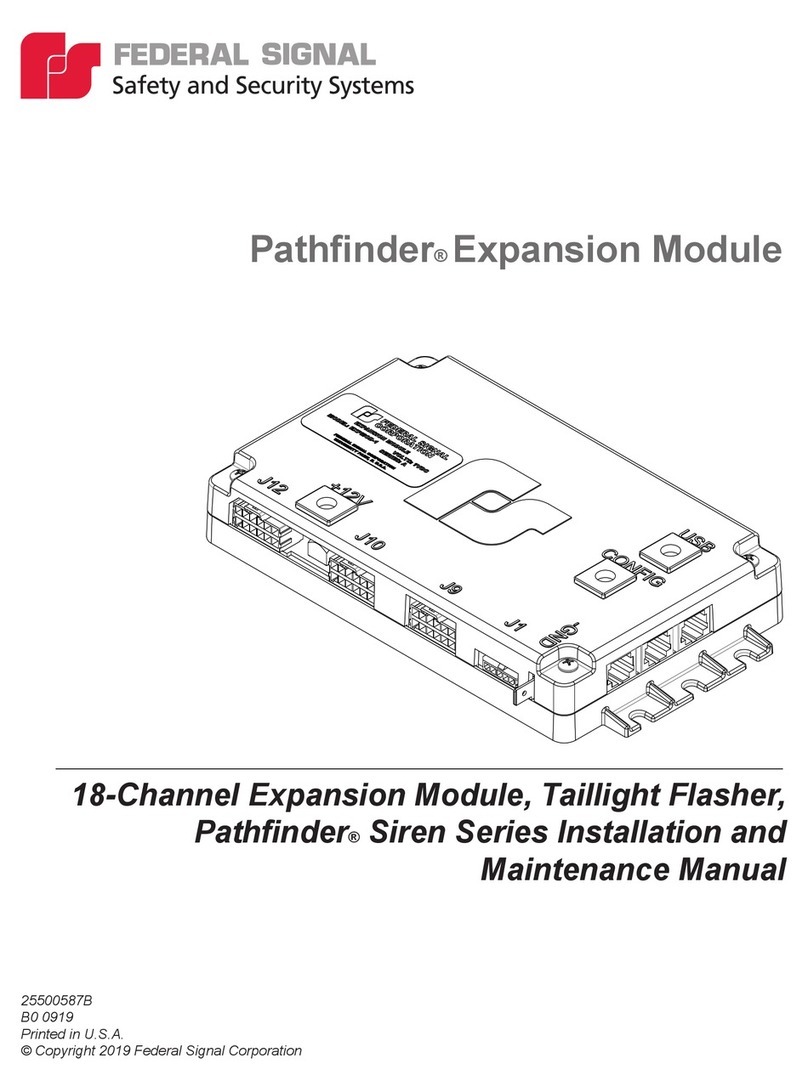
Federal Signal Corporation Pathfinder Siren Series Installation and maintenance manual


