www.timberk.com • Electric air conditioner
8
on the display you can read the time which passes between the programming and
the timed start.
Before proceeding with the timed start: program the working mode with
the «MODE» button and the fan speed with the «FAN» button. Switch the conditioner
off (with the «ON/OFF» button).
To cancel the setted function, press the «TIMER» button again.
In case of power off, it is necessary to set «TIMER ON» again.
TIMER MODE–TIMER OFF
To set the automatic switching-off of the air conditioner.
The timed stop is programmed with the appliance on.
Press «TIMER», set the time pressing the key or , press the key more times
till on the display you can read the time which passes between the programming and
the timed stop.
To cancel the setted function, press the «TIMER» button again.
In case of power off, it is necessary to set «TIMER OFF» again.
While the time was right settled, the «TIMER» function of this
remote (clock function) can set by half hours.
DRY MODE
This function reduces the humidity of the air to make the room more comfortable.
To set the «DRY» mode, press «MODE» untill appears in the display. An automatic
function of alternating cooling cycles and air fan is activated.
FEEL MODE
To activate the «FEEL» (automatic) mode of operation, press the «MODE» button on
the remote control until the symbol appears in the display.
In the «FEEL» mode the fan speed and the temperature are set automatically accord-
ing to the room temperature (tested by the probe which is incorporated in the indoor
unit) to ensure user comfort.
To optimize the working of the conditioner, adjust the temperature (only +/- 2 °С)
by pressing the «TIMER» button, the speed by pressing the «FAN» button, and the
direction of the air flow by pressing the «SWING» button.
SLEEP MODE
To activate the «SLEEP» mode of operation, press the SLEEP button on the remote
control until the symbol appears in the display.
The function «SLEEP» automatically adjusts the temperature to make the room more
comfortable during the night sleep. In cooling or dry mode, the set temperature will
automatically raise by 1 °С every 60 minutes, to achieve a total rise of 2 °С during
the first 2 hours of work.
In heating mode the set temperature is gradually decreased by 2 °С during the first
2 hours of work.
After 10 hours running in sleep mode the air conditioner is swicthed off automatically.
7. OPERATING MODES
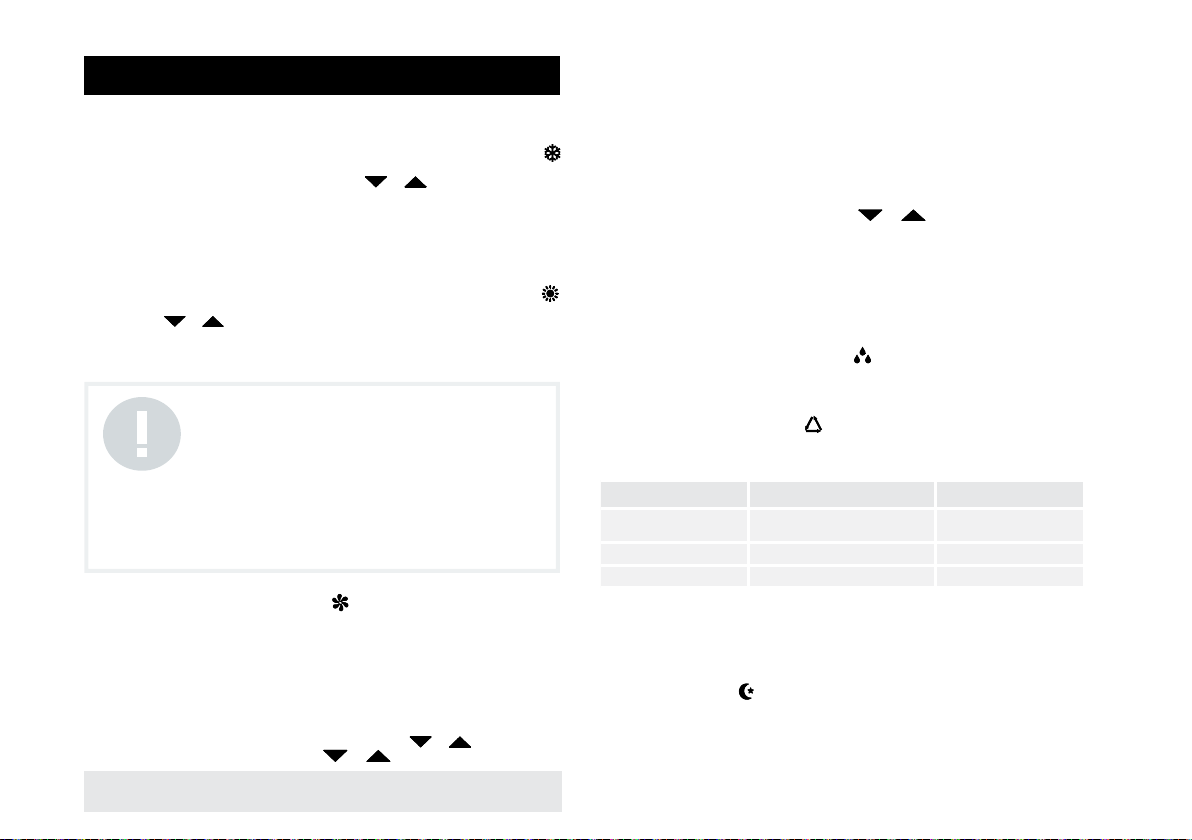
COOLING MODE
The cooling function allows the air conditioner to cool the room and at the same time
to reduce the humidity in the air.
To activate the cooling function «COOL», press the «MODE» button until the symbol
appears on the display.
The cooling cycle is activated by setting the keys or at a temperature lower
than that of the room.
To optimize the functioning of the conditioner, adjust the temperature by pressing the
«TIMER» button, the speed by pressing the «FAN» button and the direction of the air
flow by pressing the «SWING» button.
HEATING MODE
The heating function allows the air conditioner to produce hot air.
To activate the heating function «HEAT», press the «MODE» button until the symbol
appears on the display.
With the keys or set a temperature higher than that of the room.
To optimize the functioning of the conditioner, adjust the temperature by pressing the
«TIMER» button, the speed by pressing the «FAN» button and the direction of the air
flow by pressing the «SWING» button.
FAN MODE
To set the FAN mode, Press «MODE» untill appears in the display.
Whith pressing «FAN» button the speed changes in the following sequence: LOW/
MEDIUM/HIGH /AUTO in FAN mode.
The remote control also stores the speed that was set in the previous mode
of operation. In FEEL mode (automatic) the air conditioner automatically chooses the
fan speed and the mode of operation (COOLING or HEATING).
TIMER MODE–TIMER ON
To set the automatic switching on of the air conditioner.
To program the time start,the appliance should be off.
Press «TIMER», set the temperature with pressing the key or , press «TIMER»
again, set the time with pressing the key or , press the key more times till
Ambient temperature Operation mode Auto temperature
<+20 °С Heating ( for heat pump type)
Fan (for cool only type) +23 °С
+20–26 °С Dry +18 °С
>+26 °С Cool +23 °С
NOTE!
The appliance is fitted with a Hot Start function, which
delays appliance to startup in a few seconds to ensure
an immediate output of hot air.
In HEATING operation, the appliance can automatically
activate a defrost cycle, which is essential to free
the condenser from an excessive deposit of frost.
This procedure usually lasts for 2–10 minutes during
defrosting, fans stop operation. After defrosting, it
returns to HEATING mode automatically.