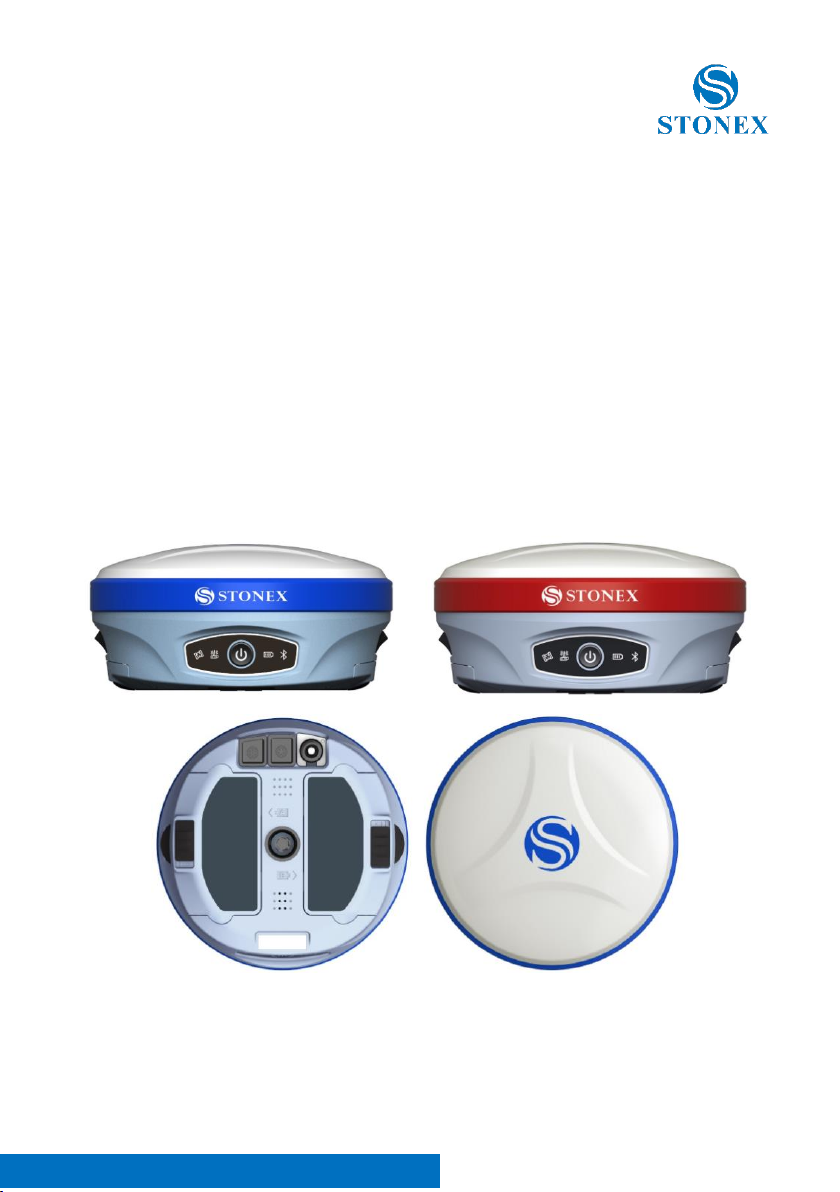
Stonex S900T GNSS Receiver –User Manual 1
Contents
Introduction .................................................................................................................... 2
1.1 Receiver appearance .............................................................................................................. 2
1.2 Interfaces.................................................................................................................................... 3
1.3 Control panel ............................................................................................................................ 3
2 Web User Interface...................................................................................................... 4
2.1 Status........................................................................................................................................... 6
2.2 Settings....................................................................................................................................... 7
2.3 Download................................................................................................................................... 8
2.4 Management............................................................................................................................. 9
2.4.1 Install new firmware ..........................................................................................................10
2.4.2 Device register ....................................................................................................................10
3 Basic operation ..........................................................................................................11
3.1 Model view and switch........................................................................................................11
3.2 Receiver self-check................................................................................................................11
3.3 Install TF card and SIM card...............................................................................................12
3.4 Power off the receiver..........................................................................................................13
4 Accessories .................................................................................................................14
4.1 Transport container ..............................................................................................................14
4.2 Battery and adapter..............................................................................................................15
4.3 UHF antenna ...........................................................................................................................16
4.4 7-pin serial cable....................................................................................................................16
5 Technical specification..............................................................................................17
Appendix 1 Default radio configuration....................................................................19
Appendix 2: Copyrights, warranty and environmental recycling ...........................20
Copyrights and trademarks.......................................................................................................20
Release Notice...............................................................................................................................20
Standard Limited Warranty .......................................................................................................20
Shipping policy..............................................................................................................................21
Return policy Dead On Arrival instruments. ........................................................................22
Firmware/Software warranty.....................................................................................................22
Over Warranty repair(s) policy. ................................................................................................23
Disclaimer and Limitation of Remedy....................................................................................23
Instruments.....................................................................................................................................24
Accessories .....................................................................................................................................24
Service Procedure.........................................................................................................................24
Environmental recycling.............................................................................................................25
For countries in the European union (EU) ............................................................................25
For countries outside European union (EU).........................................................................26
Appendix 4: Safety Recommendations......................................................................26