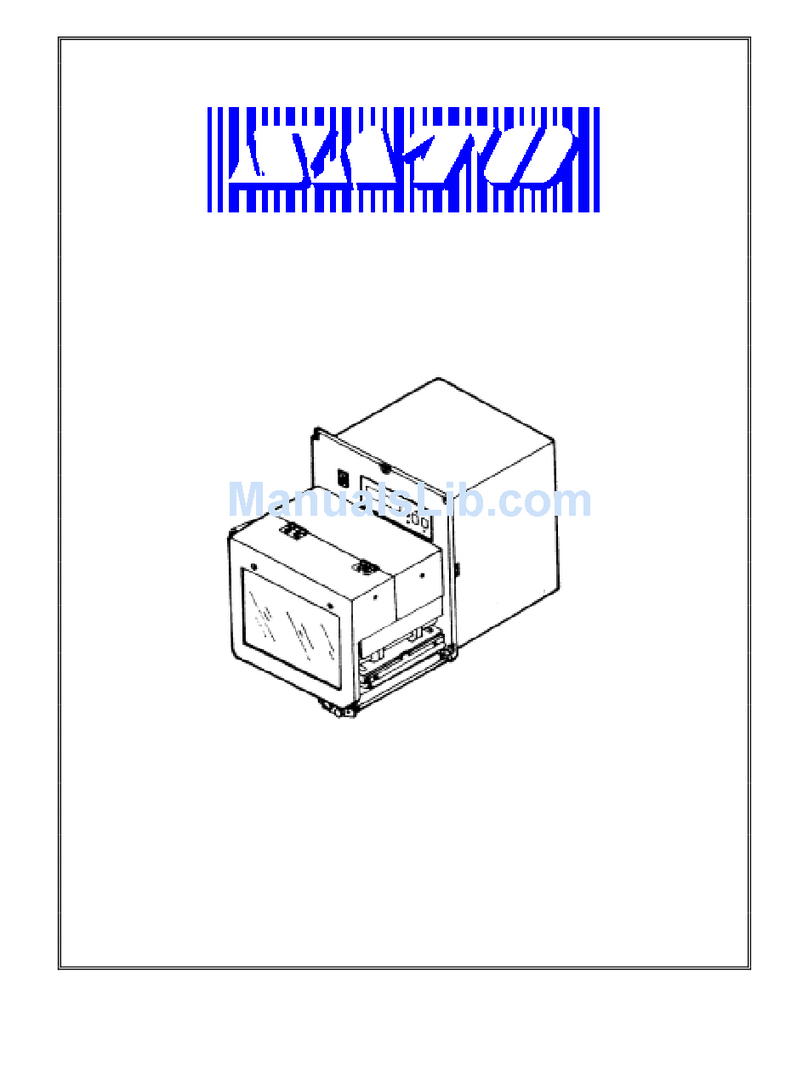
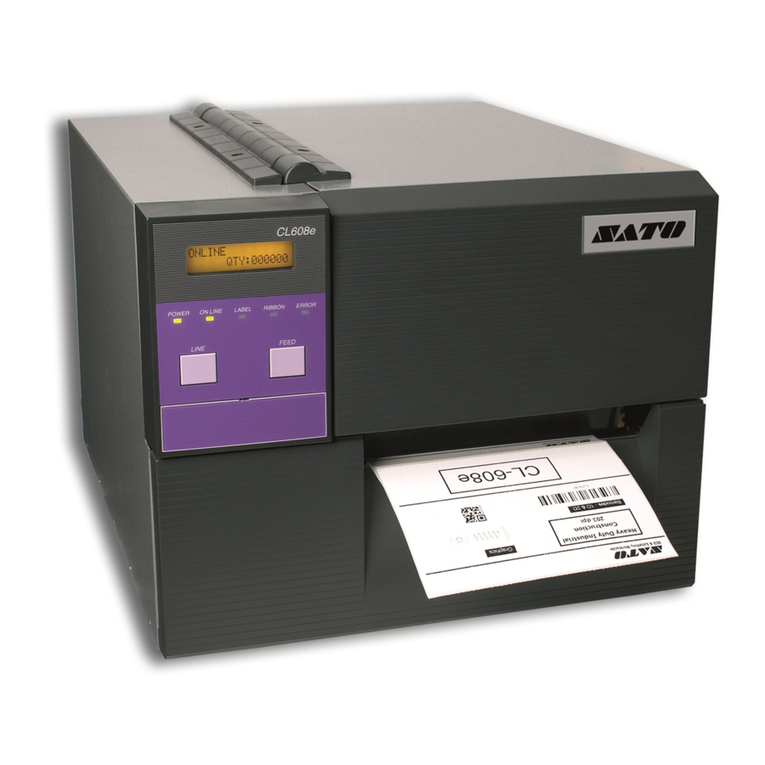
SATO M10e Series User manual

PN 9001101 Rev. A
M10e
Thermal Transfer Printer
OPERATOR
MANUAL

SATO America, Inc.
10350A Nations Ford Road
Charlotte, NC 28273
Main Phone: (704)644-1650
Tech Support Hotline: (704)644-1660
Fax: (707)644-1661
E-Mail: satosales@satoamerica.com
www.satoamerica.com
© Copyright 2003
SATO America, Inc.
All rights reserved. No part of this document may be reproduced or issued to third parties in any
form whatsoever without the express permission of SATO America, Inc. The materials in this
document is provided for general information and is subject to change without notice. SATO
America, Inc. assumes no responsibilities for any errors that may appear.
Preliminary 11/12/02

SATO M10e PN 9001101 Rev. A i
TABLE OF CONTENTS
Section 1. Printer Overview
Introduction..................................................................................................1-1
Specifications...............................................................................................1-2
Section 2. Installation
Introduction..................................................................................................2-1
Installation ...................................................................................................2-1
Dimensions ..................................................................................................2-2
Components .................................................................................................2-3
Media Loading.............................................................................................2-5
Label Sensing...............................................................................................2-7
Operation Panel............................................................................................2-8
Dip Switch Panel .........................................................................................2-9
Section 3. CONFIGURATION
Printer Dip Switch Configuration ................................................................3-1
Default Settings............................................................................................3-7
Switch Selections.........................................................................................3-7
Potentiometer Adjustments..........................................................................3-8
Pitch .............................................................................................................3-8
LCD Panel Printer Configuration ................................................................3-10
Section 4. CLEANING AND MAINTENANCE
Introduction..................................................................................................4-1
Adjusting the Print Quality ..........................................................................4-1
Cleaning the Print Head, Platen and Rollers................................................4-2
Cleaning the Label Edge and Paper End Sensors ........................................4-4
Cleaning the Auto Load Sensor ...................................................................4-5
Replacing the Print Head .............................................................................4-6
Section 5. Troubleshooting
Initial Checklist............................................................................................5-1
Using the IEEE1284 Parallel Interface........................................................5-1
Using the RS232C Serial Interface..............................................................5-2
Using The Universal Serial Bus (USB) Interface........................................5-3
Using the Lan Ethernet Interface .................................................................5-3
Error Signals ................................................................................................5-6

Table of Contents
ii PN 9001101 Rev. A SATO M10e
Section 6. Interface Specifications
Introduction..................................................................................................6-1
Interface Types ............................................................................................6-1
The Receive Buffer......................................................................................6-2
IEEE1284 Parallel Interface ........................................................................6-3
RS232 Serial Interface .................................................................................6-5
Universal Serial Bus (USB) Interface..........................................................6-7
Local Area Network (LAN) Optional Interface...........................................6-8
BiDirectonal Communications ....................................................................6-8
Section 7. Label Sheet Commands
Label Size ....................................................................................................7-2
Label Start....................................................................................................7-3
Label Format................................................................................................7-4
SLabel Variable Data...................................................................................7-5
Label Print Quantity.....................................................................................7-6

Section 8. Optional Accessories
PCMCIA Memory Cards .............................................................................8-1
Plug-in Interface Modules ...........................................................................8-2
Cutter ...........................................................................................................8-3

SATO M10e PN 9001101 Rev. A Page 1-1
SECTION 1.
PRINTER OVERVIEW
INTRODUCTION
The SATO M10e printer is a wide carriage thermal printer designed specifically to address need
for large high resolution labels. It can print labels as large as 10.5” x 16.5” with a resolution of
305 dpi (dots per inch) at speeds up to 5 inches per second, making it ideal for large compliance
label applications.All printer parameters are user programmable using the front panel controls
and DIP switches. All popular bar codes and 14 human readable fonts, including vector and two
raster fonts, are resident in memory providing literally thousands of type styles and sizes.
The M10e is available in two versions. The M10eDT is a direct thermal only version and must use
thermally sensitive paper to print. The M10eTT is a thermal transfer model and has provisions for
using a thermal transfer ribbon. It can also print in a direct thermal mode if the ribbon is not used.
This manual will help you understand the basic operations of the printer such as setup, installa-
tion, configuration, cleaning and maintenance.
The M10e uses the standard SATO Printing Language command codes. The only differences
between it and other SATO printers are the allowable values representing the print positions on
the label. These values are specified in “dots” and vary depending upon the resolution of the
printer and the amount of memory available for imaging the label. The allowable ranges for the
M10e are specified in the SATO “e” Printer Programming Reference. This commonality makes it
easy to convert labels from one SATO printer without having to create an entirely different com-
mand stream. There are some caveats that must be observed though to compensate for the differ-
ent resolution print heads. The effects of the different print resolutions are best illustrated by
taking a label designed for a 305 dpi printer and sending the command stream to a 609 dpi printer.
The label printed will be an exact one half scale, including the fonts, bar code dimensions and line
length/widths. The only exceptions are the Postnet bar code and OCR-A and OCR-B fonts that
have only one legal size and the printer resolution is automatically compensated for by the various
printers. Conversely, a label designed for a 609 dpi printer and sent to its 305 dpi cousin will be
twice as large. It probably will be “truncated” if the resulting size is larger that the maximum
allowable for the printer.

Section 1: Overview
Page 1-2 PN 9001101 Rev. A SATO M10e
GENERAL PRINTER SPECIFICATIONS
SPECIFICATION M10e
PRINT
Method Direct or Thermal Transfer
Speed (User Selectable) 2 to 10 ips
50 to 125 mm/s
Print Module (Dot Size) ..0033 in.
.083 mm
Resolution 309 dpi
12 d/mm
Maximum Print Width 10.5 in.
266 mm
Maximum Print Length 16.5 in.
420 mm
MEDIA
Minimum Width 5.16 in.
131 mm
Minimum Length 1.7 in.
43 mm
Maximum Width 11.8 in.
300 mm
Type Roll or Fan-Fold Die Cut Labels
Thermally Sensitive for M10eDT
Maximum Caliper 0.008 in.
0.21 mm
Roll OD (max) Face-In 7.8 in.
200 mm
Core ID (min) 3 in
76.2 mm
SENSING
See-Thru Fixed, 0.9 in. (22.5 mm) left of center
Reflective Eye-Mark Fixed, 0.2 in. (5 mm) from left label edge
Continuous Form Not Used
RIBBON
Widths 6.5 in. (165 mm), 8.7 in. (220 mm), 10.7 in.(273 mm)
Length (max) 984 ft. (300 m)
Thickness 4.5 micron, Wound Face-In

Section 1: Overview
SATO M10e PN 9001101 Rev. A Page 1-3
SPECIFICATION M10e
CONTROLS AND INDICATORS
Power Green LED
On-Line Green LED
Error Red LED
LCD Panel 2 Line x 16 Character
Auto-Load (Rear Panel) Green LED
Power On/Off Switch Front Casework
On/Off-Line Key Front Panel
Feed Switch Key Front Panel
Cursor Control Keys Front Panel
Enter Key Front Panel
POTENTIOMETER ADJUSTMENTS
Print Darkness Top Panel
Offset Top Panel
Pitch Top Panel
Display Top Panel
INTERFACE CONNECTIONS (1)
Parallel IEEE1284 Standard
Serial RS232C (9600 to 57600 bps) Standard
RS422/485 (9600 to 57600 bps) Optional
Ready/Busy or X-On/X-Off Flow Control
Bi-directional Status
Universal Serial Bus USB Ver. 1.1 Standard
Ethernet 10/100BaseT
PROCESSING
CPU 32 Bit RISC
Flash ROM 4 MB
SDRAM 16 MB
Receive Buffer 2.95 MB
Memory Expansion See Options and Accessories
(1) Only one interface module can be installed in a printer at a time.

Section 1: Overview
Page 1-4 PN 9001101 Rev. A SATO M10e
SPECIFICATION M10e
MATRIX FONTS
U Font 5 dots W x 9 dots H
S Font 8 dots W x 15 dots H
M Font 13 dots W x 20 dots H
XU Font 5 dots H x 9 dots H (Helvetica)
XS Font 17 dots H x 17 dots W (Univers Condensed Bold)
XM Font 24 dots H x 24 dots W (Univers Condensed Bold)
OA Font 22 dots W x 33 dots H (OCR-A)
OB Font 30 Dots W x 36 dots H (OCR-B)
AUTO SMOOTHING FONTS
WB 18 dots W x 30 dots H
WL 28 dots H x 52 dots H
XB 48 dots H x 48 dots W (Univers Condensed Bold)
XL 48 dots W x 48 dots H (Sans Serif)
VECTOR FONT
Proportional or Fixed Spacing
Font Size 50 x 50 dots to 999 x 999 dots
Helvetica, 10 Font Variations
AGFA® RASTER FONTS
Font A CG Times ®, 8 pt to 72 pt
Font B CG Trimvirate®, 8 pt to 72 pt
DOWNLOADABLE FONTS
Bit Mapped TrueType® Fonts with Utility Program
CHARACTER CONTROL
Expansion to 12X in either X or Y coordinates
Character Pitch control
Line Space control
Journal Print facility
0°, 90°, 180° and 270° Rotation

Section 1: Overview
SATO M10e PN 9001101 Rev. A Page 1-5
BAR CODE M10e
SYMBOLOGIES
Linear Bar Codes Bookland (UPC/EAN Supplemental)
EAN-8/EAN-13
CODABAR
CODE 39
CODE 93
CODE 128
Interleaved 2 of 5 (I 2/5)
Industrial 2 of 5
Matrix 2 of 5
MSI
POSTNET
UCC/EAN-128
UPC-A/UPC-E
Two Dimensional Data Matrix
Maxicode
PDF417
Micro PDF
Truncated PDF
QR Code
1:2, 1:3, 2:5, User Programmable
Bar Height 4 to 999 dots, User Programmable
Rotation 0°, 90°, 180° and 270° Rotation
OTHER FEATURES
Sequential Numbering Sequential numbering of both numerics and bar codes
Custom Characters RAM storage for custom designed characters
Graphics Dot addressable, SATO Hex/Binary, BMP or PCX formats
Forms Overlay Overlay of predesigned forms in image buffer

Section 1: Overview
Page 1-6 PN 9001101 Rev. A SATO M10e
SPECIFICATION M10e
PHYSICAL
Wide 18.7 in. (475 mm)
Deep 12.3 in. (313.4 mm)
High 12.6 in.(319.2 mm)
Weight 50.7 lb. (23 kg)
POWER
Input Voltage Autoswiching 100-240 VAC +/-10%, 60 Hz
Power Consumption 560W Operating, 40W Idle
ENVIRONMENTAL
Operating Temperature 41° to 104°F (5° to 40°C)
Storage Temperature (-5° to 60°C)
Storage Humidity 30 to 90% RH Non-Condensing
Operating Humidity 30 to 80% RH Non-Condensing
Electrostatic Discharge
REGULATORY APPROVALS
Safety UL, CSA, TUV
RFI/EMI FCC Class B
Other manuals for M10e Series
5
Table of contents
Other SATO Printer manuals

SATO
SATO CX208/212 Operating instructions

SATO
SATO CL408-412e User manual

SATO
SATO M-8400 User manual

SATO
SATO M-8490Se Series User manual

SATO
SATO MB2i Series User manual

SATO
SATO Argox OS-2140DZ User manual

SATO
SATO GL4 Series User manual

SATO
SATO CT424i User manual

SATO
SATO CL608e/CL612e User manual

SATO
SATO CX Series Owner's manual