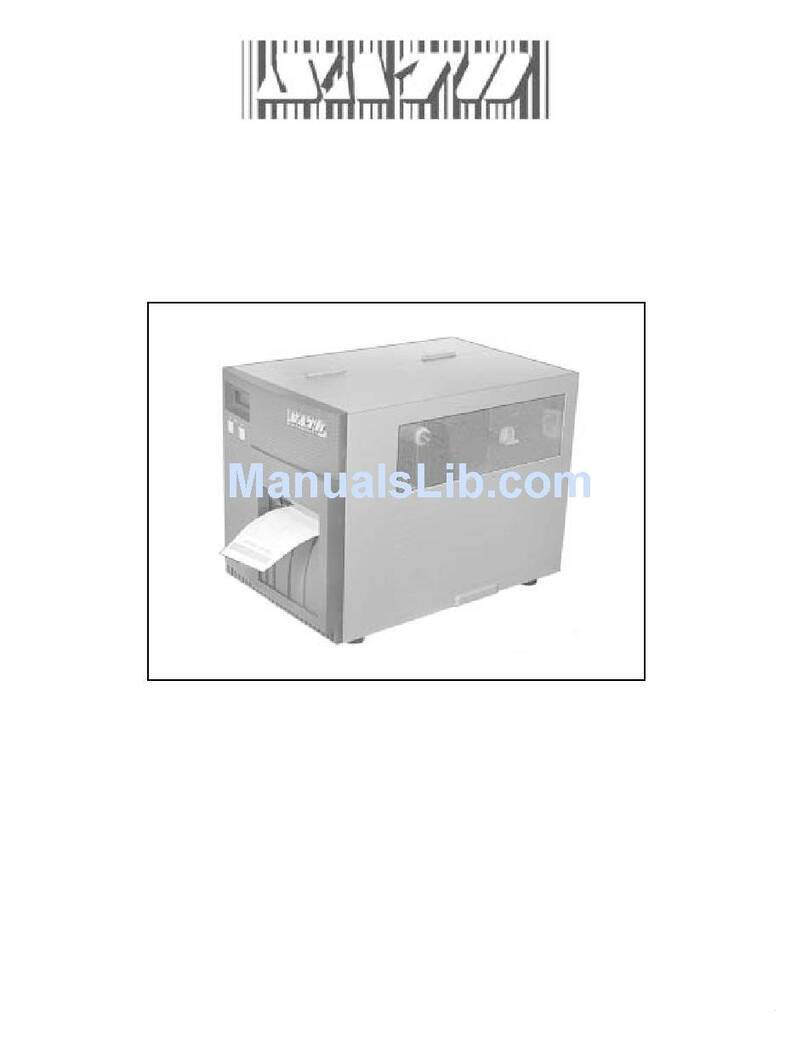
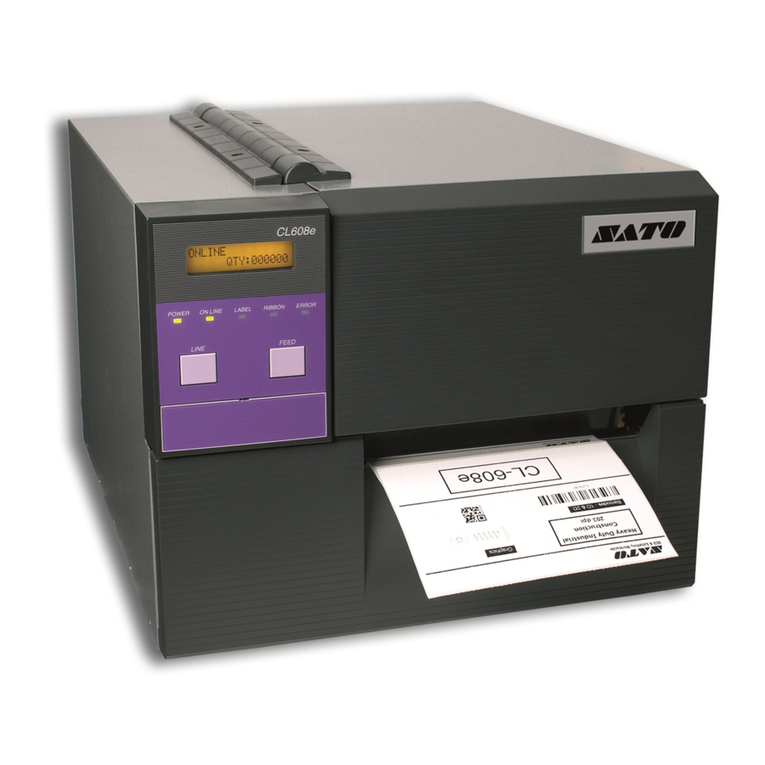
SATO CT4i Series User manual

Operator Manual
For printer models:
www.satoamerica.com
PN: 9001239(A)
CT4i Series

SATO America, Inc.
10350A Nations Ford Road
Charlotte, NC 28273
Main Phone: (704) 644.1650
Technical Support: (704) 644.1660
Technical Support Fax: (704) 644.1661
E-Mail: satosale[email protected]
techsupport@satoamerica.com
www.satoamerica.com
Copyright 2011 SATO America, Inc. All rights reserved
Caution
(1) Reproduction in any manner of all or part of this document is prohibited.
(2) The contents of this document may be changed without prior notice.
(3) Great care has been taken in the preparation of this document. However, if, for any reason, problems,
mistakes, or omissions are found, please contact your SATO reseller or technical support center.
FCC statement
The printer complies with the requirements in Part 15 of FCC Rules for a Class B Computing Device.
Operating the printer in a residential area may cause unacceptable interference to radio and TV reception.
If the interference is unacceptable, you can reposition the equipment, which may improve reception.

Table of Contents
CT4i Series Operator Manual Page 1
Table of Contents
INTRODUCTION ...................................................................................1 - 1
About This Manual.................................................................................................... 1 - 2
General Description.................................................................................................. 1 - 3
TECHNICAL DATA................................................................................2 - 1
Interface Selection .................................................................................................... 2 - 6
RS232C High-Speed Serial Interface (25-Pin)................................................................... 2 - 6
IEEE1284 Parallel Interface ............................................................................................... 2 - 8
Universal Serial Bus (USB) ................................................................................................ 2 - 9
Local Area Network (LAN) Ethernet................................................................................... 2 - 9
802.11G Wireless............................................................................................................. 2 - 10
All Interfaces .................................................................................................................... 2 - 13
ACK/NAK Protocol ........................................................................................................... 2 - 13
Status5 Return ................................................................................................................. 2 - 13
INSTALLATION ....................................................................................3 - 1
Overview .................................................................................................................... 3 - 2
Unpacking & Parts Identification............................................................................. 3 - 5
Printer Installation .................................................................................................... 3 - 6
Site Location ...................................................................................................................... 3 - 6
Media Selection.................................................................................................................. 3 - 6
Media Loading: Rolled Paper............................................................................................. 3 - 6
Ribbon Loading .................................................................................................................. 3 - 7
Loading Fanfold Paper ............................................................................................. 3 - 8
Label Sensing............................................................................................................ 3 - 9
Operational Mode Selection................................................................................... 3 - 10
Continuous Mode ............................................................................................................. 3 - 10
Tear-off Mode................................................................................................................... 3 - 10
Cutter Mode ..................................................................................................................... 3 - 10
Dispense Mode ................................................................................................................ 3 - 10
Linerless Mode................................................................................................................. 3 - 10
PRINTER CONFIGURATION .................................................................4 - 1
Configuration Modes ................................................................................................ 4 - 2
4.1 Operating Panel ........................................................................................................... 4 - 2
4.2 The Rear Panel ............................................................................................................ 4 - 3
4.3 The Configuration Panel............................................................................................... 4 - 4
DIP Switch Settings............................................................................................................ 4 - 4
4.4 Operational Modes....................................................................................................... 4 - 7
4.9 Offsets........................................................................................................................ 4 - 14
4.10 Potentiometer Adjustments ...................................................................................... 4 - 15
4.12 Printing Test Labels.................................................................................................. 4 - 18
4.13 Printing Factory/Service Test Prints......................................................................... 4 - 19
TROUBLESHOOTING ...........................................................................5 - 1

Table of Contents
Page 2 CT4i Series Operator Manual
Troubleshooting Guide ............................................................................................ 5 - 2
Interface Troubleshooting........................................................................................ 5 - 6
Test Print Troubleshooting ...................................................................................... 5 - 8
Hex Dump .......................................................................................................................... 5 - 8
Test Label Printing ............................................................................................................. 5 - 8
MAINTENANCE ....................................................................................6 - 1
Cleaning Procedures ................................................................................................ 6 - 2
Adjustment Procedures...................................................................................................... 6 - 3
Adjusting the Print Quality.................................................................................................. 6 - 3
Cleaning the Print Head, Platen and Rollers...................................................................... 6 - 4
Releasing/Replacing the Print Head .................................................................................. 6 - 6
Cleaning the Sensor........................................................................................................... 6 - 7
SATO group of Companies ...................................................................................... 7 - 1

SATO Group of Companies ............................................................................................... 7 - 2

Unit 1: Introduction
CT4i Series Operator Manual 1-1
INTRODUCTION
• About This Manual
• General Description
• Control Features

Unit 1: Introduction
CT4i Series Operator Manual 1-2
ABOUT THIS MANUAL
This manual is laid out consistent with the product discussed and provides all of the information required for printer
installation, configuration, operation, and light maintenance. Refer to this product’s Programming Reference
document for instructions on printer programming through a host system.
This manual also incorporates the use of special information boxes. Examples of these boxes and the type of
information provided in each, are below.
A comprehensive Table Of Contents provided at the front of this manual facilitates rapid movement within. The
contents identify the different Units, Chapters, and some Sections. Each references the page number of their
commencement.
The pages of this manual have embedded headers and footers to assist the user in identifying his or her exact
position within the manual. The header provides the unit number followed by its name. The footer identifies the
product on the left, the page number in the center, and the manual’s part number to the right side of the page.
Page enumeration is two-part with each separated by a hyphen. The first character set references the Unit and the
second identifies the page number within that unit. Page numbers begin with the numeral one (1) at the beginning
of a new unit and ascend sequentially.
WARNING: PROVIDES INFORMATION THAT, IF UNHEEDED, MAY RESULT IN
PERSONAL INJURY.
CAUTION: PROVIDES INFORMATION THAT, IF UNHEEDED, MAY RESULT IN
EQUIPMENT DAMAGE.
ATTENTION: Provides information that is deemed of special importance but will not
result in personal injury or product damage if unheeded.
NOTE: Provides helpful hints to assist in performing the tasks at hand.
LCD DISPLAY: Provides the specific display that should be visible on the LCD at that
point.

Unit 1: Introduction
CT4i Series Operator Manual 1-3
GENERAL DESCRIPTION
The compact CT4xxi Series printers are designed for use in medium-volume labeling applications demanding a
low footprint, crisp print quality of up to 600dpi; hardware versatility, ease of use, and great reliability. Its
antibacterial chassis also positions it ideally for clinical environments. The printer’s main parts are described below.
Ribbon Take-up
spindle
Spring loaded holder
for ribbon mechanism
Support stand for lifting
ribbon mechanism
upward
Label Holder
Cover release
Top cover
Power switch
LED/DIP switches
and potentiometers
ONLINE button
FEED button
Power/Error LEDs
Platen Roller
Label Sensor
Label Holder
Label Holder release
knob
Print Head
Fanfold loading window
Front cover and
compartment for
optional cutter
Ribbon Supply
spindle
Figure 1-1, Primary Parts (Direct Thermal model)
Figure 1-2, Primary Parts (Thermal Transfer model)

Unit 1: Introduction
CT4i Series Operator Manual 1-4
This page is left blank intentionally.

Unit 2: Technical Data
CT4i Series Operator Manual 2-1
TECHNICAL DATA
• Physical Characteristics
• Environmental Specs
• Power Supply
• Processing
• Printer Language
• Interface Modules
•Print
• Sensing
•Media
• Ribbon
• Regulatory Approvals
• Character Font Capabilities
• Barcode Capabilities

Unit 2: Technical Data
CT4i Series Operator Manual 2-2
PHYSICAL CHARACTERISTICS
Width 7.8 in. (198 mm)
Height 8.8 in. (225 mm)
Depth 7.1 in. (180 mm)
Weight 5.5 lbs (2.5 Kg) excluding AC adaptor
ENVIRONMENTAL (EXCLUDING MEDIA)
Operating Temperature/Humidity 5° to 35°C @ 30 to 80%RH
Storage Temperature/Humidity -5° to 60°C @ 30 ~ 90%RH, non-condensing (NA for media)
POWER SUPPLY
Input Voltage (AC)
100-240 Volts AC +/- 10%, 50/60 Hertz
Rated Input voltage: 25 V DC
Rated current: 1.5 A
Input Voltage (DC) Rated voltage: 24.0 VDC - 25.25 VDC
Rated current: 2 A (Current peak: 13 A)
Power Consumption 90 Watts (when print ratio is 30%)
PROCESSING
CPU 32 Bit RISC
Flash ROM 4 Megabytes
SDRAM 16 MB
PRINTER LANGUAGE
Standard SATO Barcode Printer Language (SBPL) 4.3
INTERFACES
Factory-installed only Bluetooth
Standard configurations Either 1) USB 2.0 with RS-232C or
2) USB 2.0 with LAN (10BASE-T/100BASE-TX Automatic Switching)
Optional Interface Board
(user installable) IEEE1284, 802.11g Wireless Wi-Fi
Other manuals for CT4i Series
1
This manual suits for next models
3
Table of contents
Other SATO Printer manuals

SATO
SATO M8485S User manual

SATO
SATO M-84Pro Series User manual

SATO
SATO CL608e User manual

SATO
SATO CX200 User manual

SATO
SATO CT 400 User manual

SATO
SATO s84ex Owner's manual

SATO
SATO M-8400RVe Series Use and care manual

SATO
SATO MB400I User manual

SATO
SATO TG3 Series User manual

SATO
SATO FX3-LX Release note