- 2 - IDS-105G Installation Guide
Overview
This document contains instructions necessary for the installation
and operation of the Perle IDS-105G Ethernet switch. This
Ethernet switch can be ordered as a 5-port RJ-45 switch or as a
5- port RJ-45 switch with either one fiber port (SC or ST) or up to
two SFP transceiver ports. The fiber port can be either single
mode (SM) or multimode (MM) depending on the model selected
and they can operate over different wavelengths and distances.
The SFP transceiver ports support SFP’s supplied by Perle, Cisco
or other manufacturers of MSA complaint SFP modules.
Visit the Perle website for the most up to date installation guides,
models and specifications. http://www.perle.com/
Note: xxxxxxxx indicates models numbers for this product line.
TP = twisted pair
* fiber characteristics are determined by the SFP inserted
XT – Industrial Temperature Models
Models Port 1-5 Port 6 Port 7
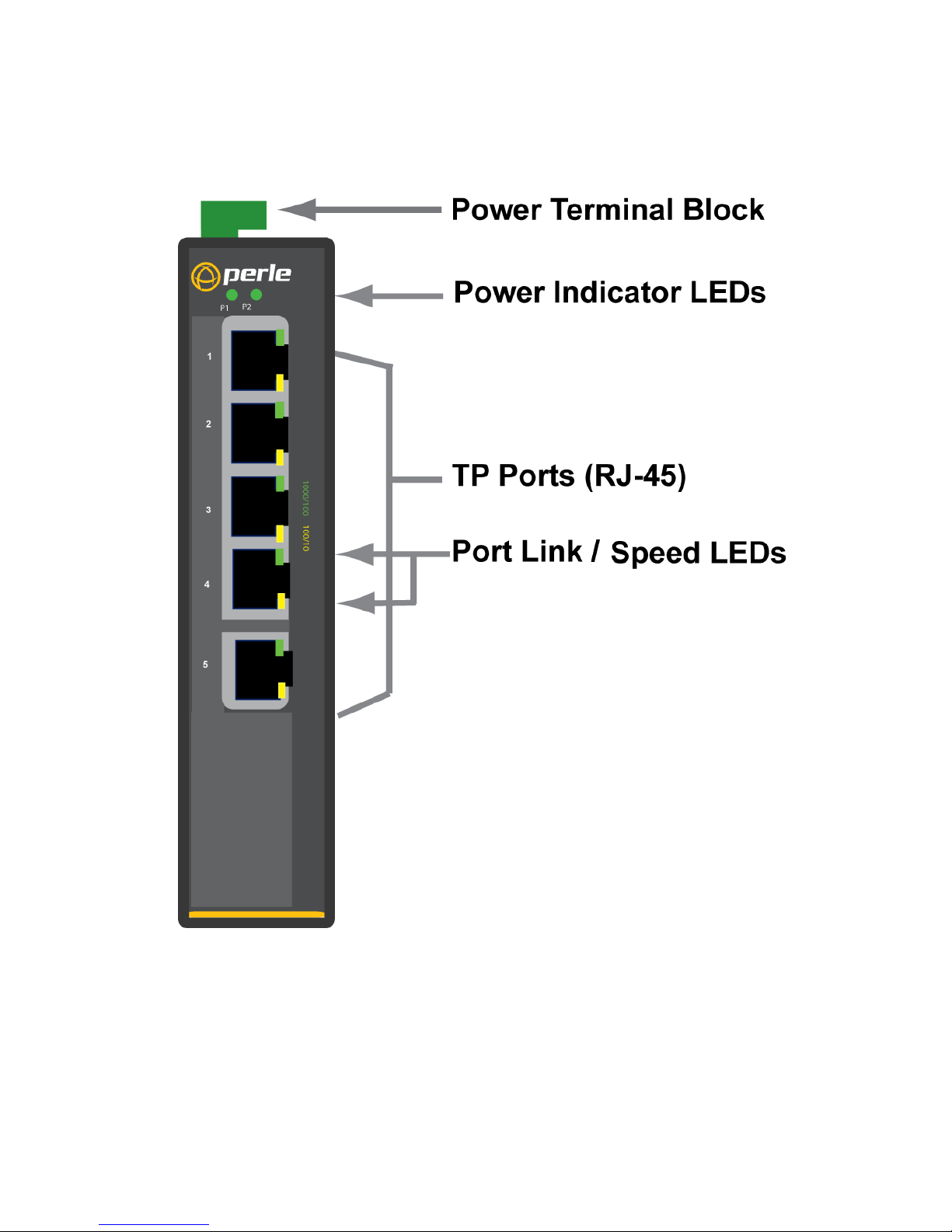
IDS-105G TP (RJ-45) None None
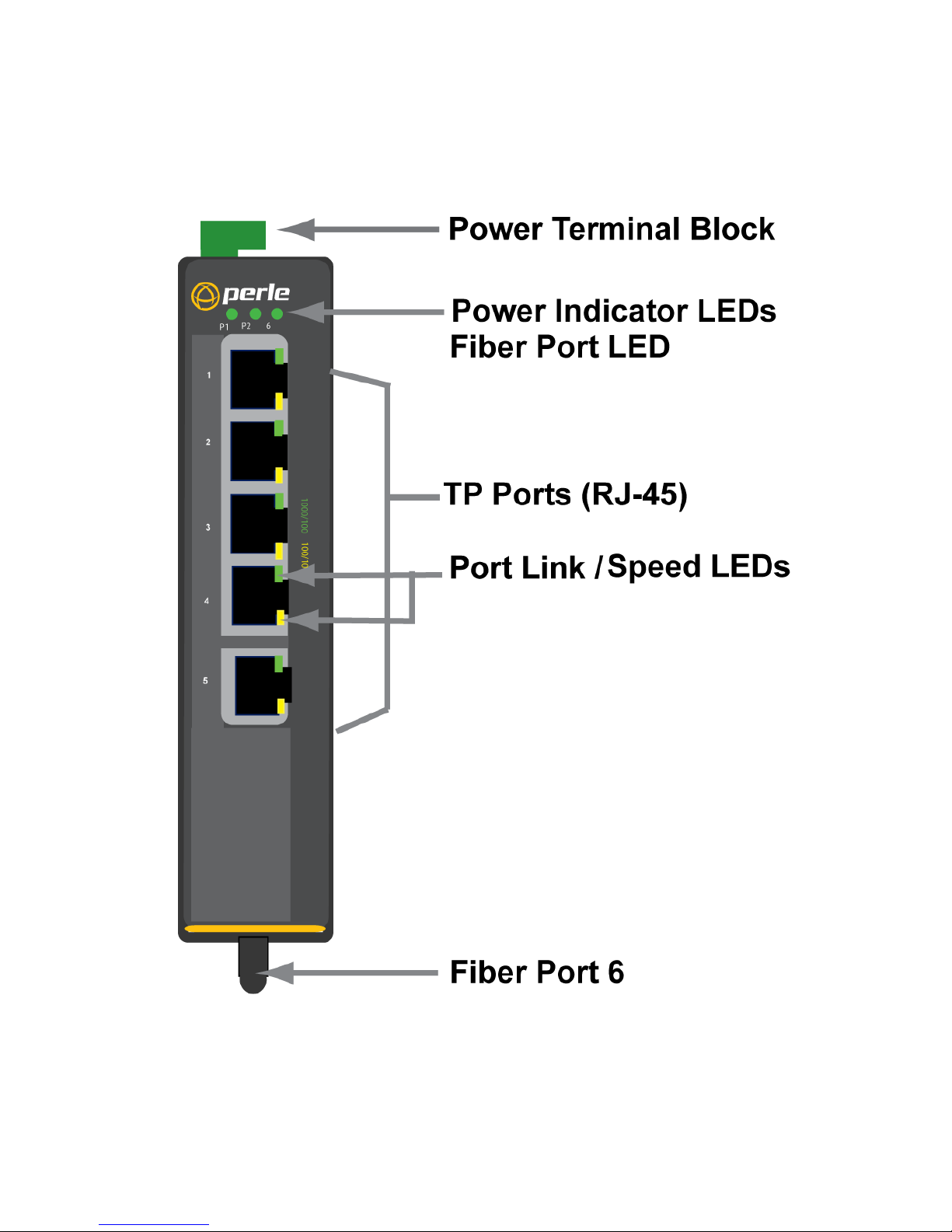
IDS-105G-xxxxxxxx TP (RJ-45) Fiber port Not applicable
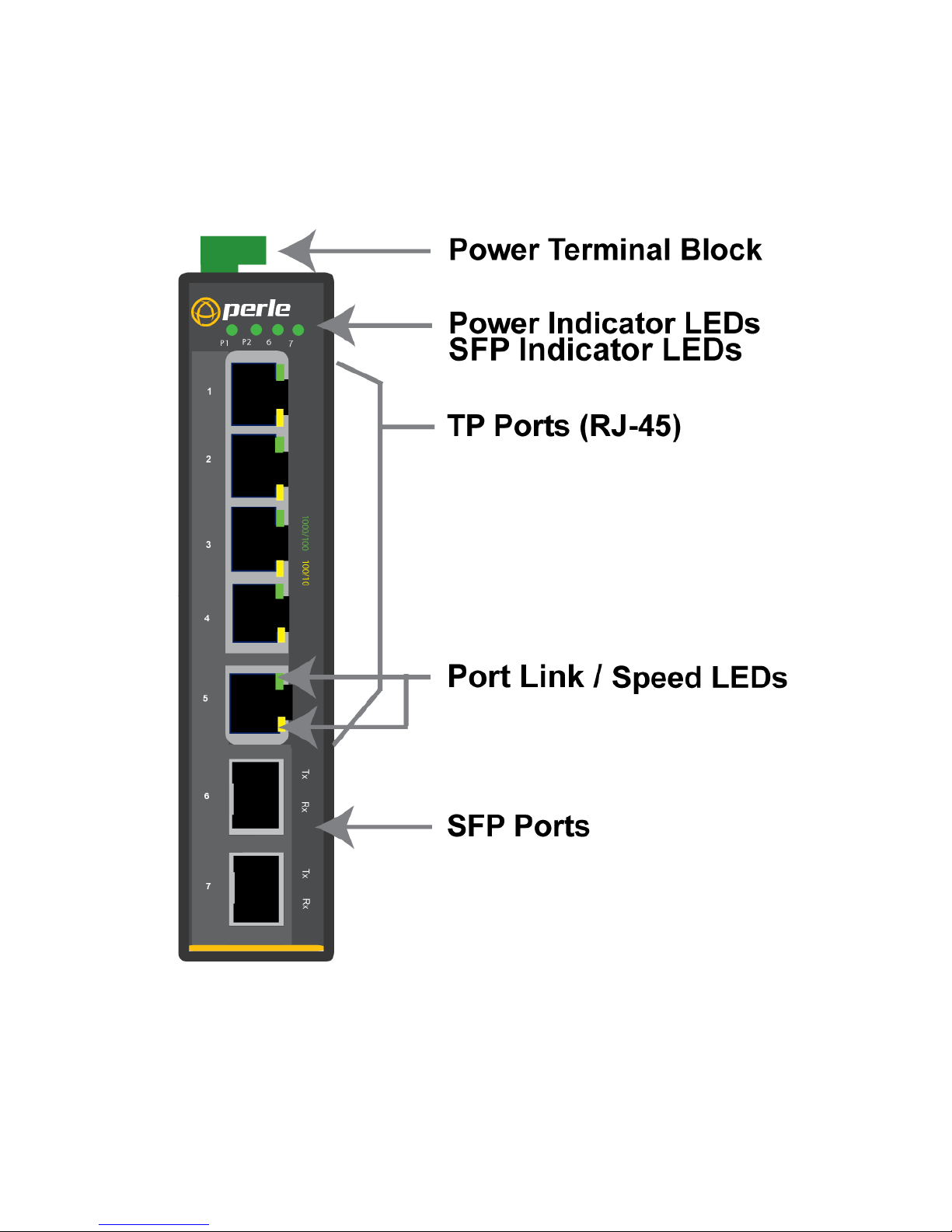
IDS-105G-SFP TP (RJ-45) SFP
transceiver
port * Not applicable
IDS-105G-DSFP TP (RJ-45) SFP
transceiver
port *
SFP transceiver
port*
IDS-105G-XT TP (RJ-45) None None
IDS-105G-SFP-XT TP (RJ-45) SFP
transceiver
port* Not applicable
IDS-105G-DSFP-XT TP (RJ-45) SFP
transceiver
port*
SFP transceiver
port*
IDS-105G-xxxxxxxx-XT
TP (RJ-45) Fiber port Not applicable