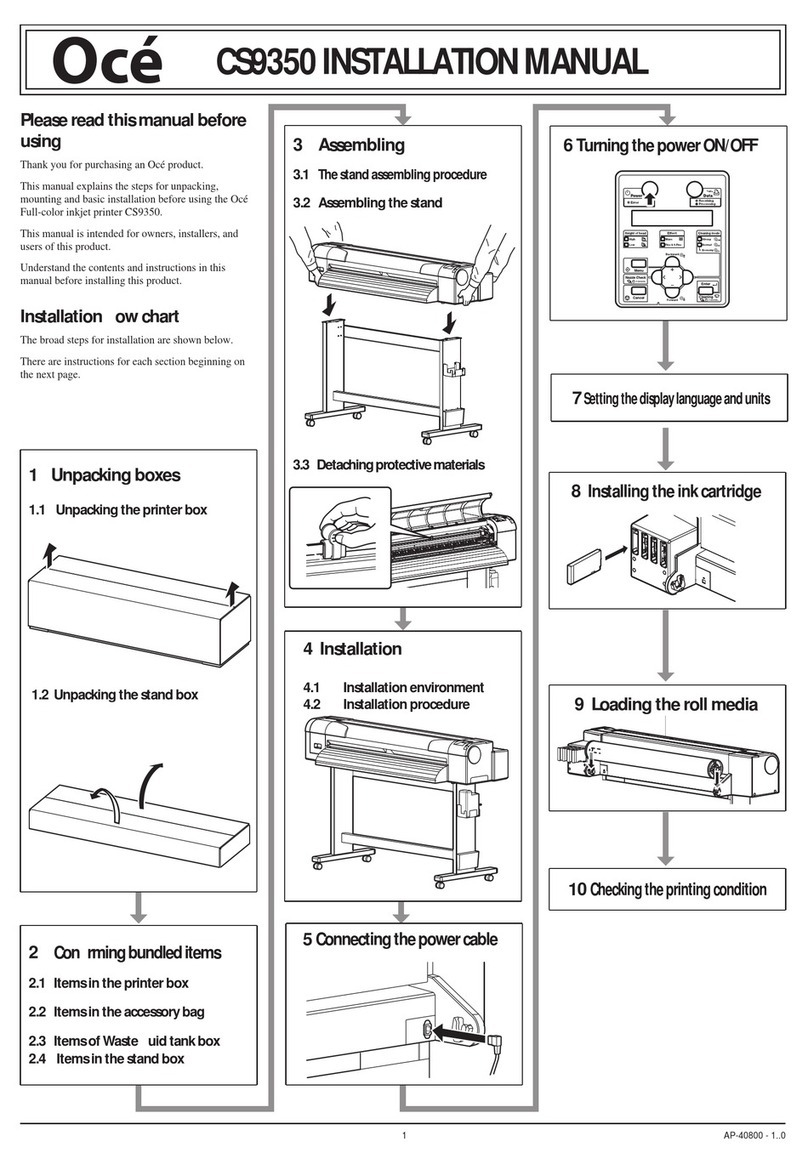
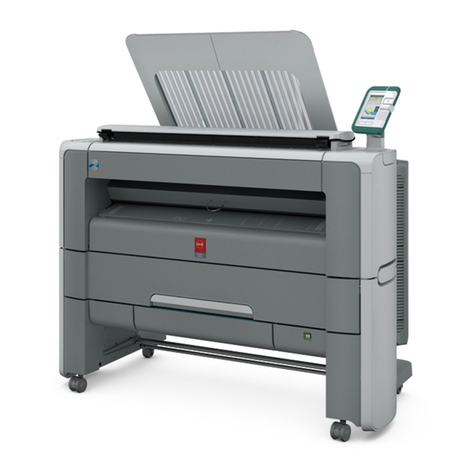
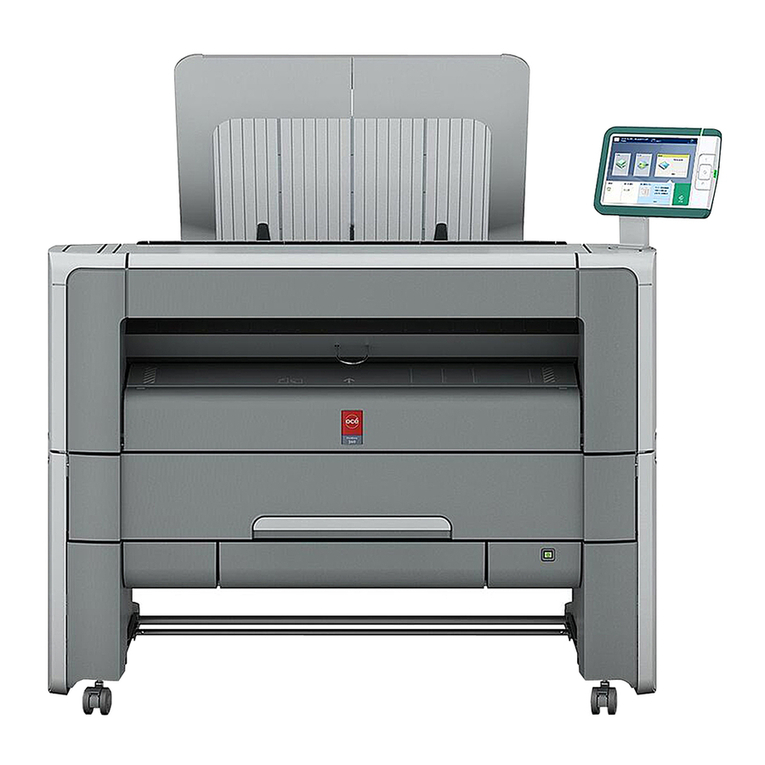
Oce Arizona 550 GT User manual

-
o
Océ
ColorWave®
550
Advance
Your Printing
User manual
Safety information

Copyright
© 2012, Océ
All rights reserved. No part of this work may be reproduced, copied, adapted, or transmitted
in any form or by any means without written permission from Océ.
Océ makes no representation or warranties with respect to the contents hereof and specifi-
cally disclaims any implied warranties of merchantability or fitness for any particular purpose.
Furthermore, Océ reserves the right to revise this publication and to make changes from
time to time in the content hereof without obligation to notify any person of such revision
or changes.
Edition: 2012-04

Contents
Chapter 1
Instructions for safe use.....................................................................................5
Instructions for safe use............................................................................6
Chapter 2
Regulation notices............................................................................................13
Regulation notices....................................................................................14
Chapter 3
General information.........................................................................................19
General information (All countries)........................................................20
Chapter 4
Miscellaneous....................................................................................................21
Addresses of local Océ organisations ...................................................22
3
Contents

4
Contents

Chapter 1
Instructions for safe use

Instructions for safe use
Introduction
All the products have been tested in accordance with the strictest international safety
standards. Please read the following sections before you connect the machine to the
power supply. These sections contain important information with regard to the user
safety and the prevention of equipment problems. Make sure that you observe the safety
rules hereinafter. This helps to assure that you can work with the product safely. Make
sure that you observe all the precautions mentioned below.
Note:
Depending on the context, the terms: system, machine and equipment all will be used
to designate the product for which the user documentation is applicable.
Note:
Some parts of the contents of this section may not be applicable to your product.
Note:
Please refer to the corresponding Safety Data Sheets for specific safety information. You
can download the Safety Data Sheets from the support site of your product at
http://global.oce.com/support/.
Warning and precaution symbols
Warning:
Ignoring this warning could cause serious injury or even death.
Caution:
Ignoring this warning could cause injury or damage to property.
Note:
Indicates additional important information.
The following indicators are used in the machine to warn the user of possible safety risks:
Chapter 1 - Instructions for safe use6
Instructions for safe use

#
Ignoring this caution could cause injury to skin; see also
the section "Actions in response to troubles".
Caution
Hot
Whenever this label is affixed to parts of the machine that
are accessible to the user, a remark can be found in the user
documentation, explaining the potential hazard for which
the user is warned or cautioned. The user is urged to consult
the user documentation in order to understand the safety
risk and learn how to avoid damage or injury.
Warning
Disassemble and modification
Warning
•Do not remove covers and panels which are fixed to the machine. Some machines
have a high-voltage component or a laser beam source inside that could cause an
electrical shock or blindness.
•Do not modify this machine, because this could cause a fire, electrical shock or
breakdown. If the machine contains a laser, the laser beam source could cause blindness.
Caution
•Do not carry out maintenance activities for other components and maintenance ma-
terials than the components and materials that are mentioned in the user manual.
•Do not place any liquids on the machine.
•Do not open any door while the machine starts up or runs, unless the operator panel
displays a message that asks you to open one or more doors.
•Use maintenance materials or other materials for their intended purpose only.
•To avoid any risk, only properly qualified and trained service technicians are allowed
to modify the machine.
•Do not bridge any mechanical or electrical circuit breakers.
Note
•Keep maintenance materials away from children.
Power cord
Warning
•Do not scratch, abrade, heat, twist, bend, place a heavy object on or cause any other
damage to the power cord. The use of a damaged power cord (exposed core wire,
broken wire, for example) could result in a fire or breakdown. If you find any of these
conditions, immediately turn OFF the power switch and unplug the power cord from
the power outlet. Then call your authorized service representative.
•Do not use an extension lead to connect the machine.
•Do not use any power cable other than the one provided. Never use the power cable
with any other electrical device.
Chapter 1 - Instructions for safe use 7
Instructions for safe use

Power source
Warning
•Put the power plug directly into a wall socket that has the same configuration as the
plug. The use of an adapter leads can result in an inadequate power supply. If a
proper wall outlet is not available, ask a qualified electrician to carry out the installation.
•Do not connect the machine to a mains voltage that differs from the value as stated
on the power marking label.
•Do not use a multiple outlet adapter or an extension lead. Contact your authorized
service representative if an extension lead is required.
Caution
•Consult your authorized service representative before you connect other equipment
to the same wall outlet.
Power plug
Warning
•For machines that are connected via a wall socket: Place the machine close to a wall
socket that is easily accessible. The power plug is intended to serve as a disconnect
device.
Grounding
Warning
•Connect the power cord to an electrical outlet (wall socket) that is equipped with a
grounding terminal.
•This equipment has not been designed for connection to an IT power system. An IT
power system is a voltage network in which the neutral wire is not connected to ground.
•In particular for Finland (FI), Norway (NO) and Sweden (SE), according to National
Deviations to EN/IEC 60950-1.
#
Laite on liitetävä suojamaadoituskoskettimilla varustettuun pistorasiaanFI
Apparatet må tilkoples jordet stikkontaktNO
Apperaten skall anslutas till jordat uttagSE
Chapter 1 - Instructions for safe use8
Instructions for safe use

[3] Figure: 1. The power connection at the back of the printer.
Installation
Warning
•Make sure that the machine is placed on a level, horizontal surface of sufficient strength.
•Do not place this machine on an unstable or tilted surface.
•Do not place this machine in a location that is subject to lots of vibrations and shocks.
•Do not use flammable sprays, liquids or gases near this product, because this could
cause a fire.
•Make sure that the stabilizing studs are placed correctly after installing or moving the
machine.
#
Pull out the left 'Foot' [1] until it touches the
ground and locks [2]. You should hear a click as
it locks.
Repeat this procedure on the right hand side of
the Océ ColorWave 550.
Note:
If you do not hear a click, place your foot
on the foot of the printer [1] and at the
same time push gently against the printer
until you hear the click.
•Use empty drawers to check whether it is possible to open two drawers. If this is pos-
sible, call Service.
Ventilation
Caution
•The machine can produce odors of exhaust air when you:
– use this machine in a poorly ventilated room for a long time
Chapter 1 - Instructions for safe use 9
Instructions for safe use

– produce large amounts of copies or prints
Therefore, make sure that you ventilate this room well.
•Do not block the ventilation openings of the machine.
•Do not place the machine in rooms which are too small and insufficiently ventilated.
See the Product Safety Data Sheet of the machine for the ventilation requirements.
•Be sure to allow a clearance of 65 mm (2.6 in.) or more at the back of this machine
for the ventilation duct.
Actions in response to troubles
Warning
•When a piece of metal, water or any other similar foreign matter gets inside the ma-
chine, immediately turn OFF the power switch and unplug the power cord from the
power outlet. Then call your authorized service representative.
•Immediately stop using the machine if the machine becomes excessively hot, emits
smoke, or produces unusual odors or noises. Immediately turn OFF the power switch
and unplug the power cord from the power outlet. Then call your authorized service
representative.
Caution
•Stop using the machine if the machine was dropped or a cover was damaged. Imme-
diately turn OFF the power switch and unplug the power cord from the power outlet.
Then call your authorized service representative.
•Some areas inside the machine become hot. Do not touch the locations that are labeled
with the "Caution Hot" symbol . Touching these areas could cause burns.
•LCD display. Do not rub, press or touch the display surface with hard material, because
the polarizer at the surface can be easily scratched. The LCD module consists of glass.
Therefore, the LCD module can damage when you drop, pinch strongly or punch
the module. When glass breaks, be careful that you do not get injured by glass pieces.
Call Customer Service.
Consumables, supplies and maintenance materials
Warning
•Do not leave contaminated parts or parts containing toner or ink within reach of
children.
Caution
•Always use the materials which the manufacturer recommended and which are devel-
oped for this machine. Materials not approved by the manufacturer may result in
faults in your machine.
Moving the machine
Caution
Chapter 1 - Instructions for safe use10
Instructions for safe use
Other manuals for Arizona 550 GT
2
Table of contents
Other Oce Printer manuals

Oce
Oce Arizona 440 GT User manual

Oce
Oce ColorWave 810 Installation and operating manual

Oce
Oce Arizona 250 GT User manual

Oce
Oce VarioLink 3550p User manual

Oce
Oce Arizona 318 GL User manual

Oce
Oce Arizona 640 GT User manual

Oce
Oce ColorWave 600 User manual

Oce
Oce TDS750 User manual

Oce
Oce TCS300 User manual

Oce
Oce VarioPrint 6000 MICR+ series User manual