Fujitsu DL7400 User manual


Other manuals for DL7400
3
Table of contents
Other Fujitsu Printer manuals

Fujitsu
Fujitsu FTP-628WSL User manual

Fujitsu
Fujitsu FTP-637MCL401 User manual

Fujitsu
Fujitsu DL7400 User manual

Fujitsu
Fujitsu RX7300 User manual

Fujitsu
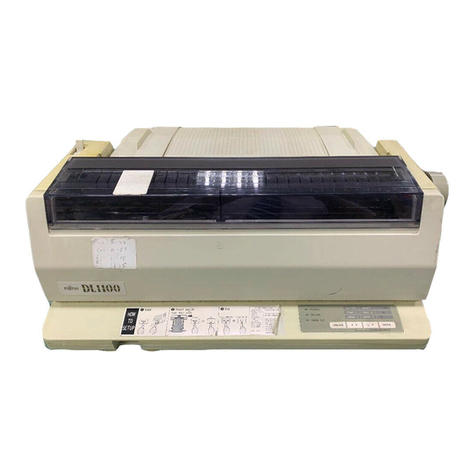
Fujitsu PrintPartner 12V User manual
Fujitsu
Fujitsu DL900 User manual

Fujitsu
Fujitsu fi-4860C Configuration guide

Fujitsu
Fujitsu fi-475PR User manual

Fujitsu
Fujitsu fi-760PRB Manual

Fujitsu
Fujitsu DL7600 User manual

Fujitsu
Fujitsu SP-1120 Manual

Fujitsu
Fujitsu FTP-608 Series User manual

Fujitsu
Fujitsu DL5800 User manual

Fujitsu
Fujitsu FTP-628MCL113 User manual

Fujitsu
Fujitsu DL7400 User manual

Fujitsu
Fujitsu FTP-641MCL351 User manual
Fujitsu
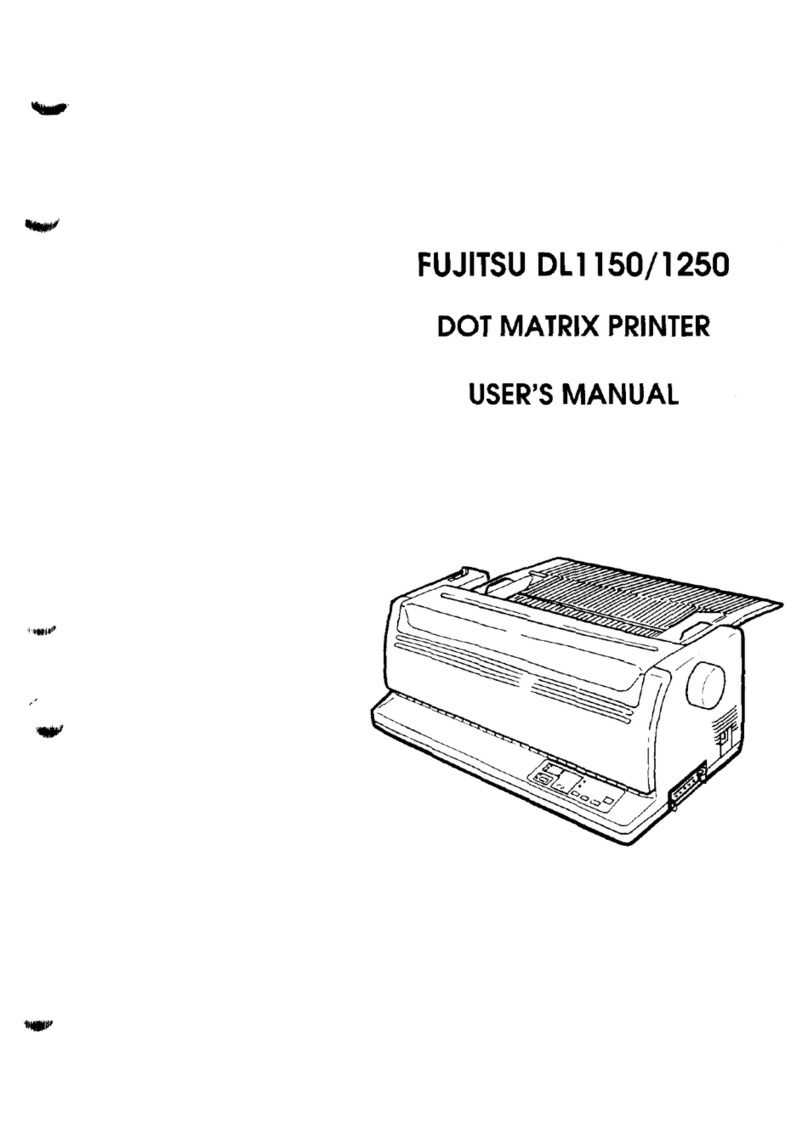
Fujitsu DL1150 User manual

Fujitsu
Fujitsu FTP-621DCL003 User manual

Fujitsu
Fujitsu RX7300E User manual

Fujitsu
Fujitsu FP-1000 User manual