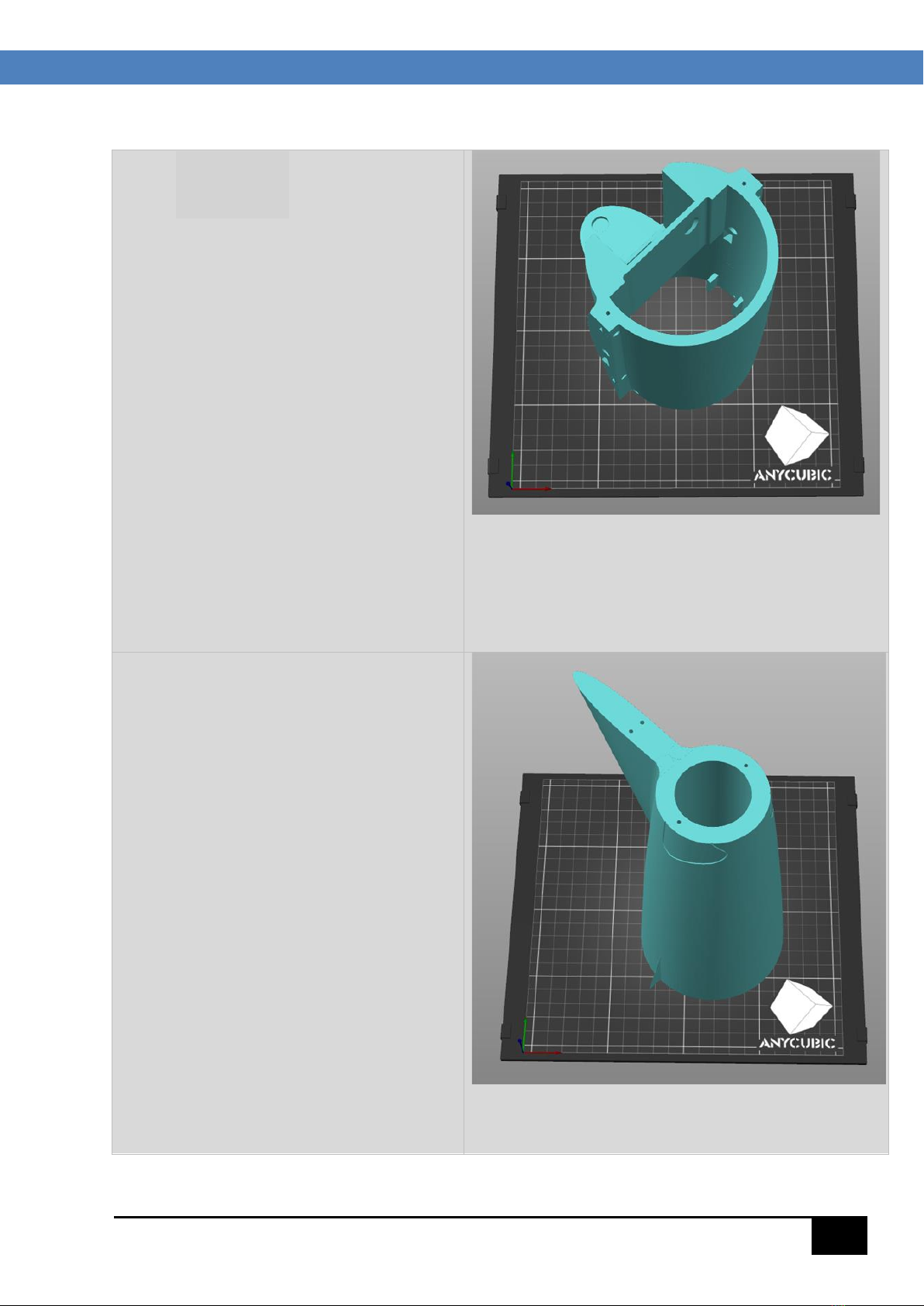
NOTES ABOUT THE DESIGN PROCESS AND PRINTING OPTIONS:
The MiG-15UTI files include G-code files and .3MF files for all parts, sliced on the free Prusa slicer
(version 2.5.2).
In the first instance, the G-code files should be generic enough to give acceptable results when
loaded directly on a cartesian printer with at least a 200 x 200 x 200mm build volume, with direct
drive or Bowden extruder, but individual results may vary.
Alternatively, the Prusa slicer is easy to use, to load the corresponding part .3MF file as a project,
and to change any applicable settings that are not working for your specific print job. These parts
have not been tested in other slicers, so for predictable results the Prusa slicer should be used if the
G-codes do not give a satisfactory result.
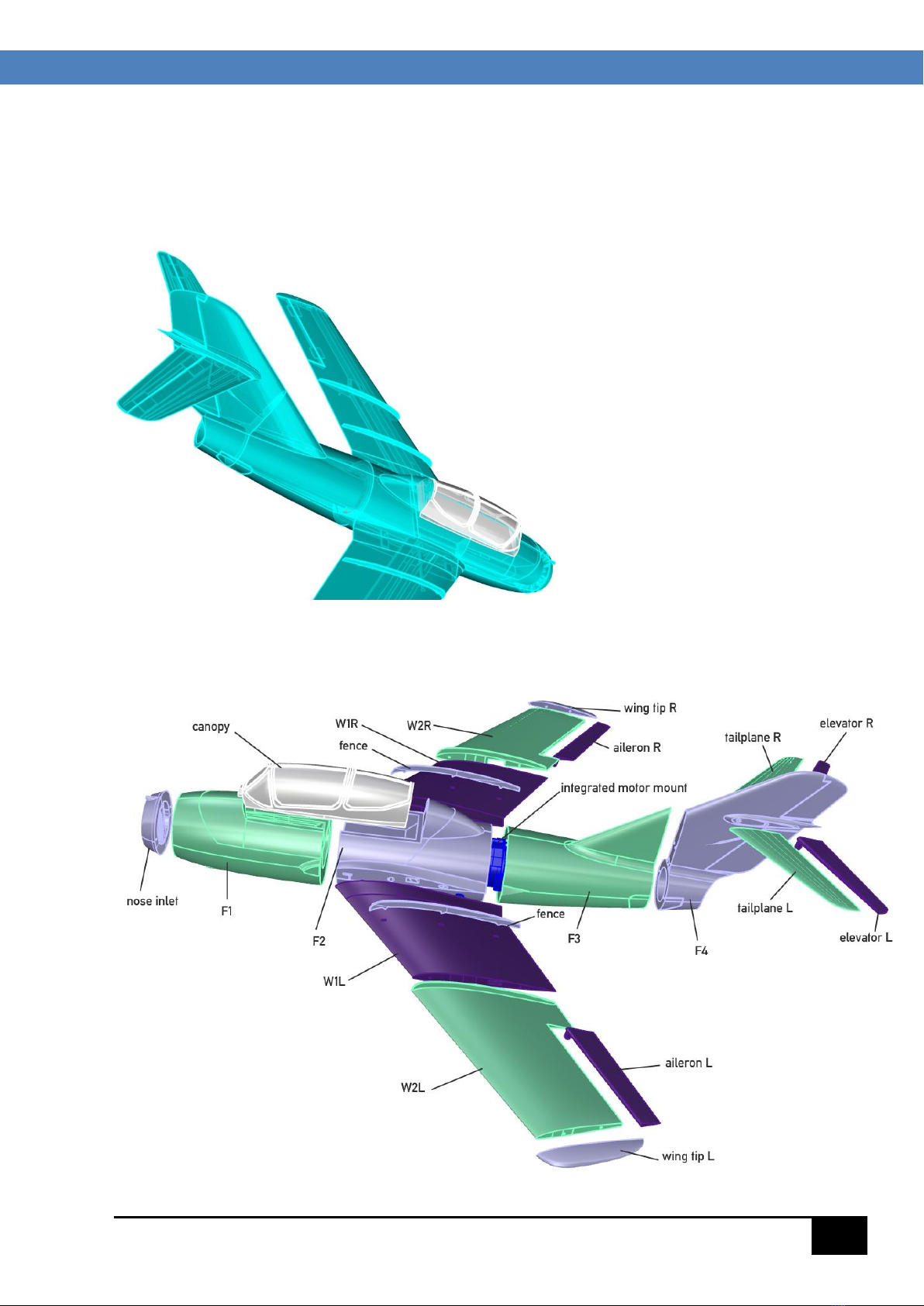
Except for the nose inlet, integrated motor mount, canopy, and wing &fuselage joiners which are in
normal PLA, all parts are printed from LW-PLA. Clear Gorilla Glue is a good alternative to CA and
accelerator for joining LW-PLA parts.
The LW-PLA components were printed with E-Sun LW-PLA which gave excellent results. E-Sun PLA+
was used for PLA parts and can be recommended. Other filaments may require a small adjustment
to print temperatures and/or extrusion multiplier to give similar results.
Design methodology:
This model has been designed so that all components are solids and are printed with an outer skin
and internal infill. Depending on variables such as nozzle condition, extruder condition, bed
temperature sensor accuracy, filament condition etc. it may be necessary to tweak some of the print
settings to give the best results. The .3MF files when loaded as a project into Prusa slicer will
populate the Print Settings, Filament Settings and Printer Settings with the generic values generated
by the designer, as well as loading the component STL file.
The drop down “Printer Settings” menu can be used to load the default settings specific to your
printer (such as prime line G-code etc.) This may be helpful especially for Bowden printers.
Additionally, any changes that you make in the Print Settings menus or Filament Settings menus can
be saved (if desired) under another name from the “Save Current….” option adjacent to the drop-
down menu boxes at the top left of the Prusa window.
LW-PLA parts should be printed one at a time. Weights and times are just a guide, but should be
close to default file values, and are conservative giving strong parts. For this model, gyroid infill
works best on fuselage components, and cubic infill for the wings
The default print speed set in most of the G-code files is 40mm/sec, which is quite high for LW-PLA
but gives an acceptable print result, saving hours of print time over the often-used speeds of around
30mm/sec.. This may be reduced of course if desired.