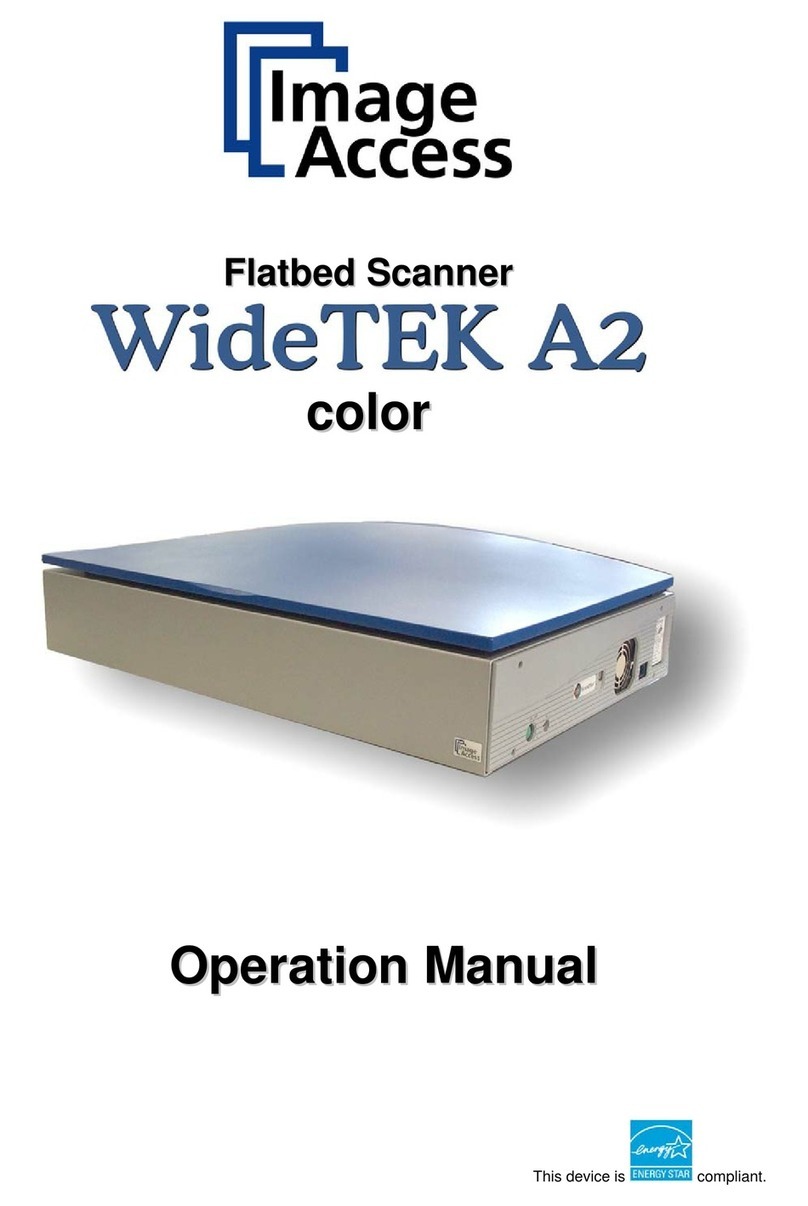
tecan ls series User manual
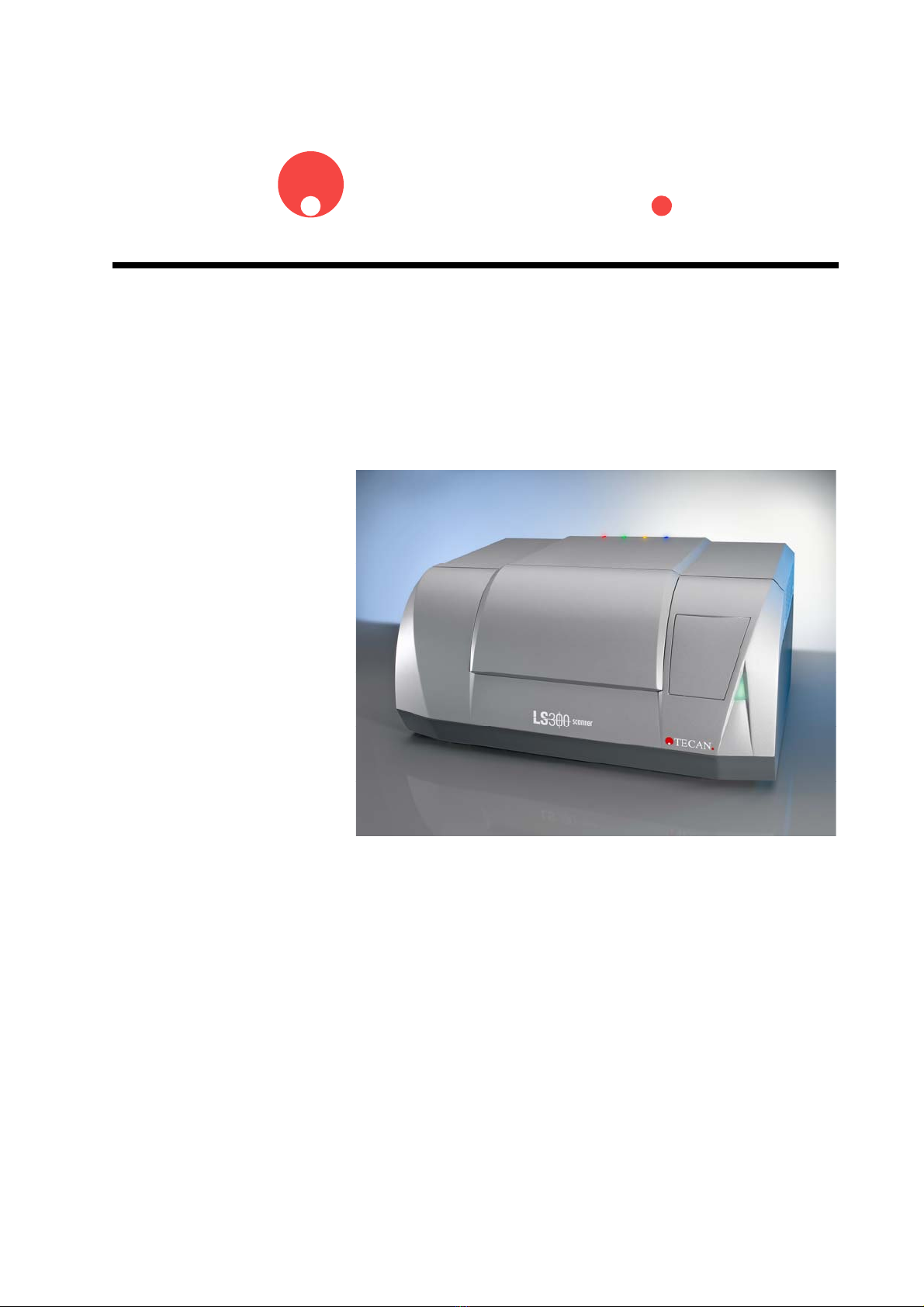
TECAN
Operating Manual for the
LS Series Scanner
Document Part No.: 30001798
2004-11
Document Revision No.: 1.5

2 Operating Manual for the LS Series Scanner No. 30001798 Rev. No. 1.5 2004-11
Tecan Affiliates and Service Centers
Austria
Tecan Austria GmbH
Untersbergstrasse 1a
A-5082 Grödig / Salzburg
Austria
Tel.: +43 62 46 89 33
Fax: +43 62 46 72 770
Austria
Tecan Sales International GmbH
Untersbergstrasse 1a
A-5082 Grödig / Salzburg
Austria
Tel.: +43 62 46 89 33
Fax: +43 62 46 72 770
Asia
Tecan Asia (Pte) Ltd.
80, Marine Parade #13-04
Singapore 449269
Singapore
Tel.: +65 44 41 886
Fax: +65 44 41 836
Belgium
Tecan Benelux B.V.B.A.
Vaartdijk 55
B-2800 Mechelen
Belgium
Tel.: +32 15 42 13 19
Fax. +32 15 42 16 12
France
Tecan France26 Avenue Tony
Garnier
69007 LYON
France
Tel.: +33 47 27 60 480
Fax: + 33 47 27 60 499
Germany
Tecan Deutschland GmbH
Theodor-Strom-Straße 17
D-74564 Crailsheim
Germany
Tel.: +49 79 51 94 170
Fax: +49 79 51 50 38
Italy
Tecan Italia S.r.l.
Via F.lli Cervi
Palazzo Bernini
Centro Direzionale Milano2
20090 Segrate (Mi)
Italy
Tel.: +39 02 215 21 28
Fax: +39 02 215 97 441
Japan
Tecan Japan Co. Ltd
Meiji Seimei Fuchu Building 10F
1-40 Miyamachi
Fuchu City, Tokyo
Japan
Tel.: +81 42 334 88 55
Fax: +81 42 334 04 01
Netherlands
Tecan Benelux B.V.B.A.
Industrieweg 30
NL-4283 Giessen
Netherlands
Tel.: +31 018 34 48 17 4
Fax: +31 018 34 48 06 7
Spain
Tecan Spain
Sabino de Arana, 32
E-08028 Barcelona
Spain
Tel.: +34 93 490 01 74
Fax: +34 94 411 24 07
Sweden
Tecan Nordic AB
Box 208, SE-431 23
Mölndal
Sweden
Tel: +46 31 75 44 000
Fax: +46 31 75 44 010
Switzerland
Tecan Sales Switzerland AG
Seestrasse 103
CH-8708 Männedorf
Switzerland
Tel: +41 922 8 922
Fax: +41 922 8 923
United Kingdom
Tecan UK
Theale Court
11-13 High Street
Theale
UK-Reading RG7 5AH
United Kingdom
Tel.: +44 11 89 300 300
Fax: +44 11 89 305 671
USA
Tecan US
P.O. Box 13953
Research Triangle Park,
NC 27709
USA
Tel.: +1 919 361 5200
Fax: +1 919 361 5201

2004-11 Operating Manual for the LS Series Scanner No. 30001798 Rev. No. 1.5 3
WARNING
CAREFULLY READ AND FOLLOW THE INSTRUCTIONS PROVIDED IN
THIS DOCUMENT BEFORE OPERATING THE INSTRUMENT.
Notice
Every effort has been made to avoid errors in text and diagrams, however, Tecan
Austria GmbH assumes no responsibility for any errors which may appear in this
publication.
It is the policy of Tecan Austria GmbH to improve products as new techniques
and components become available. Tecan Austria GmbH therefore reserves
the right to change specifications at any time.
We would appreciate any comments on this publication.
Tecan Austria GmbH
Untersbergstraße 1A
A-5082 Grödig/Salzburg
AUSTRIA / EUROPE
Telephone: 0043 (0) 6246 8933
FAX: 0043 (0) 6246 72770
Copyright Information
The contents of this document are the property of Tecan Austria GmbH and are
not to be copied, reproduced, or transferred to another person or persons without
prior written permission.
Copyright ©Tecan Austria GmbH,
All rights reserved.
Printed in Austria
Declaration for EU Certificate
See the back of this document.
About the Instructions for Use
This publication is intended as Instructions for Use for the LS Series Scanner
instruments, which are designed to detect highly quantitative fluorescence
images that have been read from microarray slides or other compatible sample
formats.
This document provides information about:
• Installing the instrument
• Operating the instrument
• Cleaning and maintenance routines
4 Operating Manual for the LS Series Scanner No. 30001798 Rev. No. 1.5 2004-11
Warnings, Cautions and Notes
There are four types of notices used in this publication. These notices highlight
important information or warn the user of a potentially dangerous situation.
The notices appear below:
Note
Gives helpful information.
Caution
Indicates a possibility of instrument damage or data loss if instructions
are not followed.
WARNING
INDICATES THE POSSIBILITY OF SEVERE PERSONAL INJURY, LOSS
OF LIFE OR EQUIPMENT DAMAGE IF THE INSTRUCTIONS ARE NOT
FOLLOWED.
WARNING
INDICATES LASER. DO NOT STARE INTO THE BEAM!
WARNING
INDICATES THE POSSIBLE PRESENCE OF BIOLOGICALLY
HAZARDOUS MATERIAL. PROPER LABORATORY SAFETY
PRECAUTIONS MUST BE OBSERVED.

2004-11 Operating Manual for the LS Series Scanner No. 30001798 Rev. No. 1.5 5
Table of Contents
1Safety
1.1 Instrument Safety .......................................................................... 1-1
2General
2.1 Instrument Features ...................................................................... 2-1
2.1.1 Samples........................................................................................... 2-2
2.1.2 Modes of operation.......................................................................... 2-3
2.1.3 Automation friendliness ................................................................... 2-4
2.1.4 Integrated Image Analysis Software Array Pro................................ 2-4
3Installation
3.1 Unpacking & Inspection................................................................ 3-1
3.2 Remove Transport Lock ............................................................... 3-7
3.3 Filter Installation............................................................................ 3-8
3.4 Power Requirements..................................................................... 3-9
4Technical Description
4.1 Optical System............................................................................... 4-1
4.2 Autofocus....................................................................................... 4-3
4.3 Data Processing ............................................................................ 4-3
5Operation
5.1 General Operating Features ......................................................... 5-2
5.1.1 Instrument Start Up ......................................................................... 5-2
5.1.2 Instrument Power On....................................................................... 5-2
5.1.3 Connect to Instrument..................................................................... 5-3
5.1.4 Finish a Measurement Session....................................................... 5-3
5.2 Insert Slide(s) into Slide Adapter ................................................. 5-4
6LSServer, Scanner Shell and Download
6.1 Introduction.................................................................................... 6-1
6.1.1 Overview.......................................................................................... 6-1
6.1.2 Hardware Requirements.................................................................. 6-1
6.1.3 Software Requirements................................................................... 6-2
6.1.4 Software Installation Procedure....................................................... 6-2
6.2 Tecan LS Scanner Interface ......................................................... 6-4
6.2.1 Overview.......................................................................................... 6-4
6.2.2 Starting LS Scanner Interface ......................................................... 6-4
6.3 LSServer......................................................................................... 6-6
6.3.1 Starting the First Time..................................................................... 6-6
6.3.2 Measurement Control...................................................................... 6-6
6.3.3 File Types used in LSServer ........................................................... 6-9
6.3.4 Measurement................................................................................. 6-11
6.3.5 Instrument...................................................................................... 6-26

6 Operating Manual for the LS Series Scanner No. 30001798 Rev. No. 1.5 2004-11
6.3.6 Measurement Parameter................................................................6-28
6.3.7 Excitation Angle Tab ......................................................................6-49
6.3.8 Settings ..........................................................................................6-54
6.3.9 Slide Adapter Format .....................................................................6-62
6.3.10 Slides to Process............................................................................6-62
6.4 LS Scanner Shell..........................................................................6-64
6.4.1 General ..........................................................................................6-64
6.4.2 Starting Scanner Shell....................................................................6-64
6.4.3 Window Elements...........................................................................6-64
6.4.4 File types used in Scanner Shell....................................................6-66
6.4.5 Scanner Shell Menus.....................................................................6-68
6.4.6 Service Menu .................................................................................6-75
6.4.7 Stacker Setup - Twister..................................................................6-89
6.4.8 Scanner Shell Wizards...................................................................6-91
6.4.9 The Transport Lock Wizard............................................................6-92
6.4.10 The Transport Unlock Wizard.........................................................6-95
6.5 LSDownload................................................................................6-101
6.5.1 Starting LSDownload....................................................................6-101
6.5.2 LSDownload Menus.....................................................................6-102
7Instrument Features
7.1 Specifications.................................................................................7-1
7.1.1 Lasers ..............................................................................................7-4
7.1.2 Optional Barcode Scanner...............................................................7-4
7.1.3 Reproduction of labels placed on the instrument.............................7-5
8Cleaning & Maintenance
8.1 Introduction ....................................................................................8-1
8.2 Liquid Spills....................................................................................8-1
8.3 Replacing the Fuse ........................................................................8-2
8.4 Remote Control and Data Exchange ............................................8-3
8.4.1 FTP up / download...........................................................................8-3
8.4.2 Working with pcAnywhere:...............................................................8-3
8.4.3 Working with CITRIX web conferencing manager:...........................8-5
8.5 Instrument Disinfection .................................................................8-6
8.5.1 Disinfection Solutions.......................................................................8-6
8.6 Disinfection Procedure ..................................................................8-7
8.7 Disinfection Certificate ..................................................................8-7
8.8 Disposal of Instrument ..................................................................8-8
8.8.1 Disposal of Packing Material............................................................8-8
8.8.2 Disposal of Operating Material.........................................................8-8
Index

1. Safety
2004-11 Operating Manual for the LS Series Scanner No. 30001798 Rev. No. 1.5 1-1
1. Safety
1.1 Instrument Safety
1. Always follow basic safety precautions when using this product to reduce the risk of
injury, fire, or electrical shock.
2. Read and understand all information in the Operating manual. Failure to read,
understand, and follow the instructions in the manual may result in damage to the
product, injury to operating personnel or poor instrument performance.
3. Observe all WARNING and CAUTION statements in the manual.
4. Never open the LS SERIES SCANNER while the instrument is plugged into a power
source. The instrument contains class 2, 3a and 3b lasers inside.
5. Never force a slide or another sample into the instrument.
6. LS SERIES SCANNERS are intended for laboratory research use only. Observe
proper laboratory safety precautions, such as wearing protective clothing and using
approved laboratory safety procedures.

2. General
2004-11 Operating Manual for the LS Series Scanner No. 30001798 Rev. No. 1.5 2-1
2. General
2.1 Instrument Features
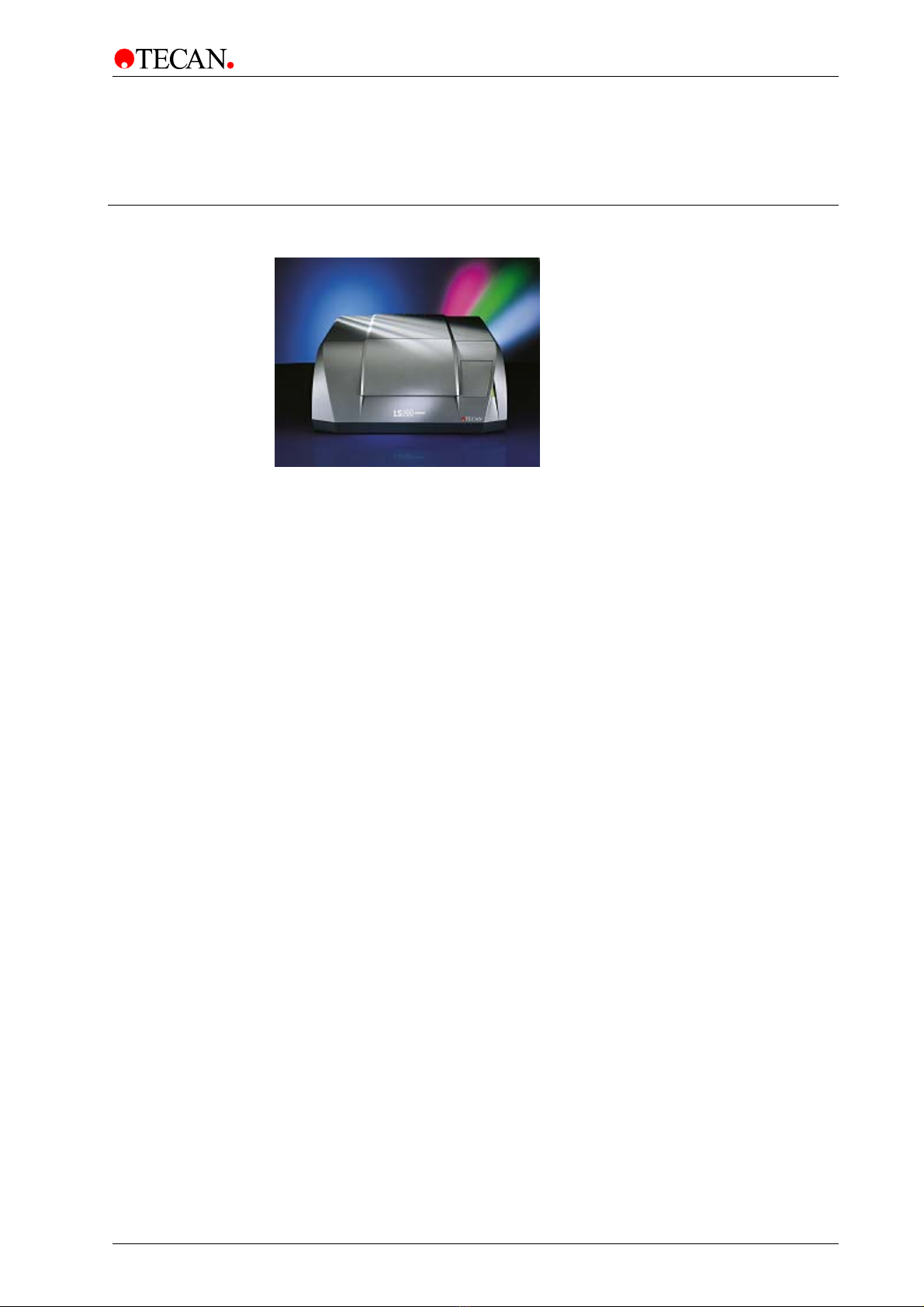
The LS SERIES SCANNERS are laser-scanning instruments designed to detect
highly quantitative fluorescence images. The scanners are designed to read
microarray slides as well as other customer specific sample formats. They have
exceptional flexibility with respect to sample formats and measurement modes.
They can read samples up to the size of microplates as well as thick samples like
gels or, for instance, liquid cells. They can read both in confocal and in non-
confocal mode and a selection of up to 4 excitation wavelengths (lasers) and an
almost unlimited number (28) of emission wavelengths or emission filters.
Automation friendliness is another key feature of the LS SERIES SCANNERS.
The design allows the use of standard microplate equipment to load very high
numbers of slides automatically. For instance, with a Connect, up to 200 slides or
50 microplates can be loaded and processed automatically within one run.
2. General
2-2 Operating Manual for the LS Series Scanner No. 30001798 Rev. No. 1.5 2004-11
2.1.1 Samples
Slide adapters
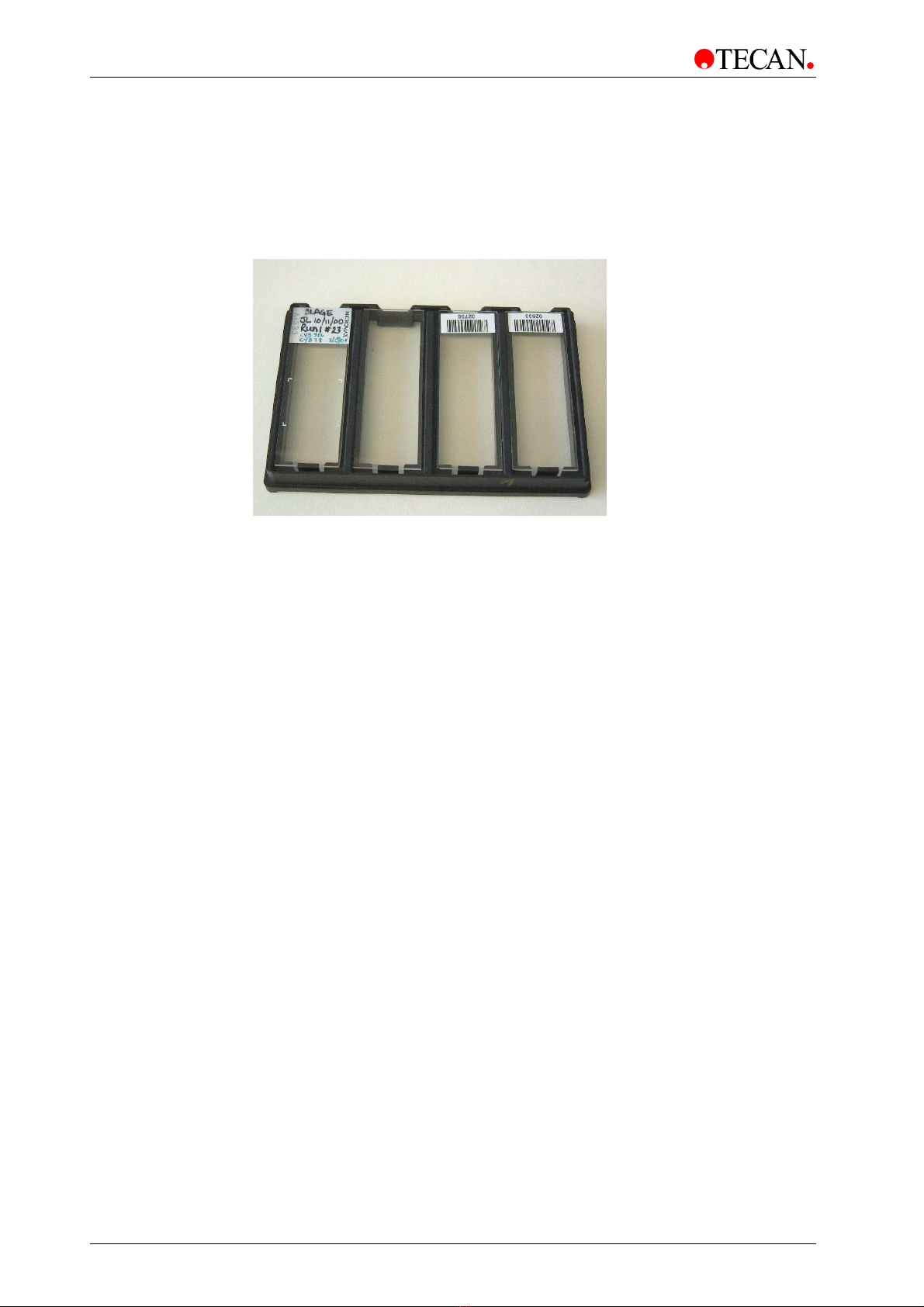
Its special microplate/slide adapters accommodate 4 slides at once and loading is
easily automated with standard microplate equipment.
Other formats
Due to its flexible design, other sample formats can be measured as well.
The software allows special formats to be defined and special scanning areas to
be processed. Due to an exceptionally high working distance of 6.5 mm,
‘thick’ samples, well structures, samples within a liquid cell or even gels can be
measured. An automatic autofocus system is able to bring all of these samples
into the proper focal plane. If you are in doubt whether a special sample format
can be measured with the LS SERIES SCANNERS, please contact a Tecan
representative.
This manual suits for next models
1
Table of contents