Handbook for the Trius PRO-814C
2) If the screen is completely white, the camera may be greatly overexposed. Try a
shorter exposure time, or stop down your lens. See if covering the lens causes the
image to darken.
3) If the USB did not initialise properly, the camera start-up screen will tell you that
the connection is defective. Try switching off the power supply and unplugging
the USB cable. Now turn the power supply on and plug in the USB cable. This will
re-load the USB software and may fix the problem after restarting the
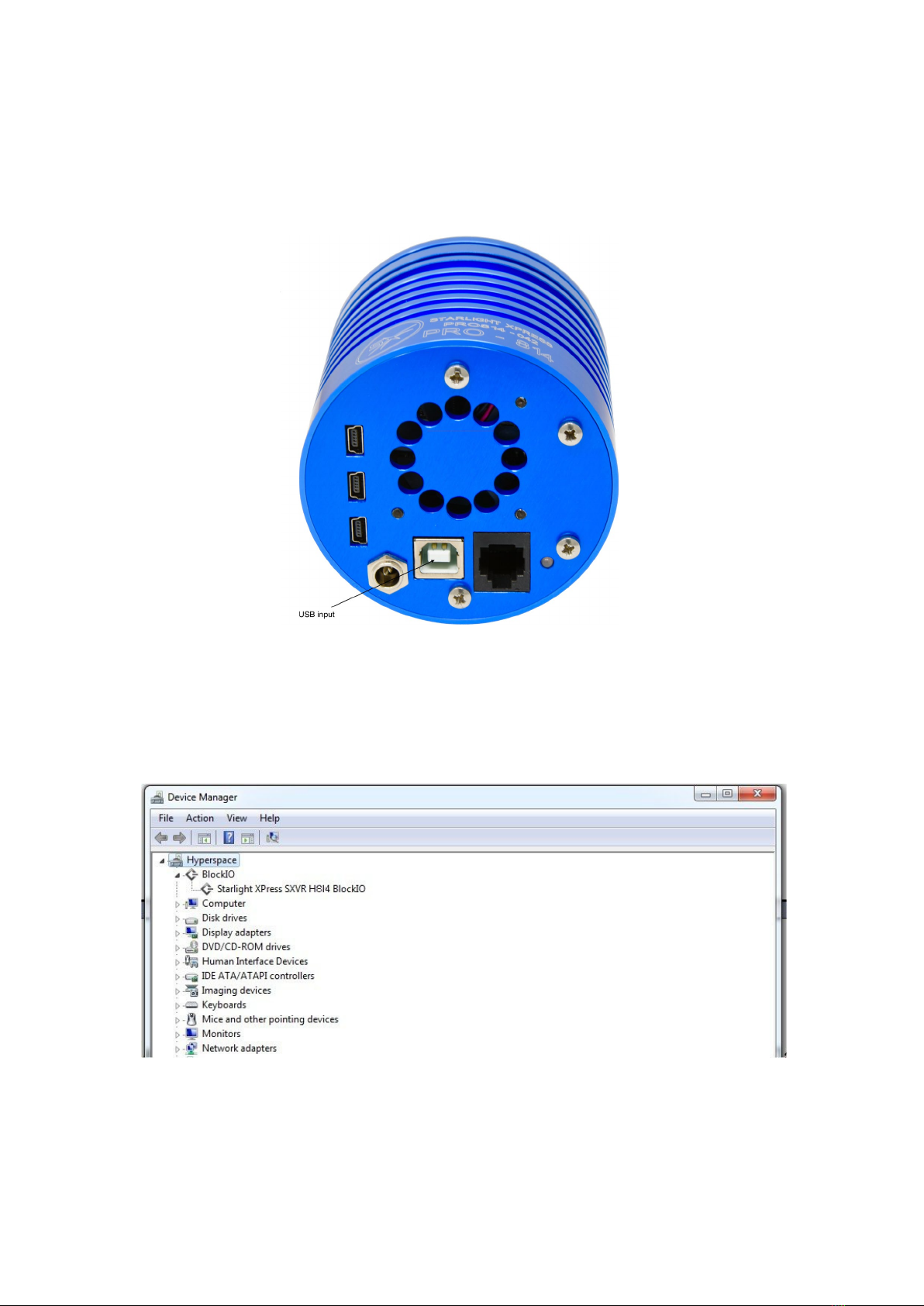
SXV_hmf_usb program. Otherwise, check the device driver status, as previously
described, and re-install any drivers which appear to be defective.
4) If you cannot find any way of making the camera work, please try using it with
another computer. This will confirm that the camera is OK, or faulty, and you can
then decide how to proceed. Our guarantee ensures that any electrical faults are
corrected quickly and at no cost to the customer.
As the PRO-814C is a ‘Single-shot’ colour camera, the full resolution raw image will
show a fine grid pattern, due to the RGB colour filters on the CCD chip surface. This is
normal and will disappear once the image has been converted to colour by the
software. Unlike commercial digital cameras, astronomical colour cameras do not
normally output a colour image directly. This is so that various image corrections can
be performed on the raw data (e.g. dark frame subtraction), as these are impractical
after conversion to colour. Also note that binning the raw image at anything other
than 1x1, will destroy any colour information and so output only monochrome
images.
Converting your images to colour:
The images from your camera are monochrome at the moment and they need to be
converted into true colour before enhancing them. Any processing of the image,
other than calibration with dark frames etc., will distort the colour rendering of the
result and so the conversion needs to be done before proceeding. Important! You
cannot convert a binned image to colour, as binning sums the different colour pixels
together and averages out the colour information. All images that you intend to
colour convert must be taken in binned 1x1 mode. Also please note that you cannot
sum frames together before colour conversion. This must be done after the images
have been colour converted.
Here is a small enlarged section of a daylight image which may be similar to your test
image taken with a 50mm camera lens