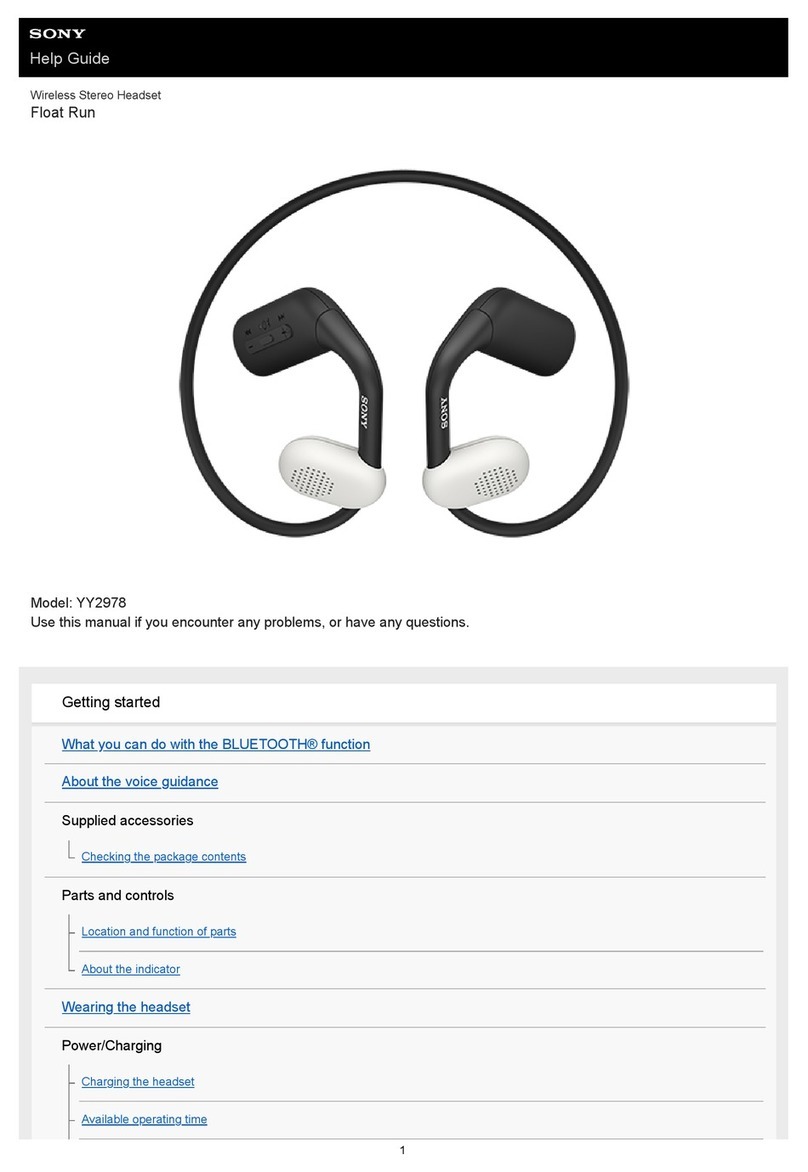
Sony DR-BT22 - Headset - Semi-open User manual

Wireless Stereo
Headset
3-268-834-51(1)
DR-BT22
© 2007 Sony Corporation
Operating Instructions
Manual de instrucciones
US
ES

2
US
WARNING
To reduce the risk of fire or electric
shock, do not expose this
apparatus to rain or moisture.
To reduce the risk of electrical
shock, do not open the cabinet.
Refer servicing to qualified
personnel only.
Do not install the appliance in a confined
space, such as a bookcase or built-in
cabinet.
To reduce the risk of fire, do not cover the
ventilation of the apparatus with
newspapers, tablecloths, curtains, etc.
And do not place lighted candles on the
apparatus.
To reduce the risk of fire or electric
shock, do not place objects filled with
liquids, such as vases, on the apparatus.
Connect the AC power adaptor to an
easily accessible AC outlet. Should you
notice an abnormality in the AC power
adaptor, disconnect it from the AC outlet
immediately.
Do not expose the battery to excessive
heat such as direct sunlight, fire or the
like.
Excessive sound pressure from
headphones can cause hearing loss.
For the customers in the USA
Owner’s Record
The model number is located at the front
of both housing and the serial number is
located at the left of the headband.
Record these numbers in the spaces
provided below. Refer to them whenever
you call upon your Sony dealer regarding
this product.
Model No. DR-BT22
Serial No.
Information
This device complies with Part 15 of FCC
Rules and RSS-Gen of IC Rules.
Operation is subject to the following two
conditions: (1) this device may not cause
interference, and (2) this device must
accept any interference, including
interference that may cause undesired
operation of this device.
You are cautioned that any changes or
modifications not expressly approved in
this manual could void your authority to
operate this equipment.
This equipment must not be co-located or
operated in conjunction with any other
antenna or transmitter.
This equipment complies with FCC/IC
radiation exposure limits set forth for
uncontrolled equipment and meets the
FCC radio frequency (RF) Exposure
Guidelines in Supplement C to OET65
and RSS-102 of the IC radio frequency
(RF) Exposure rules. This equipment has
very low levels of RF energy that it is
deemed to comply without testing of
specific absorption ratio (SAR).
The Bluetooth word mark and logos are
owned by the Bluetooth SIG, Inc. and any
use of such marks by Sony Corporation is
under license.
Other trademarks and trade names are
those of their respective owners.
MPEG Layer-3 audio coding technology
and patents licensed from Fraunhofer IIS
and Thomson.

3
US
US
For the customers in the USA
RECYCLING LITHIUM-ION
BATTERIES
Lithium-Ion batteries
are recyclable.
You can help preserve
our environment by
returning your used
rechargeable batteries
to the collection and recycling location
nearest you.
For more information regarding
recycling of rechargeable batteries, call
toll free 1-800-822-8837, or visit
http://www.rbrc.org/
Caution: Do not handle damaged or
leaking Lithium-Ion batteries.
Informations
Cet appareil est conforme à la section 15 de
la réglementation FCC ainsi qu’à la RSS-
Gen de la réglementation IC. Son utilisation
est autorisée seulement aux conditions
suivantes : (1) il ne doit pas produire de
brouillage et (2) l’utilisateur du dispositif
doit être prêt à accepter tout brouillage
radioeléctrique reçu, même si ce brouillage
est susceptible de compromettre le
fonctionnement du dispositif.
Vous devez savoir que tout changement ou
toute modification non expressément
approuvé dans ce mode d’emploi risque
d’annuler votre pouvoir d’utiliser cet
appareil.
Cet équipement est conforme aux limitations
concernant l’exposition aux radiations
établies par la FCC/IC définies dans un
environnement non contrôlé ainsi qu’aux
directives relatives à l’exposition aux
fréquences radio (RF) FCC du supplément C
du bulletin OET65 et au règlement RSS- 102
relatif à l’exposition aux radiofréquences
(RF) IC. Cet équipement présente des
niveaux d’énergie RF très bas considérés
comme conformes et ne nécessite pas de test
du débit d’absorption spécifique (SAR).
Table Of Contents
What is Bluetooth wireless
technology? .................. 4
Welcome! .......................... 5
3 steps to Bluetooth function .... 6
Location and Function of
Parts............................... 7
Folding and unfolding the
headset .................................. 8
Charging the unit ............. 9
Pairing ............................. 11
What is pairing? ...................... 11
Procedures of pairing .............. 11
Wearing the headset ...... 13
Indications of Bluetooth
function ....................... 14
Listening to music ......... 15
Controlling the audio device –
AVRCP ............................... 16
Calling ............................. 17
Controlling the Bluetooth mobile
phone – HFP, HSP .............. 19
Calling while playing
back music .................. 20
Disposing of the unit ..... 21
Precautions .................... 22
Troubleshooting ............. 24
Initializing the unit ......... 26
Specifications ................. 27

4
US
What is Bluetooth wireless
technology?
Bluetooth™wireless technology is
a short-range wireless technology
that enables wireless data
communication between digital
devices, such as a computer or
digital camera. Bluetooth wireless
technology operates within a range
of about 10 meters (about 30 feet).
Connecting two devices as
necessary is common, but some
devices can be connected to
multiple devices at the same time.
You do not need to use a cable for
connection, nor is it necessary for
the devices to face one another, such
is the case with infrared technology.
For example, you can use such a
device in a bag or pocket.
Bluetooth standard is an
international standard supported by
thousands of companies all over the
world, and employed by various
companies worldwide.
Communication System
and Compatible Bluetooth
Profiles of this unit
Profile is standardization of the
function for each Bluetooth device
specification. This unit supports the
following Bluetooth version and
profiles:
Communication System :
Bluetooth Specification version 2.0
Compatible Bluetooth Profiles:
–A2DP (Advanced Audio Distribution
Profile): Transmitting or receiving
audio content of high-quality.
–AVRCP (Audio Video Remote Control
Profile): Controlling A/V equipment;
pausing, stopping, starting playback,
volume control, etc.
–HSP (Headset Profile)*: Talking on the
phone/Operating the phone.
–HFP (Hands-free Profile)*: Talking on
the phone/Operating the phone by
hands-free.
* When you use a Bluetooth mobile
phone supported by both HFP (Hands-
free Profile) and HSP (Headset Profile),
set to HFP.
Notes
•To be able to use the Bluetooth
function, the Bluetooth device to be
connected requires the same profile as
the unit’s.
Note also that even if the same profile
exists, devices may vary in function
depending on their specifications.
•Due to the characteristic of Bluetooth
wireless technology, the sound played
on this unit is slightly delayed from the
sound played on the Bluetooth device
during talking on the telephone or
listening to the music.

5
US
Welcome!
Thank you for purchasing this Sony Wireless Stereo Headset. This unit uses
Bluetooth wireless technology.
•Enjoy music wirelessly with Bluetooth music player such as Bluetooth
mobile phone, Bluetooth digital music player, or digital music player
connected to the Bluetooth transmitter.*1
•Hands-free conversation can be enjoyed on your Bluetooth mobile phone
without taking it out of your bag.*2
•For convenience, you can remotely operate the basic functions of a
Bluetooth music player (Play, Stop, etc.).*3
•Useful rechargeable function.
•Convenient foldable type for easy carrying.
For details on Bluetooth wireless technology, see page 4.
Listening to music
Talking on the phone
*1The connected Bluetooth device is required to support A2DP (Advanced Audio
Distribution Profile).
*2The connected Bluetooth device is required to support HSP (Headset Profile) or HFP
(Hands-free Profile).
*3The connected Bluetooth device is required to support AVRCP (Audio Video Remote
Control Profile).

6
US
V
Calling
V
Listening to music
VV
3 steps to Bluetooth function
Bluetooth
mobile phone,
etc. Pairing
Wireless Stereo
Headset
Bluetooth connection
Operate the Bluetooth device to
make the Bluetooth connection.
Connection
Listening to music
You can listen to music played on
the Bluetooth device.
Playback, stop, or pause is
possible from this unit.
Music
Bluetooth connection
When the unit is turned on, the
unit starts making the Bluetooth
connection to the recognized
mobile phone automatically.
Talking on the phone
You can make and receive a call
by operating this unit.
Pairing
First, register (“pair”) a Bluetooth device (mobile phone, etc.) and this
unit with each other. Once pairing is established, there is no need for
pairing again.
Voice
Connection
A2DP AVRCP
HFP HSP
cPage 11
cPage 15
cPage 17 - 18
cPage 18 - 20cPage 15 - 16

7
US
Location and Function of Parts
1R(right) indication
2Right (R) unit
3Multi function button
Controls various call functions.
4POWER button
5Microphone
6RESET button
Push this button when this unit
does not operate properly.
Pairing information is not
deleted by this operation.
7VOL (volume) +*⁄–
buttons
8Indicator (blue)
Indicates the communication
status of the unit.
9Indicator (red)
Indicates the power status of
the unit.
0Jog switch
Controls various functions
when listening to music.
qa Ear pad
qs DC IN 3 V jack
qd Left (L) unit
qf L(left) indication
qg Headband
GETTING STARTED
* This button has a tactile dot.
R
L
qg
qf
qd
qs
qa
0
9
8
71
2
3
4
5
6

8
US
Folding and unfolding the headset
Unfolding
1Unfold the left unit of
the headband as
illustrated.
2Expand the center part
of the headband.
3Unfold the right unit of
the headband.
Notes
•Do not pull open this way.
•Be careful not to hit your face or eyes
with the top of the headband.
Folding
1Hold near the foldable
part with both hands
and lift up the right unit
to fold it as illustrated.
2Close the center part of
the headband.
3Fold the left unit of the
headband.

9
US
1Connect the supplied
AC power adaptor to the
DC IN 3 V jack on the
unit.
When the AC power adaptor is
connected to an AC outlet,
charging starts.
Tips
•If the AC power adaptor is
connected to an AC outlet while the
unit is turned on, the unit will be
turned off automatically.
•This unit cannot be turned on while
charging.
Charging the unit
The unit contains a rechargeable Lithium-Ion battery, which should be
charged before using for the first time.
Wireless Stereo
Headset
To DC IN
3 V jack
To an
AC outlet
AC power
adaptor
(supplied)
2Make sure that indicator
(red) lights up while
charging.
Charging is completed in about
3 hours* and the indicator (red)
goes off automatically.
* Time required for empty battery to
recharge.
Caution
If this unit detects a problem while
charging, the indicator (red) may
turn off, although charging is not
complete.
Check for the following causes:
–Ambient temperature exceeds the
range of 0 °C –40 °C (32 °F –
104 °F).
–There is a problem with the
battery.
In this case, charge again within the
above-mentioned temperature range.
If the problem persists, consult your
nearest Sony dealer. Continued

10
US
Approx.
usage hours
11 hours
100 hours
Status
Full
Mid
Low (needs to
charge)
Checking the remaining
battery
When pressing the POWER button
while the unit is turned on, the
indicator (red) flashes. You can
check the remaining battery by the
number of times the indicator (red)
flashes.
Indicator (red)
3 times
2 times
1 time
Note
You cannot check the remaining battery
immediately after the unit is turned on, or
while pairing.
When the battery is almost empty
The indicator (red) flashes slowly
automatically.
When the battery becomes empty, a
beep sounds and the unit will turn
off automatically.
Notes
•If the battery is not used for a long time,
battery may be quickly depleted,
however, after a few recharges, battery
life will improve.
•If the life of the built-in rechargeable
battery drops to half the normal length,
the battery should be replaced. Consult
your nearest Sony dealer for
replacement of the rechargeable battery.
•Avoid exposure to temperature
extremes, direct sunlight, moisture,
sand, dust or mechanical shock. Never
leave in a car parked in the sun.
•Use only the supplied AC power
adaptor. Do not use any other AC
power adaptor.
Usage hours*
Status
Communication
time (including
music playback
time) (up to)
Standby time
(up to)
* Time stated above may vary, depending
on ambient temperature or conditions of
use.
Other manuals for DR-BT22 - Headset - Semi-open
3
This manual suits for next models
4
Table of contents
Languages:
Other Sony Headset manuals

Sony
Sony BKNW-116 User manual

Sony
Sony DR-BT21G - Stereo Bluetooth Headset; Neckband... User manual

Sony
Sony WI-1000XM2 User manual

Sony
Sony CECHYA-0083 User manual

Sony
Sony MDR-AS700BT User manual

Sony
Sony DR BT160IK Instruction Manual

Sony
Sony DR-XB22iP User manual

Sony
Sony DRBT160AS - Bluetooth Stereo Headset User manual

Sony
Sony XBA-40iP User manual

Sony
Sony MDR-XB950B1 User manual