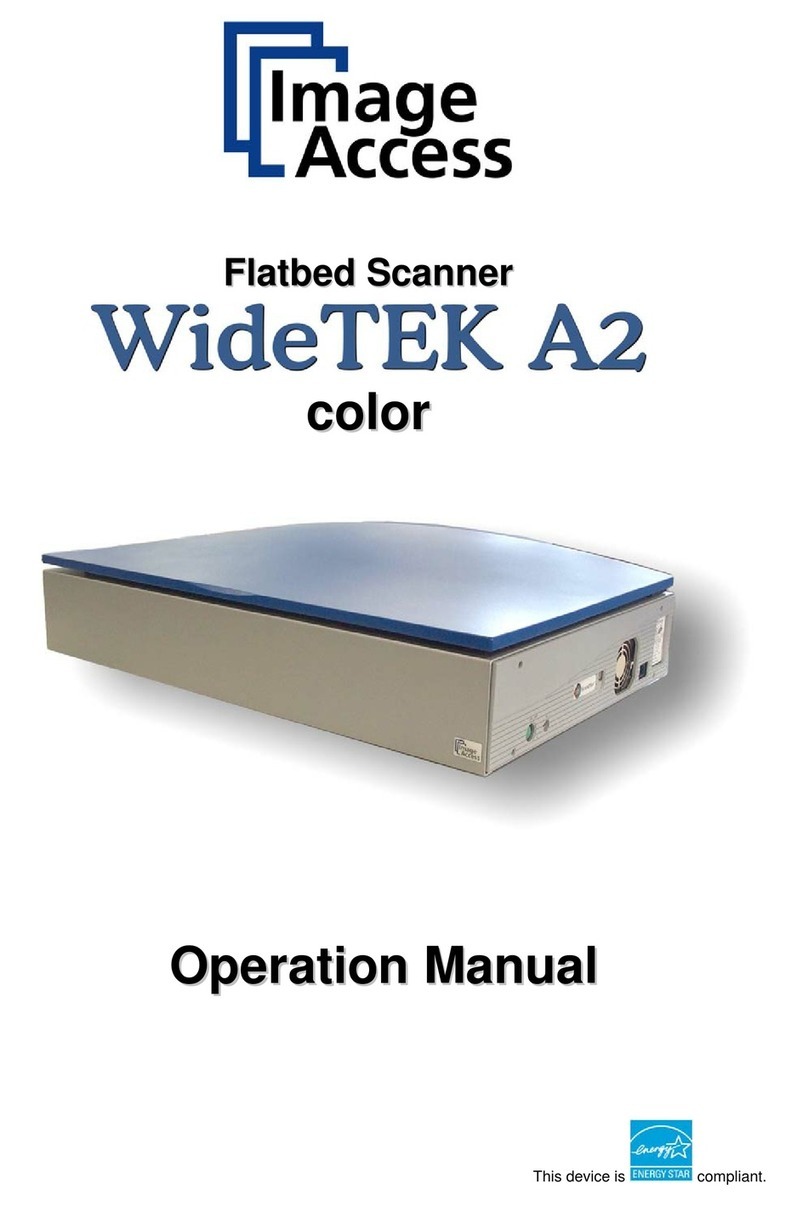
Oki S900 User manual

S900 Scancopier
user's guide

PREFACE > 2
PREFACE
Every effort has been made to ensure that the information in this document is complete,
accurate, and up-to-date. The manufacturer assumes no responsibility for the results of
errors beyond its control. The manufacturer also cannot guarantee that changes in
software and equipment made by other manufacturers and referred to in this guide will
not affect the applicability of the information in it. Mention of software products
manufactured by other companies does not necessarily constitute endorsement by the
manufacturer.
While all reasonable efforts have been made to make this document as accurate and
helpful as possible, we make no warranty of any kind, expressed or implied, as to the
accuracy or completeness of the information contained herein.
The most up-to-date drivers and manuals are available from the Oki Europe web site:
http://www.okieurope.com
Copyright © 2003 Oki Europe Ltd.
Oki and Microline are registered trademarks of Oki Electric Industry Company, Ltd.
Energy Star is a trademark of the United States Environmental Protection Agency.
Microsoft, MS-DOS and Windows are registered trademarks of Microsoft Corporation.
Other product names and brand names are registered trademarks or trademarks of
their proprietors.
As an Energy Star Program Participant, the manufacturer has
determined that this product meets the Energy Star guidelines for
energy efficiency.
This product complies with the requirements of the Council
Directives 89/336/EEC (EMC) and 73/23/EEC (LVD) as amended
where applicable on the approximation of the laws of the member
states relating to electromagnetic compatibility and low voltage.
WARNING!
This is a Class A product. In a domestic environment this product may cause radio
interference, in which case the user may be required to take adequate measures.

CONTENTS > 3
CONTENTS
Preface .......................................................................... 2
Notes, cautions & warnings ............................................ 6
About this guide............................................................. 7
Introduction................................................................... 8
Scancopier components ............................................ 9
Utilities and documentation CD-ROM contents .... 10
Scancopier overview ............................................... 11
Front view .......................................................... 11
Rear view........................................................... 12
Control panel ..................................................... 12
Automatic Document Feeder (ADF) components........ 16
Using the S900 as a copier........................................... 17
Loading paper......................................................... 18
Paper size auto detection ................................... 18
Placing a document on the glass (flatbed) ........... 19
When using the optional ADF .............................. 19
Placing documents in the ADF............................. 20
Using the copy features........................................... 21
Changing scaling ............................................... 22
Setting paper size .............................................. 23
Selecting copy mode .......................................... 24
Adjusting print density ....................................... 25
Increasing copy count ........................................ 26
Using the S900 as a scanner ........................................ 27
Scan method .......................................................... 29
Selecting an image type .......................................... 29
Black and white (Line art) ................................... 29
Halftone ............................................................ 30
8-Bit Gray .......................................................... 31
24-Bit Color ....................................................... 31
Determining your resolution .................................... 32
Enhancing your image ............................................. 33
Brightness ......................................................... 33
Contrast ............................................................ 33
Enlarging the previewed image........................... 34
Invert image....................................................... 35

CONTENTS > 4
Mirror ................................................................ 36
Auto select image .............................................. 36
Paper size.......................................................... 36
Units ................................................................. 37
Descreen ........................................................... 37
Sharpen............................................................. 38
Color adjustment ............................................... 38
Auto level .......................................................... 38
Advanced settings.............................................. 39
Custom settings................................................. 43
Miscellaneous ................................................... 44
Using the S900 with Unimessage Pro............................ 45
Maintenance................................................................ 46
Cleaning the document glass................................... 46
ADF......................................................................... 47
Cleaning the ADF................................................ 47
Replacing the ADF Snap-in Pad Module ............... 49
Troubleshooting........................................................... 51
LCD Messages ........................................................ 51
LCD information codes ............................................ 51
Clearing a paper jam ............................................... 53
Specifications .............................................................. 54
Optional accessories.................................................... 55
Appendix A – Quick reference guide.............................. 56
Appendix B – Setting up a PIN ID and Print Control ........ 58
Introduction............................................................ 58
Connection arrangement ......................................... 58
Setting up the Print Control Utility............................ 59
Setting the PIN ID.................................................... 59
Print Control usage ................................................. 60
Print Control example.............................................. 63
Appendix C – Updating the printer profile ..................... 64

CONTENTS > 5
Appendix D – Setting up............................................... 65
Resiting the Scancopier........................................... 65
Locking the scanning head ...................................... 65
Precautions ............................................................ 66
Unlocking the scanning head................................... 67
Installing the ADF.................................................... 68
Connecting the Cables............................................. 70
Connecting the power and switching on .............. 71
Setting up Additional Settings ................................. 72
Installing utilities from the CD-ROM ......................... 77
Oki Europe................................................................... 80
Index ........................................................................... 83

NOTES, CAUTIONS AND WARNINGS > 6
NOTES, CAUTIONS & WARNINGS
Only use genuine Oki Original consumables to ensure the best quality
and performance from your hardware. Non-Oki Original products may
damage your printer's performance and invalidate your warranty.
Specifications subject to change without notice. All trademarks
acknowledged.
NOTE
A note appears in this manual like this. A note provides additional
information to supplement the main text which may help you to use and
understand the product.
CAUTION!
A caution appears in this manual like this. A caution provides
additional information which, if ignored, may result in equipment
malfunction or damage.
WARNING!
A warning appears in this manual like this. A warning provides
additional information which, if ignored, may result in a risk of
personal injury.

ABOUT THIS GUIDE > 7
ABOUT THIS GUIDE
This guide is intended to help you to get to know your S900
Scancopier, use it for copying and scanning functions, carry out basic
maintenance tasks and troubleshoot possible problems that might
arise.
It is suggested that you read the chapters in the order in which they
are presented to become familiar with the guide’s overall content and
then use the Contents list and/or Index to access specific sections of
interest.
A quick reference guide to copying is provided in Appendix A.
Although your Scancopier is engineer installed, setting up
information has been included in Appendix D for reference. This will
be of interest if you want to disconnect and relocate your Scancopier,
add an optional Automatic Document Feeder (ADF) at a later date or
reset your user default values.
Cross reference is made to the Unimessage Pro User’s Guide for
detailed user information on this application.

INTRODUCTION > 8
INTRODUCTION
Congratulations on your purchase of the S900 Scancopier.
The S900 Scancopier provides you with fast and affordable access to
digital color copying by simply connecting it to a compatible color
laser printer: OKI C9300 or C9500. It can also be used as a scanner
and in conjunction with the Unimessage Pro messaging software.
Please spend a few minutes reading through this User’s Guide and the
Unimessage Pro User’s Guide to ensure the best results with the S900
Scancopier.
NOTE
The S900 Scancopier cannot be used with the C9200/C9400 printer.

INTRODUCTION > 9
SCANCOPIER COMPONENTS
1. S900 Scancopier
2. Power cord (UK, Europe)
3. Power Adapter
4. IEEE1394 cable (for printer connection)
5. Utilities & Documentation CD-ROM
6. USB cable for Computer Connection
7. Cross cable (for color profile updating)
8. Engineer’s Installation guide (not shown)
9. Safety Instructions (not shown)
10. Firewire card (not shown)
12
34567

INTRODUCTION > 10
UTILITIES AND DOCUMENTATION CD-ROM CONTENTS
The CD-ROM contains the following software:
lUpdate Tool (Printer Profile Utility): to enable you to update
your printer color profiles and firmware (not normally
required).
lTWAIN Utility: to provide a driver for your S900 Scancopier to
enable you to scan documents.
lUnimessage Pro Utility: to enable you to carry out a range of
functions such as creating and sending messages, e-mailing
or faxing scanned documents.
lIEEE1394 Utility: to enable the Firewire firmware to be
installed in the printer (for Engineer’s use only).
lAdobe Acrobat Reader: to enable you to install Acrobat Reader
(if required) so that you can view and print the user’s guide
documents listed below.
The CD-ROM contains the following documents in electronic form:
lS900 User’s Guide
lUnimessage Pro User’s Guide
lAdditional Information
lSafety Instructions
Full details on how to use the CD-ROM are provided in Appendix D.
Other manuals for S900
2
This manual suits for next models
1
Table of contents