5
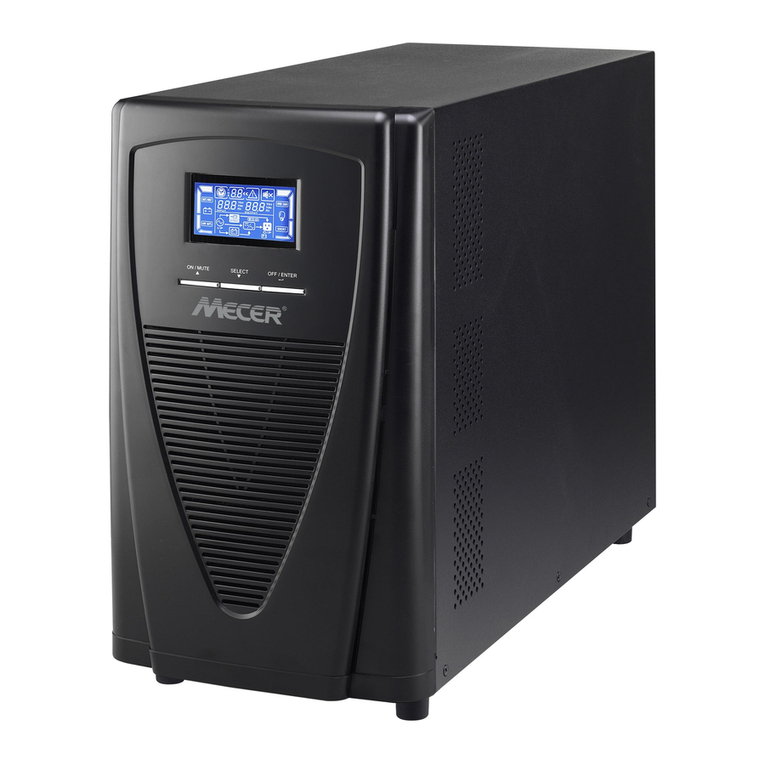
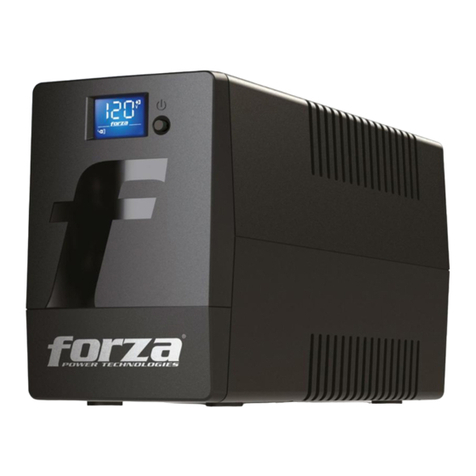
1. LCD display: Indicate status informaon, sengs and events. It
auto-dims to 20% brightness aer 20 seconds in normal condions.
It brightens up when power buon is shortly pressed or when
abnormal condion occurs ( Baery mode, Fault & Alarm).
2. Power On/O buon: Short press Power buon for LCD brighten,
long press Power buon to turn the UPS ON or OFF.
3. Input power cord: Connect to ulity power.
4. HID USB port: Allows the UPS to appear in Windows like a baery
icon. When the power is out, you can sll see the baery level and
adjust its sengs. Also Windows power management opons are
available. In case you need more advanced local management we
recommend you to install and use “ViewPower” soware.
5. 1Gb/s Network, Modem or Phone surge protecon
6. Input circuit breaker: This provides opmal overload protecon.
7. AC outlet: The UPS provides outlets for connected equipment to
insure temporary uninterrupted operaon during a power failure
and against surges and spikes.
Important safety warnings
3
Please comply with all warnings and operang instrucons in this manual
strictly. Save this manual properly and carefully read the following
instrucons before installing the unit. Do not operate this unit before
reading through all safety informaon and operang instrucons carefully:
Transportaon
• Please transport the UPS system only in the original package to
protect against shock and impact.
Preparaon
• Condensaon may occur if the UPS system is moved directly from cold
to warm environment. The UPS system must be absolutely dry before
being installed. Please allow at least two hours for the UPS system to
acclimate to the environment.
• Do not install the UPS system near water or in moist environments.
• Do not install the UPS system where it would be exposed to direct
English
Romana