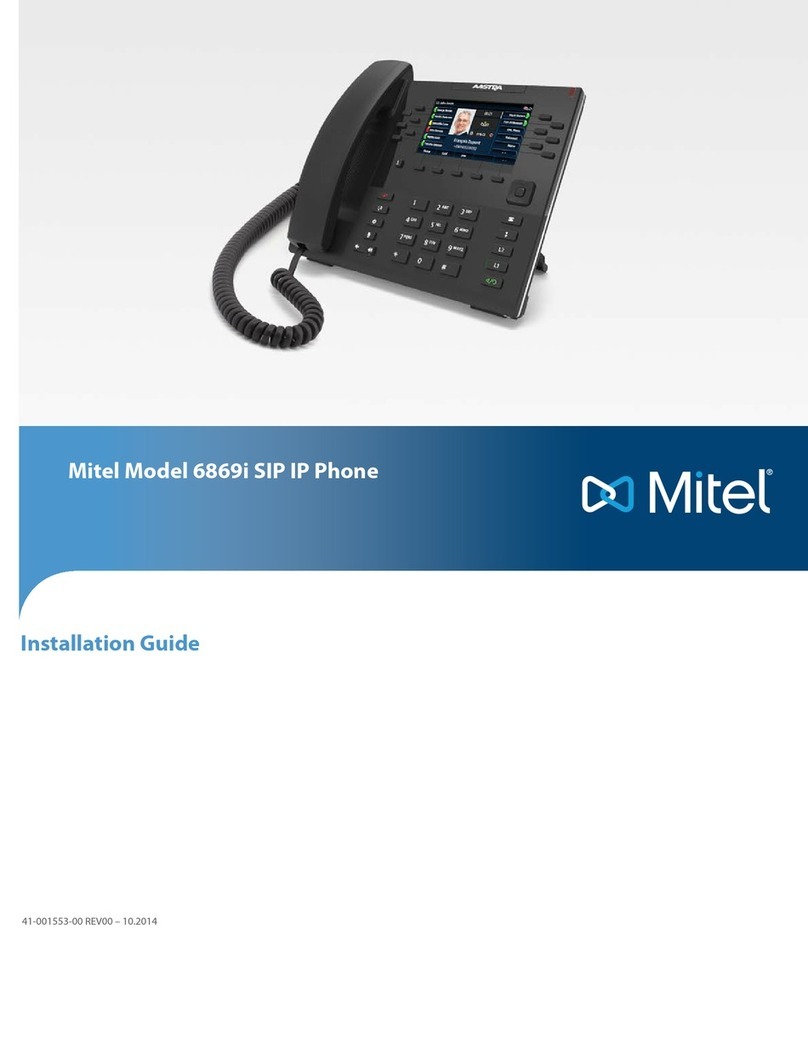
Mitel 600 User manual

Mitel 600 DECT Phone
Messaging and Alerting
Applications
USER GUIDE

NOTICE
The information contained in this document is believed to be accurate in
all respects but is not warranted by Mitel Networks™ Corporation
(MITEL®). The information is subject to change without notice and should
not be construed in any way as a commitment by Mitel or any of its
affiliates or subsidiaries. Mitel and its affiliates and subsidiaries assume
no responsibility for any errors or omissions in this document. Revisions
of this document or new editions of it may be issued to incorporate such
changes.
No part of this document can be reproduced or transmitted in any form
or by any means - electronic or mechanical - for any purpose without
written permission from Mitel Networks Corporation.
Trademarks
Mitel is a trademark of Mitel Networks Corporation.
Windows is a trademark of Microsoft Corporation.
Linux is a registered trademark of Linus Torvalds.
RedHat is a registered trademark of Red Hat, Inc.
Other product names mentioned in this document may be trademarks of
their respective companies and are hereby acknowledged.
Mitel 600 DECT Phone Messaging and Alerting Applications
User Guide
March 2015
,Trademark of Mitel Networks Corporation
©Copyright 2015, Mitel Networks Corporation
All rights reserved

iii
Table of Contents
DECT Phone Messaging and Alerting
Introduction ........................................................................................................................... 3
Other Documentation.......................................................................................................3
Safety Instructions ...........................................................................................................3
Notes on Authorization and Licences ..............................................................................3
Message Types ...............................................................................................................4
Message Options ......................................................................................................5
Menu: Text messages...............................................................................................6
Menu: Info .................................................................................................................7
Receiving Text Messages / Jobs .......................................................................................... 8
Message Pop-up Window................................................................................................8
Key Behaviour .................................................................................................................8
Audible Indicators ............................................................................................................9
Visual Indicators ............................................................................................................10
Visual Indicator with Info Box.........................................................................................11
Message Window Re-pop-up ........................................................................................11
Confirmation of a Text Message....................................................................................13
Confirmation of a Job.....................................................................................................13
Normal Job..............................................................................................................13
Urgent Job...............................................................................................................14
Receiving Confirmation Messages ................................................................................15
Receiving Information Messages...................................................................................16
Menu: Inbox / Jobs (Lists)..............................................................................................17
Sending Text Messages / Jobs ........................................................................................... 19
Message Editor..............................................................................................................20
Text Editor...............................................................................................................20
Address Editor.........................................................................................................20
Menu: Outbox (List) .......................................................................................................21
Menu: Use last text ........................................................................................................22
Menu: Pre-defined messages........................................................................................23
Creating a Pre-defined Message ............................................................................23
Sending a Pre-defined Message.............................................................................24
Using the Options Menu...................................................................................................... 25
Setting Options for Messages Receipt................................................................................ 28
Menu: Overwrite ............................................................................................................28
Menu: Melodies (for Message Receipt) .........................................................................28
Menu: Volume (for Message Receipt) ...........................................................................29
Message List Access via Programmed Keys ...................................................................... 31
Special Functions................................................................................................................ 32
Locating Alert.................................................................................................................32
Locating Menu ...............................................................................................................32
Querying locating data on the DECT Phone ...........................................................33
Programming locating access on a key ..................................................................33
Call-back Function / Paging...........................................................................................34
Sending a Paging Message ....................................................................................34
Receiving a Paging Message / Call-back................................................................35
Personal directory Entries as vCards ............................................................................35

Mitel 600 DECT Phone Messaging and Alerting Applications
iv
Activating vCard Reception .................................................................................... 36
Sending vCards ......................................................................................................37
Receiving vCards.................................................................................................... 37
Switching the DECT Phone On/Off..................................................................................... 38

DECT PHONE MESSAGING
AND ALERTING

Mitel 600 DECT Phone Messaging and Alerting Applications
2

3
Introduction
INTRODUCTION
Your OpenMobility SIP-DECT solution supports message and
alarm solutions. Message and alarm management is possible
by connecting external alarm servers or by using the basic
functions of the OpenMobility Integrated Messaging & Alerting
service (OM IMA). In addition, the system can be equipped
with the OpenMobility Locating application (OML) which
enables DECT phone location based on the DECT base
stations that the DECT phone uses.
The Mitel 600 series of DECT phones provide features for
handling messages. They are particularly suitable for use with
these Mitel applications.
OTHER DOCUMENTATION
This user guide describes the special messaging features of
the Mitel 600 DECT phone series and how to use them.
For basic information on DECT phone operation, please see
the Mitel 600 series DECT Phone User Guide.
SAFETY INSTRUCTIONS
Please note the safety instructions included with the device.
Please read these safety instructions first before using your
DECT phone.
NOTES ON AUTHORIZATION AND LICENCES
Sending and receiving of text messages and tasks is subject
to licensing and also depends on user permission. This means
that not every subscriber in a DECT system can use these
features automatically. Ask your system administrator which
particular features are enabled for your DECT phone.

Mitel 600 DECT Phone Messaging and Alerting Applications
4
Sending text messages to a FAX gateway or to an SMS
gateway (for GSM phones) also requires additional
applications available on the communications system. Sending
text messages to an e-Mail gateway is possible without
additional applications.
MESSAGE TYPES
Messages can be managed by an integrated data processing
of your communications system or by an external application
(server). All supported message types are described below,
however, available message types depend on the application.
Messages sent by the DECT phone are identified as normal
or urgent, and furthermore in text messages and jobs. Text
messages require no or basic confirmation from the sender.
Jobs are messages containing tasks. They must be confirmed
as “read”, “accepted” and – in case of urgent jobs – as “done”.
In addition, an application can send information messages
(e.g., news ticker), alarm messages, and messages to locate
a person.
MESSAGE TYPE SENT FROM ... ACKNOWLEDGMENT
BY RECEIVER/
CONFIRMATION TO
SENDER
Text message as info
(e.g. news ticker)
Alarm server No / No
Text messages with
low priority (e.g.,
confirmation
message)
Alarm server Yes / No
Normal text
messages (normal
priority)
Alarm server
and/or other
DECT phone* or
as fax*, SMS*,
email*
Yes / No

5
Introduction
MESSAGE OPTIONS
Messages can contain options when sent from the alarm
server. Options include settings for melody, volume, ringer,
vibrator, or display color, as well as options to disconnect a call,
initiate a callback, or suppress in-band signaling.
The following tables shows all message options. Note that
message options overwrite the respective DECT handset local
settings when the message is received.
Urgent text
messages (high
priority)
Alarm server
and/or other
DECT phone*
Yes / Yes
Alarm message Alarm server Yes* / Yes*
Normal jobs (normal
priority)
Alarm server and
or other DECT
phone*
Yes / Yes
Urgent jobs (high
priority)
Alarm server
and/or other
DECT phone*
Yes / Yes
Alarm job Alarm server Yes / Yes
Locating alert Alarm server Yes / Yes
*Dependant on system configuration. Fax, SMS (email): features must be
supported by an external messaging / alarm application. Email is supported
by the internal message / alarm application.
OPTION ATTRIBUTE DESCRIPTION
melody Overwrites DECT phone melody setting.
volume Overwrites DECT phone volume setting.
ringerTone Overwrites DECT phone “use ringer”
setting.
MESSAGE TYPE SENT FROM ... ACKNOWLEDGMENT
BY RECEIVER/
CONFIRMATION TO
SENDER

Mitel 600 DECT Phone Messaging and Alerting Applications
6
MENU: TEXT MESSAGES
Messages are saved and managed in a separate DECT phone
menu. To open this menu, do the following:
With the DECT phone idle, briefly press the key. Navigate
to the Text messages menu option and press Ok. The
following options are available:
•New message: to create new messages
•Use last text: to make further use of the last message and
recipient
•Outbox: shows the sent messages / jobs list
•Inbox: shows the received messages list
•Jobs: shows jobs not-yet-completed list
•Pre-defined messages: shows the pre-defined messages
list
increasingVol Overwrites DECT phone “increasing
volume” setting.
vibraCall Overwrites DECT phone “vibration”
setting.
noInband Overwrites DECT phone “In-band new
message signalization” setting.
disconnectCall Automatically disconnects a call when the
message is received at the DECT phone.
autoCallback Establishes an automatic callback from
the message recipient’s DECT phone to a
phone number.
textColour (R,G, B) Text colour for the message.
bgColour (R,G, B) Background colour of the message.
OPTION ATTRIBUTE DESCRIPTION
Other manuals for 600
3
Table of contents
Other Mitel IP Phone manuals

Mitel
Mitel MiVoice 5312 User manual

Mitel
Mitel 6863i User manual

Mitel
Mitel 5235 User manual

Mitel
Mitel MiVoice 6940 User manual

Mitel
Mitel 5000 CP Phone User manual

Mitel
Mitel Deskphone 6863 User manual

Mitel
Mitel 5302 User manual

Mitel
Mitel 5215 User manual

Mitel
Mitel 480G User manual

Mitel
Mitel MiVoice 6940 User manual

Mitel
Mitel MiVOICE 6920 User manual

Mitel
Mitel MIVOICE OFFICE 250 User manual

Mitel
Mitel 5540 User manual

Mitel
Mitel MiVoice 5340e User manual

Mitel
Mitel MiVoice 6910 User manual

Mitel
Mitel MIVOICE 6905 User manual

Mitel
Mitel MiVoice 6725ip User manual

Mitel
Mitel MiVoice Office 5320e User manual

Mitel
Mitel Mitel 5330 User manual

Mitel
Mitel Mitel 5330 User manual