Matrix SATATYA NVR8S User manual

SATATYA NVR
Quick Start

Matrix SATATYA PARAM NVR
Video Surveillance Solution
Quick Start
SECURITY SOLUTIONS

Documentation Disclaimer
Matrix Comsec reserves the right to change, at any time, without prior notice, the product design,
specifications, components, as engineering and manufacturing may warrant.
This is a general documentation for all models of the product. The product may not support some of the
features and facilities described in the documentation.
Information in this documentation may change from time to time. Matrix Comsec reserves the right to revise
information in this publication for any reason without prior notice. Matrix Comsec makes no warranties with
respect to this documentation and disclaims any implied warranties. While every precaution has been taken in
the preparation of this quick start, Matrix Comsec assumes no responsibility for errors or omissions. Neither
is any liability assumed for damages resulting from the use of the information contained herein.
Neither Matrix Comsec nor its affiliates shall be liable to the purchaser of this product or third parties for
damages, losses, costs or expenses incurred by the buyer or third parties as a result of: accident, misuse or
abuse of this product or unauthorized modifications, repairs or alterations to this product or failure to strictly
comply with Matrix Comsec's operating and maintenance instructions.
Warranty
For product registration and warranty related details visit us at:
http://www.matrixvideosurveillance.com
Copyright
All rights reserved. No part of this quick start may be copied or reproduced in any form or by any
means without the prior written consent of Matrix Comsec.
Safety Instructions
The product contains coin cell battery which is to be kept away from children. If swallowed, can
cause severe internal burns.

Certification
Version 8
Release date: July 19, 2023
Devices Compliance
Certification Completed:
NVR8S, NVR0801X, NVR0801X P2, NVR1601X,
NVR1601X P2, NVR1602X, NVR1602X P2,
NVR3202X, NVR3204X, NVR6404X, NVR6408X
Certification in-progress:
NVR0401XS P2, NVR0801XS P2, NVR1601XS P2
NVR3202X P2, NVR3204X P2, NVR6404X P2,
NVR6408X P2, NVR9608X P2
Certification Completed:
HVR0408S/HVR0408P, NVR24P

Table of Contents i
Contents
Know Your SATATYA NVR ............................................................................ 1
Naming Convention of NVRXS P2 series ......................................................... 2
Naming Convention of NVRX P2 series ............................................................ 3
Naming Convention of NVRX series ................................................................. 3
The Interfaces ................................................................................................... 4
NVRX Panel ...................................................................................................... 5
The User Interface ........................................................................................... 12
Installing SATATYA NVR ............................................................................. 15
What Your Package Contains ......................................................................... 15
Things You Will Need ...................................................................................... 16
Preparing for Installation ................................................................................. 16
Installing the Hard Disk ................................................................................... 20
Connecting Devices ........................................................................................ 31
Connecting Power Supply ............................................................................... 34
Accessing the SATATYA NVR .................................................................... 35
Accessing the Local Client .............................................................................. 35
Accessing the Remote Client .......................................................................... 38
Quick Setup Wizard ..................................................................................... 47
Configuring SATATYA NVR ........................................................................ 61
Formatting the Hard Disk ................................................................................ 61
Configuring Network Settings .......................................................................... 62

ii Table of Contents

Matrix SATATYA NVR Quick Start 1
Know Your SATATYA NVR
Thank you for choosing the Matrix SATATYA NVR.
This Quick Start is meant to help you get familiar with SATATYA NVR/NVRX/NVRX P2 Series,
install the device and configure its basic parameters.
To view or download the documents related to this product, scan the QR Code printed on the
Product Label/Packaging Label.
This is a common document SATATYA NVR/NVRX/NVRX P2 Series. If required, the configurations
of specific variant of NVRX/NVRX P2 are mentioned explicitly. The word NVR is used through-out
the document and it represent NVR/NVRX/NVRX P2, unless specified. NVRX and NVRX P2
supports same features unless mentioned explicitly.
You may also view or download the documents from https://www.matrixvideosurveillance.com/
product-manuals.html
For product registration and warranty related details, please visit https://
www.matrixcomsec.com/product-registration-form.html
Mentioned below are the variants of the product. The main difference is in the number of cameras
and hard disks supported.
NVRX P21Series Variants
NVR0401XS P2: This NVR is having configuration of maximum 4 IP channels and 1 hard disk.
NVR0801XS P2: This NVR is having configuration of maximum 8 IP channels and 1 hard disk.
NVR1601XS P2: This NVR is having configuration of maximum 16 IP channels and 1 hard disk.
NVR0801X P2: This NVR is having configuration of maximum 8 IP channels and 1 hard disk.
NVR1601X P2: This NVR is having configuration of maximum 16 IP channels and 1 hard disk.
NVR1602X P2: This NVR is having configuration of maximum 16 IP channels and 2 hard disk.
1. The following NVRX P2 variants will be released soon — NVR3202X P2, NVR3204X P2, NVR6404X
P2, NVR6408X P2 and NVR9608X P2.

2 Matrix SATATYA NVR Quick Start
NVR3202X P2: This NVRX is having configuration of maximum 32 IP channels and 2 hard disk.
NVR3204X P2: This NVRX is having configuration of maximum 32 IP channels and 4 hard disk.
NVR6404X P2: This NVRX is having configuration of maximum 64 IP channels and 4 hard disk.
NVR6408X P2: This NVRX is having configuration of maximum 64 IP channels and 8 hard disk.
NVR9608X P2: This NVRX is having configuration of maximum 96 IP channels and 8 hard disk.
NVRX Series Variants
NVR0801X: This NVR is having configuration of maximum 8 IP channels and 1 hard disk.
NVR1601X: This NVR is having configuration of maximum 16 IP channels and 1 hard disk.
NVR1602X: This NVR is having configuration of maximum 16 IP channels and 2 hard disk.
NVR3202X: This NVR is having configuration of maximum 32 IP channels and 2 hard disk.
NVR3204X: This NVR is having configuration of maximum 32 IP channels and 4 hard disk.
NVR6404X: This NVR is having configuration of maximum 64 IP channels and 4 hard disk.
NVR6408X: This NVR is having configuration of maximum 64 IP channels and 8 hard disk.
Naming Convention of NVRXS P2 series
SATATYA NVR 16 01 XSP2
Product
Name
IP Channels Hard Disks Extreme Standard P2 Variant
04: 4CH
08: 8CH
16: 16CH
01:1HDD

Matrix SATATYA NVR Quick Start 3
Naming Convention of NVRX P2 series
Naming Convention of NVRX series
Built on a high performance embedded microprocessor and video compression technology,
SATATYA NVR provides uninterrupted performance while recording, monitoring and playback,
best image quality with minimum storage space requirement. In addition to efficient local and
remote monitoring.
This Quick Start guide is meant to help you get familiar with SATATYA NVR, install the device and
configure its basic parameters.
This is a common document for all the configurations of SATATYA NVR/NVRX/NVRX P2 series.
Please read this document carefully before you begin the installation, and retain it for future
reference.
For complete product information and for detailed instructions on the installation and
configuration of SATATYA NVR/NVRX/NVRX P2, you may refer the Matrix SATATYA System
Manual.
SATATYA NVR 08 01 X
Product
Name
Hard Disks
01: 1 HDD
02: 2 HDD
04: 4 HDD
08: 8 HDD
IP Channels
08: 8CH
16: 16CH
32: 32CH
64: 64CH
Extreme

4 Matrix SATATYA NVR Quick Start
The Interfaces
This manual suits for next models
21
Table of contents
Other Matrix Security System manuals
Popular Security System manuals by other brands

EDM
EDM Solution 6+6 Wireless-AE installation manual

Highway Safety Group
Highway Safety Group EA401 user manual

Siren
Siren LED GSM operating manual

Detection Systems
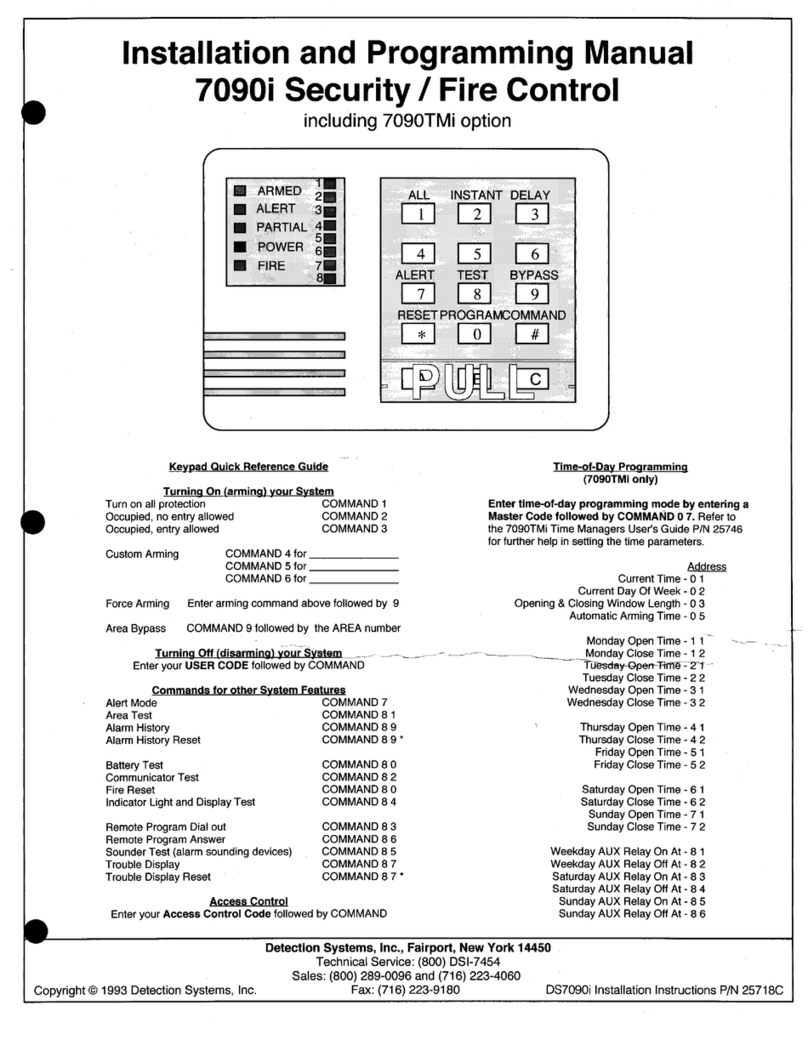
Detection Systems 7090i Installation and programming manual

Se-Kure Controls
Se-Kure Controls MicroMini SK-4841 instructions

Siemens
Siemens FDM273 manual