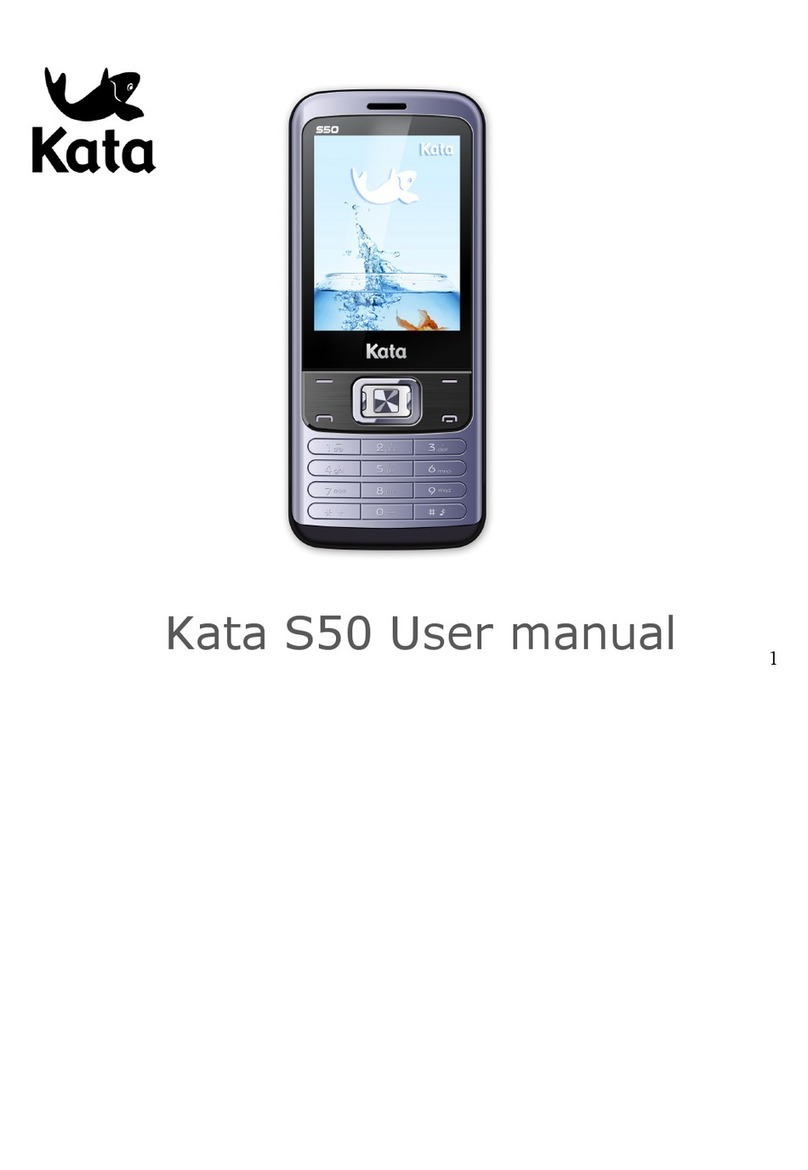
KATA Venus User manual

- 1 -

- 2 -
Contents
I. Safety and Precautions........................................................................................................................................ 3!
II. Venus S Outline .................................................................................................................................................... 7!
III. Preparations ......................................................................................................................................................... 8!
IV、Description of Cell Phone ............................................................................................................................ 15!
V. Basic operation of Venus S............................................................................................................................. 20!
VI. Operation menu function................................................................................................................................ 25!
Communication ....................................................................................................................................................... 25!
VII. Operating instructions of editor .................................................................................................................. 50!
VIII. Application of USB storage function ........................................................................................................ 51!
IX. Appendix 1.......................................................................................................................................................... 52!
X. Appendix 2........................................................................................................................................................... 55!

- 3 -
I. Safety and Precautions
To use your Venus S safely and effectively, please read the following information
before use:
Please turn off Venus S when you are near a chemical plant, a gas station, an oil
depot or other explosives.
Please keep Venus S out of the reach of children.
To ensure safety, please use earphone during driving; Otherwise, unless emergency,
you should make a call after parking your car by the roadside. Do NOT use the
phone during driving at high speed.
Do NOT use your Venus S while in a plane. Please check whether Auto Power On is
set or not before board.
Do NOT use your Venus S in a hospital to avoid interference with the normal
operation of medical equipment which may result in a medical accident. If the Venus
S is used near a pacemaker, audiphones and some medical electronic equipment,
you should pay special attention to that the Venus S may interfere with these
devices.
Auxiliaries and accessories NOT provided by us are excluded from the guarantee.

- 4 -
Do NOT dismantle your Venus S by yourself. In case of a failure, please contact the
service station specified by us.
Do NOT charge Venus S with no battery. Please turn off Venus S before removing
the battery; otherwise, the phone memory may be damaged.
The phone should be charged in the environment which is well-ventilated, and should
be kept away from the inflammables and explosives.
To avoid demagnetization, please keep Venus S away from magnetic substances,
such as magnetic disk, credit card, etc.
Please be sure the phone isn't exposed to any liquid. If this situation occurs, please
remove the battery and contact the service station specified by us.
Please use Venus S in the environment which is neither too hot nor too cold, and do
not expose Venus S to the strong sunlight or use in high-humidity environment.
Do NOT use liquid or wet cloth with strong detergent to clean Venus S.
Your Venus S has photo and record functions, so please use these functions
following the related laws and regulations. You may violate the law and regulation if
taking photo and record without authorization.
Do NOT throw, drop or hit the Venus S during use to avoid damage to the housing or

- 5 -
the elements inside the phone.
Do NOT dispose the worn battery as common domestic rubbish. Please dispose the
worn battery according to the specified instructions where the disposal of a worn
battery is clearly specified.
〈Note〉:1. Kata won't undertake any responsibility for any consequences caused by
failure to observe the above-mentioned suggestions or improper applications.
2. The provided cables are only applicable to this type of mobile phone
and the provided charge; you can also connect the phone to the PC by a USB cable
to charge the phone. Do not charge the phone by any other mode.
If any content described in this manual goes against that of your cell phone, please
subject to the real cell phone.
The original factory is entitled to modify the manual at any time without further notice.

- 6 -

- 7 -
II. Venus S Outline
The following is the view of the phone:

- 8 -
III. Preparations
Installation of your SIM card
You can apply for two different numbers offered by two network providers and get two
SIM cards (users identify cards).
With those two SIM cards, you can use various functions of this cell phone. Many
parameters required for communications are stored in the SIM cards. Personal data,
including the PIN (personal identification number), phonebook, SMS and other extra
system services can also be stored in the SIM cards.
Warning:Do NOT twist or scratch the SIM card and expose it to static electricity, dust
or water. If you lost your SIM card, please contact your network operator for help.
To install your SIM cards, please turn off your Venus S first, remove the back cover,
and insert the SIM cards into the SIM card slots at the back of the phone.
Please install the SIM cards as shown below:

- 9 -
Note:The SIM card is a small object, please keep the card out of the reach of the
child to avoid swallowing the card by accident! Do not touch the metal surface of the SIM
card and keep it away from electromagnetism to avoid loss and damage on the data. You
will not be able to connect to the network if the SIM card is damaged.
Installation of memory card
The phone supports T-FLASH card as to expand the memory space. Please install or
take out the memory card as per the following picture after shutting down the phone.
Note:The T-FLASH card is a small object, please keep the T-FLASH card out of the
reach of the child to avoid swallowing the card by accident!

- 10 -
Tip:The phone supports a memory card with capacity up to 8GB. It is recommended
that only the attached standard TF card and other TF cards of well-known brand like
SanDisk and Kingston are used. Other TF cards may be not compatible with the phone.
Installation of battery
Please use the original-packaging battery and accessories. Store the battery well if it is
not used.
Please install the battery at shut down status.
Note:Please follow the correct procedures as shown in the figure to prevent damage to
Other manuals for Venus
1
Table of contents
Other KATA Cell Phone manuals