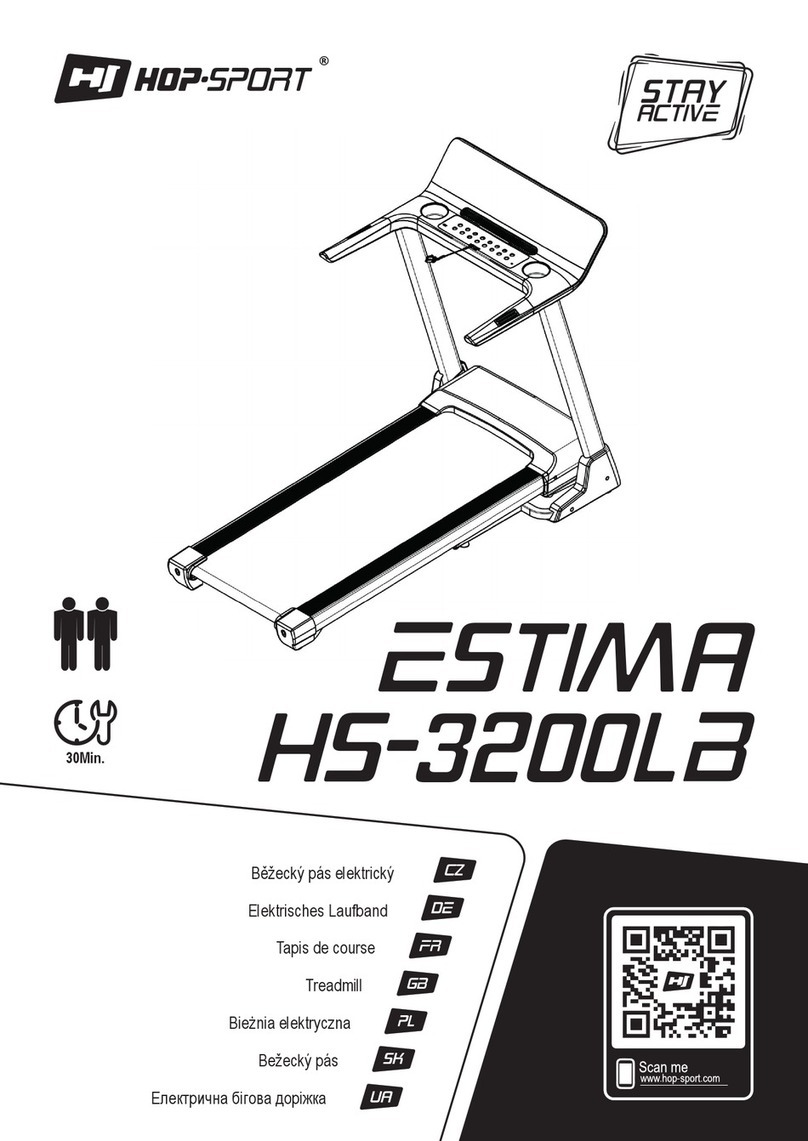
Inter-Track IT-2200 User manual

IT-2200 InterTrack
BELT LUXURYTREADMILL
USER GUIDE

Install the treadmill in a dry location away from water, dampness, and dust
Do not run on the treadmill with bare feet. Wear appropriate exercise clothing
Plug the treadmill into a grounded electrical socket
Do not plug into an extension board
Keep children away from the treadmill.
Before operating, ensure safety clip is attached to you so the emergency stop is activated
at the time of accident
After using silicone oil, keep it away from children’s reach to avoid accidental ingestion
Do not wear clothes that can easily hook onto the treadmill
Keep the power cord away from hot objects and surfaces
Do not use the treadmill in the open air
Do not perform repairs yourself or allow non-authorised persons to disassemble or perform
repairs on the treadmill. If repairs are required, cease use immediately and contact
intertrack.net for assistance
Do not use the treadmill if it is damaged in any way
Do not use when intoxicated
The treadmill can not support more than maximum weight of 220kg
Power off and unplug the treadmill before moving
Clean the treadmill regularly. See the Cleaning & Care section of this user guide
Switch off the treadmill after use
SAFETY & WARNING
.
.
.
.
.
.
.
.
.
.
.
.
.
.
.
.

Electrical Grounding
•Use this product with appropriate electrical grounding. If there is malfunction, the
grounding system will provide a low resistance pathway to ground to protect against
electric path.
•Install this product using Equipment-Grounding Conductor (EGC) and grounding plug.
The plug must be inserted into the proper plug base that has been correctly installed
and grounded according to the local laws or regulations. 220V
•If the ECG is connected improperly, it may cause the danger of electric shock. If you
doubt whether the grounding of this product is right, authorise professional electrician
to check.
•If the grounding plug attached with this product does not match with the plug base,
authorise professional electrician to install right plug. 220V
•Ensure that the grounding plug of this product is connected to the plug base that has
the same shape. Do not use plug base adapter.

1
Upper Frame
7
Running Deck
2
Control Console
8
Running Belt
3
Input Keys
9
Rear Guard
4
Handles
10
Folding Lock
5
Upright Post
11
Side Cover
6
Calinder
12
Lower Frame
12
9
1
2
3
4
7
8
10
5
11
6
OVERVIEW

Step 1: installation of complete machine
1. Hold the Column and slowly pull to the fixing hole position.
2. Fix Column onto Pedestal with M8*20,M8*55 screw and M8 flat gasket.
3. Fix Display Meter onto the Column with M8*20 screw and M8 flat gasket.
ASSEMBLY

Step 2: Assembly of left and right side covers
1. Remove the package stator that hold the frame and the base,and be careful not to
hurt someone when the frame bounces off.
2. Fix the left and right side covers on both sides of pedestal with M4*15 screw and
lock them.
Finally, please ensure that all screws are tightened after all accessories are assembled.

1. Insert power plug into socket and turn on power switch a (light turns red). You will
hear “beep” and window on instrument panel displays.
2. Place safety lock at yellow position of instrument panel, when the treadmill can be
normally used.
3. Please clamp the safety lock onto your clothes when using the machine to avoid
accidents.
4. You can open the safety lock at any time to immediately stop the motor to avoid
falling over.
5. Please place the safety lock back and start starting program to use the machine
again.
Console Operation
Note: Always use a power outlet that is earthed.
OPERATION

START To start the treadmill.
STOP To stop the treadmill.
PROG
Following modes available:
•Manual Control
•Automatic Program
•Custom Program
•HRC Program
•Body Fat Test
To change functions, do the following:
•When in Manual Control, press the PROG
button to enter the Automatic Program.
•Press PROG again to enter Body Fat Test.
•Press PROG again to return to Manual Control.
MODE To select the Countdown mode.
SPEED To adjust the running speed.
INCLINE
•To adjust the incline speed.
•When the console is in standby state, press the
MODE key to change from speed to incline
adjustment.
VOLUME To adjust the volume of music playback.
LAST/NEXT To cycle between the tracks during music playback.
Speed Adjustment Key
Incline Adjustment Key

Manual Control Mode
•When the treadmill is in standby, press the START key to start the treadmill and
enter manual control mode.
•The initial speed will be 1 kilometer/hour.
•Time, Distance and Calorie counts will start from 0.
•Speed and incline of the treadmill can be adjusted in real-time using the SPEED
and INCLINE keys on the console.
•If exercise time exceeds 99: 59 minutes, the time will reset to 0.
Countdown Mode
The treadmill can be set to stop automatically when you reach the desired goal of either
Time, Distance or Calories.
•To enter the Time Countdown Mode, do the following:
1. In the Manual Control mode, press the Mode key to select the Time Countdown
mode.
2. The time display shows 30:00 minutes. The running time can be set via Speed +/-
key or Incline +/- key.
3. Set time range from 8:00 ~ 99:00 minutes. Press the START key to start the timer
countdown.
•To enter Distance Countdown mode, do the following
1. In the Manual Control mode, press the Mode key to select the Distance Countdown
mode.
2. The distance display shows 1.0 km and the distance goal can be set by pressing the
Speed +/- key or Incline +/- key.
3. Set distance range 1.0 ~ 99.0 km. Press the START key to start the distance
countdown.
•To enter the Calorie Countdown mode, do the following
1. In the Manual Control mode, press the Mode key to select the Calorie mode.
2. The calorie display shows 50 calories and calories can be set by pressing the Speed
+/- key or Incline +/- key.
3. Set calorie range from 20 ~ 990. Press the START key to enter the Calorie mode
operation.
During any countdown mode when START is pressed the initial speed will be 1 km/h.
The countdown mode you have chosen will begin the countdown as the other
parameters increases.
The speed and incline of the treadmill can be adjusted manually in real-time using the
SPEED and INCLINE keys.
As the countdown parameter reaches its goal the treadmill will slow down and enter
standby mode.

Automatic Program Function
1. In the Manual Control mode state or MODE setting state, press the PROG key to enter
the Automatic Program function.
2. The display shows 30:00 minutes and can be adjusted by pressing the SPEED +/-key
or INCLINE +/- key. Set the range to 8:00 ~ 99: 00 minutes.
3. Press the START key to start an automatic program.
4. The automatic program is divided into 20 sections. The Speed and Incline values for
each segment run is determined by the automatic program. The run time for each
segment is 1/20 of the total set time.
5. Distance and Calories displays starts from 0 and increases.
6. Speed and incline can be adjusted during the automatic program by pressing the
SPEED and INCLINE keys.
7. When the automatic program is complete the treadmill will enter the standby mode.
Body Fat Test Function
1. In the Manual Control mode or MODE setting state, press the PROG key to enter the
Body Fat Test function.
2. After entering the body fat test settings status, the SPEED display will show the
parameters name.
3. The TIME display shows a parameter value to be set. Adjust the parameter value by
using SPEED +/- key or INCLINE +/- key.
4. Press the MODE key to select and enter the following parameters:
Parameters
F-1
Gender
F-2
Age
F-3
Height
F-4
Weight
Range
Male: 1 and Female: 2 10 to
99 years
100 to 220 centimeters
20 to 150 kilograms
F-5
Body Fat
Initial Value
1
25 years
170 centimeters
70 kilograms
---
5. After entering the parameters, test your Body Fat percentage.
6. Hold the steel sensor plates on the handlebars for about 5 seconds.
7. The body fat percentage will be calculated based on your input parameters and will
be displayed on the screen.
Table of contents
Other Inter-Track Treadmill manuals
Popular Treadmill manuals by other brands

Smooth Fitness
Smooth Fitness EVO 3i user manual

NordicTrack
NordicTrack NETL81810.0 user manual

Schwinn
Schwinn 830/Journey 8.0 Assembly manual / owner's manual

Keys Fitness
Keys Fitness HealthTrainer HT-740T owner's manual

Spirit
Spirit XT8 Service manual

NordicTrack
NordicTrack T 14.0 Treadmill Manuel de l'utilisateur