
Hills EVOHD-H-VDIR-WDR-MZ-2.812 Operating instructions
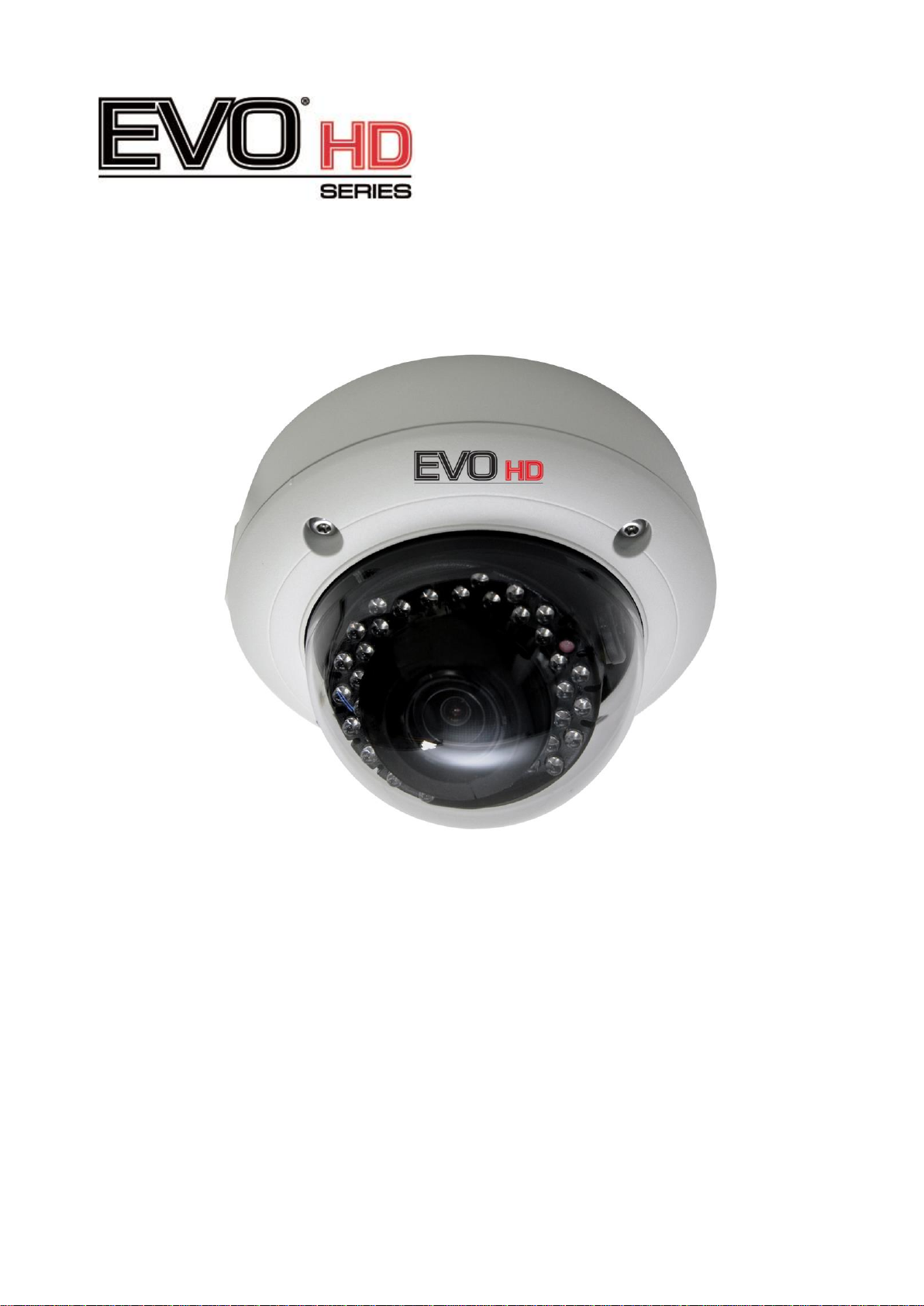
Installation and Operation Guide
Full HD WDR Vandal-Proof Camera
EVOHD-H-VDIR-WDR-MZ-2.812

2
FCC COMPLIANCE STATEMENT
CE COMPLIANCE STATEMENT
WARNING : This is a Class A product. In a domestic environment this product may
cause radio interference in which case the user may be required to take adequate
measures.
CAUTION : Changes or modifications not expressly approved by the party
responsible for compliance could void the user’s authority to operate the equipment.
FCC INFORMATION : This equipment has been tested and found to comply with the
limits for a Class A digital device, pursuant to Part 15 of the FCC Rules. These limits
are designed to provide reasonable protection against harmful interference when the
equipment is operated in a commercial environment. This equipment generates,
uses, and can radiate radio frequency energy and, if not installed and used in
accordance with the instruction manual, may cause harmful interference to radio
communications. Operation of this equipment in a residential area is likely to cause
harmful interference in which case the user will be required to correct the interference
at his own expense.
This device complies with Part 15 of the FCC Rules. Operation is subject to the
following two conditions: (1) this device may not cause harmful interference, and (2)
this device must accept any interference received, including interference that may
cause undesired operation.

3
IMPORTANT SAFETY INSTRUCTIONS
1. Read these instructions.
2. Keep these instructions.\
3. Heed all warnings.
4. Follow all instructions.
5. Do not block any ventilation openings. Install in accordance with the manufacturer’s
instructions.
6. Do not install near any heat sources such as radiators, heat registers, stoves, or other
apparatus (including amplifiers) that produce heat.
7. Only use attachments/accessories specified by the manufacturer.
8. Use only with the cart, stand, tripod, bracket, or table specified by
The manufacturer, or sold with the apparatus. When a cart is used,
Use caution when moving the cart/ apparatus combination to avoid
Injury from tip-over.
9. CAUTION –THESE SERVICING IN STRUCTIONS ARE FOR USE BY QUALIFIED
SERVICE PERSONNEL ONLY. TO REDUCE THE RISK OF ELECTRIC SHOCK DO
NOT PERFORM ANY SERVICING OTHER THAN THAT CONTAINED IN THE
OPERATING INSTRUCTIONS UNLESS YOU ARE QUALIFIED TO DO SO.
10. Use satisfy clause 2.5 of IEC60950-1/UL 60950-1 or Certified/Listed Class 2
power source only.
11. Indoor use only.
EXPLANATION OF GRAPHICAL SYMBOLS
The lighting flash with arrowhead symbol, within an equilateral triangle, is
Intended to alert the user to the presence of uninsulated “dangerous voltage”
within the product`s enclosure that may be of sufficient magnitude to constitute
a risk of electric shock to persons.
The exclamation point within an equilateral triangle is intended to alert the user
to the presence of important operating and maintenance (servicing)
instructions in the literature accompanying the appliance.
LIMITATION OF LIABILITY
THE INFORMATION IN THIS PUBLICATION IS BELIEVED TO BE ACCURATE IN ALL
RESPECTS; HOWEVER, WE CANNOT ASSUME RESPONSIBILITY FOR ANY
CONSEQUENCES RESULTING FROM THE USE THEREOF. THE INFORMATION
CONTAINED HEREIN IS SUBJECT TO CHANGE WITHOUT NOTICE. REVISIONS OR
NEW EDITIONS TO THIS PUBLICATION MAY BE ISSUED TO INCORPORATE SUCH
CHANGES.

4
PRECAUTIONS
Before installation, carefully read the manual to ensure correct operation and setup,
heeding all warnings and instructions.
Do not block any ventilation openings. Install in accordance with the manufacturer's
instructions.
Ensure manual is kept in good condition for future use.
Do not install the device near any heat sources such as radiators, heat registers, stoves,
or other equipment(including amplifiers) that produce heat.
Only use attachments/accessories specified by the manufacturer.
Should any liquid get into the housing, immediately disconnect the device from the power
supply and have it
checked by authorized personnel before reusing.
Do not install the device in a place where it is exposed to gas or oil.
Installation and servicing by authorized personnel only, adhering to local safety regulations.
Unless you are an authorized technician, never try to dismantle the device. To avoid
electric shock, never remove the screws or covers.
If a camera, do not expose the device to radioactivity. It will cause serious damage to the
CCD.
Use Certified/Listed Class 2 power source only.
Cleaning
Clean the device with a slightly damp soft cloth. Use a mild household detergent. Never
use strong solvents such as thinner or benzene as they might damage the finish of the unit.

5
TABLE OF CONTENTS
INTRODUCTION ------------------------------------------------------------------------- 6
CAMERA CONNECTION -------------------------------------------------------------- 7
LENS ADJUSTMENT ------------------------------------------------------------------- 7
CONTENTS OF PACKAGE ----------------------------------------------------------- 8
INSTALLATION --------------------------------------------------------------------------- 9
STRUCTURE OF THE SETUP MENU --------------------------------------------- 11
DC AUTO IRIS LENS ------------------------------------------------------------------- 17
SPECIFICATIONS ----------------------------------------------------------------------- 18
EXTERNAL DIMENSION ------------------------------------------------------------ 19

6
INSTRUCTION
The 1/2.8” 2.1M Full HD CMOS camera, especially for closed circuit television
CCTV and security surveillance application.
Features:
•High performance SONY 1/2.8” 2.1M STARVIS CMOSTM
•Min. illumination 0.03 lux(Color), 0 lux(BW, IR LED ON)
•Auto electronic shutter [1/30(1/25) ~ 1/30,000] and manual electronic shutter modes
•WDR (Wide Dynamic Range)
•D-WDR (Digital Wide Dynamic Range)
•BLC (Back-light compensation)
•HLC (High-light compensation)
•Auto and manual white balance modes (AUTO/AUTOext/Manual/AWB)
•Day & Night (ICR) : Auto / Color / BW /EXTERN
•OSD (on screen display)
•DNR (Digital Noise Reduction)
•IR Range distance up to 30M
•30EA, 850nm IR LEDs
•Privacy mask Function (16zone)
•Motion Detection (4zone)
•Defog
•Composite Video Output (700TV Lines)
•Operates in AC24V ± 10% / DC 12V ± 10%
•Use Certified / Listed Class 2 Power source only
IMPORTANT : The user of this camera is responsible for checking and
complying with local, state, and federal laws and statutes concerning the
recording and monitoring of audio signals.

7
CAMERA CONNECTION
①Lens : Allows a wide area to be monitored.
②Power : 24V AC/ 12V DC power source from a DC 12V or
AC 24V±1 0%, 60/50Hz±1Hz Use Certified/Listed Class 2 power source only.
DC 12V Type => DC 12V±10% (12VDC is polarity dependant)
*If using DC 12V power adaptor, use power supply capable of supplying 8 Watts.
③Video(HD) : BNC(Black) connector used to connect the camera to a DVR, etc.
④Video(CVBS) : BNC(Yellow) connector used to connect the camera to a DVR, etc.
⑤SPOT : Spot connector used to check video(CVBS) output.
LENS ADJUSTMENT
Tact Switch for motorized lens control.
Without being in the OSD:
Up –Zoom in
Down –Zoom out
The lens will then autofocus the lens
based on the overall scene being viewed.

8
CONTENTS OF PACKAGE
Installation of the camera must be performed by qualified service personnel in
accordance with all local and national electrical and mechanical codes.
Carefully remove the color camera and its accessories from the carton and verify that
they were not damaged in shipment.
The content of the package includes:
1. Camera in housing
2. This manual
3. Accessory kit for installing
4. Drilling guide label

9
INSTALLATION
1. Make mounting holes and cable hole in the place (ceiling or wall) to which this
dome camera is installed using the Drilling guide label

10
INSTALLATION
2. To remove dome cover, turn the dome body counterclockwise until locators
reach end of travel and pull off.
Push the liner on the sides where the patterns are put in the teeth of a comb
and pull it out
3. Attach the housing to the ceiling using suitable fasteners, M6x35 tapping
screws are supplied only use if they are suitable.
Turn the housing to right direction about 16 degrees to lock in place.
4. The assembly of the dome body and liner is in reverse order of disassembly.
Finally, lock dome body with locking screw(M3x5) from the accessory kit.
Adjusting the 3-Axis Gimbal
Panning 360°
Tilting 60°
Rotation 360°
This manual suits for next models
1
Table of contents
Other Hills Security Camera manuals








