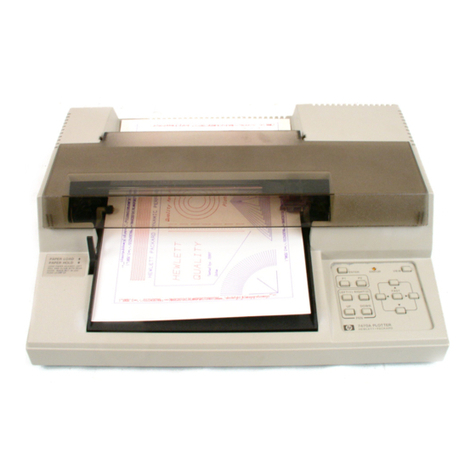
RX II Series User Manual
Table of Contents
4.2 Tracking Performance 4-6
4.3 Cutting Force and Offset Adjustment 4-7
4.4 How to Cut 3mm Letter 4-8
4.5 How to Make A Long Plot 4-8
4.6 When Completing the Cutting Job 4-9
4.7 RX II series Print Driver setting
4.7.1 RX II series Print Driver setting > Option Page 4-10
4.7.2 RX II series Print Driver setting > Pen Page 4-13
4.7.3 RX II series Print Driver setting > Paper Page 4-17
4.8 Reference Parameter Setting for Different Materials 4-18
5.1 Introduction 5-1
5.2 AAS Contour Cutting System 5-2
5.2.1 Notice for Registration Marks 5-2
5.2.2 AAS II on RX II series 5-3
5.2.3 Automatic Distinction of the Plot Direction 5-5
5.3 Printer Test 5-6
5.4 Registration Mark Offset Range
5.5 Contour Cutting 5-8
5-8
5.6 Tips for AAS 5-10
6.1 Cleaning the cutting Plotter 6-1
6.2 Cleaning the Grid Drum 6-2
6.3 Cleaning the Pinch Rollers 6-2
7.1 Non-Operational Problems 7-1
7.2 Operational Problems 7-2
7.3 Communication Problems 7-3
7.4 Software Problems 7-4
7.5 Cutting Quality Problem 7-5
7.6 USB Connection Problems 7-6
A-1 RX II Series Specification A-1
A-2 Blade Specification A-2
A-3 CorelDRAW Output Instruction A-3
A-4 CorelDRAW Plug-In Instruction A-4
A-5 llustrator Plug-In Instruction A-5
A-6 GreatCut Plug-In Instruction A-6
A-7 SignPal 12 Instruction A-7
A-8 Sure Cuts A Lot A-8