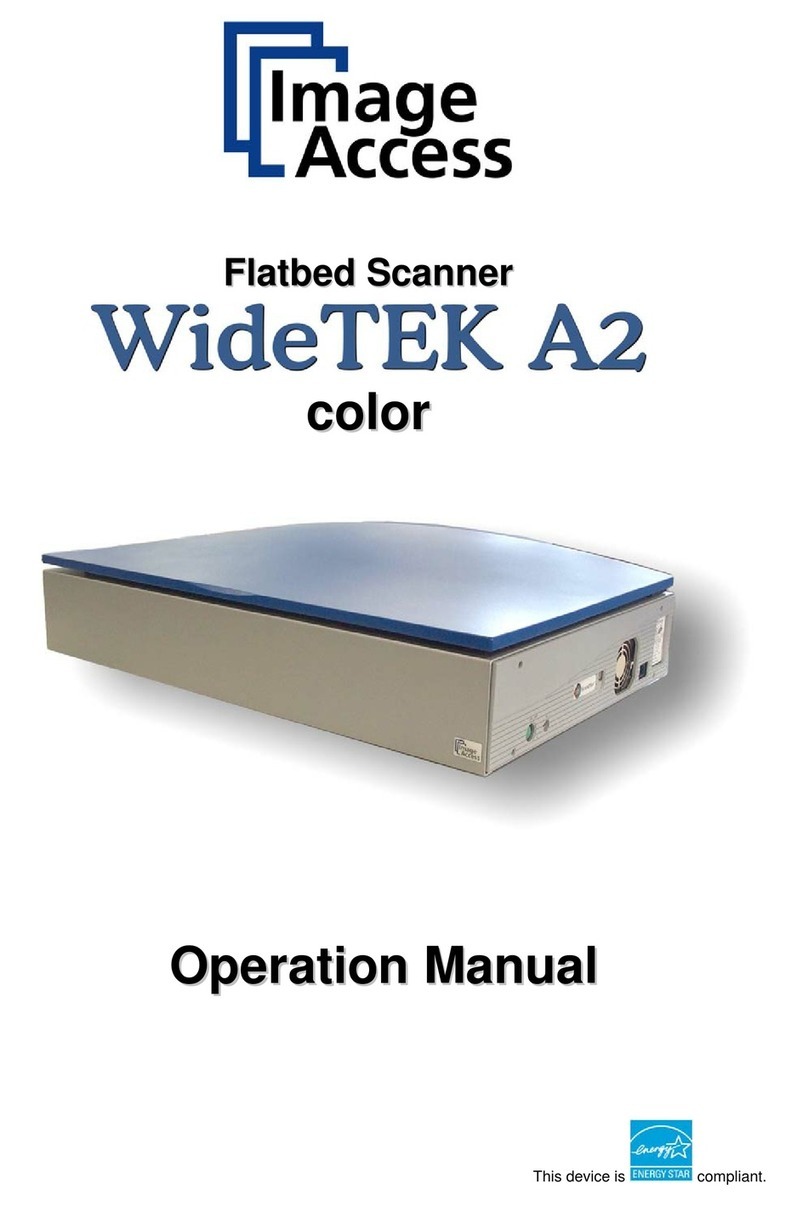
FujiFilm FCR XG-1 User manual

CR-IR346CL Operation Manual
010-024-00 Fuji Photo Film Co., Ltd.
2000. 10
FCR XG-1
CR-IR346CL
OPERATION MANUAL
1st Edition
October 2000
MADE IN JAPAN
FUJI PHOTO FILM CO., LTD.
TOKYO 106-8620

ii
CR-IR346CL Operation Manual
010-024-00 Fuji Photo Film Co., Ltd.
2000. 10

iii
CR-IR346CL Operation Manual
010-024-00 Fuji Photo Film Co., Ltd.
2000. 10
FOREWORD
Thank you for purchasing the FCR XG-1 CR-IR346CL.
For users to un erstan the functions of the CR-IR346CL an use them to the fullest, this
manual “FCR XG-1 CR-IR346CL OPERATION MANUAL” escribes in etail how to
operate the unit, precautions in operations, etc.
Users using the unit for the first time shoul rea this manual carefully before beginning use.
After using the manual, keep it nearby carefully for future reference.
Copyright© 2000 by Fuji Photo Film Co., Lt .
1. No part or all of this manual may be repro uce in any form without prior
permission.
2. The information containe in this manual may be subject to change without prior
notice.
3. Fuji Photo Film shall not be liable for malfunctions an amages resulting from
installation, relocation, remo eling, maintenance, an repair performe by other than
ealers specifie by Fuji Photo Film.
4. Fuji Photo Film shall not be liable for malfunctions an amages of Fuji Photo Film
pro ucts ue to pro ucts of other manufacturers not supplie by Fuji Photo Film.
5. Fuji Photo Film shall not be liable for malfunctions an amages resulting from
negligence of precautions an operating metho s containe in this manual.
6. Fuji Photo Film shall not be liable for malfunctions an amages resulting from
natural isasters such as fires, earthquakes, floo s, lightning, etc.

iv
CR-IR346CL Operation Manual
010-024-00 Fuji Photo Film Co., Ltd.
2000. 10
CONTENTS
1. PRECAUTIONS BEFORE USE _______________________________ 1-1
1. For Safe Operation ..................................................................................................... 1-2
2. OPERATIONS BASICS _____________________________________ 2-1
1. Start Up/Shut Down ................................................................................................... 2-2
TStart up ...................................................................................................... 2-2
TShut own ................................................................................................. 2-3
2. Operation Screen ........................................................................................................ 2-4
TStu y reception screen .............................................................................. 2-4
TStu y execution screen ............................................................................. 2-5
TImage e it screen (by image) .................................................................... 2-6
TImage e it screen (by stu y) ..................................................................... 2-7
3. Image Rea er Status ................................................................................................... 2-8
4. Version Display .......................................................................................................... 2-9
3. OPERATIONS LIST ________________________________________ 3-1
1. List .............................................................................................................................. 3-2
TWorklist..................................................................................................... 3-2
TQA ............................................................................................................. 3-3
TQueue ........................................................................................................ 3-4
TDelivere ................................................................................................... 3-5
TAll ............................................................................................................. 3-6
TTo ay ........................................................................................................ 3-7
2. List Operation ............................................................................................................. 3-8
TSearch ........................................................................................................ 3-8
TSetting the sorting or er ............................................................................ 3-9
TUp ating the list ........................................................................................ 3-9
TDeletion ..................................................................................................... 3-10
TSelect all .................................................................................................... 3-10
TPriority output ........................................................................................... 3-11
TSwitching isplay information .................................................................. 3-11
TExecution of the next processing .............................................................. 3-12
TScroll ......................................................................................................... 3-12
TSetting stu y list ........................................................................................ 3-13

v
CR-IR346CL Operation Manual
010-024-00 Fuji Photo Film Co., Ltd.
2000. 10
4. OPERATIONS STUDY RECEPTION ___________________________ 4-1
1. Patient Information Input............................................................................................ 4-2
2. Exposure Menu Selection ........................................................................................... 4-3
3. Up ate/Delete Exposure Menu ................................................................................... 4-5
TUp ate ....................................................................................................... 4-5
TDeletion ..................................................................................................... 4-6
4. Completing Reception ................................................................................................ 4-7
5. OPERATIONS STUDY EXECUTION ___________________________ 5-1
1. Screen Display ............................................................................................................ 5-2
2. Image Rea ing ............................................................................................................ 5-3
3. A ition/Up ate/Deletion of Exposure Menu ............................................................ 5-12
TA ition .................................................................................................... 5-12
TUp ate ....................................................................................................... 5-13
TDeletion ..................................................................................................... 5-14
4. Re-exposure/A itional Exposure .............................................................................. 5-15
TRe-exposure .............................................................................................. 5-15
TA itional exposure .................................................................................. 5-15
5. Up ate Patient Information ........................................................................................ 5-16
6. Suspen /Complete Exposure ...................................................................................... 5-17
6. OPERATIONS IMAGE EDIT __________________________________ 6-1
1. Screen Display ............................................................................................................ 6-2
TBy stu y .................................................................................................... 6-2
TBy image ................................................................................................... 6-3
2. Image E it .................................................................................................................. 6-4
TMain .......................................................................................................... 6-4
TProcessing ................................................................................................. 6-8
TDelivery..................................................................................................... 6-10
TList ............................................................................................................ 6-19
3. Utility.......................................................................................................................... 6-20
TPrinting isplaye image........................................................................... 6-20
TLocking stu y............................................................................................ 6-20
TSetting faile image .................................................................................. 6-21
4. Image Output .............................................................................................................. 6-22
7. TROUBLE SHOOTING ______________________________________ 7-1
1. Error Messages ........................................................................................................... 7-2
2. When These Happen................................................................................................... 7-3

vi
CR-IR346CL Operation Manual
010-024-00 Fuji Photo Film Co., Ltd.
2000. 10

1 - 1
CR-IR346CL Operation Manual
010-024-00 Fuji Photo Film Co., Ltd.
2000. 10
FUJI COMPUTED RADIOGRAPHY
chapter
1
PRECAUTIONS BEFORE USE

1 - 2
CR-IR346CL Operation Manual
010-024-00 Fuji Photo Film Co., Ltd.
2000. 10
For Safe Operation
This chapter lists the precautions required to use the CR-IR346CL safely. Before starting use,
read this chapter ery carefully and understand its operations thoroughly first.
Safety precautions consist of “WARNING”, “CAUTION”, and “NOTE” which is a
supplementary explanation. Differing in nature, each ha e the following meanings.
WARNING
Indicates hazardous situations which may lead to serious injuries or e en death if the
precaution is not or could not be followed.
CAUTION
Indicates hazardous situations which may lead to mild or medium injuries if the precaution is
not or could not be followed. Precautions against accidents causing only physical damages.
NOTE
Gi es procedures requiring special attention, instructions which must be followed,
supplementary explanations, etc.
WARNING
This model supplies high oltage to the inside of unit, etc. The following instructions must be
carefully followed to pre ent an electrical shock.
• No one other than ser ice engineers should open the unit co er. Do not touch the high
oltage portion of the abo e-mentioned parts with your hand, or you may get an electric
shock.
WARNING
The supply oltage of the units comprising this system is AC100V to 120V or AC200V to
240V.
The instructions below must be followed to pre ent an electrical shock.
• Install the unit where no water may subject the units.
• Check that the ground of each unit has been perfectly connected.
• Check that all the cables ha e been properly and perfectly connected.
CAUTION
In extended uses of the unit, set aside 10 to 15 minutes after e ery hour to rest your eyes and
hands.
1

2 - 1
CR-IR346CL Operation Manual
010-024-00 Fuji Photo Film Co., Ltd.
2000. 10
FUJI COMPUTED RADIOGRAPHY
chapter
2
OPERATIONS
BASICS

2 - 2
CR-IR346CL Operation Manual
010-024-00 Fuji Photo Film Co., Ltd.
2000. 10
Start Up/Shut Down
The following explains how to start up and shut down the CR-IR346CL. Be sure to start up
peripheral devices which are re uired for the work as well such as the Image Reader and
display.
Start up
Turn on the power of the personal computer.
The application software of the CR-IR346CL automatically starts. When the initial screen is
displayed, start up is completed.
1
Other manuals for FCR XG-1
3
This manual suits for next models
1
Table of contents
Other FujiFilm Scanner manuals