DOF FREEDOM X5 User manual

Revision (09. 2023)
Camera Moving Model Scanner
USER MANUAL

3Precautions
CONTENTS
Precautions
Software Installation
Plate
Scanning Instructions
Calibration
Components
ScanApp
Scanner Installation
Mouse Instructions
Product Details
Language Settings
PC Requirements
Description of Icons
Worldwide Official Network
Installation Precautions
Safety Precautions
4
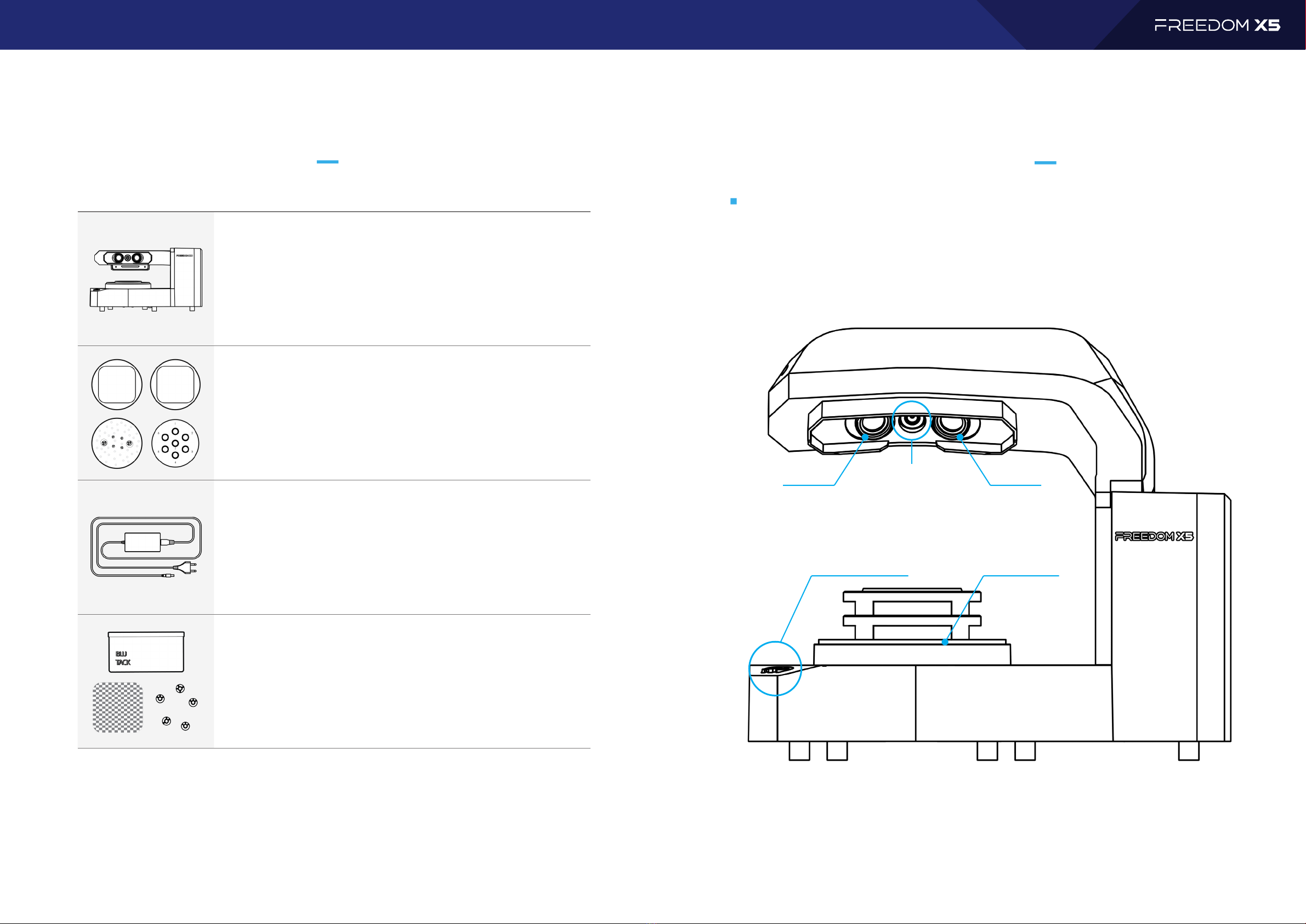
COMPONENTS
User manual
5Product DetailsComponents
FREEDOM X Scanner
Basic Accessories Plates
Power Unit
Accessories
PRODUCT DETAILS
Front Side

6
PRODUCT DETAILS
User manual
7PlateProduct Details
Base Plate
Calibration Plate
Multi-die Plate
Basic Plate Accessories
PLATE
Back Side

8
User manual
9Scanner InstallationOptional Purchase Plates
❶
❷
SCANNER INSTALLATION
Optional Purchase Plates
Transfer Plate A
Transfer Plate S
Transfer Plate B
Transfer Plate D
All-in-One Plate
PC REQUIREMENTS
* Compatibility issues may arise for assembled PCs and DOF is not responsible for any problems resulting from this.
We recommend using an HP PC provided by DOF headquarters.
• O/S
• RAM
• VGA
• HDD / SSD
• CPU
• USB Port

10
User manual
SOFTWARE
Software 11ScanApp
❶
❷
Software Installation
Start ScanApp
❶
❷

12
User manual
13ScanAppScanApp
❸
❹
Click!
Click!
❺
❻
Click!
Click!

14
User manual
15Language SettingsLanguage Settings
❶
LANGUAGE SETTINGS
❷
Click!
❸
❹

16
User manual
17CalibrationCalibration
❷
Click!
❸
❹
❺
CALIBRATION
❶
Press and hold 2 to 3 seconds
Click!

18
User manual
19Icon ExplanationMouse Settings
MOUSE SETTINGS
Mouse Button Action Explanation
Left
Right
Both
Wheel
DESCRIPTION OF ICONS
Main Tool
❶
❷
❸
❹
Cancel the scanning step and return to previous task.
If you already have a scanned file, load the STL file.
Automatically adjusts the projector light brightness.
Start scanning.
❶❷❸❹
❶
❷
❸
❹
❺
Scanner Calibration
When order form needs to be changed, modify the project in SYNC,
Pressing the Reload button will add or delete the required scanning
processes.
The scanning steps are moved automatically.
You can turn the live view screen off or on.
Saving all the raw scan data as back up project, all the work done before
clicking the Save button will be saved.
❶❷❸❹❺
Close STL Import Auto Light Scan
Table of contents
Other DOF Scanner manuals