4
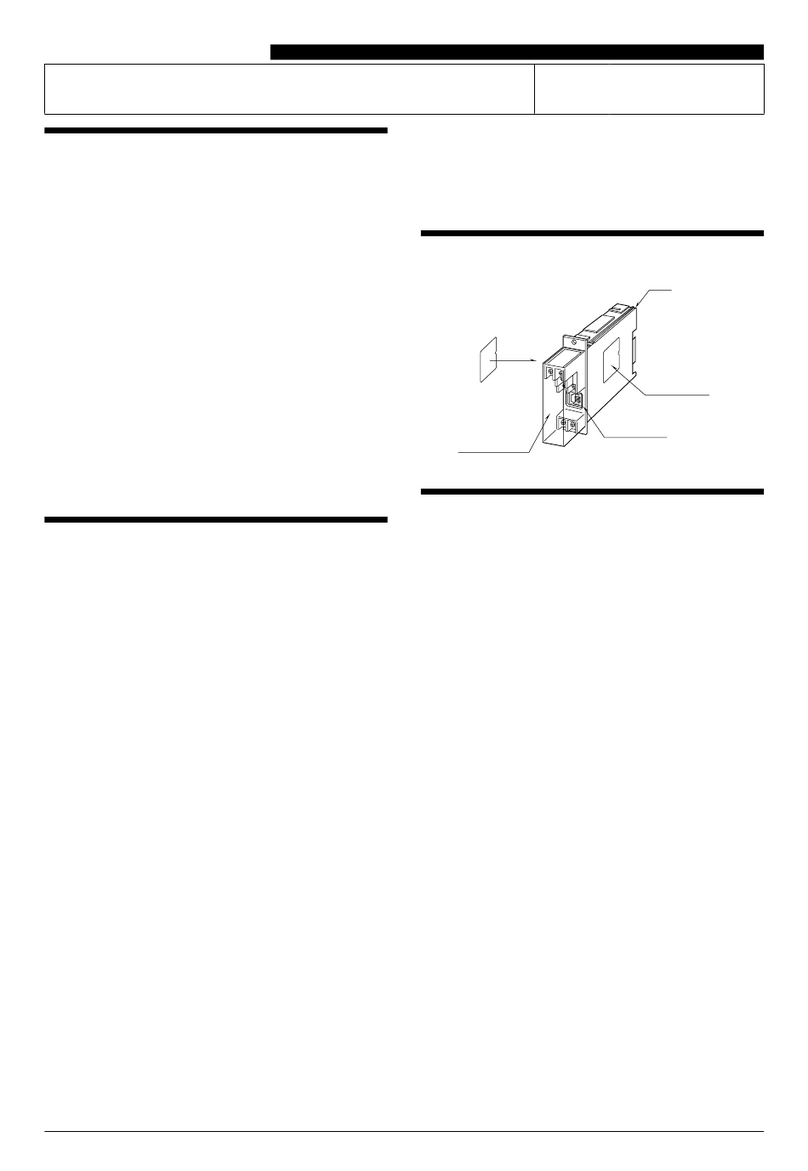
6.2 Rear Panel
LOCAL
RS-232
L/R IN LANHDMI INCAT 5e/6/7 OUTIR OUTIR INDC 24V TXRX
BYPASS
RS-232
87654321
1DC 24V Port: Plug the 24V DC power adapter into this port and
connect it to an AC wall outlet for power. (Optional when
connected to a compatible PoH (PSE) Receiver)
2BYPASS RS-232 Terminal Block: Connect to a PC, laptop, or serial
controllable device with a 3-pin adapter cable for the extension of
RS-232 signals between both ends of the HDBaseT connection.
3LOCAL RS-232 Terminal Block: Connect directly to a PC, laptop,
or other serial control device with a 3-pin adapter cable to send
RS-232 commands to control the unit.
4IR IN Port: Connect to the provided IR Extender to receive IR
control signals and extend them to devices connected to the
other end of the HDBaseT connection. Ensure that the remote
being used is within direct line-of-sight of the IR Extender.
IR OUT Port: Connect to the provided IR Blaster to transmit IR signals
from the other end of the HDBaseT connection to devices within
direct line-of-sight of the IR Blaster.
5CAT 5e/6/7 OUT Port: Connect to a compatible HDBaseT Receiver
with a single Cat.5e/6/7 cable for transmission of all data signals.
Power via PoH will also be supplied to this unit when connected to
a compatible PSE Receiver.
6HDMI IN Port: Connect to HDMI source equipment such as a media
player, game console or set-top box.
7L/R IN Port: Connect to the analog stereo output of a device such
as a CD player or PC. This is transmitted as an independent audio
channel to compatible HDBaseT Receivers.
8LAN Port: Connect to an Ethernet supporting device or to your
local network, as appropriate, to extend the network to both ends
of the HDBaseT connection.