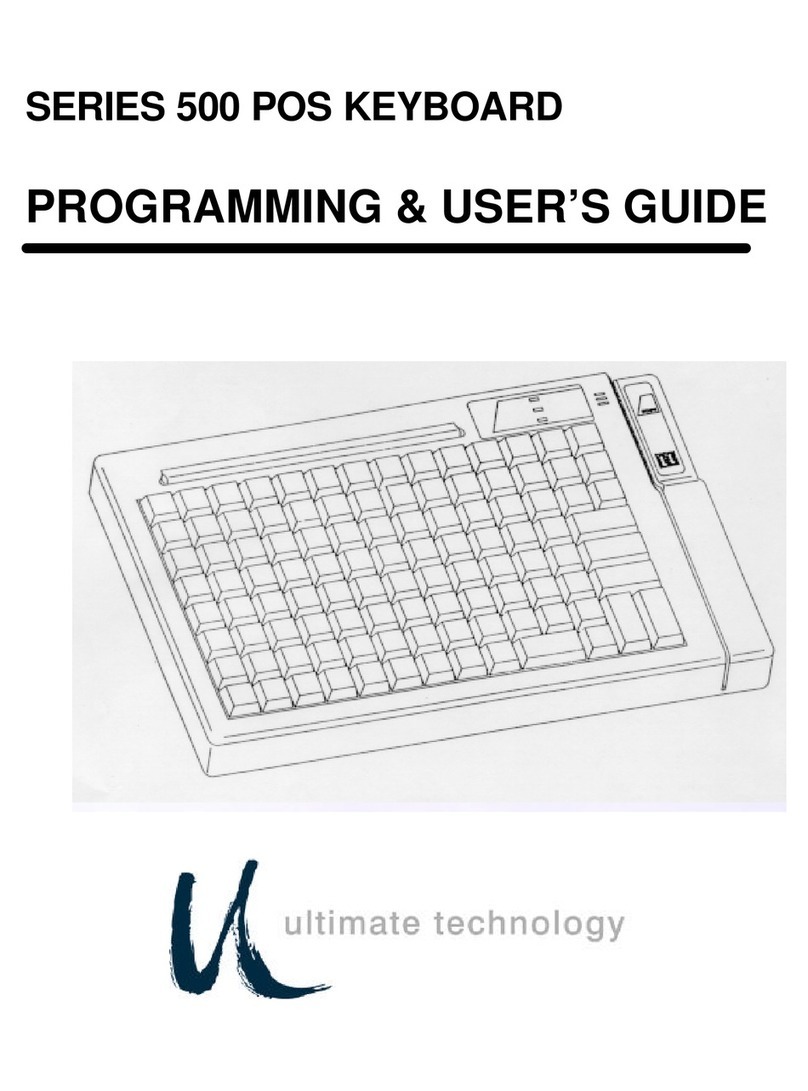
Arion ET-KB100B-BK User manual

User Instructions: Please read carefully
before using
Instrucciones para el usuario: Leer
instructivo anexo
Instructions pour l’utilisateur : Lire
attentivement avant la première utilisation
Manuel de l’utilisateur
Modèle: ET-KB100B-BK
3 en 1 mini clavier Bluetooth avec haut-
parleurs et microphone intégrés
FrançaisEspañolEnglish
User Manual
Model: ET-KB100B-BK
3-in-1 Bluetooth Mini Keyboard with
Speaker & Microphone
Manual del usuario
Modelo: ET-KB100B-BK
3-en-1 mini teclado Bluetooth con
altavoces y micrófono

1. Package Contents
2. Safety Instructions
1. ET-AR100B-BK 3-in-1 Bluetooth
Mini Keyboard with Speaker &
Microphone
2. User manual
3. USB charging cable
Warning: Electric Shock Hazard
When using this electronic appliance, basic precautions should be followed to reduce the risk
of re, electrical shock and injury to persons, including the following:
1. Do not use this product near water i.e.
bath tub or swimming pool.
2. Close supervision is necessary when
used near children.
3. Clean only with dry cloth.
4. Do not attempt to repair the product
on your own. It contains no user
serviceable parts.
5. Do not dispose of batteries in re. They
may explode. Check local codes for
battery disposal instructions.
Manual

3. Product Setup
Charging the Battery
LED indicator
Slide the power switch to ON position
Plug the mini USB cable into the charging port. It takes about 4 hours to fully charge from an empty battery.
When the battery is fully charged, the upper right corner LED indicator will turn solid BLUE momentarily and
then turn off completely.
Flashes blue/red to indicate Bluetooth pairing mode.
Turns solid blue to indicate battery charge complete.
Power Up
English

Note: This device will stay in pairing mode for 1 minute. If you do not complete the pairing procedure before then,
simply turn the power OFF, then ON, and repeat the pairing process.
Note: If you are pairing with other type of smartphones or tablets, please consult that device’s user manual for
specic pairing instructions.
Important Note About this Dual Bluetooth Device
This device contains two (2) Bluetooth chipsets: one for
headset (speaker & microphone) named “KB100B-HS”
and one for keyboard named “KB100B”.
You must perform two (2) pairing procedures, separately.
PHONE button
Press to answer, end, decline or make a phone call
CONNECT button
Press and hold CONNECT button to enter Bluetooth
headset (speaker & microphone) pairing mode
ESC + K button
Press and hold ESC + K button to enter Bluetooth
keyboard pairing mode

1. On the Bluetooth enabled devices (such as iPad and
iPhone) go to SETTINGS > GENERAL > and enable
BLUETOOTH.
1. On the Bluetooth enabled devices (such as iPad and
iPhone) go to SETTINGS > GENERAL > and enable
BLUETOOTH.
2. Press and hold ESC + K button for 3~6 seconds to
enter Bluetooth keyboard pairing mode.
3. You should see “KB100B would like to pair ...”
4. If you see device name “KB100-HS” then skip to
Pairing Bluetooth Headset instructions.
Note: This device will stay in pairing mode for 1 minute. If you do not complete the pairing procedure before then,
simply turn the power OFF, then ON, and repeat the pairing process.
Note: If you are pairing with other type of smartphones or tablets, please consult that device’s user manual for
specic pairing instructions.
Pairing Bluetooth Headset (Speaker & Microphone) Pairing Bluetooth Keyboard
Press to answer, end, decline or make a phone call
2. Press and hold the CONNECT button for 3~6
seconds to enter Bluetooth headset pairing mode.
3. You should see “KB100B-HS would like to pair …”
Follow the onscreen instructions to complete pairing.
4. If you see device name “KB100B” then skip to
Pairing Bluetooth Keyboard instructions.
English

4. Taking Phone Calls
5. Using the keyboard FN keys
You can use the ET-AR101BP-BK as headset speakerphone. Your voice will be picked up through the built-in
microphone.
To answer/end a call: Push the button to answer or end a call.
To decline a call: Hold the button for 1 seconds.
To make a call: Use your phone to dial as usual. Listen and talk through this speakerphone.
To redial: Hold the button for 2-3 seconds.
Note: The built-in microphone only works when connected via Bluetooth.
Note: Some devices utilizing Bluetooth version 2.1 and older, may respond slower to commands issued by our
product. You may experience 2~3 second delay between the time you press a button on our product and the time
such devices actually respond. Newer Bluetooth enabled devices (usually version 3.0 and higher) have greater
processing power and virtually eliminate such delays.

5. Using the keyboard FN keys
6. Specication
User-friendly enhanced F-keys provide shortcuts to useful functions, such as Volume, Play and Next Track. To use
these keys, rst press and hold the FN key, then press the F-keys. Below is a list of the common shortcuts for iPad
and iPhone.
FN+1 decrease brightness
FN+2 increase brightness
FN+3 search
FN+4 previous track
FN+5 play or pause music
FN+6 next track
FN+7 lock/unlock
FN+8 mute
FN+9 decrease volume
FN+0 increase volume
FN+Q tab
FN+W/A/S/D navigation keys
FN+X show/hide virtual keyboard
FN+V slideshow
Note: The exact function of the F-keys depends on the type of Bluetooth device. For example, the navigation
keys FN+W/A/S/D are universal to all Bluetooth devices (i.e. Sony PlayStation 3) while the command
prompt FN+C is unique to some Android devices only.
• Bluetooth Version: 3.0
• Bluetooth Proles: HSP, HFP
• Hands-free Audio (HFP) and Headset Proles
(HSP) for hands-free calling capability
• Microphone: Omnidirectional
• Speaker Power: 0.5Watts
• Battery Type: Built-in rechargeable Lithium Ion
battery
• Dimension: 0.3 x 2.4 x 4.5 inches
• Net Weight: 1.8 ounces
English

7. Regulatory Compliance
FCC Class B Information
This equipment has been tested and found to comply with the limits for a Class B digital device, pursuant to Part 15 of FCC Rules.
These limits are designed to provide reasonable protection against harmful interference in a residential installation. However, there is no
guarantee that interference will not occur in a particular installation.
CE Compliance for Europe
This equipment has been tested and found to comply with the limits for European Council Directive on the approximation of the law of
the member states relating to electromagnetic compatibility (89/336/EEC) according to EN55022 Class B.
8. Limited Warranty
Eagle Tech warrants that the product, in the course of its normal use, will be free from defects in material and workmanship for a period
of one (1) year. This limited warranty period shall commence on the purchase date appearing on your purchase receipt. Eagle Tech
shall have no liability for any product returned if Eagle Tech determines that the product was not purchased from authorized retailers,
that the asserted defect a) is not present, b) cannot reasonably be rectied because of damage occurring before Eagle Tech receives
the Product, or c) is attributable to misuse, improper installation, alteration (including removing or obliterating labels and opening or
removing parts). The foregoing warranty shall extend to repaired or replaced products for the remaining of the applicable period of the
original warranty or ninety (90) days from the date of shipment of a repaired or replaced product, whichever is longer.
EAGLE TECH COMPUTERS, INC.
www.eagletechusa.com
© 2008 Eagle Tech Computers, Inc. All rights reserved. Eagle Tech, the Eagle
Tech logo and other Eagle Tech marks are owned by Eagle Tech and may be
registered. The Bluetooth® word mark and logos are registered trademarks
owned by Bluetooth SIG, Inc. and any use of such marks by Eagle Tech is
under license. iPhone® and iPad® are registered trademarks of Apple Inc. All
other trademarks are the property of their respective owners.

7. Regulatory Compliance
FCC Class B Information
This equipment has been tested and found to comply with the limits for a Class B digital device, pursuant to Part 15 of FCC Rules.
These limits are designed to provide reasonable protection against harmful interference in a residential installation. However, there is no
guarantee that interference will not occur in a particular installation.
CE Compliance for Europe
This equipment has been tested and found to comply with the limits for European Council Directive on the approximation of the law of
the member states relating to electromagnetic compatibility (89/336/EEC) according to EN55022 Class B.
8. Limited Warranty
Eagle Tech warrants that the product, in the course of its normal use, will be free from defects in material and workmanship for a period
of one (1) year. This limited warranty period shall commence on the purchase date appearing on your purchase receipt. Eagle Tech
shall have no liability for any product returned if Eagle Tech determines that the product was not purchased from authorized retailers,
that the asserted defect a) is not present, b) cannot reasonably be rectied because of damage occurring before Eagle Tech receives
the Product, or c) is attributable to misuse, improper installation, alteration (including removing or obliterating labels and opening or
removing parts). The foregoing warranty shall extend to repaired or replaced products for the remaining of the applicable period of the
original warranty or ninety (90) days from the date of shipment of a repaired or replaced product, whichever is longer.
EAGLE TECH COMPUTERS, INC.
www.eagletechusa.com
1. Contenido del paquete
1. ET-AR100B-BK 3-en-1 mini teclado
Bluetooth con altavoces y micrófono
2. Manual del usuario
3. Cable USB
2. Instrucciones de seguridad
Precaución: Peligro de descarga eléctrica.
Tomar las siguientes precauciones básicas para reducir el riesgo de incendio y descarga
eléctrica:
1. No utilice este producto cerca del
agua, por ejemplo baño de tina o
piscina.
2. Se requiere supervisión de adultos
cuando utiliza cerca de niños.
3. Limpie sólo con un paño seco.
4. No intente reparar o abrir el producto.
5. No tire las pilas al fuego. Estos pueden
explotar. Consulte los códigos locales
para instrucciones de deshacerse de
las pilas.
Manual
Español

3. Conguración de producto
Carga de la batería
Conecte el cable mini USB en el puerto de carga. Se toma unas 4 horas para cargar por completo desde una
batería vacía. Cuando la batería está completamente cargada, el indicador LED en la esquina superior derecha
se vuelve azul momentáneamente y luego se apagará por completo.
Indicador LED
Deslice el interruptor de encendido en la
posición ON
Parpadea en azul / rojo para indicar el modo de
emparejamiento Bluetooth.
Encender el producto
Botón CONNECT
Botón ESC + K
Table of contents
Languages: