December 2020 Page 8 of 9
Device Firmware Update
Should a new version of firmware (software) for the SmartLoad device become
available, the following instructions are a guide for performing a device firmware upload
(DFU). The SmartLoad device coupled with our smartphone app contains all of the
software you will need to accomplish this. The upload occurs over a Bluetooth Low
Energy (BLE) wireless connection once the SmartLoad device is put into bootloader
mode.
When in bootloader mode, prior to starting the software upload, the red and amber
LEDs will be on continuously. If you put the system into bootloader mode, you will not
be able to ride in normal mode until the system resets. The reset will happen
automatically after the software is uploaded. If you accidently put the system into
bootloader mode, the power supply must completely discharge; and the system will
reset into normal mode when you start riding again.
The process works the same whether you use an Android or IPhone. We made a video
for the Apple folks to show how our app works. Here is the link:
https://www.youtube.com/watch?v=aCWYMNWFVrE the last few minutes of the video
explains the DFU process.
Here are the steps to perform a DFU:
1. Connect to the device via the SmartLoad app and ride for a few minutes to put a
full charge on the device.
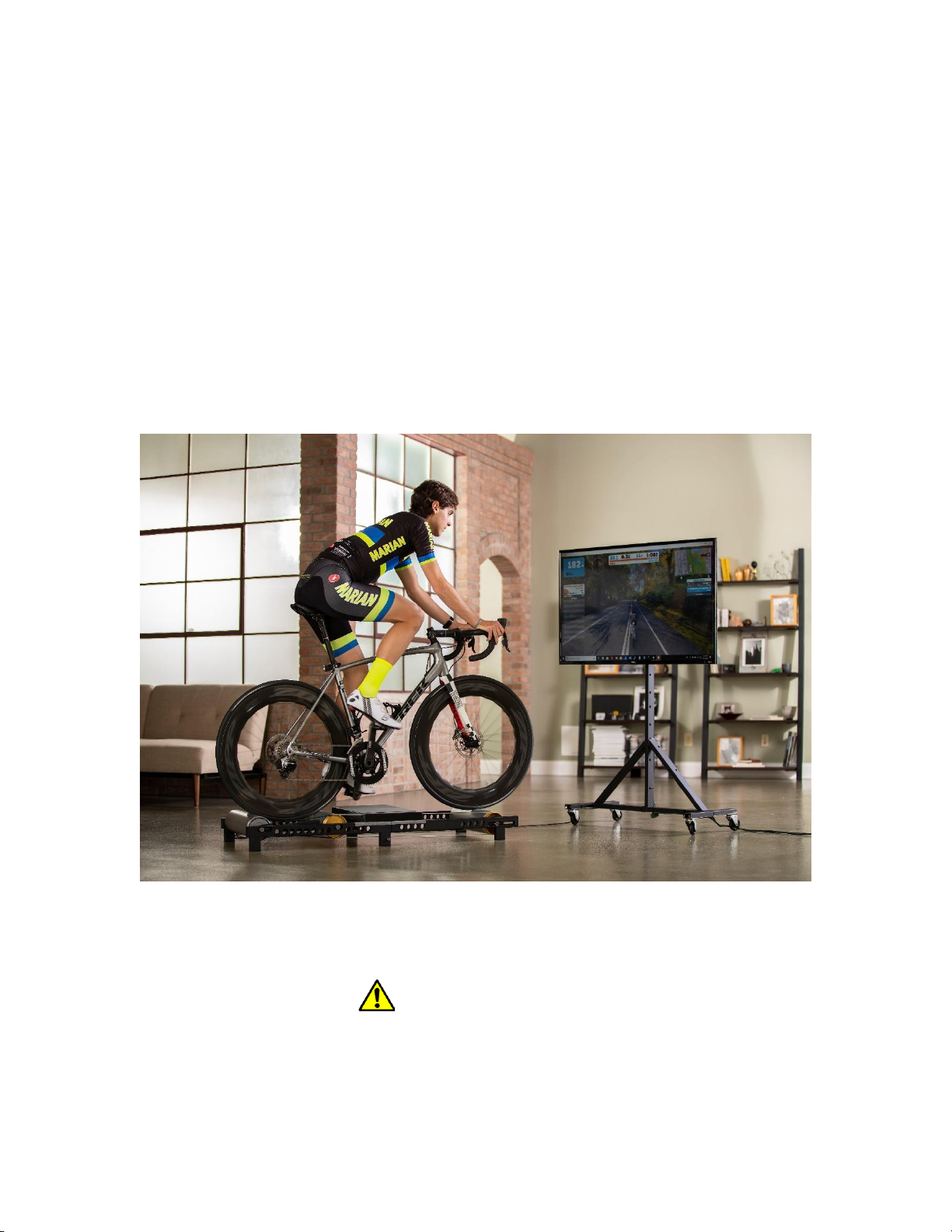
2. Dismount the bike if you are not using a fork stand. This is the safest way to
upload software. Alternatively, have a friend perform the following steps while
you ride the rollers.
3. Open our smartphone app, select the SmartLoad functionality button and
connect to the TruTrainer device.
4. Once connected, press the Settings button to bring up the Rider Settings screen.
5. Put the SmartLoad device into bootloader mode by pressing the “Enable DFU”
button on the Rider Settings screen. A separate screen will appear asking
whether you want to proceed with this. Press the OK button at the bottom of this
screen.
6. Locate the ZIP file on your phone and share it with the TruTrainer app this will
open the DFU functionality of our smartphone app and load the file into our
Firmware upload page. Alternatively, you can open our SmartLoad app and
press the DFU button on the home screen and press the select file text to load