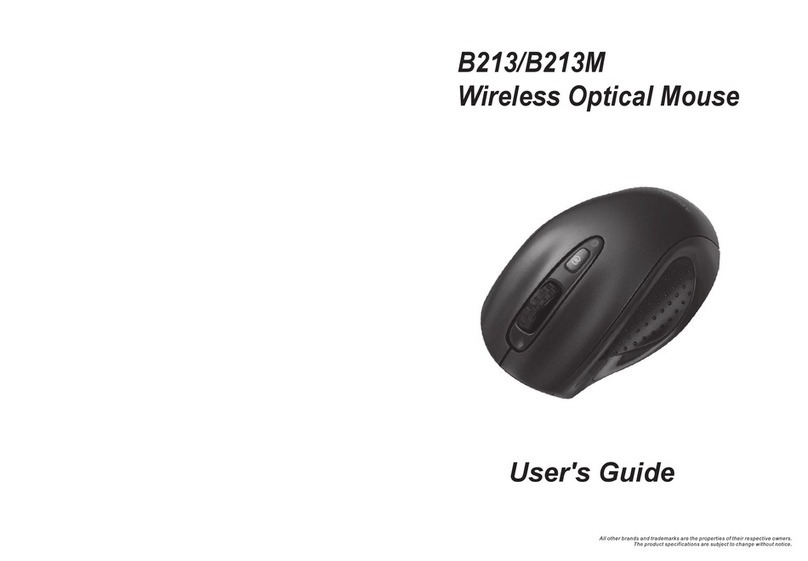
Trust AMI 250S User manual

TRUST AMI MOUSE 250S MINI
1
UK
1 Introduction
This manual is intended for users of the TRUST AMI MOUSE 250S MINI. The mouse
has 3 buttons and with its compact design this mouse is also very suitable for use with
a laptop, in addition to the desktop computer. The mouse operates via the PS/2 port
of your computer.
2 Safety
1. Do not use the device in damp environments, such as bathrooms, damp
basements, swimming pools, etc.
2. Do not repair the device yourself.
3. Under the following circumstances have the device repaired by qualified
personnel:
a) The cable or plug is damaged or worn;
b) Liquid has entered the device;
c) The device has fallen and/or the casing has been damaged;
d) The device is definitely functioning worse.
4. Position the device so that the cables cannot be damaged.
3 Connecting
Note: The mouse only functions with a PS/2 connection
1. Make sure the computer is off and any old mouse drivers have been deleted
from your system.
2. Connect the mouse to the PS/2 port of your computer.
3. Connecting to the PS/2:
• The mouse is automatically detected and installed in all operating
systems.
4. Switch the computer on.

TRUST AMI MOUSE 250S MINI
2
4 Installation software
1. Insert the CD-ROM in your CD-ROM player. The installer will start
automatically.
If this is not the case, follow the steps below:
a) Select ‘Run’ in the start-up menu.
b) Type in [D:\SETUP.EXE] and click on ‘OK’ to start up the Trust
Software Installer.
2. Figure 1 will appear.
3. Click on the language you want to use for installation.
4. Click on 'Ami Mouse 250S Mini‘ to start the installation.
5. Follow the steps which appear on your screen.
6. When figure 2 appears, click on ‘finish’. The mouse has been installed and is
ready for use.
5 Using Software
Note: Standard settings for the third button are for horizontal and vertical
scroll function.
1. Double-click on the Trust icon in the system tray. See figure 3.
2. The mouse configuration screen will appear. See figure 4.
3. You can select the scroll button mode from the ‘scroll button’ menu.
4. Two possibilities:
• Raise the scroll mode; it has all the advantages of the MS-Intellimouse
and scrolls in Windows 95 / 98 / Me / 2000 / NT4.
• Intellimouse mode, functions as a MS-Intellimouse.
5. Select the scroll speed.
6. ‘Button‘ menu. You can program button 3 in the ‘button’ menu. See figure 5.
7. Click on the arrow on the right. A pulldown menu similar to the one in figure 6
will appear.
8. Select the function you want.
9. Click on ‘Apply’.
10. The mouse has been programmed.

TRUST AMI MOUSE 250S MINI
3
UK
6 Troubleshooting
Problem Cause Possible solution
Mouse is not connected Connect the mouse correctly.
Mouse does not
move / moves
poorly. Ball is dirty. Clean the ball and its
compartment.
Software of your previous
mouse is still activated.
First delete the software of
your previous mouse before
you install this software.
Consult the manual of your
previous mouse.
Software not installed. Install the mouse software.
Software configured
incorrectly
Configure the software
correctly.
Scroll function is
not working.
Application not 100%
compatible with
Windows.
Use an application that is
compatible.
Register your product via www.trust.com so that you are able to receive optimal
guarantee and service support such as up-to-date FAQ and the latest drivers. You will
also be automatically informed of developments to your product and of other Trust
products. And have the chance to win some spectacular prizes.
If you still have any problems after trying these solutions, please contact one of the
Trust Customer Care Centres. You can find more information on the last page of this
manual. Please have the following information available:
• The article number. This is: 12327;
• Hardware data: CPU; internal memory; control system;
• A good description of what precisely does not work;
• A good description of when precisely the problem takes place.
Other manuals for AMI 250S
1
This manual suits for next models
1
Other Trust Mouse manuals

Trust
Trust MI-3500X User manual

Trust
Trust Pebble Wireless User manual

Trust
Trust Xtreme mouse User manual

Trust
Trust MI-4800p User manual

Trust
Trust AMI MOUSE 150T OPTICAL WEB SCROLL User manual

Trust
Trust MI-7700R User manual

Trust
Trust MI-2540D User manual

Trust
Trust MI-4150K User manual

Trust
Trust MI-4900Z User manual

Trust
Trust Micro Mouse 16152 User manual