Secondary Features (Continued)
Troubleshooting
Use the following information to troubleshoot
your comfort controller.
Room T* - This indicates that the floor sensor is not
working properly and may be damaged. No need to
worry, your SmartRooms Controller has a back up sensor
located in the face plate. Your floor warming or earth storage
system will continue to function normally. You may want to
do one of the following:
A) Remove the face plate and check to see if the sensor is properly
connected to the back of the face plate.
B) Leave everything as is.
C) Replace the sensor. To do this you will likely have to remove tiles.
Caution should be taken not to damage the heating cable.
Garbled Screen - Press 'Menu', if this does not work,
unplug the controller, wait a few minutes and plug it in
again.
No Answer - This is a remote function error. Check
that the thermostat is firmly plugged in.
7/8
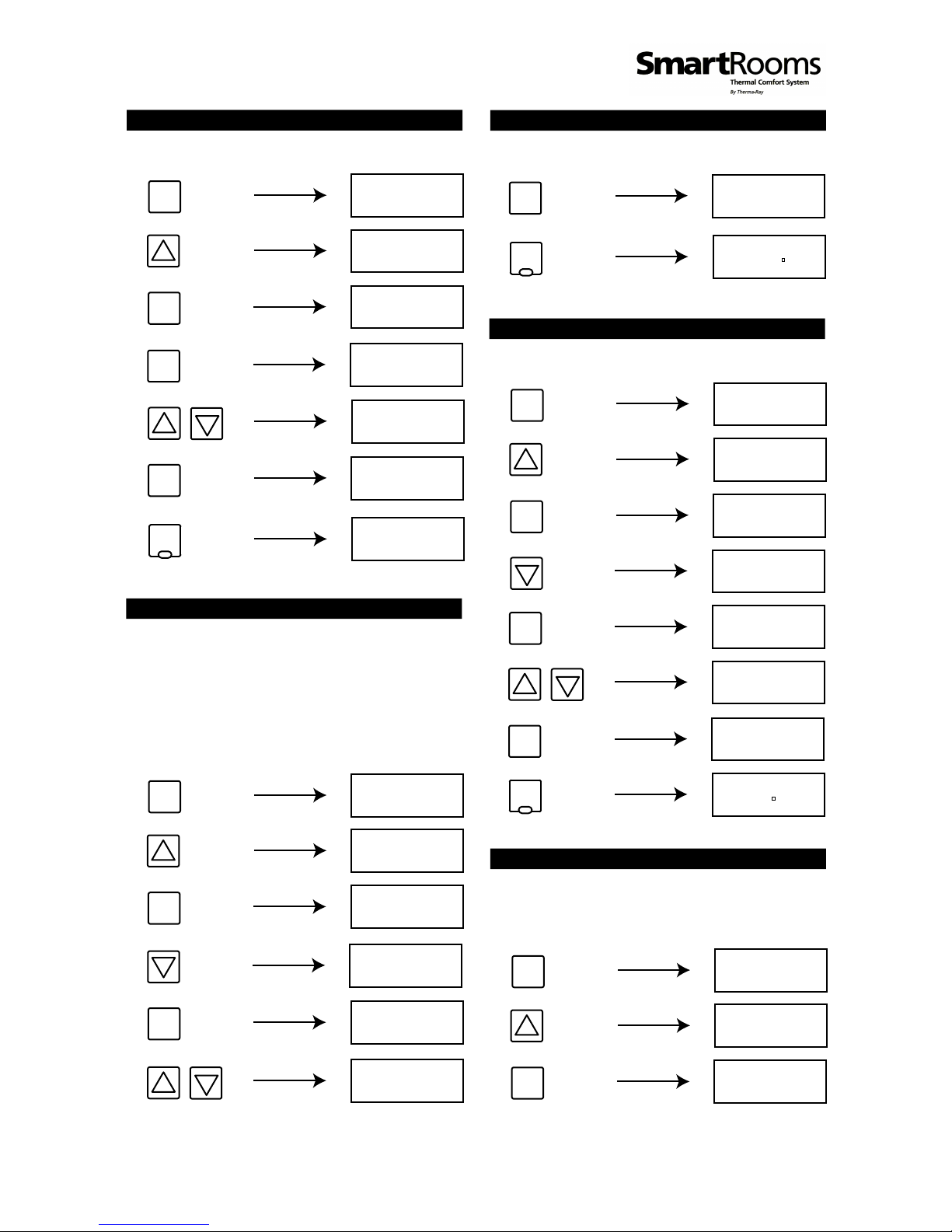
Testing / Viewing Current Temperature Readings
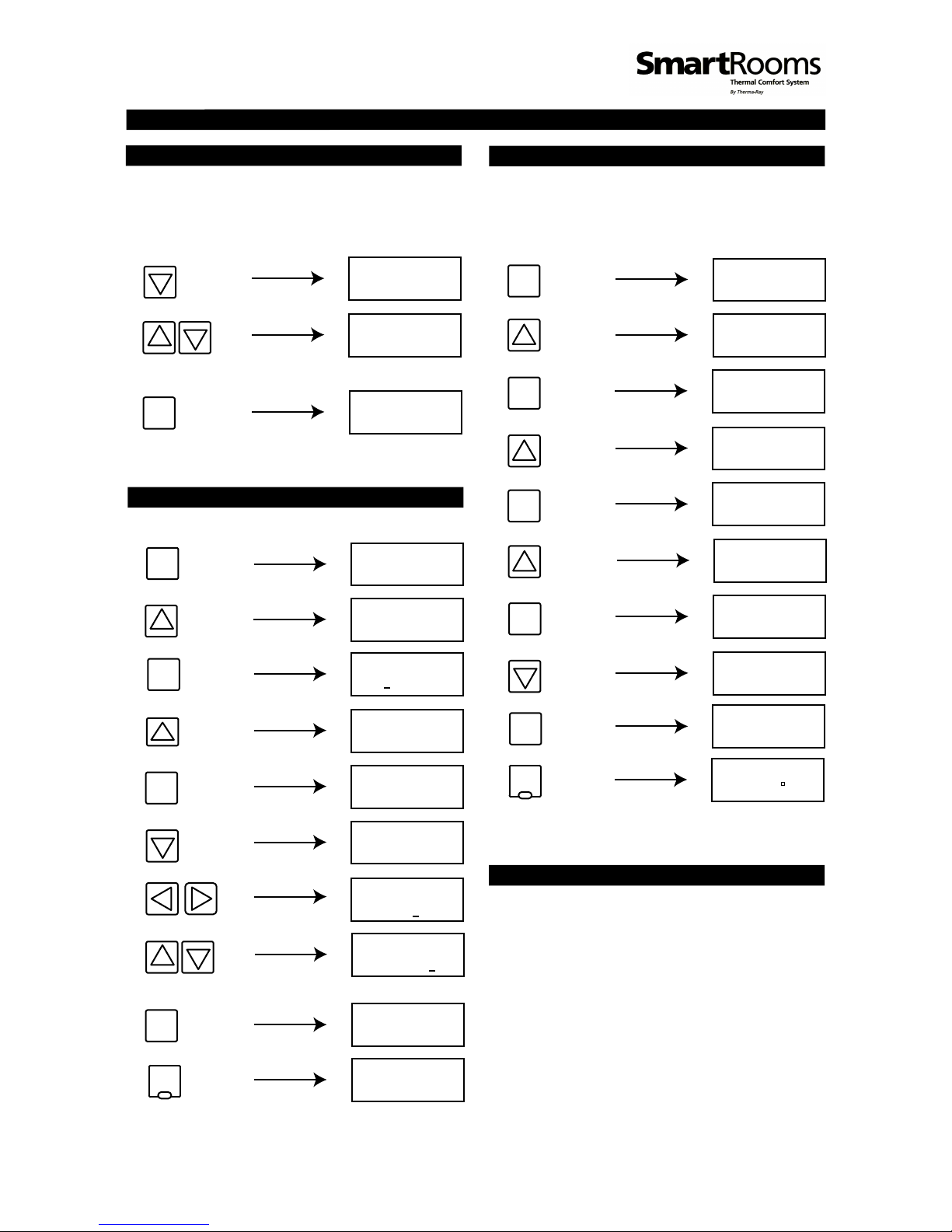
From Available Sources - To test / view the currently
read temperatures from both the ceiling and the floor
sensors, go to the Menu screen, select Setup from the
options, then scroll to the Sensors option. Select the
option, press Enter/Menu and with the “Up and
Down” arrows, you can choose which sensor for which
you wish to view the reading. Once you are done, press
the Cancel/Occ button until you have returned to the
“Time/Date/Temperature” display screen.
High Limit Temperature - Do not change this feature.
It is used for ETS, Ceiling and other special applications.
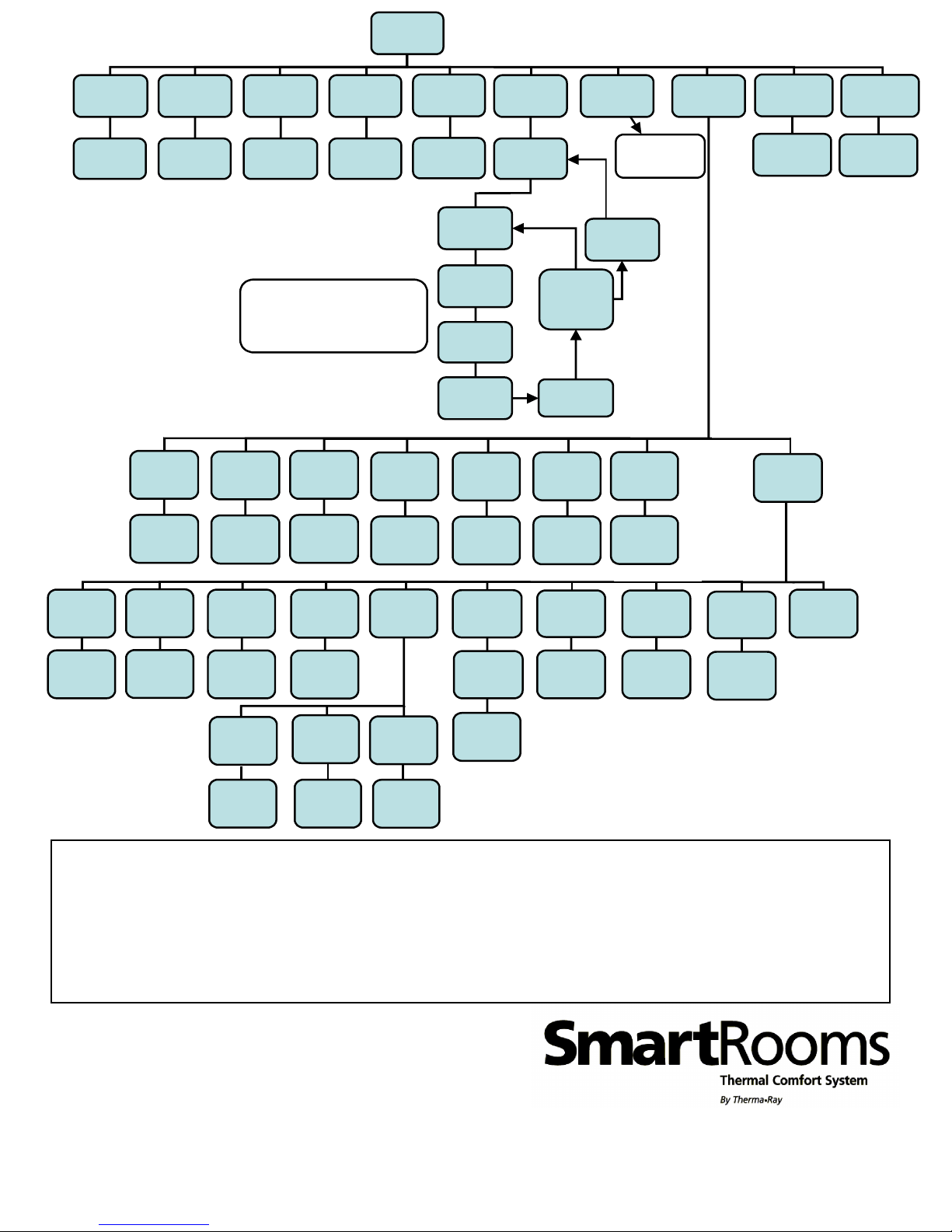
Selecting The Appropriate Sensor - You can set the
SmartRooms Controller to measure temperatures from
either the Floor sensor, Ceiling (onboard sensor) or
both. To toggle between these three options, go into
the Menu screen and scroll through to the Mode
option. Press Enter/Menu to choose the option and
press the “Up and Down” keys to toggle. Press the
Enter/Menu button again to accept the changes.
Note: If you do not have a floor sensor installed, the
controller will see it's not present and be shut off, thus
disabling temperature control. The Both option is only
functional with the Low Voltage System. For use with
the Earth Storage System, the floor sensor is the one to
use.
Connecting To A Remote Controller - If you wish to
choose settings for a particular controller connected
within the same network from a different controller,
you can remote into that particular controller by doing
the following: From the Menu screen, select the
Setup submenu and scroll down through to the
Remote option. You will be prompted to enter it
correctly, you may configure it as you would the current
controller. However, if the controller for the address you
entered is invalid or not found, you will receive a 'No
Answer' status message. From this point, please try
entering the address again, ensuring you are entering
the correct one.
Ground Fault Circuit Interrupter (GFCI) - A separate
GFCI breaker is required when using the floor warming
system.
Multiple Sources Options
Address Name of Room
NAMES CHART
Example:
ADDRESS 1 = KITCHEN
ADDRESS 2 = OFFICE