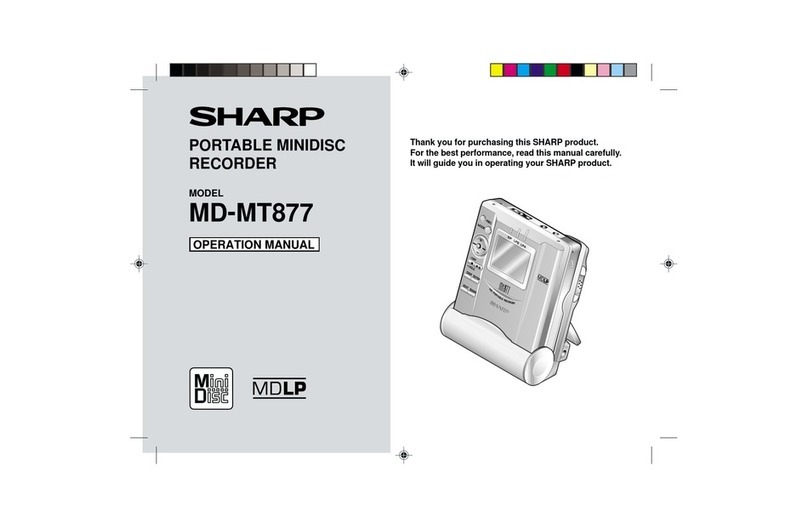
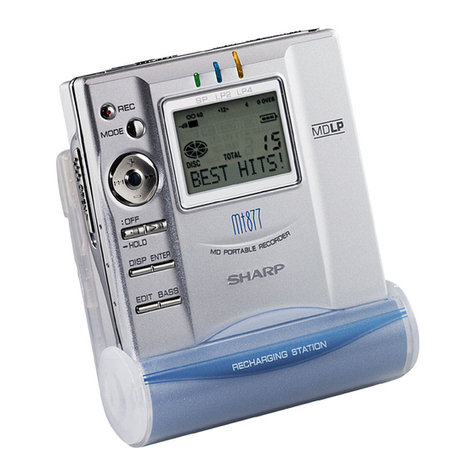
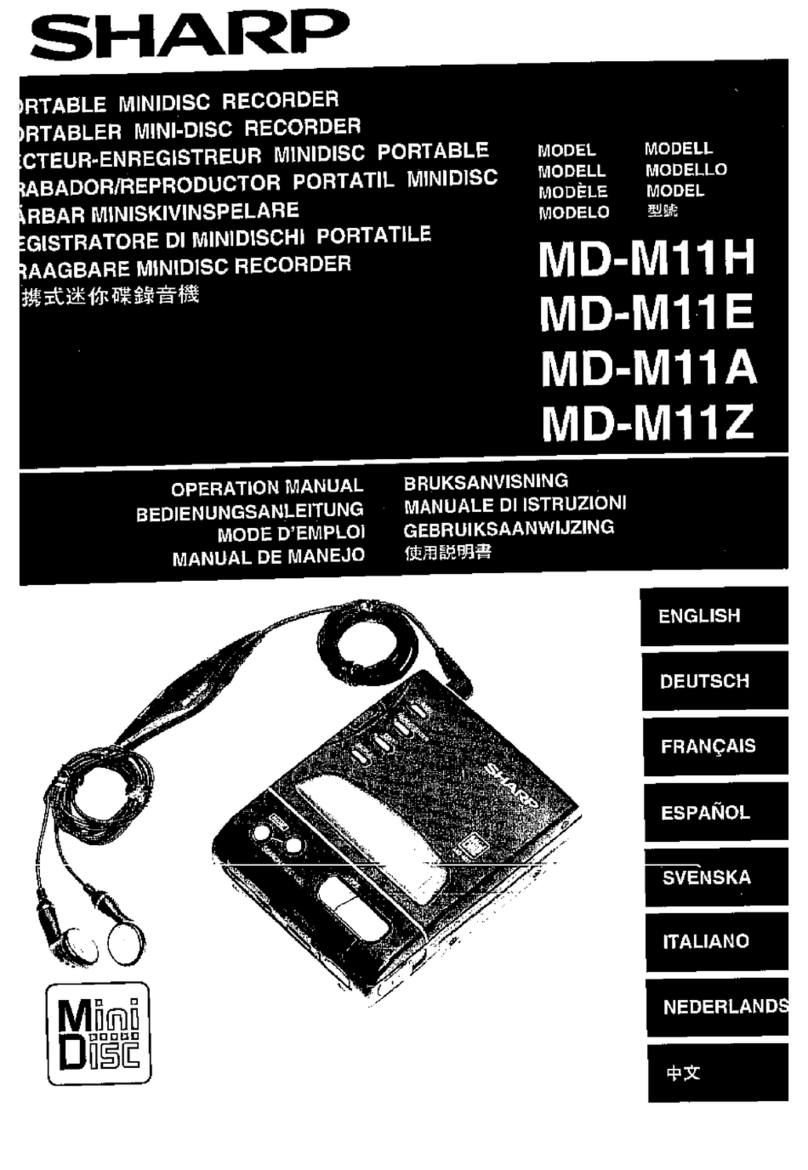
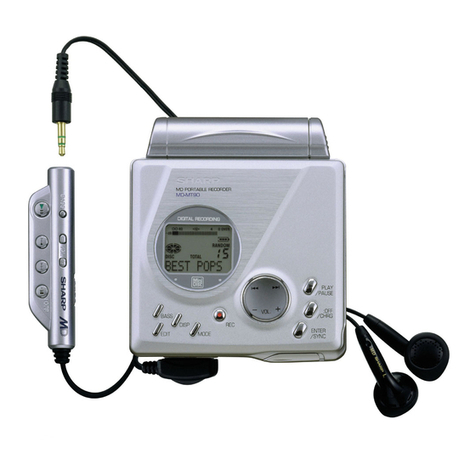
Sharp MD-SR60E User manual

PORTABLE MINIDISC RECORDER
OPERATION MANUAL
Thank you for purchasing this SHARP product.
For the best performance, read this manual carefully.
It will guide you in operating your SHARP product.
Telephone number for Customer support
0990 274277
Do not hesitate to call us
MODEL
MD-SR60E
**00-TOP/BOTTOM 02.07.2000, 10:01 AM3

2
Important Introduction
Contents
1
Important Introduction
Special Notes.......................................................... 2-3
Precautions.................................................................4
Names of Controls and
Indicators .............................................................. 5-6
Accessories ................................................................7
Preparation
Inserting a MiniDisc .........................................8
Connections................................................ 9-10
Basic operation
Recording...................................................11-12
Playback.................................................... 13-14
Useful Features
Advanced Recording ......................................... 15-19
Recording from a Microphone .......................... 20-22
Advanced playback............................................ 23-24
Checking displays.............................................. 25-26
Battery Power ..................................................... 27-28
Hold Function ...........................................................29
Using with other equipment....................................30
Advanced Features
Titling a MiniDisc................................................ 31-34
Editing a recorded MiniDisc.............................. 35-37
Changing default settings .......................................38
References
Other Features and Caution....................................39
MiniDisc System Limitations ..................................40
Error Messages .................................................. 41-42
Troubleshooting ................................................. 43-44
Maintenance .............................................................44
Specifications...........................................................45
Index..........................................................................46
TERMS OF GUARANTEE......................... Back cover
**01-INPORTANT INTRODUCTION 02.07.2000, 10:02 AM2

3
DEUTSCH
FRANÇAIS
ESPAÑOL
SVENSKA
ITALIANO
NEDERLANDS
ENGLISH
Important Introduction
2
Special Notes
NOTE FOR USERS IN THE U.K.
SERVICE INFORMATION
In the unlikely event of your equipment requiring re-
pair, please contact the dealer or supplier from whom
it was purchased. Where this is not possible, please
contact the telephone number listed below. You will
then be given details of how to obtain service.
– 0345-125387 –
Please note; all calls will be charged at local rate.
Certain replacement parts and accessories may be
obtained from our main parts distributor.
WILLOW VALE ELECTRONICS LTD.
MANCHESTER 0161-682-1415
READING 01189-876444
In the unlikely event of this equipment requiring re-
pair during the guarantee period, you will need to
provide proof of the date of purchase to the repairing
company. Please keep your invoice or receipt, which
is supplied at the time of purchase.
Warnings
●The supplied AC adaptor contains no user ser-
viceable parts.
Never remove covers unless qualified to do so. It
contains dangerous voltages, always remove
mainsplugfromthemainoutletsocketbeforeany
service operation or when not in use for a long
period.
●TheAC adaptor suppliedwith the MD-SR60Emust
not be used with other equipment.
●To prevent fire or shock hazard, do not expose
this appliance to dripping or splashing liquids.
No objects filled with liquids, such as vases, shall
be placed on the apparatus.
●Neveruse anACadaptor other than theone speci-
fied.
Otherwise, problems or serious hazards may be
created.
**01-INPORTANT INTRODUCTION 02.07.2000, 10:02 AM3

4
Cautions
●At full volume, prolonged listening to a personal stereo
may damage the user’s hearing.
This model complies with the law if used with the correct
headphones (model number RPHOH0005AWZZ).
If the headphones are damaged in any way, please or-
der using the model number given above.
●Use the Portable Minidisc Recorder only in accordance
with the instructions given in this manual and do not at-
tempt to interfere with the interlock switch or make any
other adjustment as this may result in exposure to haz-
ardous radiation. Notes
●Recording and playback of any material may require
consent, which SHARP is unable to give. Please refer
particularly to the provisions of the Copyright Act 1956,
the Dramatic and Musical Performers Protection Act
1958,thePerformers ProtectionActs1963and1972 and
to any subsequent statutory enactments and orders.
●This equipment complies with the requirements of
Directives 89/336/EEC and 73/23/EEC as amended by
93/68/EEC.
●US and foreign patents licensed from Dolby Laborato-
ries Licensing Corporation.
●The letters in brackets contained in the model number
indicate the colour of the product only. Operation and
specifications are unaffected.
Special Notes
Important Introduction
3
●It is not recommendable to put the MiniDisc into a rear
pocket, as this may damage the product when sitting.
Special Notes : continued
**01-INPORTANT INTRODUCTION 02.07.2000, 10:02 AM4

5
DEUTSCH
FRANÇAIS
ESPAÑOL
SVENSKA
ITALIANO
NEDERLANDS
ENGLISH
Precautions
Important
●Do not wear your headphones when you are crossing
streets or near traffic.
●Do not use your headphones
whilst driving a motor vehicle, it
may create a traffic hazard and
may be illegal.
Remembertoobeyallofthesafety
rules in your area.
●Do not play the unit at a high vol-
ume. Hearing experts advise
against extended listening at high volume levels.
●If you experience ringing in your ears, reduce the vol-
ume or discontinue use.
●Nonakedflame sources, such aslighted candles, should
be placed on the apparatus.
●Attention should be drawn to the environmental aspects
of battery disposal.
●The apparatus is designed for use in moderate climate.
To avoid accidental electric shock or other possible
problems, observe the precautions listed below.
●Do not disassemble or modify the unit.
●Do not drop or subject the unit to shock.
●Do not use the unit near open flames.
●Do not spill liquid on the unit.
●Do not use an external power supply, other than the 5V
DC supplied with this unit, as it may damage it.
●
SHARPisnotresponsiblefordamageduetoimproperuse.
Refer all servicing to a SHARP authorised service centre.
Important Introduction
4
Storing the unit
Avoid using or leaving the unit in the following places.
●Places exposed to direct sunlight
for many hours (especially in cars
with the doors and windows
closed) or near heaters.
(The cabinet may deform, change
colouror the unit may malfunction.)
●Places exposed to water.
●Places exposed to excessive dust.
●Places where temperatures are ex-
cessively high or low.
●Places(bathrooms) where the humid-
ity is extremely high.
●Places with strong magnetic
fields such as TVs or loud-
speakers.
●Places exposed to vibration.
●Places where sand can easily enter
theinside of the unit (beaches etc.).
●If the unit is used near radio tuners or TVs, noise and/or
picture interference may result. If you experience these
problems, move the unit away from such devices.
**01-INPORTANT INTRODUCTION 02.07.2000, 10:02 AM5

6
Names of Controls and Indicators
Main unit
1. Volume Up/Cursor Button (13, 32)
2. Volume Down/Cursor Button (13, 32)
3. Edit/Auto Mark/Time Mark Button
(18, 22, 31-37)
4. Display/Character Select Button (25, 26, 31)
5. Remote Control/Headphones/Line Output
Socket (13)
6. Optical/Line Input Socket (9, 10)
7. Microphone Input Socket (20)
8. Record/Track Mark Button (11)
9. Stop/Power Off/Charge Button (12, 14, 27)
10. Play/Pause Button (11, 13)
11. Enter/Fast Play/Synchro Button (15,24,31-37)
12. Fast Forward/Recording Level Up/Name
Select Button (11, 23, 31, 38)
13. Fast Reverse/Recording Level Down/
Name Select Button (11, 23, 31, 38)
14. Bass/Delete Button (13)
15. Mode Button (16, 24, 38)
16. Open Lever (8)
17. 5V DC Input Socket (9, 27)
18. Battery Cover (27, 28)
19. Hold Switch (29)
4
5
6
7
13
12
14
15
16
17
8
10
9
11
2
1
3
18
1
9
Important Introduction
5
**01-INPORTANT INTRODUCTION 02.07.2000, 10:02 AM6

7
DEUTSCH
FRANÇAIS
ESPAÑOL
SVENSKA
ITALIANO
NEDERLANDS
ENGLISH
6
Display panel
20. Level Meter
21. Monaural Long-Play Mode Indicator
22. Record Indicator
23. Synchro Recording Indicator
24. Disc Mode Indicator
25. Disc Name Indicator
26. Track Name Indicator
27. Remaining Recording Time Indicator
28. Total Track Number Indicator
29. Fast Play Indicator
30. Repeat Indicator
31. TOC Indicator
32. Battery Indicator
33. Random Indicator
34. Track Number Indicator
35. Character/Time Information Indicator
Remote control unit
1. Headphones Socket (13)
2. Bass/Delete/Track Mark Button (11, 13)
3. Volume Down/Cursor Button (13, 32)
4. Volume Up/Cursor Button (13, 32)
5. Hold Switch (29)
6. Play/Pause Button (11, 13)
7. Fast Reverse/Recording Level Down/Name
Select Button (11, 23, 31, 38)
8. Fast Forward/Recording Level Up/Name
Select Button (11, 23, 31, 38)
9. Stop/Power Off Button (12, 14)
Names of Controls and Indicators : continued
31
32
33
34
35
29
30
20
21
22
23
24
25
26 27 28
12345
6
7
89
Important Introduction
**01-INPORTANT INTRODUCTION 02.07.2000, 10:02 AM7

8
Important Introduction
Accessories
Notes:
●Partsand equipment mentioned inthis operation manual
other than those detailed above are not included.
●The AC adaptor may be different from the one in the
drawing.
AC Adaptor Rechargeable
Remote Control x 1 Headphones x 1 (RADPA8046AWZZ or
Nickel-Metal Hydride Battery
RADPA8039AWZZ) x 1 (AD-N70BT) x 1
Battery Carrying Case x 1 Connection Cable Connection Cable Carrying Bag x 1
(for analogue record
i
ng)
x 1
(for d
i
g
i
tal record
i
ng)
x 1
7
**01-INPORTANT INTRODUCTION 02.07.2000, 10:02 AM8

98
Preparation
Inserting a MiniDisc
1Slide the OPEN lever to release the com-
partment door.
2Lift it up the compartment.
3Insert a MiniDisc by pressing the middle
of the edge of the disc.
4Close the compartment door.
2
1
3
4
Notes:
●Do not place the MiniDisc under the holder.
●Ifany resistance is felt, do not force the MiniDisc into the
unit, as it may cause damage to the unit. If resistance is
felt, remove the MiniDisc and reload it.
●
To prevent recordings being lost the MiniDisc can not be
removed until the TOC has been written (“TOC” or “TOC
EDIT! ” is displayed ).Press the • ■/:OFF button to update
theTOCandpower off, the MiniDisccan now be removed.
Refer to the instructions on page 12.
Check that the erase-protection
tab is in the recordable position.
**02-PREPARATION 02.07.2000, 10:05 AM9

10
AUDIO OUT
RIGHT LEFT
Preparation
Connections
9
Tothe wall
socket
To the DC IN
5V socket
Red : To Right
White : To Left To the OPTICAL/
LINE IN socket
To a stereo system with “AUDIO OUT” or “LINE OUT”
sockets. (See left. Analogue connection)
AC 230-240V
50/60Hz
Note:
If the audio system has only one pair of socket then they are
usually input only and recording via this connection is not
possible.
To connect to a stereo system with “AUDIO OUT” or “LINE OUT” sockets
**02-PREPARATION 02.07.2000, 10:05 AM10
This manual suits for next models
1
Table of contents
Other Sharp CD Player manuals

Sharp
Sharp MD-S301H User manual

Sharp
Sharp CD-BK2700V User manual

Sharp
Sharp MD-MT270H User manual

Sharp
Sharp MD-MT99H User manual

Sharp
Sharp MD-MT821 User manual

Sharp
Sharp CD-BK110V User manual

Sharp
Sharp MD-MT877H User manual

Sharp
Sharp MD-MS701H2 User manual

Sharp
Sharp MD-MS200H User manual

Sharp
Sharp MD-MT180 User manual

Sharp
Sharp MD-MT16H User manual

Sharp
Sharp CD-BK260V User manual

Sharp
Sharp MD-MT80H User manual

Sharp
Sharp MD-MS100H User manual

Sharp
Sharp MD-SR70H User manual

Sharp
Sharp MD-MT90H User manual

Sharp
Sharp CD-M8000W User manual

Sharp
Sharp MD-MT190H User manual

Sharp
Sharp MD-R3H User manual

Sharp
Sharp MD-MT15S User manual