Setra Systems Super II User manual

Super II
Supervisor andTechnical
Manual
Setra Systems,Inc
Weighing Systems Division
159 Swanson Road
Boxborough,MA 01719
TM
TDSS2068-01 Rev D 12/01

TableofContents
Introduction ............................................................................................................................................... 4
Supervisor Setup.......................................................................................................................................... 9
Soft Key:PRINT SETUP............................................................................................ 10
Soft Key:SAMPLE SETUP ....................................................................................... 18
Soft Key:ACCURCY SETUP .................................................................................... 20
Soft Key:PORTS SETUP........................................................................................... 22
Soft Key:TIME/DATE................................................................................................ 24
Soft Key:UNITSENABLED .....................................................................................27
Soft Key:DATBASE SETUP...................................................................................... 30
Soft Key:TRANSACSETUP ..................................................................................... 34
Soft Key:ID NAME SETUP....................................................................................... 38
Soft Key:MACRO SETUP ........................................................................................ 41
Soft Key:SETUP SECURTY ..................................................................................... 47
Soft Key:BEEPER CONTROL.................................................................................. 49
Bases Setup...................................................................................................................................................51
Soft Key:CALIB.......................................................................................................... 52
Soft Key:SPEED......................................................................................................... 56
Soft Key:ZERO........................................................................................................... 58
Soft Key:RESOLUT ................................................................................................... 60
Soft Key:INFO............................................................................................................62
Soft Key:NAME ......................................................................................................... 64
Soft Key:ADDRESS................................................................................................... 66
Soft Key:BASERST.................................................................................................... 69
Technical Setup ...........................................................................................................................................70
Soft Key:GREETNG ................................................................................................... 72
Soft Key:BACKLIT..................................................................................................... 74
Soft Key:SETUPTRANSFR ..................................................................................... 77
Soft Key:RESET.......................................................................................................... 80

Soft Key:AUTOSWITCH ......................................................................................... 84
Soft Key:ALARMS..................................................................................................... 86
Soft Key:DIG INP ...................................................................................................... 90
Soft Key:SETUP SECURTY ..................................................................................... 92
Soft Key:HYSTERS.................................................................................................... 94
Soft Key:APW QTY...................................................................................................96
Appendix A:RS232 Serial Port Communications ............................................................................99
Appendix B:ScriptcoderTM Custom Label Printing..........................................................................106
Appendix C:Battery Option ....................................................................................................................114
Appendix D:Strain Gauge Remote Scale Option ............................................................................116
AppendixE:Specifications ......................................................................................................................122
Appendix F:Glossary .................................................................................................................................125
AppendixG:Warranty ...............................................................................................................................127
Appendix H:Warnings...............................................................................................................................128
FCCWarning .................................................................................................................................................129
EC Declaration of Conformity.................................................................................................................130
Index................................................................................................................................................................131

Introduction •Super II 4
Introduction

Introduction •Super II 5
Introduction
For many counting or weighing applications,the Super II default settings are adequate and the scale can
be used just as it comes from the factory.However,often the scale performance can be enhanced or
operation simplified if the factory settings are changed,or if some of the more specialized features are
enabled.This manual is designed to instruct the programmer in the procedures used to change factory
default settings for numerous scale features and,also,to describe how to use certain other features that
are not enabled at the factory.Access to these settings can be password protected to assure that the
settings,once programmed,are only changed by authorized personnel.
The manual is divided into four sections:Supervisor Setup,Technical Setup,Bases Setup and the appendi-
ces.Supervisor Setup,in general,allows application specific customization of the scale,such as program-
ming the minimum sample size that will be allowed for counting certain parts,setting the baud rate for
communicating with a particular printer,changing the name of field identifiers that will appear on printed
labels and customizing prompts that will walk the user through a recurring counting or weighing transac-
tion.Technical Setup allows customization of thescalethattends to bemorerelatedto scaleperformance,
as well as several other scale specific parameters. The Bases Setup section describes how to configure the
network of bases,including performance parameters.The fourth section consists of appendices that
explain,at length,how to use two standard features,RS232 data communications and the ScriptCoder
label making routine.It also describes the use of the optional battery and strain gauge remote scale option
whichcanbepurchasedseparately.
Thissetupsmanual willenable customizationand/orimplementation of thefollowing scalefeatures:
Printing
Text and bar coded labels can be printed directly from the Super II controller using the optional Dymo®
SETRA 300 printer or the more advanced Eltron thermal printer (not available from Setra).ScriptCoder
allows easy interfacing to a wide variety of other printers and use of its powerful scripting language can
produce fairly complex labels,if needed.
MultipleScale Systems
As described in the Bases Setup section of this manual,a single Super II scale can be converted into a
system consisting of one Super II controller connected to and operating up to eight separate bases. These
bases can be either Setra variable capacitance load cell bases or more conventional strain gauge load cell
bases,or acombinationofboth.Thisfeatureprovidestheadvantageofintegrating,atone workstation,
high resolution,low capacity bases for the optimal development of average piece weights,with low
resolution,high capacity bases for counting and weighing very large,bulky loads.
Internal Database
A flexible internal database can be used to store part numbers and associated data for up to 750 inventory
items.The ability to instantly recall an item‘s average piece weight from the database can eliminate repeti-
tive sampling when that part is frequently counted. The ability to recall descriptive information from the
database reduces the need to input data when transaction receipts or other labels are generated.
Transaction Log
Resident in the scale’s database,this feature chronologically stores the results of each weighing or count-
ing operation.The part number,the operator’s name,the time and date of the transaction and the quantity
counted can be automatically stored when the appropriate key is pressed.Transaction reports can be
periodically printed to help track material flow and reconcile inventory miscounts.

Introduction •Super II 6
PromptingMacros
The scale’s display can prompt a user through a series of steps for repetitive tasks. The macros are easily
written using this manual and the Super II controller. They can consist of up to 100 individual steps and
can be written in some foreign languages or industry jargon,if desired. The macros help to simplify scale
operation for novice or untrained operators by providing one-button operation.
ProgrammableAccuracyandSample Size
This feature permits the programmer to make a trade-off between the sample size that is hand counted
onto the scale and the accuracy that the scale can potentially deliver. The higher the accuracy setting
selected,the larger the sample weight required. If the parts are small,a high accuracy setting can mean
that the scale will prompt an operator to hand count very large samples onto the scale. Hand counting
largesamples can,in itself,introduceoperatorerrorsas well asslowdown the scalecountingprocess.
Hand counting very small samples (fewer than 5 pieces) may produce errors,since the average piece
weight may not be representative of the entire population of parts. The programmer uses these settings

to minimize errors introduced by nonuniform parts,hand counting or insufficient sample weight.
ProgrammableUnits of Measure
A preprogrammed list of weighing units is available in the User Menu. This feature allows the programmer
to make several units available to the user,or only one unit if one is less likely to create confusion. Custom-
ized weighing units for special applications can be programmed and can be easily accessed by the user
whenneeded.
Setra Dialog Language (SDL) (New in SoftwareVer 3.01)
Setups,database records and transaction logs can be saved and restored using the Setra dialogue lan-
guage.
A brief synopsis of the programming functions as they appear in the menu selections are listed below:
Supervisor Menu:
PRINT Program the interval print time period as well as the print formats for the 10 print
SETUP registers.

SAMPLE Program the minimum sample size,the sample size selections and to include a
SETUP sample size selection menu as part of your default operation.
ACCURCY Program the minimum scale performance accuracy based on the sample weight.
SETUP
PORTS Program the baud rate and parity characteristics of the three serial ports.
SETUP
TIME Program the time and date and their reporting formats on power-up and when
DATE printing.
UNITS Select the availability of the various weighing units of measure as well as
ENABLED program the user definable unit of measure.
DATBASE Select the Database fields for display,print the databases,and set the database
SETUP recordprotection.

Introduction •Super II 7
TRANSAC Activate and choose the fields to record in the transaction log,print the
SETUP transaction log or transfer to a computer,and clear the transaction log.
ID NAME Change the names of the ID fields.
SETUP
MACRO Program up to ten macros (a series of scale operation steps) along with
SETUP customizable prompts.
SETUP Program password protection for the Supervisor menus
SECURTY
BEEPER Allows the beeper to be disabled.
CONTROL
Bases Menu:
CALIB Perform a Span calibration and access the factory linearity calibration and test
menu.
UPDATE Select the filtering and update rate.
SPEED
ZERO Set the level of ZeroTracking.
TRACK
RESOLUT Set the displayed weight resolution of the scale.
INFO Display information about the bases such as display resolution,zero
tracking,sample resolution,and software revision.
NAME Change the name of a base.
ADDRESS Display and change the network address of the bases.
BASERST Force the controller to evaluate the base network.
Technical Menu:
GREETNG Change the greeting message on power-up.
BACKLIT Set up the battery saving modes for the backlight option (if available).
SETUP Send setup and database information through the ports.
TRANSFR (Note:Available in SoftwareVersion 3.01.)
RESET Return to the factory defaults and clear out separately the Database,Print
Registers,and Macros.
AUTO Program automatic switching options among multiple bases.
SWITCH

Introduction •Super II 8
ALARMS Configure and enable/disable the digital output alarms.
DIG INP Set up the controller for control by outside equipment.
SETUP Program password protection for theTechnical and Bases Menu.
SECURTY
HYSTERS Set up display hysteresis for more stable display.
APW QTY Program the number of pieces by which the scale counts

Supervisor Setup •Super II 9
Supervisor Setup

Supervisor Setup •Super II 10
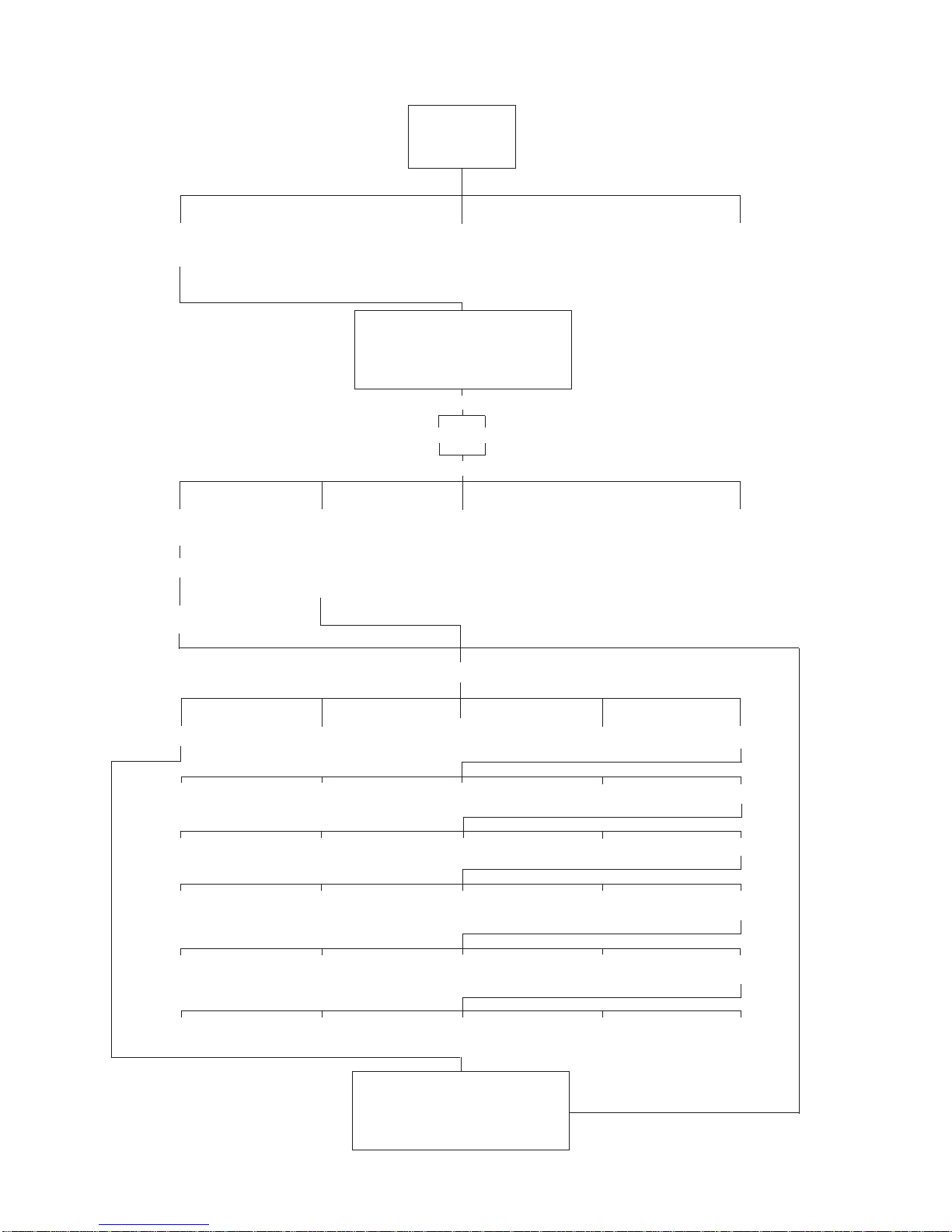
Enterlabelname Download“Script”orentercodes
LABEL/PAPER asstoredinprinter throughthefrontkeypadQWERTY
keyboard,orbarcodescanner
PRINT PRINT GOBACK
FORMATS INTERVAL
SelectPrintRegister:
SelectOutputPort:
SelectOutputFormat:
SupervisorSetupMenu:SoftKeyPRINT PRINT
SETUP
Selectthefieldstoprint:
DYMO®/ELTRON®SCRIPT GOBACK
COSTAR®
PORTRAIT/LANDSCAPE
HIGH SPLSIZE LINEFEED GOBACK DONE
ID TARE APW GOBACK MORE
COUNT GROSS NET GOBACK MORE
ACCUMCT ACCUMWT ENTRIES GOBACK MORE
TIME DATE X(XofY) GOBACK MORE
Y(XofY) LOW TARGET GOBACK MORE
ID0.PARTID ID4.DESC. ID8.
ID1.OPRTR ID5.VENDOR ID9.
ID2.ORDER# ID6.REV#
ID3.LOT# ID7.
BI OUT
0.PRINT0 4.PRINT4 8.PRINT8
1.PRINT1 5.PRINT5 9.PRINT9
2.PRINT 2 6.PRINT6 -. PrtInt
3.PRINT3 7.PRINT7
Other manuals for Super II
2
Table of contents
Other Setra Systems Scale manuals

Setra Systems
Setra Systems 500C User manual

Setra Systems
Setra Systems Super Count User manual

Setra Systems
Setra Systems Super II User manual

Setra Systems
Setra Systems Super II User manual

Setra Systems
Setra Systems Super Count User manual

Setra Systems
Setra Systems EZ2-500 User manual

Setra Systems
Setra Systems Super Count User manual

Setra Systems
Setra Systems EL-200S User manual

Setra Systems
Setra Systems 35CP User manual

Setra Systems
Setra Systems L Series User manual