
Sagem MY3078 User manual

ENGLISH
MY 3078
251127964_Proposition2.qxd 6/03/02 10:00 Page 1
1
IN A FEW WORDS ...
Switch on
Press .
Call
Dial the number then press .
Answer
Open the flap or press .
Hang up
Press or close the flap.
Switch off
Press (long press).
Redial last nu ber
Press twice.
Make a call fro a nu ber stored
in the directory
By name: enter the first letter of the name,
press , scroll own the list to fin your
correspon ent, then press to call.
By location in the irectory: enter the location
number then press * to call.
Briefly, the functions
✄
MY_3078_EN-00.p65 05/03/02, 16:441
2
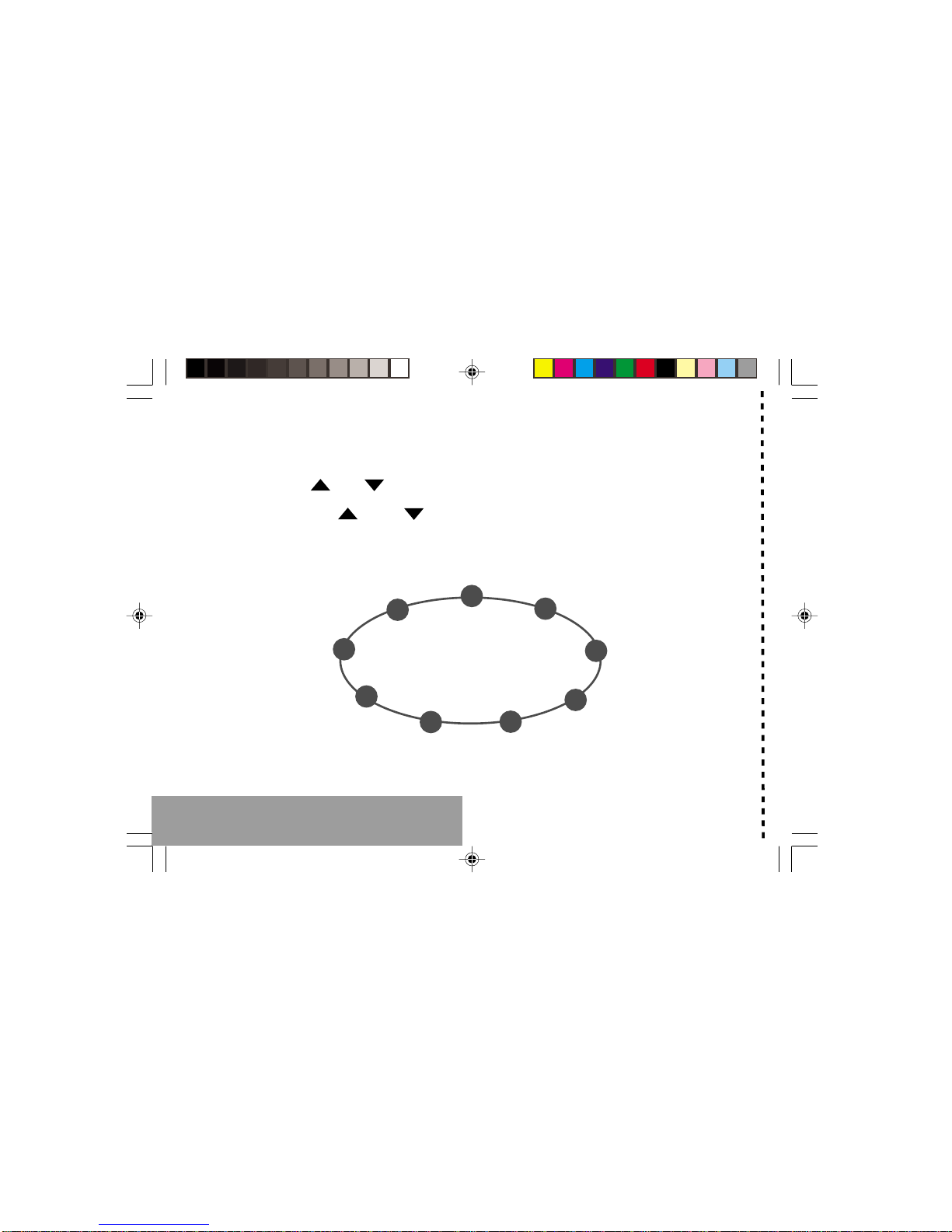
MENUS
With lateral keys:
Enter using or
Navigate using and
Validate using OK
Quit or return to the previous
enu using C
Briefly, the enus
✄
Services
Directory
Text messages
Call services
Ringing an beeps
Games
Accessories
Security
Controls
MY_3078_EN-00.p65 05/03/02, 16:442

3
You have just bought a mobile phone an we
congratulate you on your choice.
Your phone will allow you to use ifferent international
networks epen ing on the roaming agreements
between the operators.
We woul like to remin you that this phone is
approve to European stan ar s.
To get the most out of using your phone, we
recommen that you rea this manual carefully an
keep it han y for future reference if nee e .
WARNING
Accor ing to the configuration of the networks an
associate subscriptions, certain functions may not be
available (in icate by *).
GLOSSARY
Outgoing call A call ma e from your phone.
Inco ing call A call receive by your phone.
SIM card The car containing your subscription
an access rights to services. The
etachable part is the micro-SIM.
PIN The personal co e linke to your SIM
car .
PIN2 The secon personal co e linke to
your SIM car to access certain
functions (*).
Phone code The phone co e is a secret co e
inten e to protect the phone in case
of theft.
IMEI The i entification number of your
phone.
SMS Short Message Service: sen ing an
receipt of text messages, icons,
animate screen savers an
melo ies.
Service Company which manages the network
provider or subscription.
Operator
Co patibility of
your SIM card
Your phone is
compatible with SIM
3V car s only.
The SAGEM logo an tra emark are the property of SAGEM SA.
AT is a registere tra emark of Hayes Microcomputer pro ucts Inc.
Hayes is a registere tra emark of Hayes Microcomputer Pro ucts Inc.
T9 Text Input is a registere tra emark of ©Tegic Communications Inc.
T9 is license un er one or more of the following U.S. Patents: 5,818,437,
5,953,541, 5,187,480, 5,945,928, 6,011,554 an a itional patents are
pen ing worl wi e.
If an incompatible SIM car is
inserte , a message will be
isplaye when switching on your
phone. For further information,
contact your Operator.
MY_3078_EN-00.p65 05/03/02, 16:443

4
Contents
1. Presentation of the phone ..................................... 6
2. Getting starte ....................................................... 9
2.1 Information on the SIM car ................................ 9
2.2 Installing the SIM car an the battery .............. 10
2.3 Charging the battery ......................................... 11
2.4 Switching on/switching off, starting up .............. 12
2.5 Menu access .................................................... 13
2.6 Deleting characters ........................................... 13
3. Initial communication ........................................... 14
3.1 Making a call ..................................................... 14
3.2 Receiving a call ................................................ 15
3.3 Volume control .................................................. 15
3.4 En ing a call ..................................................... 15
4. Menu list .............................................................. 16
5. How to use the irectory ...................................... 19
5.1 Directory isplay ............................................... 19
5.2 Storing a number .............................................. 19
5.3 Deleting a number ............................................ 20
5.4 Call groups ....................................................... 20
5.5 Sorting .............................................................. 22
5.6 Sen ing a short message to a store number .. 22
5.7 Directory space memory ................................... 22
5.8 Displaying personal numbers ........................... 22
5.9 Making a call with a store number ................... 22
6. SMS ..................................................................... 24
6.1 Receiving an SMS message ............................. 24
6.2 E iting a message using Easy Message T9 .. 27
6.3 E ite messages .............................................. 29
7. How to use the call relate features .................... 30
7.1 Forwar ing calls ............................................... 30
7.2 Viewing the list of the last numbers use .......... 31
7.3 Monitoring the uration an cost of calls ........... 31
7.4 Displaying the numbers .................................... 32
7.5 Authorising ouble call ...................................... 33
7.6 Configuring automatic re ial ............................. 33
7.7 Voice mail number ............................................ 33
7.8 Local information istribution ............................ 33
7.9 Replacing the international prefix ...................... 33
7.10 Placing calls on hol ........................................ 33
7.11 Multi-conferencing (*) ...................................... 34
8. How to a just the ringing tones
an the vibrator ................................................... 35
8.1 Selecting the volume an the type
of ringing tone ................................................... 35
8.2 Call groups ....................................................... 36
8.3 Personalising the ringing tone ........................... 36
8.4 Setting the vibrator ............................................ 36
8.5 Selecting silent mo e ........................................ 37
8.6 Setting the beeps .............................................. 37
8.7 Deleting DTMF tones ........................................ 37
MY_3078_EN-00.p65 05/03/02, 16:444

5
Contents
9. How to a just an customize your phone ............ 38
9.1 Customizing your phone ................................... 38
9.2 Selecting the isplay language ......................... 40
9.3 Select the type of response .............................. 40
9.4 Selecting the network ....................................... 40
9.5 Setting the time an ate .................................. 41
9.6 Controlling screen contrast ............................... 41
9.7 Converting currencies ....................................... 42
9.8 Active flap ......................................................... 42
10.How to use the security features
of your phone ....................................................... 43
10.1 Changing the PIN number ............................... 43
10.2 Changing the PIN2 number (*) ........................ 44
10.3 Changing the phone co e ............................... 44
10.4 Changing the operator passwor (*) ................ 45
10.5 Limiting incoming calls (*) ................................ 45
10.6 Limiting outgoing calls (*) ................................ 45
10.7 Setting up the pre-set irectory (*) ................... 46
10.8 Charge checking (*) ........................................ 46
11. Other functions .................................................... 47
11.1 Calculator ........................................................ 47
11.2 Setting the alarm ............................................. 48
11.3 Setting the timer .............................................. 48
11.4 Data parameters ............................................. 48
12. WAP Function ..................................................... 49
13. Games ................................................................. 52
14.Available accessories .......................................... 53
15.Upkeep ................................................................ 54
16.Recommen ations .............................................. 55
Answers to your questions ........................................ 58
MY_3078_EN-00.p65 05/03/02, 16:455

6
1. Presentation of the phone
2
@
ok
c
13
5
46
8
79
0
*#
Ear phone
Programmable key
(depending on model)
Mobile Internet access key
Operate/Call
Validate
Battery charging socket
top/End call
Correction
Programmable key
High definition graphics screen
Antenna
Microphone
WARNING!
During a call, mind you do not obstruct the
microphone with your hand.
Lateral key with scrolling arrows
Indicator light
Accessories socket
MY_3078_EN-01.p65 08/03/02, 10:416

7
1. Presentation of the phone
Function keys
top Reject a call Hang up
Go Call a number Receive a call
Hands-free mode
Chort press: Return to the previous
menu Delete a character
Long press: Exit menu mode
Complete deletion of the entry
OK Validate
- Programmable keys for direct
access to the functions that you
have selected (depending on model)
- Contextual action
@- Mobile Internet access key
- Flap activation / deactivation
and Entry and scrolling through the
menus.
- Volume control during conversation
( key: lower, key: louder)
A phanumeric keyboard
Made up of 12 keys: 0 to 9, * and #.
To obtain a number or letter, hold down the
relevant key until the desired number or
letter appears.
Letters with accents are obtained by a long
press on * after entering the letter with no
accent.
Punctuation marks and special symbols are
obtained by a long press on the # key.
Key 1
A long press on key 1 allows you to access
the voicemail service (depending on model).
MY_3078_EN-01.p65 08/03/02, 10:417

8
1. Presentation of the phone
Disp ay
The high definition graphics screen enables
you to read messages easily. Various icons
inform you about the status of functions.
Battery charge indicator
(black if charged, clear if
discharged)
Received signal strength
indicator (maximum
strength: 5 bars) ; the R
letter indicates if the
network found does not
correspond to the
subscription
If flashes, the phone is
searching for a network
Call in progress
Permanent call forwarding
ilent mode
Receipt of M and
presence of M not read;
Flashing: M memory full.
Voice messages present.
The three keys located under the screen are
allocated to actions described at the bottom
of the screen just above the key, each time it
is necessary.
For example:
Va idate Pressing validates the current
function.
MY_3078_EN-01.p65 08/03/02, 10:418
9
2. Getting started
2.1 Information on the SIM card
2. Getting started
SIM card
This card must be
handled and stored
with care in order to
avoid excessive
stresses or
scratches that would
damage it. If your
SIM card is lost,
contact your
Operator or Service
rovider
immediately.
Note: Do not leave
you SIM card within
the reach of small
children.
To use your phone, you have a
small card called a SIM card. In
addition to all of the information
necessary for the network, this card
contains other information that you
can modify:
secret codes ( IN and IN2 -
ersonal Identification Number)
directory
mini-messages
functioning of specific services.
MY_3078_EN-02.p65 04/03/02, 13:019
Other Sagem Cell Phone manuals


