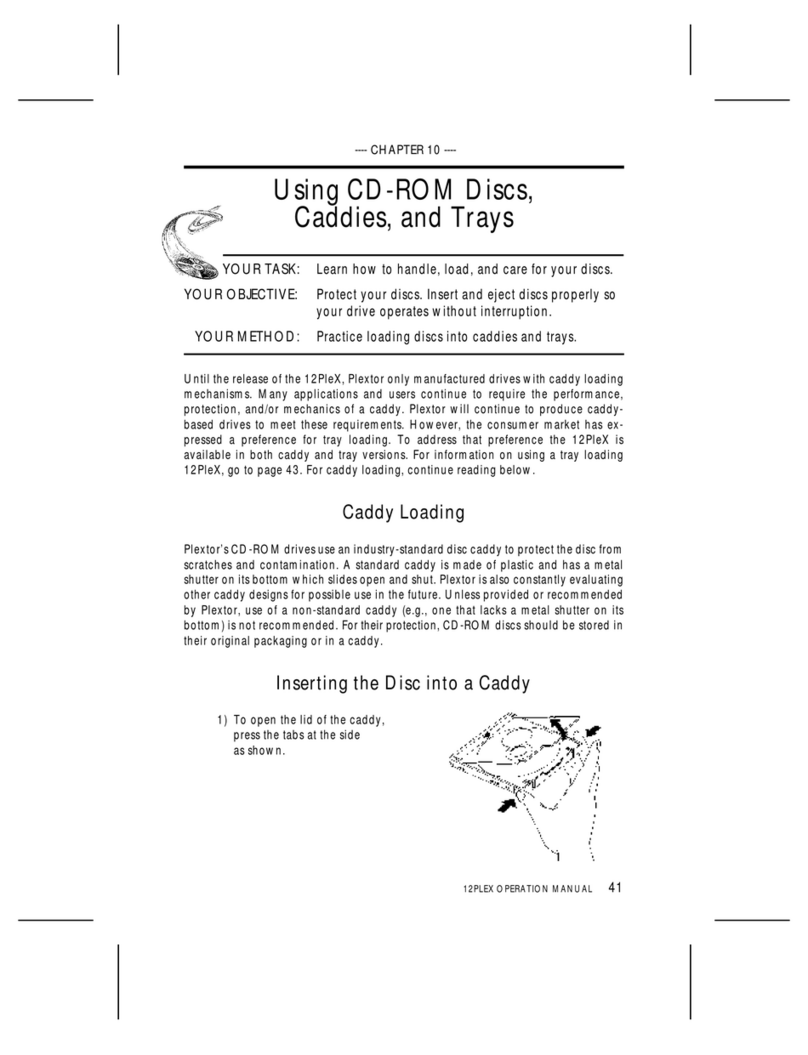
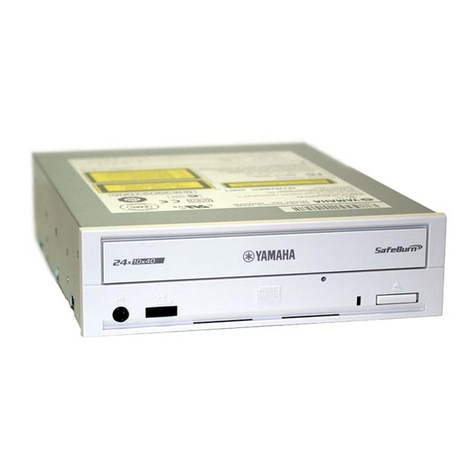
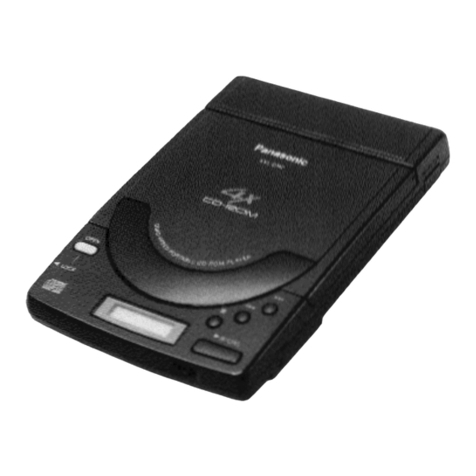
Ricoh MP7080A User manual

Conventions
Introduction
Handling Procedures
Features
System environment
Drive functions and settings
Installing the Drive
How to Use the Drive
Specifications
Contents
Conventions
Introduction
Handling Procedures
Features
System environment
Drive functions and settings
Installing the Drive
How to Use the Drive
Specifications
NOTICE
This equipment has been tested and found to comply with the limits for a Class B digital device,
pursuant to part 15 of the FCC Rules. These limits are designed to provide reasonable protection
against harmful interference in a residential installation. This equipment generates, uses and can
radiate radio frequency energy and, if not installed and used in accordance with the instructions, may
cause harmful interference to radio communication. However, there is no guarantee that interference
will not occur in a particular installlation. If this equipment does cause harmful interference to radio or
television reception, which can be determined by turning the equipment off and on, the user is
encouraged to try to correct the interference by one or more of the following measures:
●Reorient or relocate the receiving antenna.
●Increase the separation between the equipment and receiver.
●Connect the equipment into an outlet on a circuit different from that to which the receiver is
connected.
●Consult the dealer or an experienced radio / TV technician for help.
FCC WARNING
Changes or modification not expressly approved by the party responsible for compliance could void the
user's authority to operate the equipment.
CAUTION
Use of controls or adjustments or performance of procedures other than those specified herein may
result in hazardous radiation exposure.
Akustischer Geräuschpegel
Use of controls or adjustments or performance of procedures other than those specified herein may
result in hazardous radiation exposure.
Dieser Druckerüberschreitet einen Geräuschpegel von 70 dB (A) während dem Betrieb nicht.

Declaration of Conformity
"The Product complies with the requirements of the EMC Directive 89/366/EEC and the Low Voltage
Directive 73/23/EEC."
●Please take notice that the manufacturer of this equipment does not offer any warranty
against data loss due to inappropriate installation or handling, or direct or indirect damages.
●Please take notice that the manufacturer will bear no responsibility for direct or indirect
damages caused by the use of this product or its malfunction.
●Please take notice that the manufacturer will bear no responsibility for damage to data caused
by this product.
●Please backup (copy) all important data as protection against data loss.
●PC DOS is a trademark of IBM Inc.
●MS-DOS, Windows, Windows ® 95 and Windows ® 98 are trademarks registered in the United States and
other countries by the Microsoft Corporation.
●Acrobat reader is trademark of Adobe Inc.
●The company names and product names written in this manual are trademarks or registered trademarks.

Conventions
This manual uses the following symbols which indicate important information. Be sure to read the information.
Ignoring this warning and incorrect handling may result in serious personal injury or damage to the product.
Indicates restriction or caution that you should notice.
Provides useful additional information.

Introduction
This manual contains important notes and product handling information. Be sure to read the
manual before using the product. For easy reference in the future, please keep the manual at a
handy location.
Multimedia Printer series
Thank you for purchasing the Multimedia Printer series drive MP7080A (hereafter referred to as the drive). The drive
enables you to play CD-ROM discs, write once and play CD-R discs, or write, play, and rewrite CD-RW discs.
The following marks indicate media that can be used with the drive.

Handling Procedures
Obey the following cautions when handling the drive or discs.
Cautions During Installation
●Install the drive in accordance with the specifications. Be careful to avoid locations likely to cause vibration or shock.
●Avoid locations where there is high humidity, excessive dust, or poor ventilation.
●Avoid locations in direct sunlight, with severe changes in humidity, or places where there are extremely high or low temperature
variations.
●Don't use the drive near radio or television receivers. It may interfere with their reception.
●Do not disassemble the drive. Dismantling the drive to attempt repairs or for other reasons is dangerous because the laser may
radiate outside the unit.
Cautions During Use
●Don't suddenly move the drive from a cold place to a warm place, or suddenly raise the room temperature. Condensation may occur,
causing abnormal operation.
●Make sure to remove the disc before moving the drive. The disc may be damaged, causing data loss.
●Be careful to prevent foreign objects such as liquids or metal from entering the drive. Should by chance a foreign object enter the
drive, please consult the dealer where the drive was purchased.
●Don't use benzene or thinner to clean dirt from the drive. Don't allow chemicals such as insecticides to contact the drive. Use a soft
cloth to wipe the drive, or moisten a cloth with neutral detergent diluted with water and use it to clean particularly dirty areas.
●Don't cutoff the electric power while the drive is operating.
●When connecting two E-IDE devices to the Primary or Secondary connectors, make sure that the two devices are not both configured
as Master, or both as Slave. If they are both set the same, Windows may fail to run or recognize the drives.
●The total length of the E-IDE cable should be less than 18 inches (about 45 cm).
●Make sure the power to the host computer is turned OFF before connecting.
●Never insert a damaged disc into the drive.
●In wintertime, don't use a disc soon after bringing in from outdoors. Use it only after it has reached room temperature.
Cautions Concerning Disc Cleaning
●Remove the disc by pressing the eject button.
●Use compressed air to clear dust from the disc. (Spray the compressed air for about 5 seconds).

●Check to see if there is dirt on the surface of the disc. Be careful not to touch the disc with the fingers when doing this. (See Fig. 1)
●After cleaning the disc with compressed air, place it on the disc tray and mount it.(See Fig. 2)
●We suggest using Perfect Duster II (80z.) as compressed air for cleaning.
Other Cautions
●When moving the equipment, make sure that the disc has been removed from the drive.
●When connecting connectors, make sure that the power is OFF. If the power is ON, there is a possibility of short circuit.
●When not using the drive for a long period, dust may adhere to the disc tray. Before using the drive again, use dry air cleaner to
remove the dust from the tray.


Features
●Completely sealed door construction provides high reliability.
●An improved anti-heat design means that no cooling fan is needed.
●Easy-to-use tray model.
●Enhanced-IDE (ATAPI) model
●Compliant with industry standard Orange Book Part II (CD-R) and Part III (CD-RW).
●Can read not only CD-R and CD-RW discs, but also video CDs, music CDs, photo CDs, and CD-Text
●Can read data at 32x speed (4.8MB/sec data transfer rate) and write data at 8x speed *1(1,200KB/sec data
transfer rate).
●The recorded CD-RW media can be played in a DVD player or a multi-read CD-ROM Player, maintaining
future compatibility.
●Supports random UDF for easy writing to CD-RW discs.
*1 Can write to CD-RW discs at 4X speed (600 KB/second data transfer rate).

System environment
Explains the system environment required for using the drive as a CD-R/CD-RW drive.
PC IBM PC/AT compatible
Operating System Windows 98/95(ORS2 later)
Windows NT Workstation Ver.4.0 (Service Pack 3) or later
CPU 200MHz (or faster) Pentium MMX
Memory Windows 98/95 : 32MB or greater.
Windows NT Workstation Ver.4.0 : 32MB or greater (64MB or more recommended)
Harddisk Hard disk with average access time of 19msec or less, and data transfer speed of
1,200KB/sec or greater. 75MB or more free space.(The free space needed for writing
depends on the quantity of data.)*1
Interface Enhanced-IDE interface (as Primary Slave, Secondary Master, or Slave)
Drive bay 5.25-inch half height bay required
Power +5V/+12V power socket required
CD-R, CD-RW discs Ricoh, Mitsubishi Chemical, Taiyo Yuden, Mitsui Chemicals, Ritek, CMC, Princo,
TDK, Kodak, Memorex, Maxcell or Philips discs are recommended.*2
*1 Average access time of 12msec or less and data transfer speed of 5MB/sec or greater are recommended.
*2 The disc written using the CD-R/RW drive may not be readable by CD-ROM drives. Multi-read compatible (Random UDF
compatible) drives are necessary.
Multi-read compatible (Random UDF compatible) drives are:
●Drives that can read low reflectivity discs.
●Drives that support Packet Write.
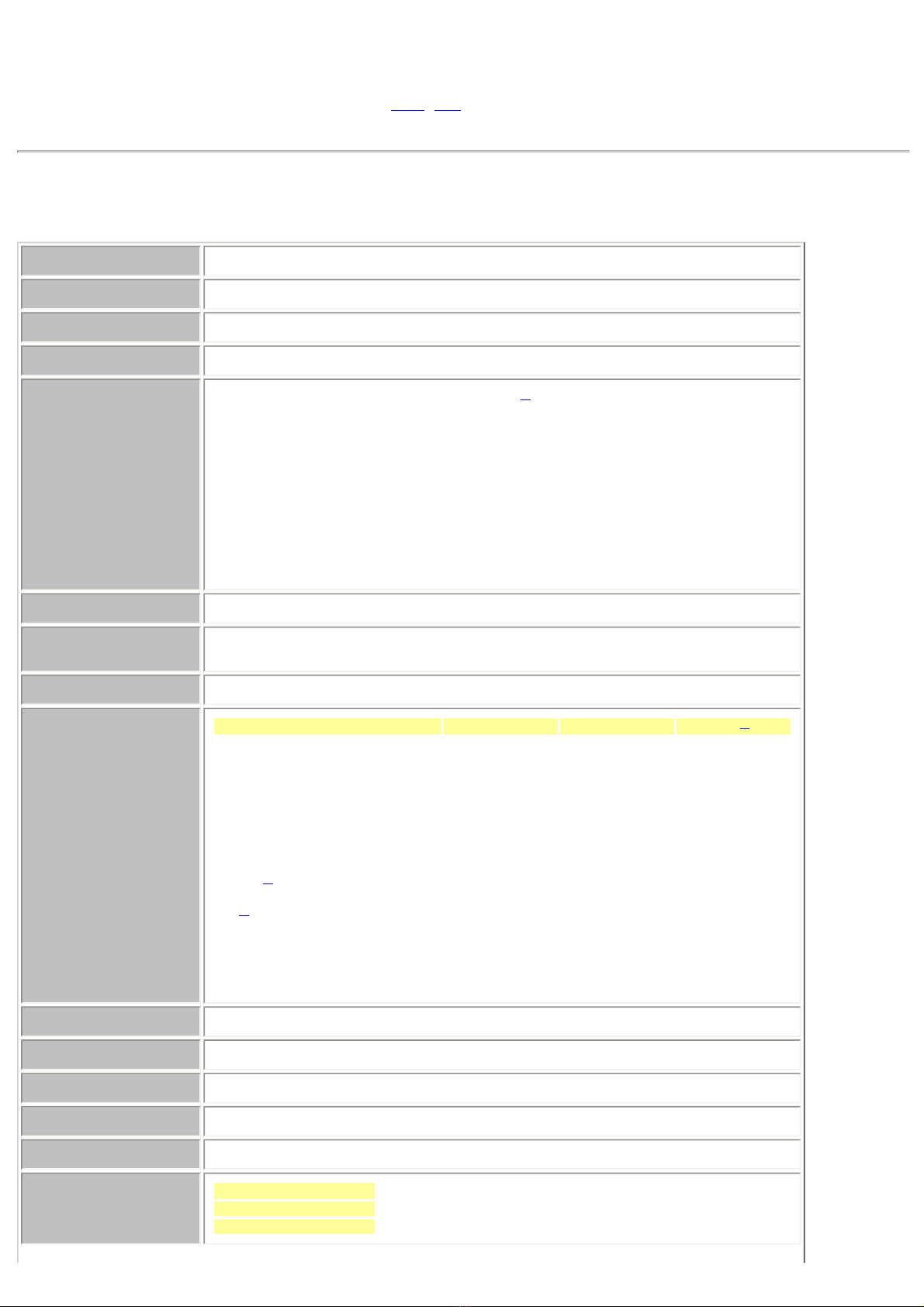
Specifications
Drive | Disc
Drive : MP7080A
Type Internal type
Interface Enhanced-IDE (ATAPI)
Data buffer memory 4MB
Data transfer speed 16.7MB/sec. (Max.)
CD-R/CD-RW
Write/Read speed (Ave.) 32X: 4.80 MB/sec. (Mode1, Mode2, Form1)[Read only]*1
20X: 3.00 MB/sec. (Mode1, Mode2, Form1)[Read only]
20X: 3.40 MB/sec. (Mode2, Form2)[Read only]
8X: 1,200 KB/sec. (Mode1, Mode2, Form1)[Read only]
8X: 1,362 KB/sec. (Mode2, Form2) [Read only]
4X: 600 KB/sec. (Mode1, Mode2, Form1)
4X: 681 KB/sec. (Mode2, Form2)
2X: 300 KB/sec. (Mode1, Mode2, Form1)
2X: 340 KB/sec. (Mode2, Form2)
1X: 150 KB/sec. (Mode1, Mode2, Form1)
1X: 170 KB/sec. (Mode2, From2)
Average access time 120msec. or less
Initial processing time CD-ROM 14sec. or less
CD-R/RW 19sec. or less
Mounting direction horizontal/vertical
Compatible formats Format Write Read Play*2
CD-DA ***
CD-ROM * *
CD-Extra ***
CD-ROM XA * *
Photo CD*3 * *
CD-i*3 * *
Video-CD * *
CD-Text * *
Loading system Tray type (automatic loading/eject)
Power DC5V, DC12V
Power consumption 12w max. (normal operation) 6w max. (standby)
Weight Less than 1.5 Kg.
Dimensions 146.0 X 193.0 X 41.3mm
Reliability Error Rate: 10-12 bits or less
MTBF: 100,000hours or greater
MTTR: Within 30 minutes
Table of contents
Other Ricoh CD/CDR Drive manuals

Ricoh
Ricoh MP9120A User manual

Ricoh
Ricoh MP7060A Series User manual

Ricoh
Ricoh MP7320A User manual

Ricoh
Ricoh MP5163A User manual

Ricoh
Ricoh MP7163A User manual

Ricoh
Ricoh MP6200S User manual

Ricoh
Ricoh MP7060S Series User manual

Ricoh
Ricoh MP7120A User manual

Ricoh
Ricoh MP7200A User manual

Ricoh
Ricoh MP7083A User manual

Ricoh
Ricoh MP5120A User manual

Ricoh
Ricoh MP7063A User manual

Ricoh
Ricoh MP7125A User manual

Ricoh
Ricoh MP7400A User manual

Ricoh
Ricoh MP6200A User manual

Ricoh
Ricoh MP7040S Series User manual

Ricoh
Ricoh MP5308D User manual

Ricoh
Ricoh MP5316DA User manual

Ricoh
Ricoh MP8040SE User manual

Ricoh
Ricoh MP7040A - MediaMaster - CD-RW Drive User manual