Operation
7
AF off: switch off the AF mode.
Traffic Announcement (TA)
In TA item (press menu button) . You can setting the TA to on/off.
TAon: When received a TAstation it will switch temporarily to radio mode to listen to the TA
station whatever in RADIO/USB/AUX/BT mode. If the volume level was under the TA
volume it will be raised to the TA volume automatically.
TA stop (TA interruption function):
It allow you temporarily back to previous mode till next TA station was received.
TA off: Turn off the TA function.
PTY operation
In PTY item (press menu button) . Press VOL+/-button to select the PTY kinds. When
shown the PTY kind you want. Press MENU knob to search.
DAB Operation
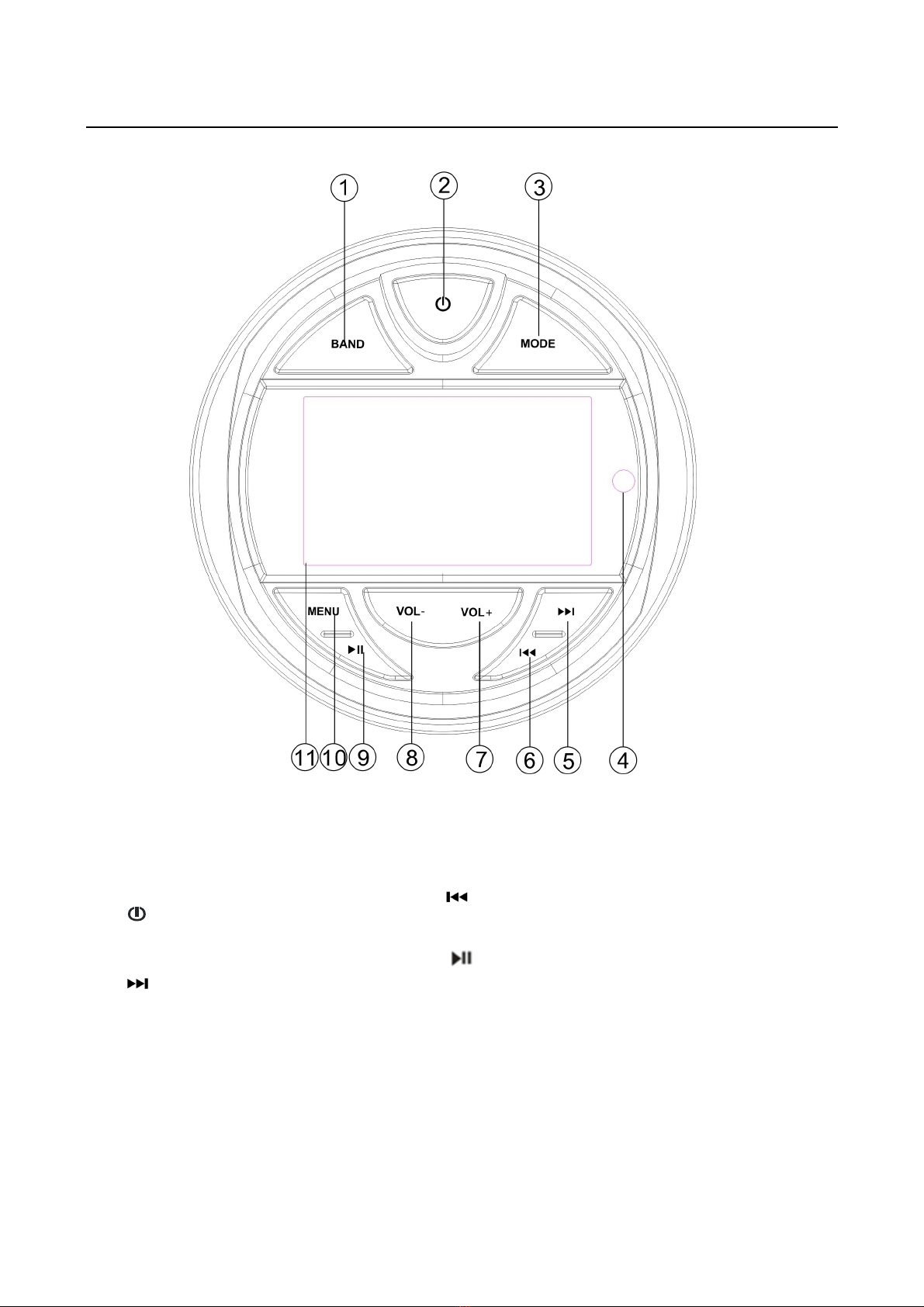
Press MODE button switch to DAB mode.
Band selection
press BAND button shortly to select DAB1-> DAB2 -> DAB3.
Search DAB stations
In first time switch to DAB mode. It will search DAB stations automatically. Press and hold
BAND button it will search DAB stations again.
Selecting station
Press / button to select up/down station.
Manually store station and recall
preset station
Press / button to select a desired station. Then press and hold button for 2
seconds. “SAVE CH1”. Press VOL+/- button to select channel then press MENU button.
The station will be saved. Shortly press the button to to scroll through the presets.
USB Operation
When an USB driver inserted to the unit, the unit will play the MP3/WMA file automatically.
If an USB drive is already inserted in the unit. Keep pressing MODE button shortly until the
USB mode display appears.
Select file
Press
/
button to skip to next/previous file. Hold / button to fast
forward or fast reverse.
Play/Pause
Press button to pause/playing the file.
INT function
Press INT button (on remote) to play the first 10 seconds each file. Press it again to cancel
this function.