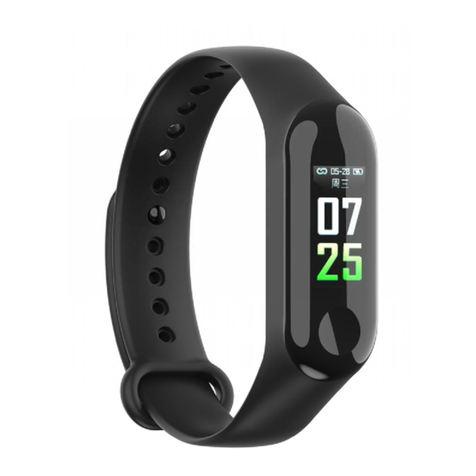
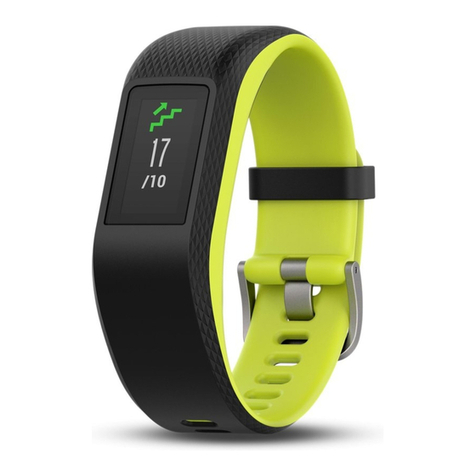
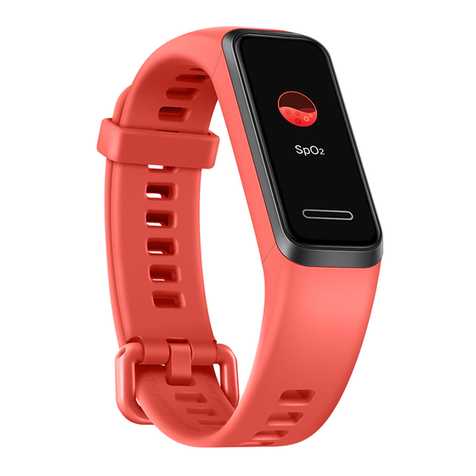
Nilox Ernest User manual

13NXBBWP00001


1
EN
Thank you for having decided to purchase ERNEST, your
personal trainer.
A simple bracelet that will help you monitor your physical
activity.
Practical and efficient, to be linked with your phone or music
player.
An application will let you check your physical activity.
Fully settable: you can set alarm limits if your physical activity
falls short and the desire to laze on the couch takes over.
Used along with your smartphone, it will display: calls, text
messages, Facebook messages, Tweet and Whatsapp messages.
ERNEST takes care of you, day and night.
The electronic ERNEST manual can be downloaded from the
Nilox website at www.nilox.com. Enter the ERNEST code in
the search field at the top right: 13NXBBWP00001, search for
the technical sheet and download the complete manual.
This manual, in hard copy format, is also found in the following
pages.
INSTRUCTIONS FOR THE ENVIRONMENT
This product may contain substances that can be
harmful to the environment and to the human
health, if not disposed of properly. We therefore
provide you the following information in order
to prevent the release of such substances and to
improve the use of natural resources. The
electrical and electronic products should not be disposed of in
the normal household waste, but should be properly collected
in order to be correctly treated. The symbol of the crossed bin
shown on the product and in this page reminds the need to
properly dispose of the product at the end of its life. In this way

2
EN
you can avoid that a non-specific treatment of the substances
contained in these products, or an improper use of parts of
them can lead to harmful consequences for the environment
and human health. Moreover, you can contribute to the
recovery, recycling and reuse of many of the materials
composing these products. That is why the manufacturers and
distributors of electrical and electronic systems organize the
proper collection and disposal of the equipment themselves. At
the end of the product life please contact your dealer for
instructions regarding the collection. When purchasing this
product your distributor will inform you of the possibility to
replace your old device with a new one, on condition that the
type of product and its functions are the same or, if the
dimensions do not exceed 25 cm, EEE (Electrical and Electronic
Equipment) can be returned without any equivalent product
purchase obligation. Any disposal of the product different from
what described above will be liable to the penalties foreseen by
the laws in force in the country where the product is disposed
of. Moreover we suggest to adopt additional measures
favorable to the environment: recycling the inner and outer
packaging and properly dispose of used batteries (if any).
With your help we can reduce the amount of natural resources
used for the realization of electrical and electronic equipment,
minimizing the use of landfills for the disposal of products and
improving the quality of life by preventing to release into the
environment potentially dangerous substances.
INSTALLING AND REPLACING BATTERIES
The product contains a battery that could be replaced during
the lifetime of the product itself.

3
EN
At the end of life of the batteries contained
in the product, they must be disposed of
separately. Throw them in the appropriate
containers for the disposal of batteries.
The collection and recycling of batteries
contribute to the protection of the environment and to the
preservation of material resources, allowing the recovery of
valuable materials too.
WARRANTY INFORMATION
One year, if invoiced to a company or
professional (with VAT number).
Two years, if fiscally described as sold to a
private citizen.
This warranty is referred to in the event a
conformity defect occurs, referred to product
features.
Product support and warranty. Visit
www.nilox.com to learn more.
Warranty restrictions: this warranty does not
apply in the following cases:
-No proof of purchase (invoice or
receipt).
-Tampering, forcing and damages on the
hardware and screen, created for any
reason.
-Other defects to: inappropriate use,
unauthorized hardware/software changes,
operations or storage beyond technical
product specifications; incorrect
maintenance; defects due to the use of

4
EN
software other than that supplied and all
those elements (hardware and software)
not designed to be used with the
product.
-The above refers to legislative decree dated February 2, 2002.
Implementing the 1999/44/CE Directive.
-
-
-BRIEF DECLARATION OF CONFORMITY
-This equipment has been tested and found to comply with the
2011/65/CE and comply to directive 1999/5/EC of the European
Parliament and the European Commission, referring to radio
equipment and telecommunications and their mutual
recognition. The declaration of conformity is available at our
office and on-line to the following link: ftp:\\ftp.hellatron.it (user
name: declaration@hellatron-pwd: hellatron). This equipment
may be used in all countries of the European Economic
Community, and in all countries applying 1999/5/EC Directive,
without restriction except for:Italy(IT): This device complies
with the National Radio Interface and meets the requirements
on the allocation of frequencies. The use of this equipment,
outside of the environments in which the owner operates,
requires a general authorization.
-For more information please see: www.comunicazioni.
-
-CE ( )logo and/or WEEE ( )logo, in some
devices, isn't fully compliant with minimum dimensions
requirement to European Directive due to limited sticker area.

5
EN
-PRECAUTIONS FOR THE USE OF BLUETOOTH
-The RF for the Bluetooth is 2.4GHz band which is sharing
among Bluetooth and non-Bluetooth devices. There are
potential sources of Bluetooth (wireless) interference such as
WiFi, 2.4G wireless Camera, radar, microwave oven.
Effects of interference
A decrease in the wireless range between devices
A decrease in data throughput over Bluetooth,
Intermittent or complete loss of the wireless connection
Difficulty pairing during a Bluetooth device's discovery phase
Sources of interference
Microwave ovens: Using your microwave oven
near your computer, or Bluetooth device may
cause interference.
Direct Satellite Service (DSS): The coax cable
and connectors used with certain types of
satellite dishes may cause interference. Check
the cable for damage and obtain newer cables if
you suspect RF leakage issues.
Certain external electrical sources such as
power lines, electrical railroad tracks, and power
stations.
2.4 GHz phones: A cordless telephone that
operates in this range may cause interference
with wireless devices or networks when used.
Video senders (transmitters/receivers) that
operate in the 2.4 GHz bandwidth.
Wireless speakers that operate in the 2.4 GHz
band.

6
EN
Certain external monitors and LCD displays:
Certain displays may emit harmonic interference,
especially in the 2.4GHz band. This interference
may be at its worst if you have a portable
computer with the lid closed and an external
monitor connected to it.
Any other wireless devices that operate in the
2.4 GHz bandwidth (microwaves, cameras, baby
monitors, neighbors' wireless devices, and so
on).
Home and office environment
If possible, avoid wireless barriers, or change the placement of
the Bluetooth devices for a clearer signal path. The device's
location within building and construction materials used can
affect Bluetooth.
Outdoor and public area
Shopping mall, Airport or other highly populated with WiFi
environment which are worst environments for the Bluetooth
communication. Ernest may not functioning as good as in office
or at home. In the worst occasion, the streaming audio may
become choppy or even stop working

7
EN
WARNINGS AND USER GUIDE
THE ERNEST CONTROL APP REQUIRES A SMARPHONE
WITH:
A 7.0 OR HIGHER IOS OPERATING SYSTEM
WITH A 4S, 5 (ANY MODEL) AND 6 IPHONE.
AN ANDROID OPERATING SYSTEM HIGHER
THAN 4.3 AND BLUETOOTH 4.0 DEVICE.
IN THE EVENT OF DOUBT, CHECK COMPATIBILITY BY
LOOKING FOR APP THAT IS ONLY MADE AVAILABLE IF
YOUR SMARTPHONE MEETS THE INDICATED
REQUIREMENTS.
All ERNEST functions are enabled when linked with its APP.
However, it can also be used without a phone (for example,
when running or on bike), once neared to the smartphone,
ERNEST will automatically send saved data to the application.
LINKING THE APPLICATION WITH ERNEST
The first thing to do is download APP ERNEST.
Once the APP is downloaded, register with a valid e-mail.
Registration is required to manage your activity log. The sport
screen will appear on your smartphone after registration.
All symbols will be described later.
Touch the symbol at the top left to open the APP
settings menu. Link ERNEST to its application.
The device opens the sport page: to open settings, touch the
icon at the top left

8
EN
APP SETTINGS
At this point you can set APP settings according to need.
Selected settings will be sent by the APP to ERNEST.
Touch the icon to switch the APP from operating
mode to settings mode and vice versa.
PEDOMETER MODE
It enable the pedometer mode with fitness
functions on ERNEST or from the application
directly on the smartphone. Obviously, if
ERNEST is not used, most functions will not be
available.
ERNEST CONNECTION
Turn on ERNEST; a number will appear on the
display: this number is your device's ID number.
Warning: make sure symbol appears on the display,
indicating that ERNEST is transmitting but not yet linked; vice
versa, symbol indicates that ERNEST is already linked
with another device and cannot be used on the current device.
Touch the centre of the circle on your smartphone.
The APP will seek available devices and ask for link
confirmation; once linked, ERNEST will be automatically found
by the phone.
Table of contents
Languages:
Other Nilox Fitness Tracker manuals