NetComm NB750 User manual

2 NB750 Load Balancing Router User Guide
YML817 Rev1
Contents
CHAPTER 1. INTRODUCTION ................................................................................. 4
1.1 Overview ........................................................................................ 4
1.2 Hardware ........................................................................................ 6
1.2.1 Front Panel View .............................................................................. 6
1.2.2 Rear Panel View ............................................................................... 7
1.2.3 Hardware Load Default ...................................................................... 7
1.3 Features ......................................................................................... 8
1.3.1 Software Feature .............................................................................. 8
1.3.3 How to configure router .................................................................. 12
CHAPTER 2. CONNECTION .................................................................................. 13
2.1 Connection Diagram ....................................................................... 13
2.2 Connection Procedure ..................................................................... 13
2.3 Prepare Computer TCP/IP Environment ............................................ 14
CHAPTER 3 CONFIGURATION .............................................................................. 16
3.1 Log on .......................................................................................... 16
3.2 Work Mode .................................................................................... 18
3.3 System Status ............................................................................... 20
3.3.1 Link Status .................................................................................... 20
3.3.2 Data Monitor ................................................................................. 21
3.4 WAN Configuration ......................................................................... 23
3.4.1 Dynamic IP Connect to CABLE MODEM .............................................. 25
3.4.2 PPPoE/Dial Up DSL Type ................................................................. 25
3.4.3 Static IP/Leased DSL Type ............................................................... 26
3.5 Bandwidth Usage Control ................................................................ 27
3.6 Configure LAN&DHCP...................................................................... 28
3.7 Routing Table ................................................................................ 29
3.7.1 Configure ..................................................................................... 29
3.7.2 Current Table ................................................................................. 30
3.8 Access Control ............................................................................... 31
3.8.1 Local IP Filtering (Gateway Mode only) .............................................. 31
3.8.2 Remote IP Filtering (Gateway Mode only) .......................................... 32
3.8.3 Intrusion Security .......................................................................... 33
3.8.4 DoS Defense ................................................................................. 33
3.8.5 URL Filtering .................................................................................. 35
3.9 QoS .............................................................................................. 36
3.10 Load Balance ................................................................................. 37
3.10.1 Mode ............................................................................................ 37
3.10.2 Special Application ......................................................................... 39
3.10.3 Special IP Assignment. .................................................................... 39
3.11 Advance ........................................................................................ 40
3.11.1 Remote Configure ......................................................................... 40
3.11.2 Virtual Server / VPN Pass Through /ALG options ................................. 41
3.11.3 DMZ Host ..................................................................................... 43
3.11.4 Multi-NAT ...................................................................................... 45

NB750 Load Balancing Router User Guide 3
YML817 Rev1
3.11.5 IP Binding (Protocol Route Control) ................................................... 46
3.11.6 DDNS (Gateway Mode / Basic NAT Mode only) .................................... 48
3.11.7 Proxy ............................................................................................ 48
3.11.8 Mail Alert (Gateway Mode / Basic NAT Mode only) ............................... 49
3.11.9 Time (Gateway Mode / Basic NAT Mode only) ..................................... 50
3.11.10 System Log ................................................................................... 51
3.11.11 MAC Address Clone ......................................................................... 51
3.12 Administration ............................................................................... 53
3.12.1 Change Password ........................................................................... 53
3.12.2 Back Up & Restore .......................................................................... 53
3.12.3 Load Factory Default ....................................................................... 54
3.12.4 Display ........................................................................................ 54
3.13 Firmware Update ............................................................................ 55
3.14 Save & Reset ................................................................................. 58
Appendix A: TCP/IP Protocol Port Number List ....................................................... 59
Appendix B: Load Balancing Router Specification .................................................. 60
Appendix C: Cable Information ............................................................................ 65
Appendix D: Registration and Warranty Information .............................................. 67

4 NB750 Load Balancing Router User Guide
YML817 Rev1
CHAPTER 1. INTRODUCTION
1.1 Overview
The Load Balancing Router provides two 10/100 Mbps Ethernet WAN ports and one 10/100
Mbps Ethernet LAN port. The WAN ports are used to connect to broadband modems, such
as an ADSL modem or CABLE modem, so the user can download or upload data at high
speed. The NB750 provides one LAN port to connect to a computer via a cable. You can
also connect the LAN port to a HUB/SWITCH device to extend the amount of connection
devices/users if necessary. Families with multiple PCs could share one ISP account to play
games against each other through the NB750.
Important Features:
• Allows many users to use it with a single user account
• Web configuration tool
• Multiple DMZ Host (PPPoE, FIX IP)
• Multiple Virtual Server
• Multiple NAT function
• Protocol Route Control (IP Binding Function, by IP & port number)
• Protocol Bandwidth Control (by application protocol port number)
• IP/URL Blocking
• User Bandwidth Control Function (by user IP address)
• H.323 VoIP ALG included
• Remote Configuration through Internet
• System Log
• Mail Alert
• Firewall
• Backup / Restore router configuration file from PC
• Display real time router configuration parameter
• Out-Bound Firmware
NB750 Load Balancing Router User Guide 5
YML817 Rev1
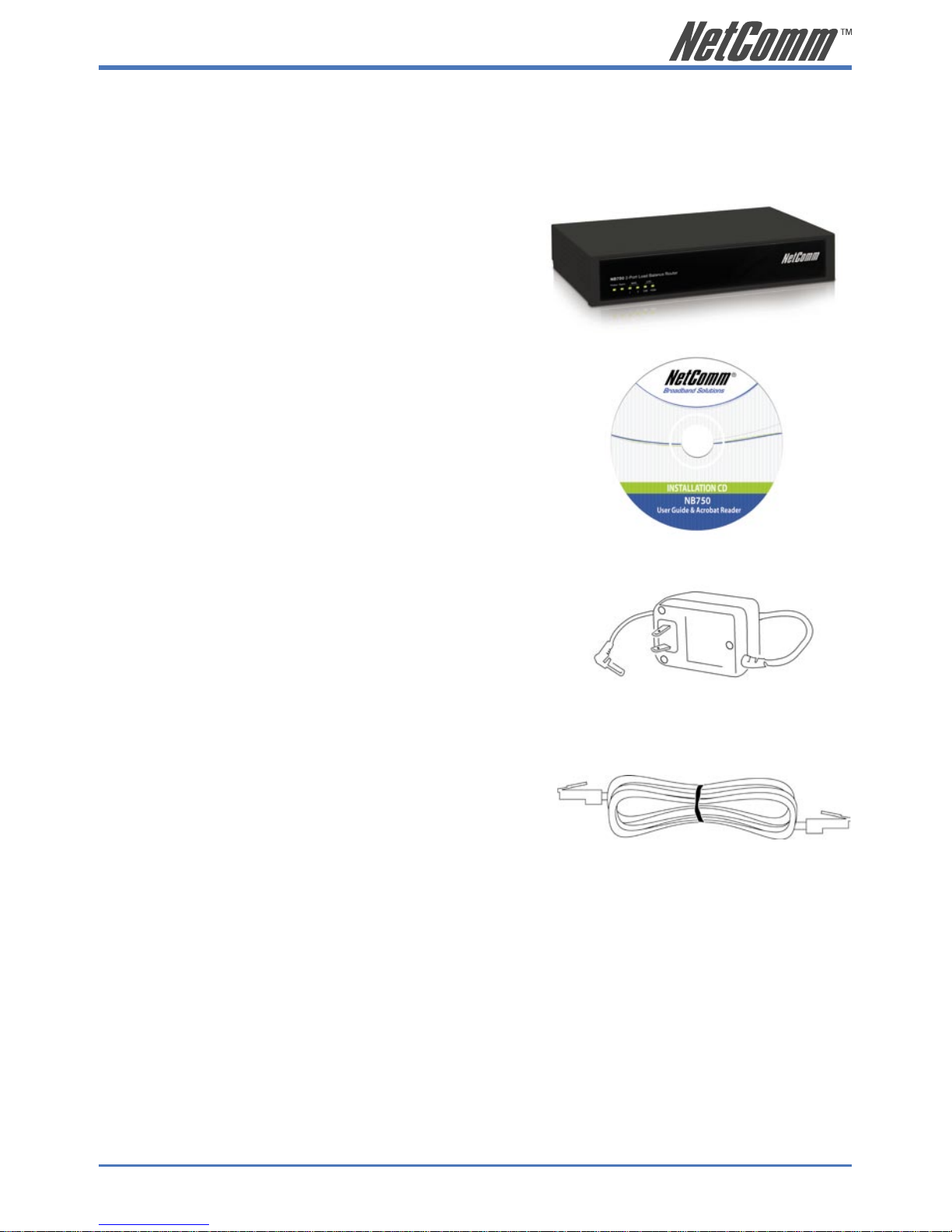
Package Contents:
Your NB750 package includes the following items:
• 1 x CD-ROM containing the NB750 user’s
manual
• 1 x AC Adapter suitable for your electric
service
• 1 x Network cable with RJ-45 connectors for
LAN connection
When you open your package, make sure all of the above items are included and
not damaged. If any components are missing or damaged, please contact NetComm
immediately.
• 1 x NB750 Load Balancing Router

6 NB750 Load Balancing Router User Guide
YML817 Rev1
1.2 Hardware
1.2.1 Front Panel View
LED Indicators
LEDs Indication
POWER On Power on
Off Power off
ALARM On System not working
Off Normal operation
WAN1 / WAN2 On Linked
Flash Data Transmitting
Off Disconnected or undetected
LAN 10M/100M On Linked
Flash Data Transmitting
Off Disconnected or undetected
NB750 Load Balancing Router User Guide 7
YML817 Rev1
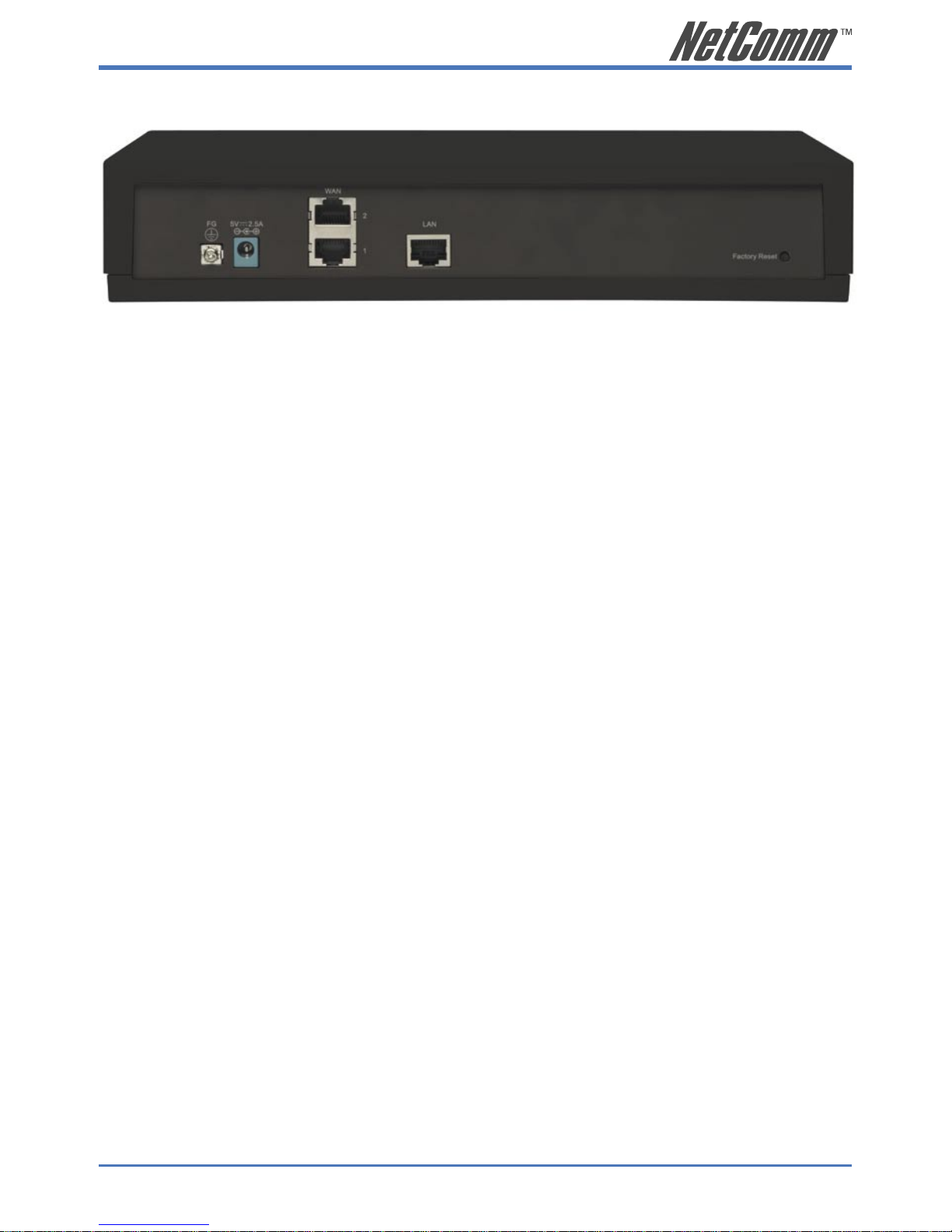
1.2.2 Rear Panel View
FG: Ground connection.
DC 5V: Connecting to AC adapter.
WAN: The NB750 provides two RJ45 type WAN ports for
connection to broadband transmission equipments
such as ADSL or CABLE Modem via a RJ45 cable.
LAN: The NB750 provides one RJ45 type LAN port for
connection to your network devices such as Hub/
Switch via the RJ45 cable. Using a HUB/Switch will
allow more PCs to connect with the NB750.
Factory Reset: Should the NB750 incur a system crash, press the
Factory Reset button to reload the factory default
value or reset it back to the latest configuration file.
1.2.3 Hardware Load Default
If you need to reset the NB750 to factory default values or load the latest configuration file, please
follow the description step by step to load the factory default settings or latest configuration file for
the device. Please be careful. Do not press the Factory Reset button unless you want to clear the
current data.
1. Plug in the power cord and then hold down the Factory Reset button for 2 seconds.
2. Release the Factory Reset button.
3. The NB750 will load the default settings or latest configuration file and complete a self-
test.
4. This completes the reset procedure.

8 NB750 Load Balancing Router User Guide
YML817 Rev1
1.3 Features
1.3.1 Software Feature
In order to meet different application usage, you can configure this router in any of three
different working modes:
1. Gateway mode
2. Router mode
3. Basic NAT mode (NAT Table up to 5000 entries)
Each working mode includes different features:
Function
Mode
LAN to WAN
Throughput
NAT
Function
DMZ, DoS
Virtual Ser
IP Filtering
IP Domain PPPoE Dial
up
Gateway
Mode
Good Yes Yes Legal To
Illegal
Yes
Router Mode Best No No.... (1) Legal To
Legal (4)
No
Basic NAT
Mode (2)
Good Yes Yes…(3) Legal To
Illegal
Yes
(1) All NAT related functions will be disabled
(2) The purpose of this mode is to have both high through-put and NAT function.
(3) Simple NAT functions available
(4) Simulates a multi-LAN port router

NB750 Load Balancing Router User Guide 9
YML817 Rev1
Working Mode / Function List
Function
Mode
Gateway Router Basic NAT
PPPoE/Dial Up DSL Type X X
Local IP Filtering X
Remote IP Filtering X
Intrusion Security X
Dos Defense X
URL Filtering X
Remote Configure X X X
Virtual Server X X
DMZ Host X X
Multi-NAT X X
IP Binding X X
Load Balance X X
Dynamic DNS X X
Mail Alert X X
Time Zone X X X
System Log X X X
Mac Address Clone X X X
Configure Proxy X X
Routing protocol X X X
DOD (PPPoE) X X
Bandwidth Usage Control X X
QoS X X
10 NB750 Load Balancing Router User Guide
YML817 Rev1
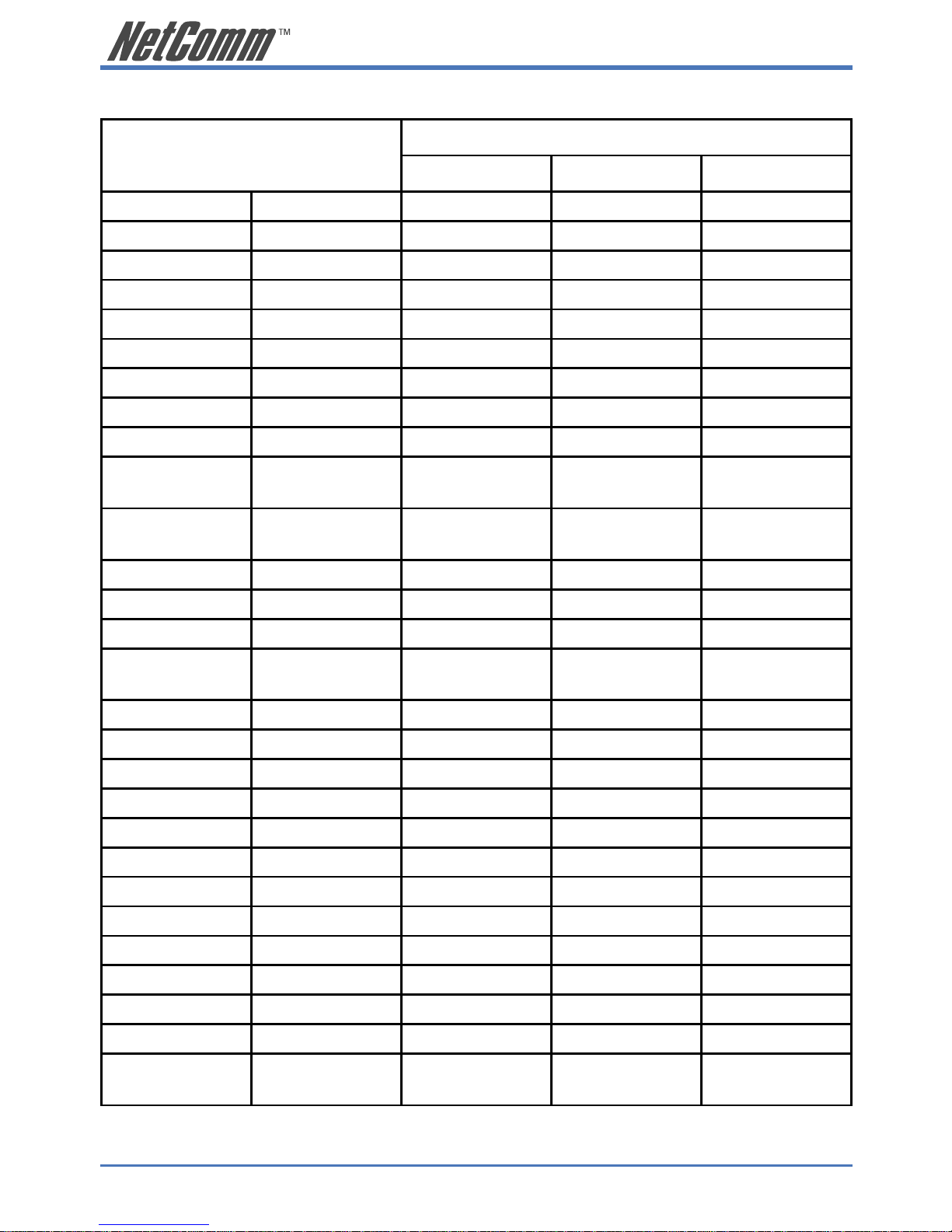
1.3.2 Factory Default Value
Function Value
Default Enable Disable
Work Mode Gateway X
Router
Basic NAT
System Status Link Status X
Data Monitor X
WAN Configure Connect to Internet
Health Check X
WAN Type Dynamic IP
Schedule X
Bandwidth Usage
Control
X
Configure LAN
& DHCP
DHCP server X
Routing Table Static Route X
Dynamic Route X
Access Control Local IP Filtering X
Remote IP
Filtering
X
DoS Defense X (Some items)
URL Filtering X
Advance Remote Config X
Virtual Server
DMZ Host X
Multi-NAT X
IP Binding X
DDNS X
Proxy X
Mail Alert X
Time Zone X
System Log X
MAC Address
Clone
X
Other manuals for NB750
1
Table of contents
Other NetComm Network Router manuals

NetComm
NetComm NB6 User manual

NetComm
NetComm N3G007W User manual

NetComm
NetComm 4GM3W Operational manual

NetComm
NetComm NF20 User manual

NetComm
NetComm NB3300 Manual

NetComm
NetComm NF20 User manual

NetComm
NetComm NF5 User manual

NetComm
NetComm NB604 User manual

NetComm
NetComm N3G002W User manual
NetComm
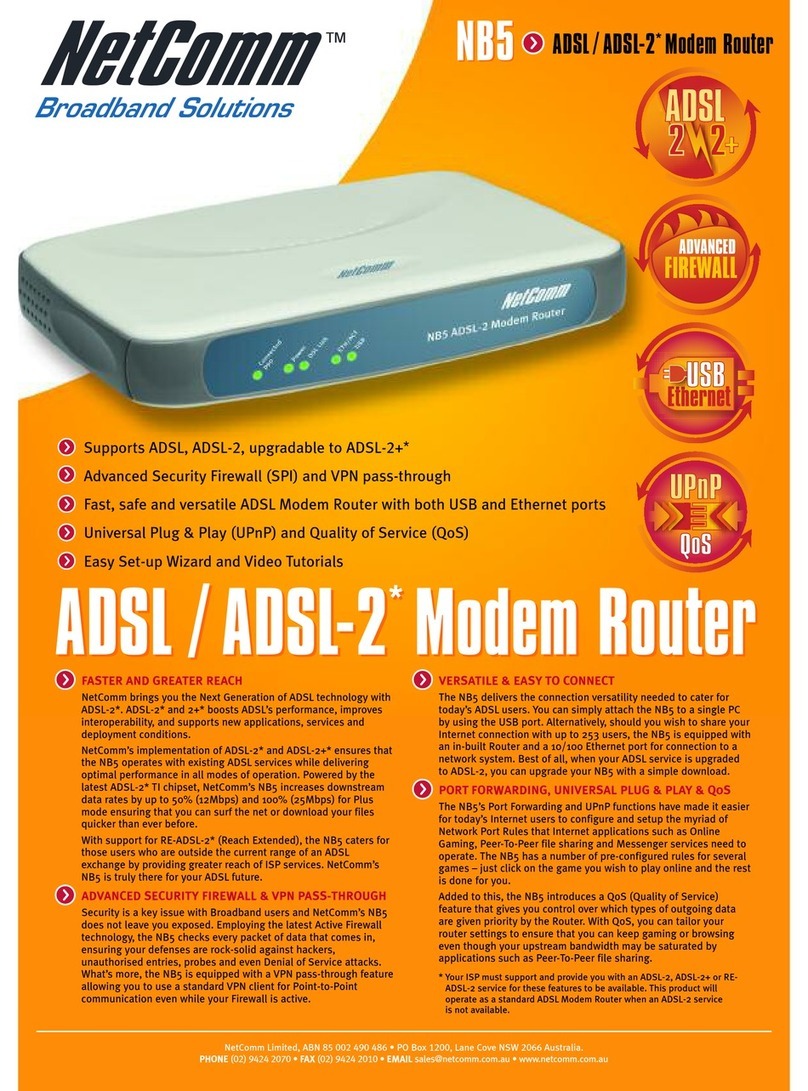
NetComm NB5 User manual

NetComm
NetComm NP2240 User manual
NetComm
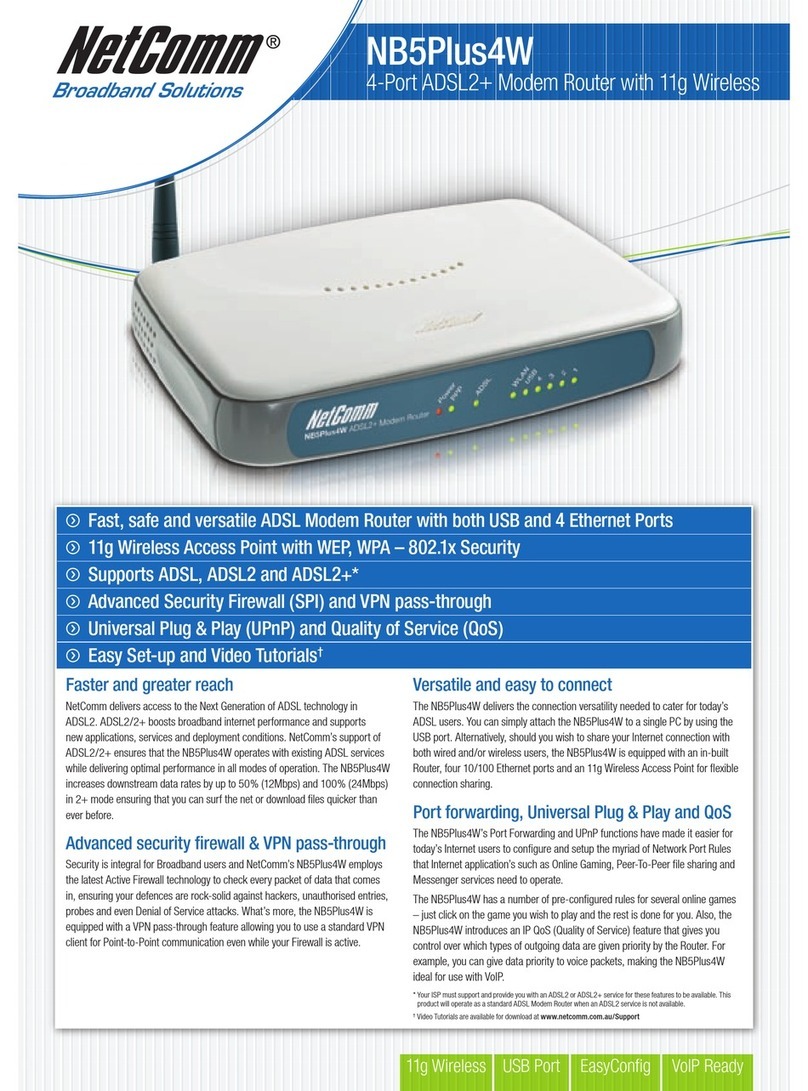
NetComm NB5PLUS4W User manual

NetComm
NetComm V300 Manual

NetComm
NetComm 3G15Wn User manual

NetComm
NetComm NTC-223 User manual

NetComm
NetComm NTC-40 series User manual

NetComm
NetComm NB6 User manual

NetComm
NetComm NB16WV User manual

NetComm
NetComm NB4 User manual

NetComm
NetComm NB1 User manual