MK70 WIFI THERMOSTAT USER GUIDE
Operating Instruction
1.
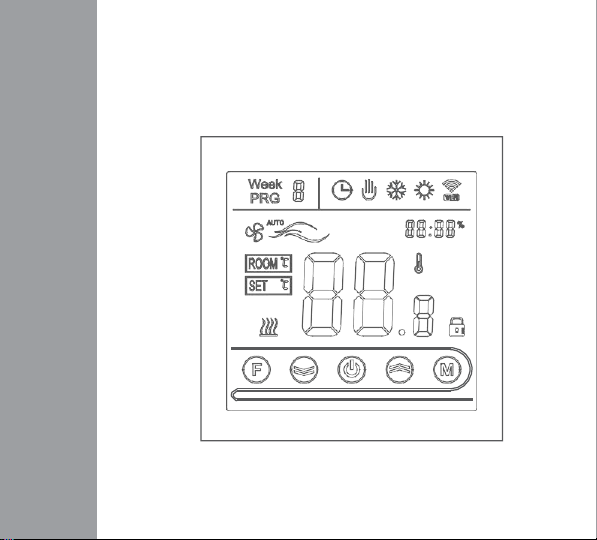
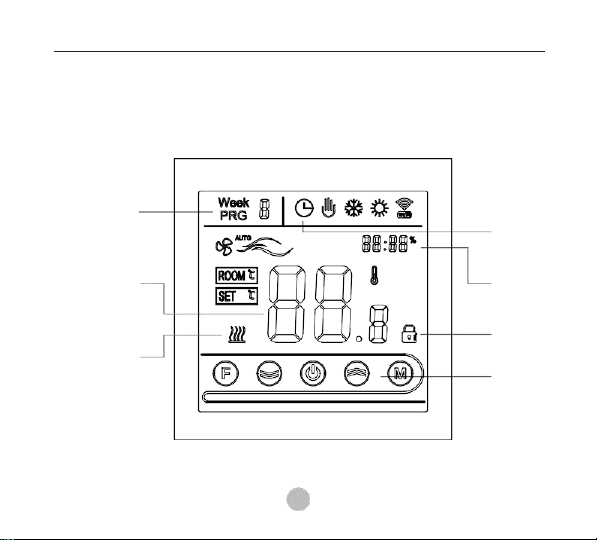
Power on/off: press to turn on/off the thermostat.
2.
Press
toswitchmanualandautomatic modes.
3.
In automatic mode, press the key or key to adjust the temperature to
enter the automatic temporary mode. This mode only runs for a period of
time.
4.
Press to enter the clock setting, press
to switch the setting options,
press
and
to adjust each parameter value. Note: WIFI model will get
Internet time
automatically.
5.
Press and hold the
and
simultaneously for 5 seconds to add or cancel
the
child lock.
6.
WIFI connection: When the thermostat is turned on, press and hold the
and
for 5 seconds. The WIFI icon flashes on the top right of the
thermostat display screen. At this time, the thermostat enters the code
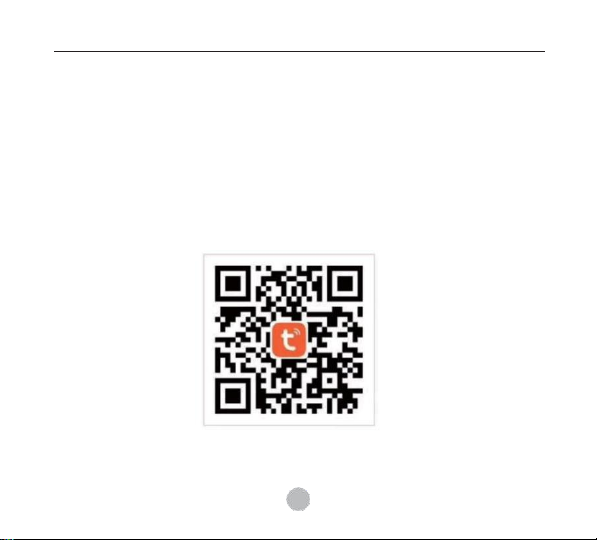
matching state. Please refer to the APP user manual for the operation
process of the mobile phone.
The WIFI icon in the upper right corner of the thermostat display is displayed
continuously. If you want to cancel the code matching status, press and hold
and
for 5 seconds. When the WIFI icon in the upper right corner of
the thermostat
disappears, which indicates that the current code status is
canceled.