
MAGINON MPP 3000 K User manual
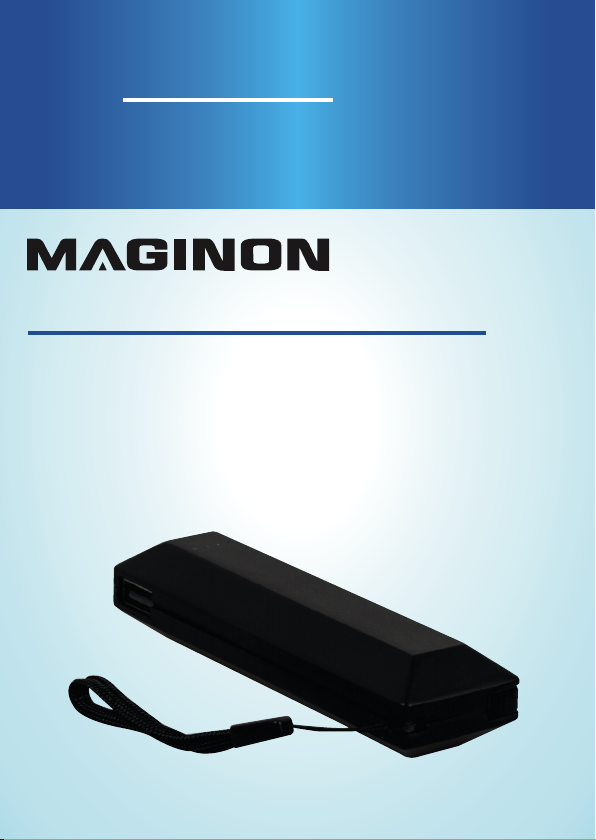
POWER BANK 3000mAh
Batería externa 3000mAh
English ........02
Español .......15
User Manual
Manual del usuario

Content
2
Content
Overview / Use .......................................................... 3
Product contents/device parts................................. 4
Correct use................................................................. 5
Charging the Power Bank......................................... 6
Charging mobile devices ...........................................7
Checking the charge level of the Power Bank......... 8
Maintenance.............................................................. 8
Technical Specification.............................................. 9
Troubleshooting.......................................................10
The Power Bank is not charged ................................10
The mobile device is not charged .............................10
Warnings...................................................................10
FCC Compliance Statement.......................................13

Overview / Use
3
A
B
1
2
3
4
5
6
8
7

Product contents/device parts
4
Product contents/device parts
1Maginon Power Bank
2Micro USB charging cable
3USB connector
4Charge indicator button
5Micro USB charging connector
6LED charging indicators
7Micro USB connector
8Wrist strap

Correct use
5
Correct use
The Power Bank is designed to only be used as a Power Bank
for private use.
Only use the Power Bank as described in the operating
instructions. Any other use is deemed to be incorrect and can
cause material damage.
The manufacturers or dealers do not accept any liability for
damage resulting from improper or incorrect use.

Charging the Power Bank
6
Charge from your computer
or any USB port
Charging the Power Bank
Connect the micro USB cable 2to the Micro USB charging
connector 5of the Power Bank. Connect the other end
of the Micro USB cable to a switched- on USB connection of
a computer or an USB-power supply (not supplied). While
the Power Bank is charging, the current charging status is
shown by the LED charging indicators. To prevent damaging
the Power Bank, power supply or computer, never use both
charging options simultaneously.
LEDs Charging status
One LED flashes <25%
One LED is lit, the second LED flashes 25 - 49%
Two LEDs are lit, the third LED flashes 50 - 74%
Three LEDs are lit 75 - 99%
All LEDs are lit 100 %
Note:
Power Bank can get warm while in use.

Charging mobile devices
7
Charging mobile devices
With this Power Bank you can charge up to two devices at the
same time. If two devices will be charged simultaneous the
current output will be reduced and the charging time will
extend.
1. Connect a USB charging cable suitable for the device to be
charged to the respective USB connector 3or use the
micro USB connector 7of the Power Bank.
2. Next, connect the USB charging lead to the device to be
charged. The charging process starts automatically.
3. If the charging process does not start automatically,
briefly depress the charge indicator button 4to start the
charging operation.
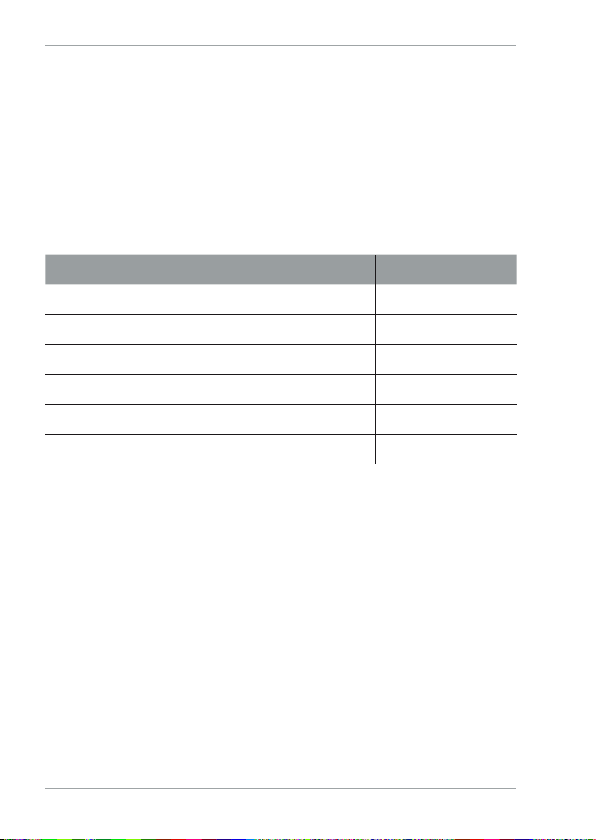
• While charging, the current charging status is shown
by the LED charging indicators 6.
4. To stop charging, disconnect the charging lead from
mobile device. The LED charging indicators extinguish
after approx. 20 seconds.
Checking the charge level of the Power Bank
8
Checking the charge level of the
Power Bank
You can also check the charging level of the Power Bank
without charging it or charging another device.
Briefly press the charge indicator button . The LED charging
indicators show the current charging status of the Power
Bank for approx. 25 seconds.
LEDs Charging status
All LEDs are lit 100 %
Three LEDs are lit 75 - 99%
Two LEDs are lit 50 - 74%
One LED is lit 20 - 49%
One LED flashes <20 %
All LEDs are dark 0 %
After 5 seconds, the LED lights will turn off.
Maintenance
To keep your Power Bank operating at its full potential, please
do the following:
1. Re-charge every three months when not in use.
2. Keep dry and away from moist and corrosive materials.
3. To clean, wipe surface with dry cloth.

Technical Specification
9
Technical Specification
Model: MPP 3000 K
Input voltage: 5V ,1A (Micro USB)
Output voltage: 5V ,1A (Micro USB) |
max. 5 V , 1 A (USB)
Connections: Input: 5 V ,1A (Micro USB)
Output: 5 V ,1A (USB) |
5V ,1A (Micro USB)
Battery capacity: 3000mAh (Lithium-Ion)
Operating temperature: 41°F - + 113 ° F
Humidity: 10 % - 70%
Weight: approx. 0.17lb
Dimensions: 4.33 in x 1.22 in x 0.86 in

Troubleshooting
10
Troubleshooting
The Power Bank is not charged
Check whether the Power Bank‘s battery is full.
If a USB 2.0 connection cannot charge the Power Bank,
use a USB 3.0 connection or a separate power supply.
Some computers switch off the power supply of the USB
connections when the computer is switched off. Ensure that
computer is switched on.
The mobile device is not charged
Check whether the Power Bank‘s battery is full.
Check that the connection to the Power Bank is correctly
connected.
If the charging process is disrupted after 20 seconds, the
charging current of the device is less than 45 mA. The device
cannot be charged using the Power Bank.
Warnings
− When using a USB power supply (not included), only
connect the Power Bank to an easily accessible socket
allowing quick disconnection of the Power Bank from the
power supply in case of a fault.
− If the Power Bank or housing is damaged, it must be
replaced by the manufacturer, customer service, or a
similar qualified person to prevent any danger.
− For repairs only use parts corresponding to the original
devices. This Power Bank contains electrical and
mechanical parts required for protection against hazards.
− The Power Bank may not be operated with an external
timer or separate remote control system
Table of contents
Other MAGINON Accessories manuals













