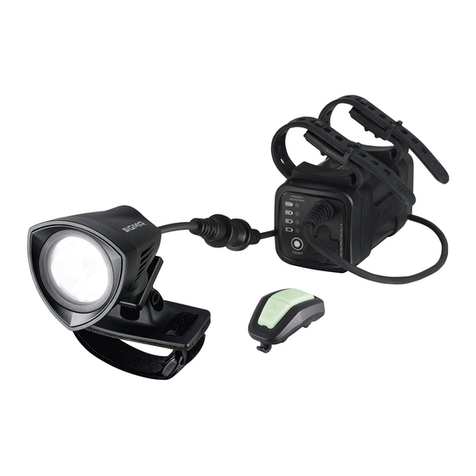
iGS520 User Manual
2/22
Contents
User Manual
....................................................................................................................................................
3
Buttons.......................................................................................................................................................... 3
Icon descriptions........................................................................................................................................3
Initial setups................................................................................................................................................ 4
Connect GPS cycling computer with APP........................................................................................ 5
Connect with sensors............................................................................................................................... 6
Install the standard mount.................................................................................................................... 7
Start to ride.................................................................................................................................................. 8
Navigation.................................................................................................................................................... 9
Workouts....................................................................................................................................................10
Indoor.......................................................................................................................................................... 11
Settings
...........................................................................................................................................................
12
Display settings........................................................................................................................................12
Language settings...................................................................................................................................15
Backlight settings....................................................................................................................................15
Time settings............................................................................................................................................ 16
Other settings........................................................................................................................................... 16
Reset.............................................................................................................................................................17
Charging..................................................................................................................................................... 18
Cycling data export................................................................................................................................ 18
Common wheel diameter parameters............................................................................................ 19
Data.............................................................................................................................................................. 20
Specifications
...............................................................................................................................................
21
Contact Us
.....................................................................................................................................................
22
Disclaimer...................................................................................................................................................22